

Security Cameras and Security Camera Systems in Smart Home





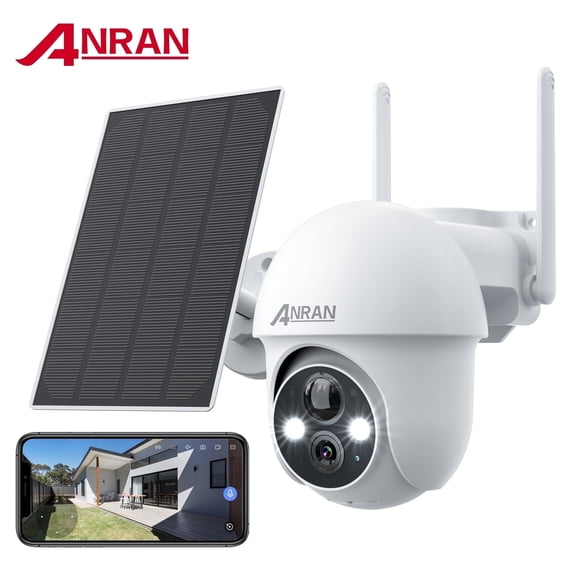
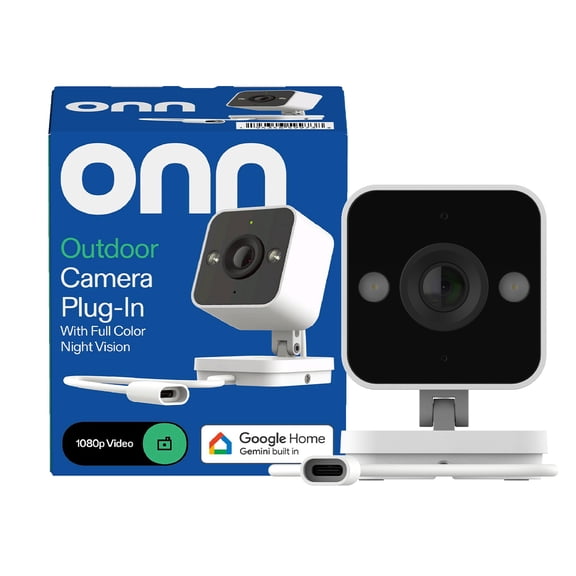
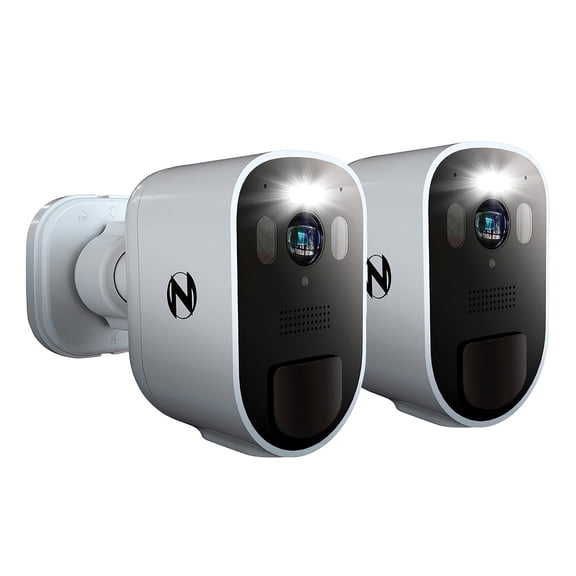
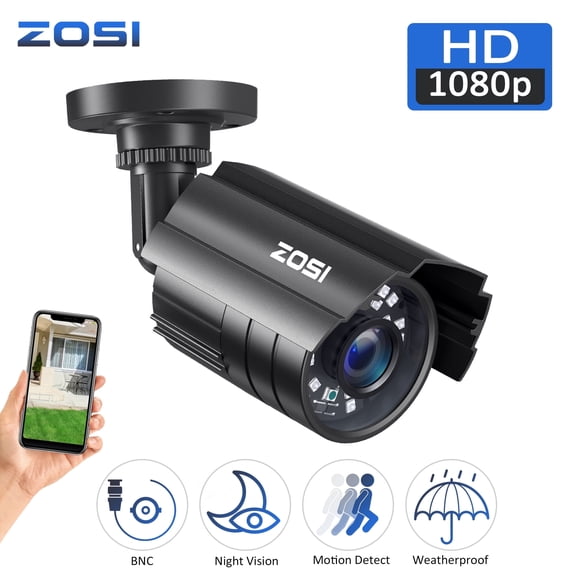
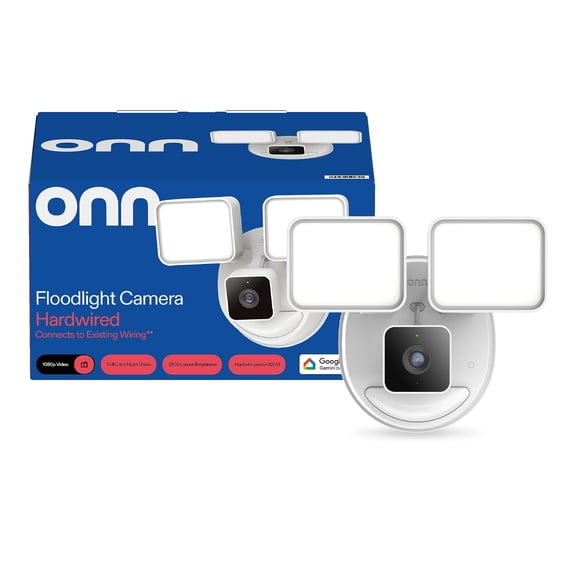
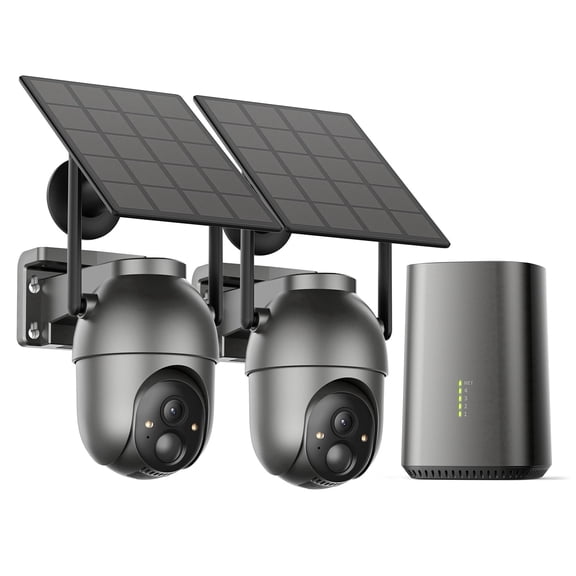
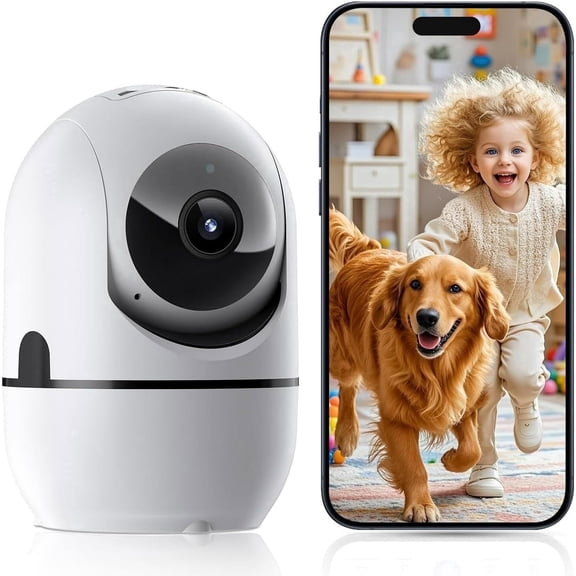
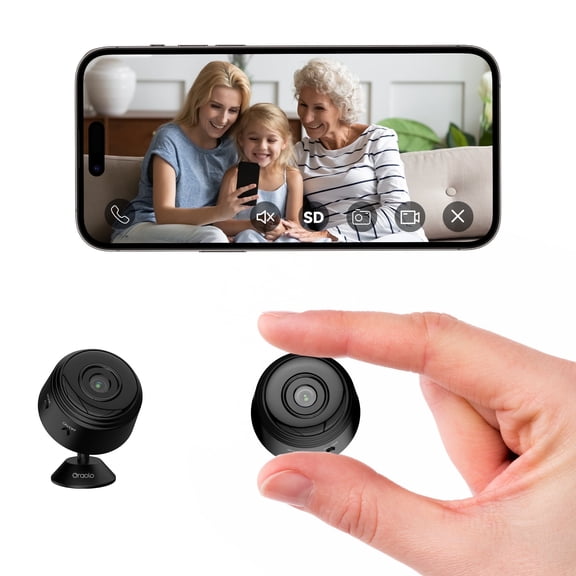
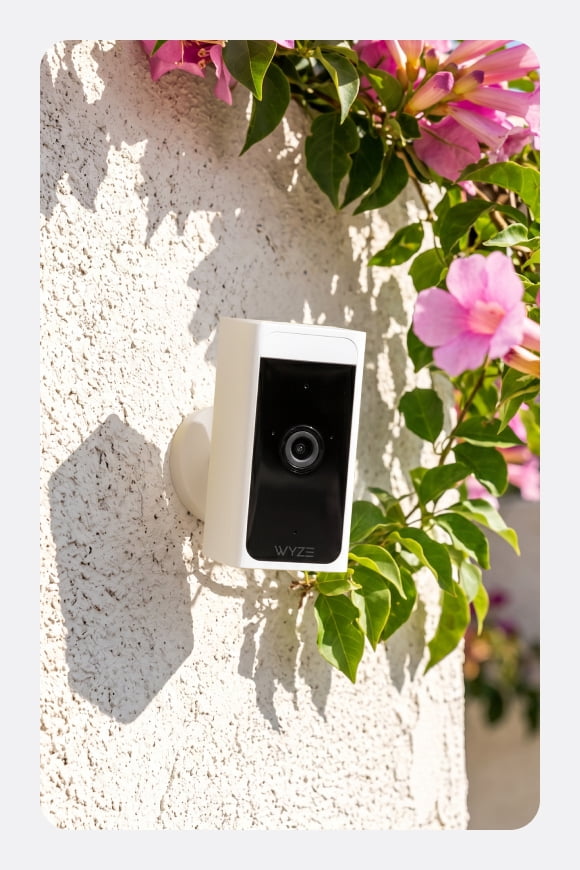
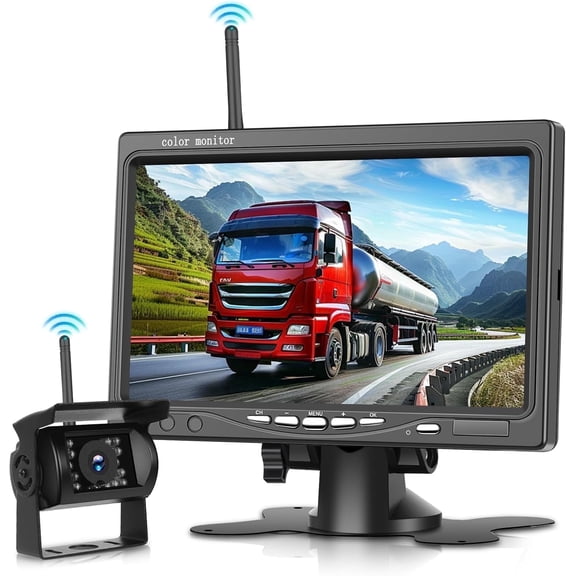


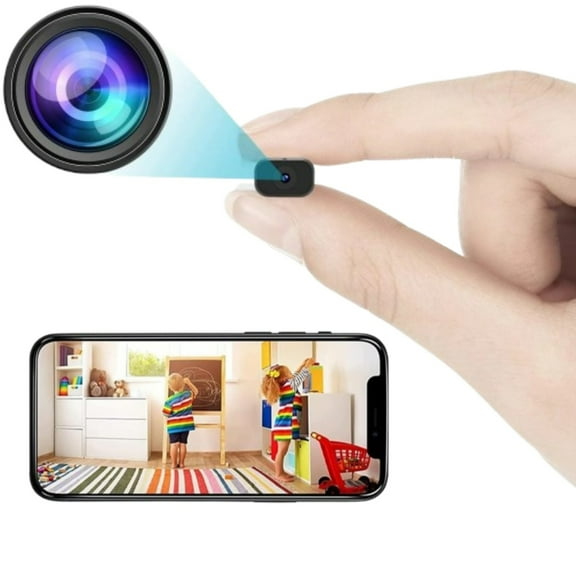


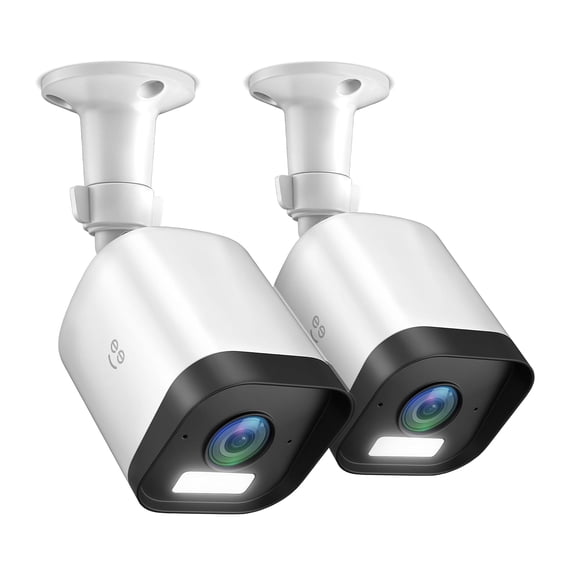
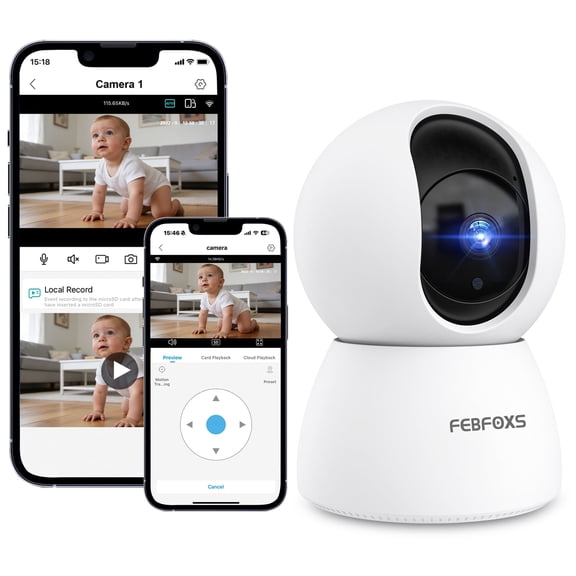


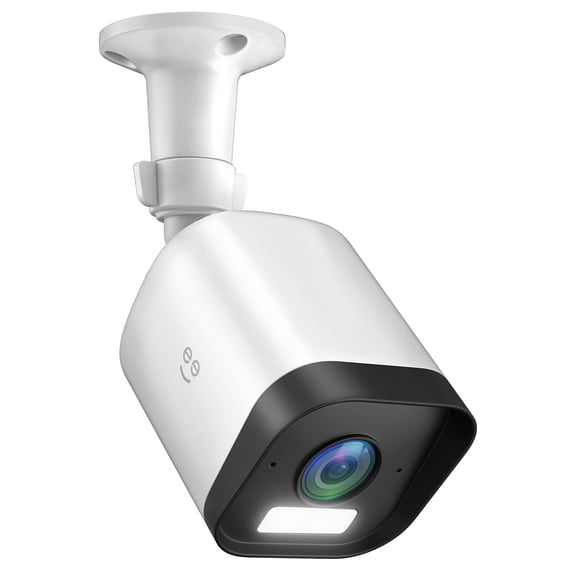









About Security Cameras and Security Camera Systems in Smart Home - Walmart.com
Security cameras and systems help you monitor entry points, check deliveries, and cover larger spaces with the setup that fits your home. You can compare power, placement, resolution, and storage faster when the category guidance stays focused on real buying decisions.
How to choose security cameras and systems
You'll want to start with where you plan to place each camera and how much area you need to cover. Your layout affects whether you should choose a single unit, paired cameras, or full security camera systems.
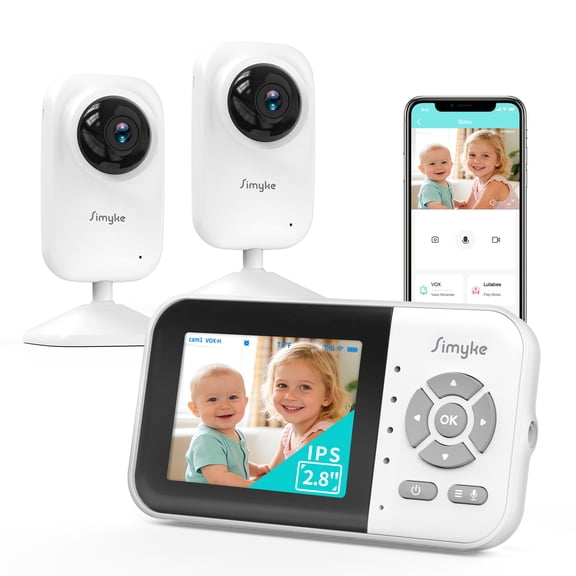
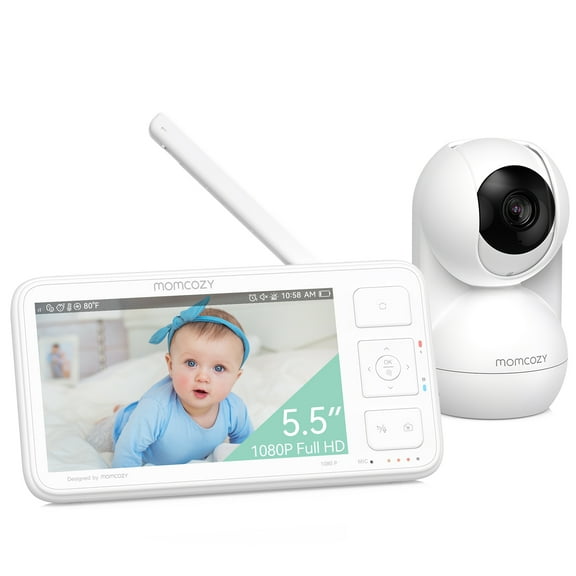
When you compare categories, you'll notice that indoor use, outdoor exposure, and smart home connections shape your shortlist quickly. You can narrow options faster when you match camera style to your doors, driveway, porch, hallway, or nursery.
You should also think about how often you'll charge, whether you can run wires, and how you want to store video clips. Your daily routine matters because a simple setup can be easier to maintain over time.
Choosing power and installation for wireless security cameras
You can start with power source because it affects placement, setup time, and ongoing upkeep. Your choices usually include wireless, wired, battery-powered, and solar-powered models.
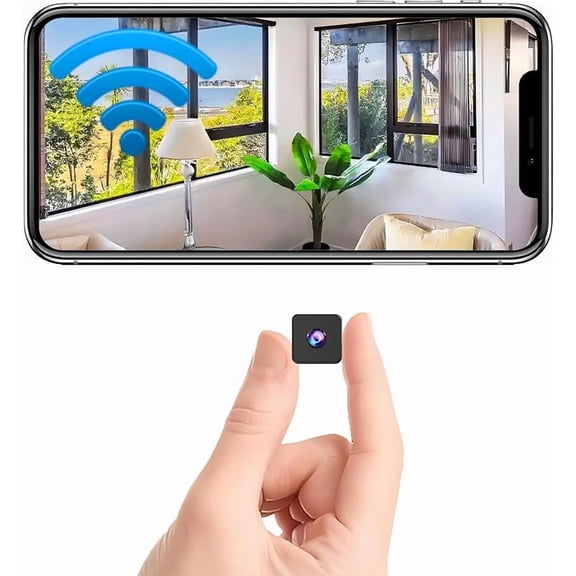
If you want flexible placement, wireless security cameras can work well around rentals, garages, sheds, and front doors. You can often position them where wiring would be harder to route cleanly.
When you prefer steady power, wired options can suit areas where you already have nearby connections. You can compare cable length and recorder compatibility before you commit to a larger system.
Battery-powered cameras can help when you want a tidy look and quick setup without wall fishing. You should check battery life estimates and recording frequency because activity levels affect recharge intervals.
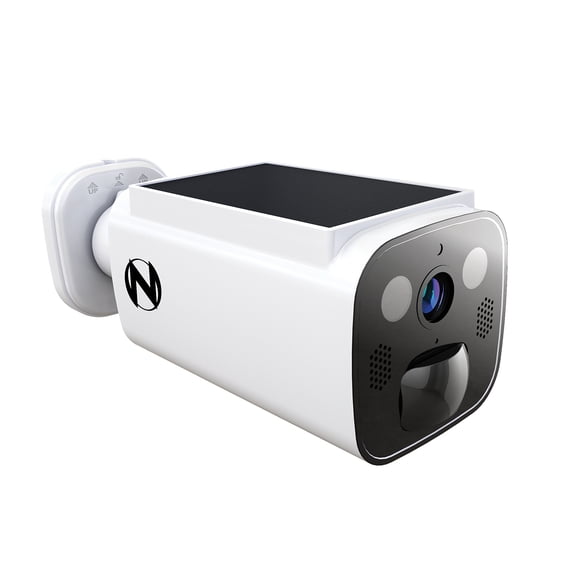
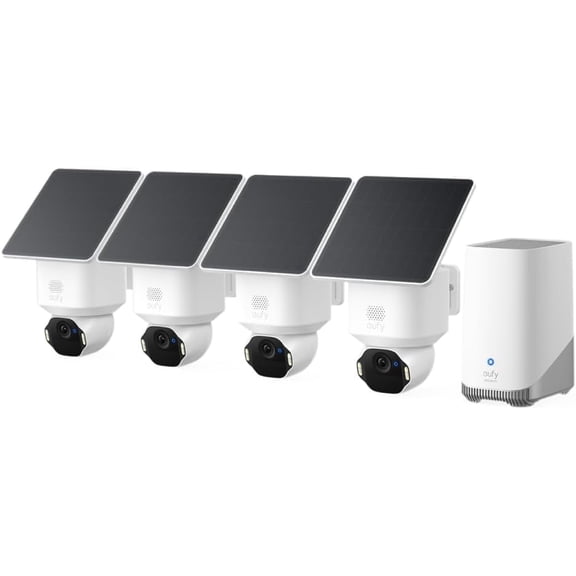
Solar-powered models can make sense when you have strong sun exposure in the right spot. You should confirm panel placement and charging support so your camera stays ready through regular daily use.
- You can reduce installation work by matching power type to your space.
- You can keep coverage flexible with battery-powered or wireless placement.
- You can build a larger setup more easily when your wired components share compatible connections.
- You can choose solar support when your outdoor location gets dependable sunlight.
Choosing placement for home security cameras
You should match placement to traffic patterns, weather exposure, and the angles you need to record. Your choice between home security cameras for indoor or outdoor use changes mounting, housing, and visibility.
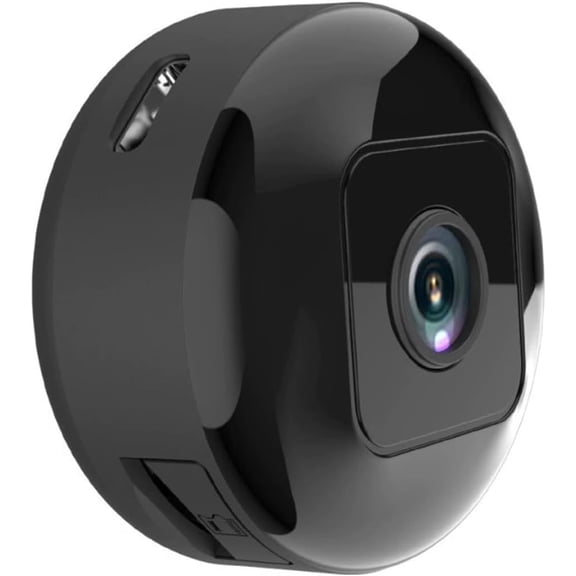
Indoor security cameras can help you view hallways, playrooms, entry areas, and shared spaces with less exposure to the elements. You may want compact designs that fit shelves, corners, or wall mounts.
Outdoor security cameras should match open-air conditions like rain, heat, and changing light. You should look for weatherproof construction when you need coverage for porches, driveways, gates, or backyard paths.
If you want broad coverage, you can compare field of view with your space size and camera position. Your wider-angle option may reduce blind spots in open areas like yards and parking spaces.
You can also think about visibility before you mount anything permanently. Your camera can blend in for a subtle look, or you can choose a more visible setup around main entry points.
Comparing resolution and video detail in security camera systems
You should compare 1080p, 2K, and 4K UHD based on how much detail you want in each recording. Your viewing distance matters because larger spaces often benefit from higher resolution.
If you need everyday coverage for smaller areas, 1080p can give you clear video for doors, rooms, and short walkways. You can often balance file size and image detail more easily at this level.
When you want sharper footage, 2K can help you capture finer details across medium spaces. You may prefer it for front yards, driveways, and detached garages where distance changes throughout the frame.
For larger properties or wide viewing areas, 4K UHD can provide added detail when you zoom into recorded clips. You should also check storage needs because higher resolution usually creates larger video files.
Night vision matters too, especially when your busiest activity happens after dark. You can compare low-light performance and lens coverage so your system supports clear viewing across evening hours.
Comparing storage and smart home compatibility
You should decide how you want to review, keep, and manage recorded video before you choose a setup. Your main storage options often include cloud storage, local SD card recording, and NVR or DVR systems.
Cloud storage can make clip access simple across your phone, tablet, or laptop when you're away from home. You should check whether your preferred plan includes ongoing subscription charges.
Local SD card storage can appeal when you want recording saved directly on the camera or hub. You can compare card capacity and overwrite settings so your setup matches your recording habits.
NVR and DVR options can fit larger security camera systems that use multiple cameras in one property. You may prefer this route when you want centralized playback and expanded recording capacity.
Smart features also matter when you already use connected devices at home. You should check whether your camera works with Alexa or Google Home so your routines stay simple and familiar.
If you want quick daily use, app controls, motion alerts, and live viewing can make monitoring easier. You can compare system menus and compatibility details before choosing your final setup.
Matching camera setups to real spaces
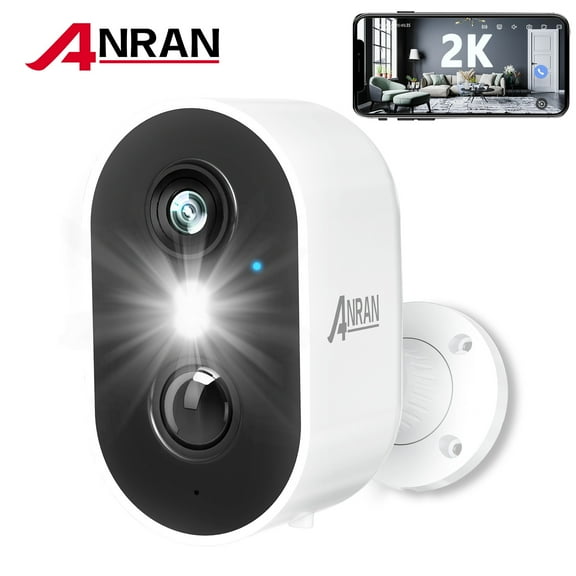
You can choose a battery-powered outdoor camera for a front porch when you want flexible placement and quick installation. Your setup may work well for package checks, visitor alerts, and evening live views.
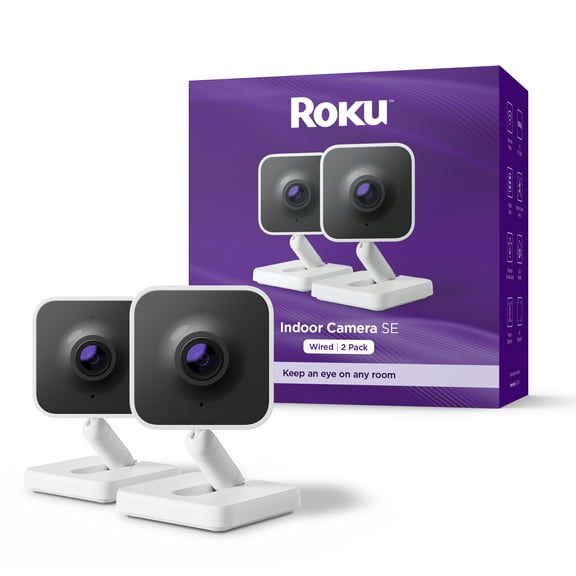
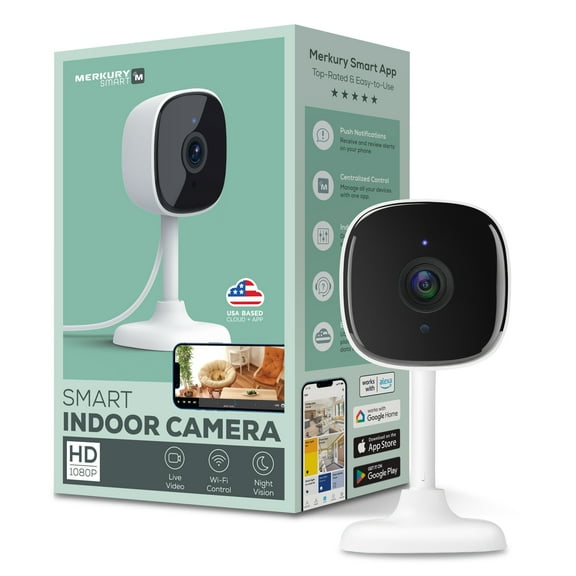
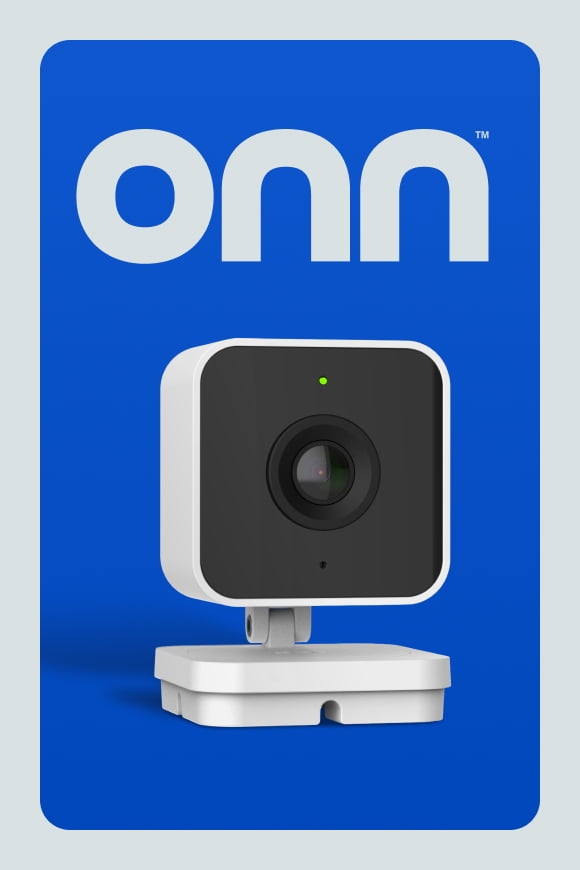
If you need indoor coverage, you can place compact indoor security cameras in hallways, entry spaces, or shared rooms. Your smaller footprint can fit shelves and corners without changing the room layout much.
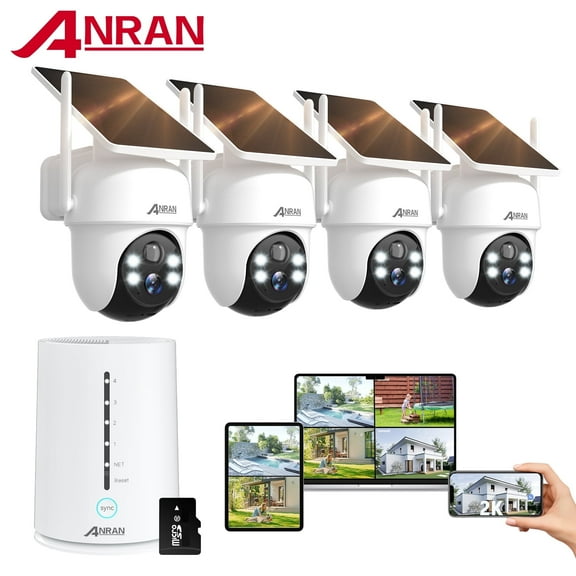
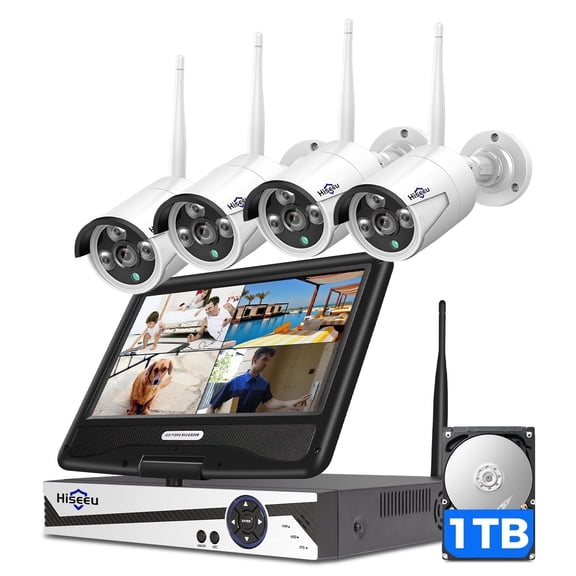
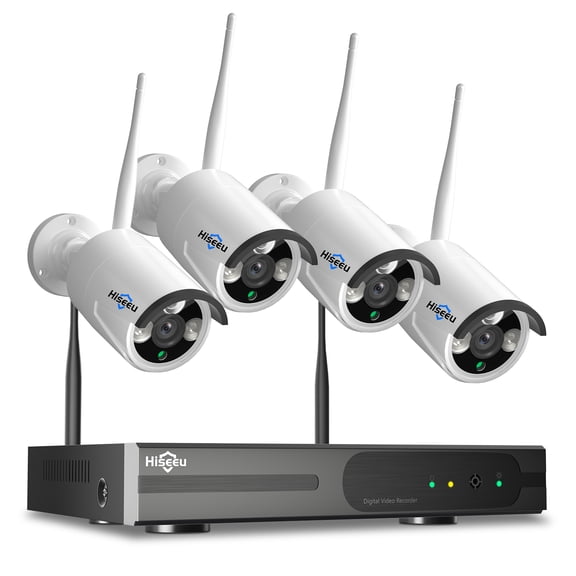
For wider property coverage, you can compare multi-camera security camera systems with NVR or DVR storage. Your setup can connect several views across driveways, side yards, garages, and back entrances.
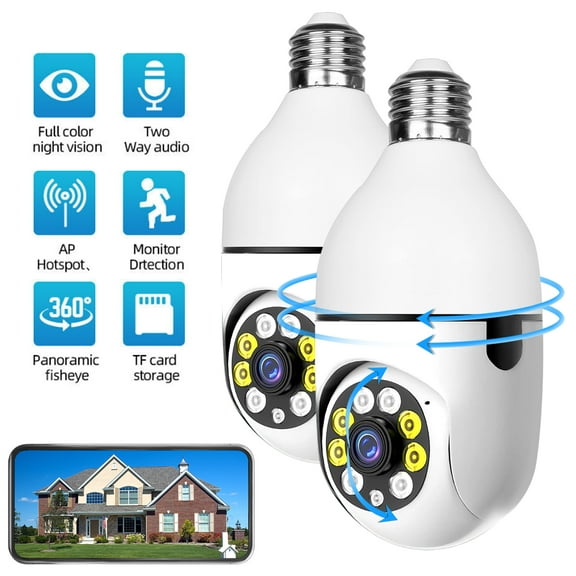
When you already use voice assistants, smart security cameras can fit more smoothly into your existing routines. You can check feeds, receive alerts, and manage settings with tools you already know.
You can feel more confident choosing security cameras and systems when each decision matches your home, your wiring options, and your preferred storage style. Your setup works harder for you when power, placement, resolution, and compatibility align from the start.
Popular in Security Cameras and Security Camera Systems in Smart Home - Walmart.com
- Security Camera 360 Degree
- Yi Outdoor Security Camera
- Home Security Cameras
- 360 Wireless Security Camera
- Outdoor Security Cameras With Zoom
- Ip Camera Home Security
- Ip Ptz
- Outdoor Security Cameras
- Hd Ip Camera Wireless Home Security Camera Wi-fi Cloud Camera Two Way Audio Night Vision Cctv Camera
- Yi Security Camera Outdoor Smart
- Vicohome Security Cameras
- Pack Security Cameras