

Wireless Range Extenders & Repeaters in Networking










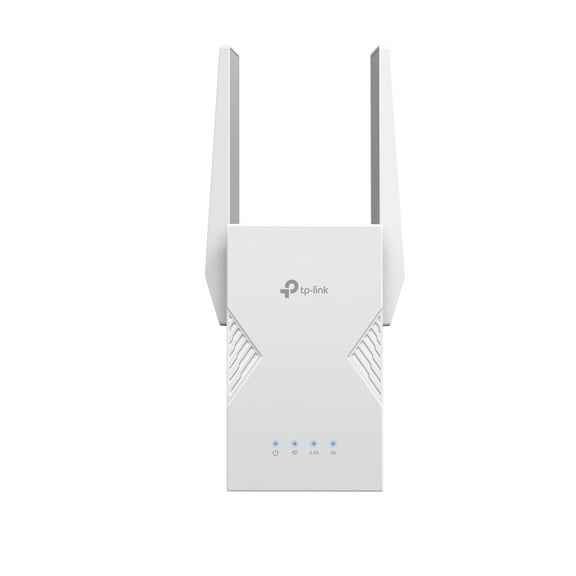
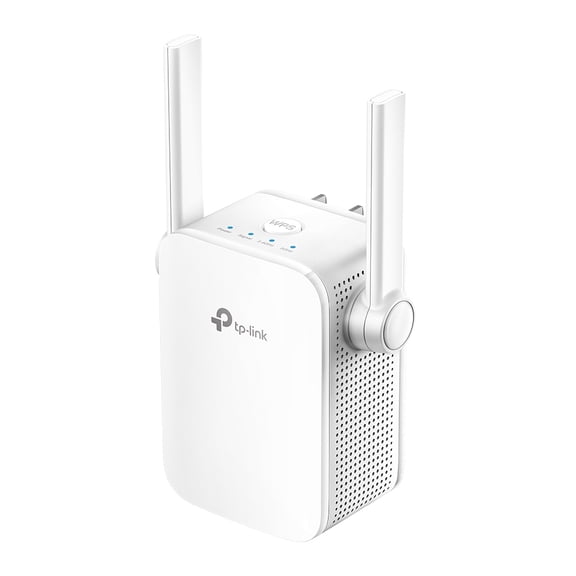

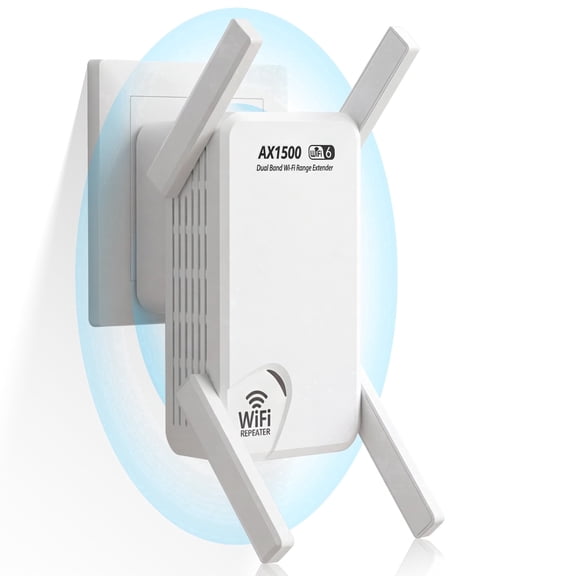
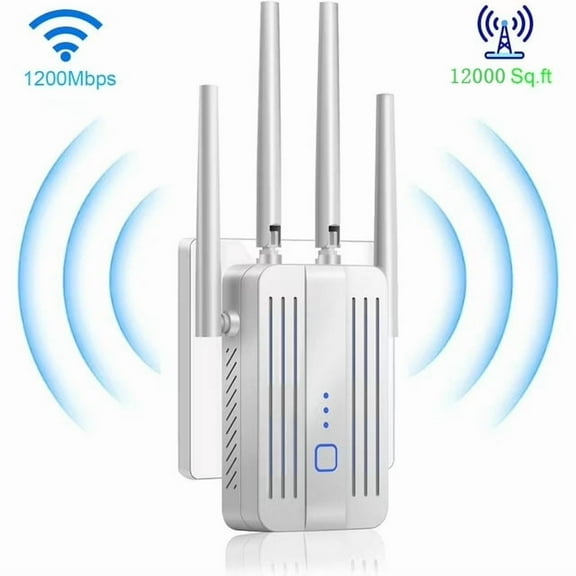
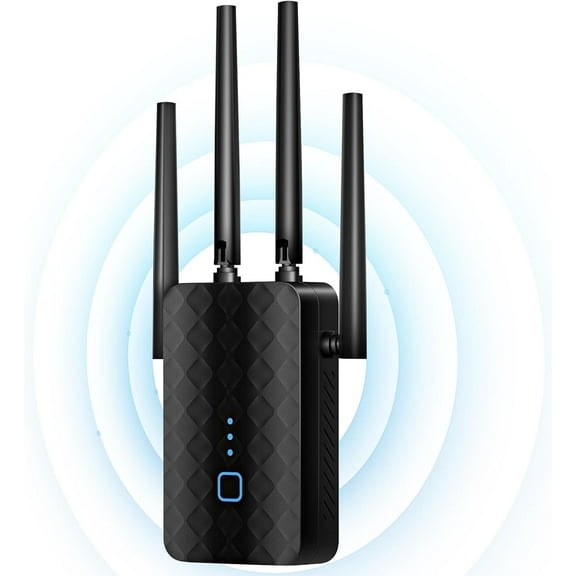
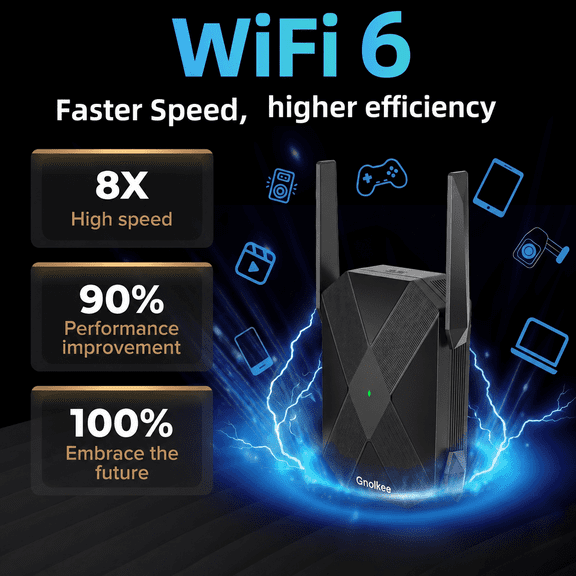
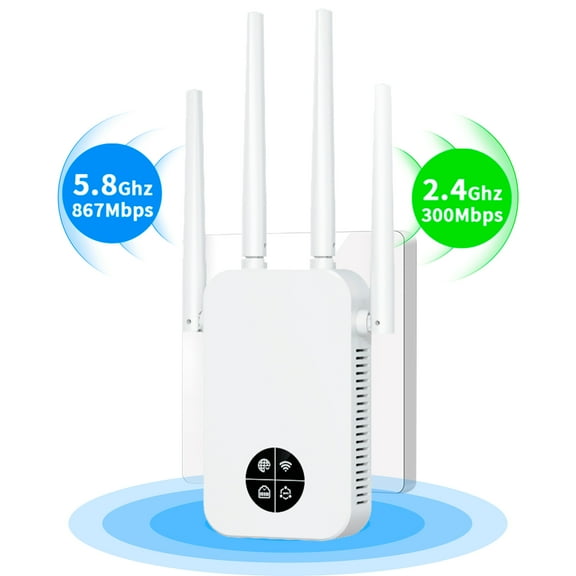


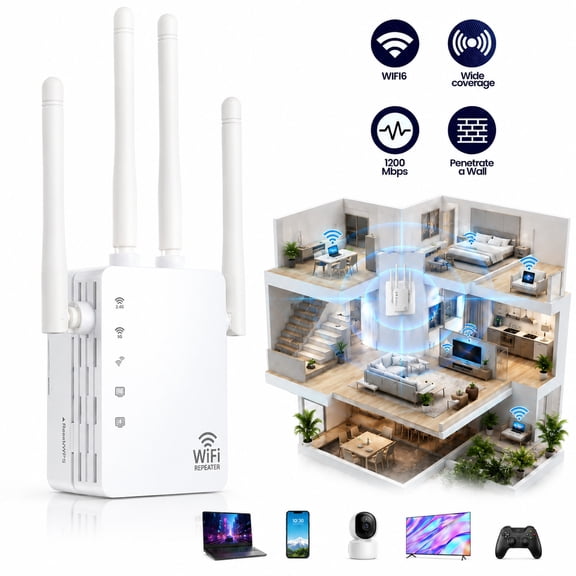









About Wireless Range Extenders & Repeaters in Networking - Walmart.com
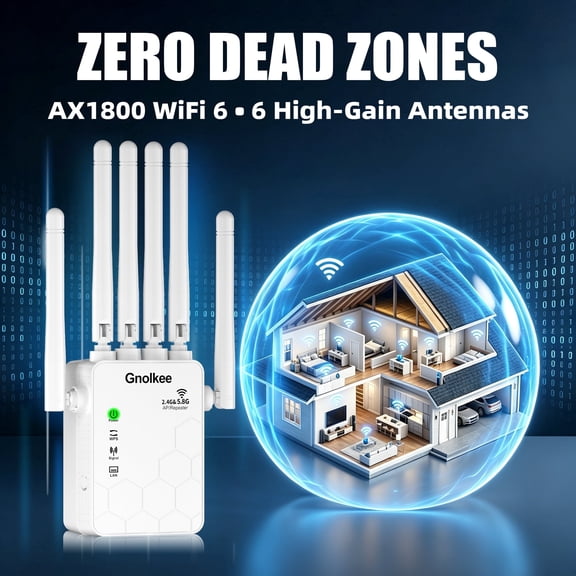
Wireless network extenders help you push your WiFi into rooms where your router loses strength. You can compare coverage, bands, speeds, and plug styles to match your layout and devices.
If your signal drops in upstairs bedrooms, garages, or back patios, you can use this category as a practical buying guide. You’ll find options that fit apartments, larger homes, and setups that need wired connections.
How to choose wireless network extenders for your space
You should start with coverage area, because square footage changes what kind of extender makes sense. You also need to consider thick walls, multiple floors, and where your router sits now.
For smaller layouts, you may only need coverage up to 1500 sq ft from a compact unit. For larger homes, you may want up to 3000 sq ft coverage or whole home support.
If your signal fades after passing through brick, tile, or several interior walls, you should compare stronger placement options carefully. You’ll usually get smoother coverage when you place the extender halfway between your router and weak zone.
- You can fill dead zones in bedrooms, offices, basements, and patios.
- You can keep smart TVs, tablets, and laptops connected farther from your router.
- You can improve coverage without replacing your current router right away.
- You can choose a form factor that fits shelves, outlets, or mesh-style layouts.
Choosing between wifi range extenders and wireless signal boosters
You may see terms like wifi range extenders, wireless signal boosters, wifi repeaters, and internet range extenders across this category. You can treat them as similar shopping terms, but you should still compare setup style and compatibility details.
You’ll want to check whether your extender works with your existing router brand and WiFi standard. You can usually use many models with common routers, but you should confirm band support and setup method.
If your home uses newer WiFi equipment, you should compare standards like N300, AC1200, and AX3000 in plain terms. You’ll generally get faster performance and more device support as those ratings move higher.
What to look for in a dual band wifi extender
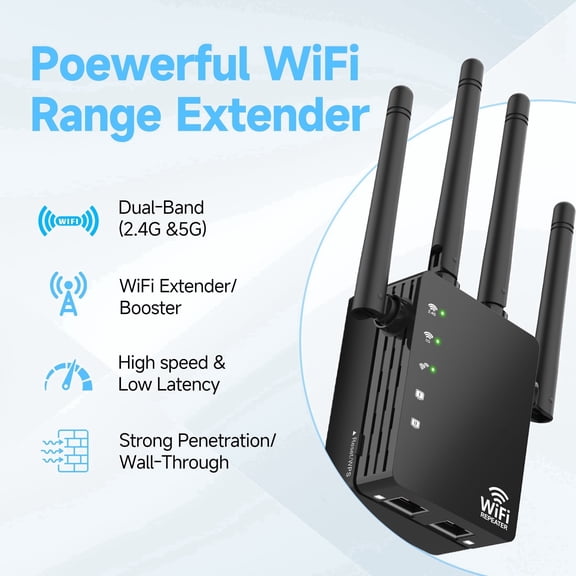
You should compare frequency bands next, because band choice affects speed, range, and device traffic. You can keep shopping simple by matching your internet habits to single-band, dual-band, or tri-band options.
A single-band model can work for lighter browsing in smaller spaces with fewer connected devices. A dual band wifi extender gives you two bands, which helps you separate everyday traffic from heavier streaming.
If you game, stream in 4K, or connect many devices at once, you should consider tri-band models. You can reduce network congestion more easily when one band helps manage extender communication.
You should also think about where speed is critical in your home. You may want high-speed options in media rooms, home offices, or upstairs spaces where video calls need steadier performance.
Comparing speeds, ports, and wall plug wifi extender designs
You can use speed labels as a quick way to narrow choices before you compare size and ports. An N300 model suits lighter tasks, while AC1200 and AX3000 options fit heavier streaming and newer devices.
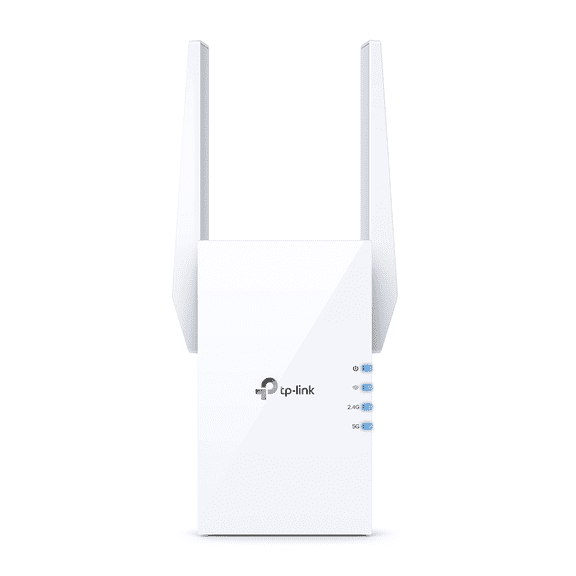
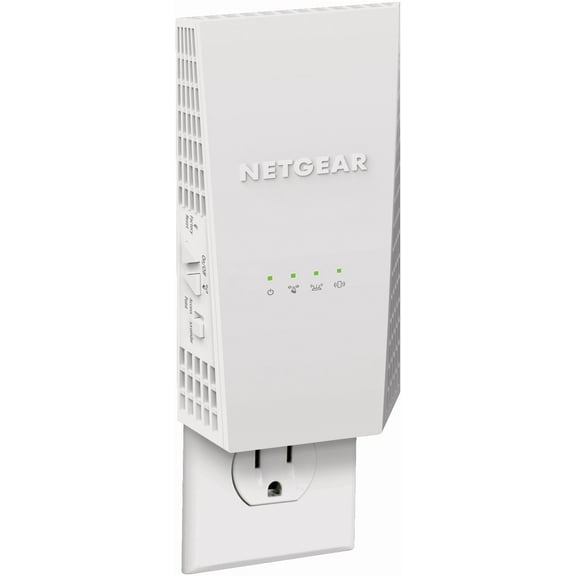
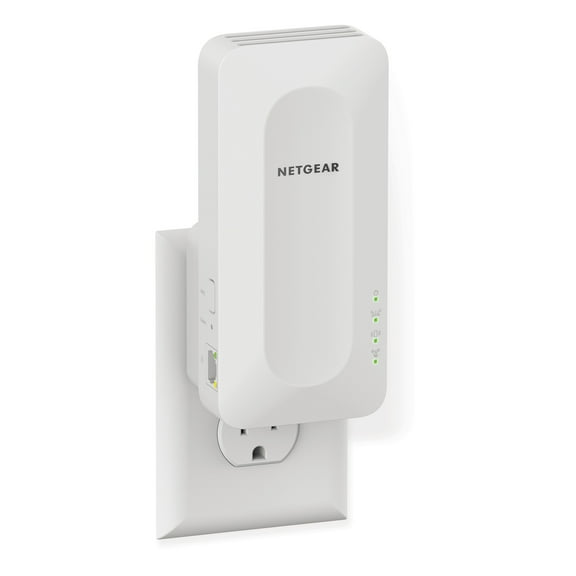
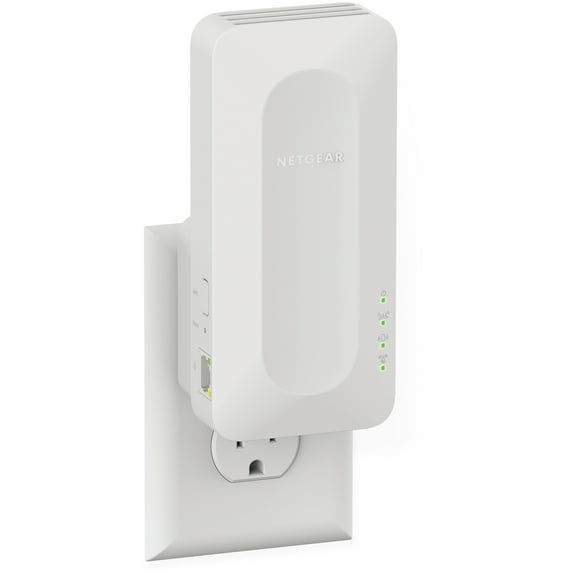
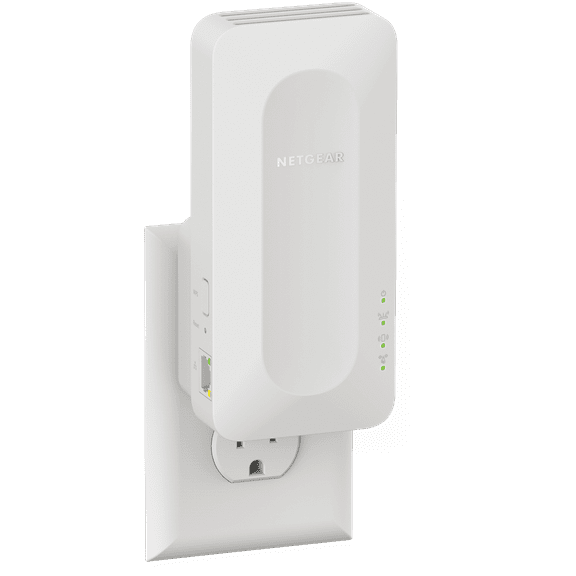
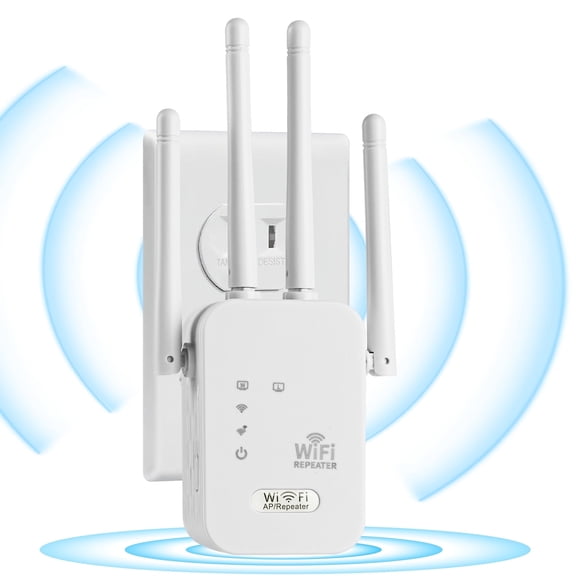
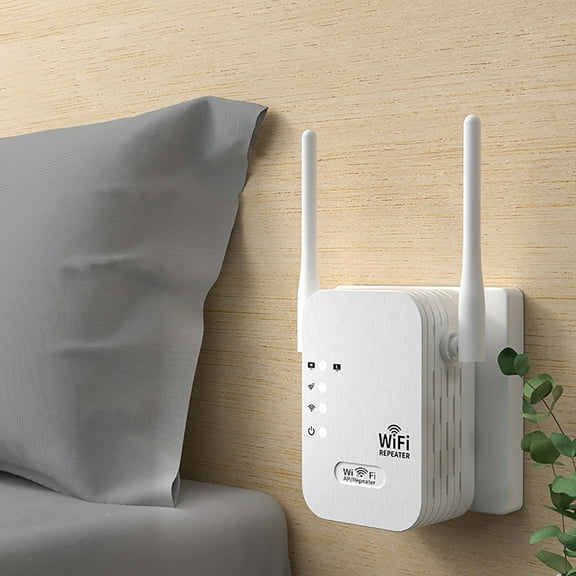
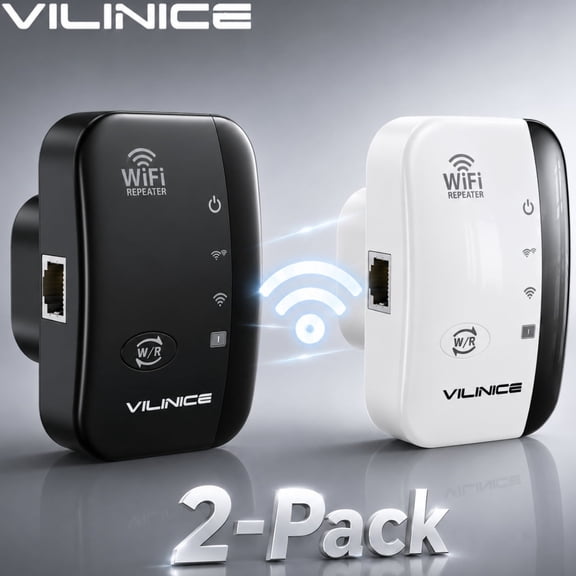
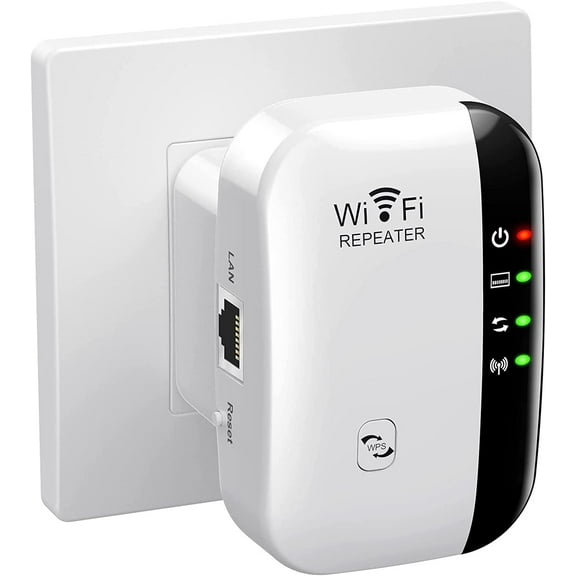
If you need a simple setup, a wall plug wifi extender fits directly into an outlet and keeps surfaces clear. If you need extra ports or antenna space, you may prefer a desktop model on a shelf.
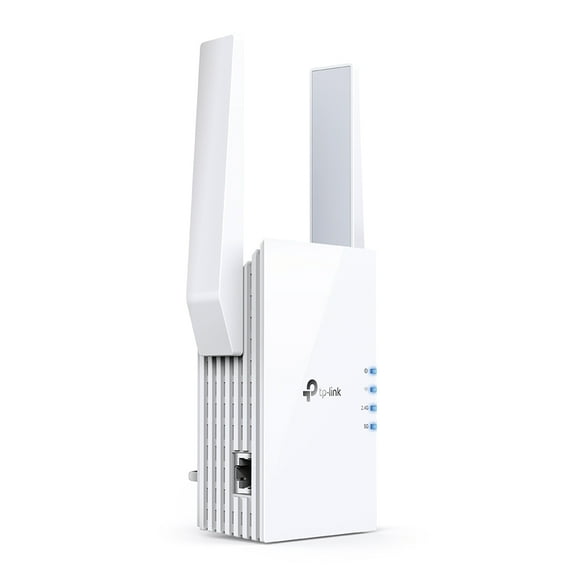
You should check Ethernet ports if you want a stable wired link for a console, desktop, or smart TV. You can choose one port, two ports, or gigabit ports depending on your wired setup.
Mesh node styles can make sense if you want a more coordinated whole home layout. You should compare them carefully with traditional wifi repeaters when you’re extending coverage room by room.
Matching wireless network extenders to real home setups
You can match smaller wall-plug units to apartments, dorm rooms, or single-story layouts with one weak area. You may only need modest coverage and a compact design for a hallway or bedroom outlet.
For medium homes, you should consider dual-band models with up to 3000 sq ft coverage and at least one Ethernet port. You can support work calls, streaming boxes, and family devices with less signal drop.
If your household streams in several rooms, you may want high-speed options such as AC1200 or AX3000. You can pair those with dual-band or tri-band support for smoother multitasking.
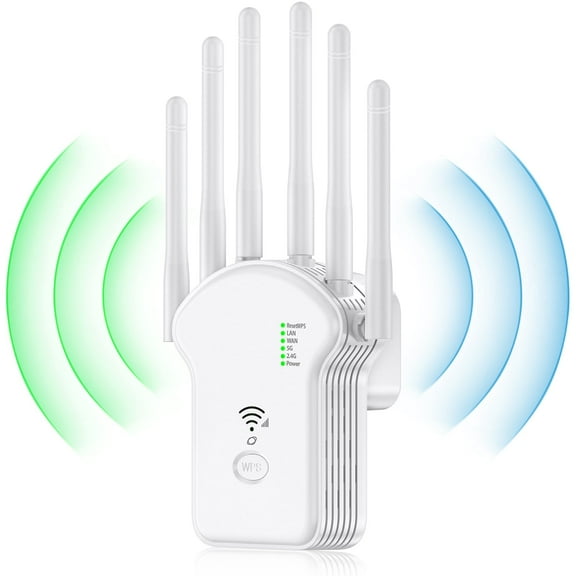
You should consider whole home or mesh-style options when your router struggles across several floors. You can create more consistent coverage in larger layouts where one extender may not reach every corner.
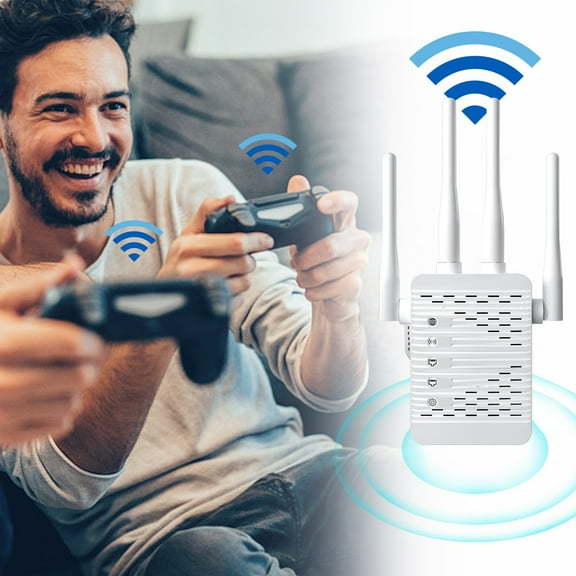
If you use a gaming console or desktop in a room with weak WiFi, you should look for ports first. You can connect key devices directly while still extending wireless coverage around that space.
When you compare wireless network extenders by coverage, bands, speed, and ports, you can choose with more confidence. You’ll end up with stronger signal reach in the rooms where your connection is essential.