

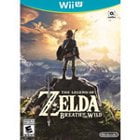
Nintendo Wii U Controllers & Remotes | Walmart













![Fosmon [2 Pair/4 Pcs] For Nintendo Switch 2 Thumb Grips, Switch Joycon Grip, Silicone PS5 Controller Thumb Grips For Xbox One X S PS3 PS4, Black/Red](https://i5.walmartimages.com/seo/Fosmon-Set-of-4-Analog-Stick-Joystick-Controller-Performance-Thumb-Grips-for-PS4-PS3-Xbox-ONE-ONE-X-ONE-S-360-Wii-U-Black-and-Red_09e65428-9dd6-4664-932c-0aa37f92f8f4_1.285006a2f05f326b3186f6b14f42cf34.jpeg?odnHeight=576&odnWidth=576&odnBg=FFFFFF)


![Octoling + Inkling + Smallfry Amiibo 3-Pack - Splatoon Series [Nintendo Accessory]](https://i5.walmartimages.com/seo/Octoling-Inkling-Smallfry-Amiibo-3-Pack-Splatoon-Series-Nintendo-Accessory_befe9a34-dbca-4647-8055-e7b12f24256b.b5274b69a27d63cb7355de43729b7b2e.jpeg?odnHeight=576&odnWidth=576&odnBg=FFFFFF)



About Nintendo Wii U Controllers & Remotes | Walmart - Walmart.com
If you need a wii u controller, this guide helps you compare GamePad, Pro Controller, Wii Remote, and Nunchuk options. You can narrow your choice by checking game support, pairing style, and power setup before you replace older gear.
Many Wii U games use different input methods, so your controller choice shapes how your system fits your library. You can also compare Nintendo OEM and third-party compatible options with clear expectations for fit, features, and everyday use.
How to choose the right wii u controller
Start with controller type because Wii U games don't all use the same control style. You can avoid setup guesswork when your controller matches the way developers designed your favorite titles.
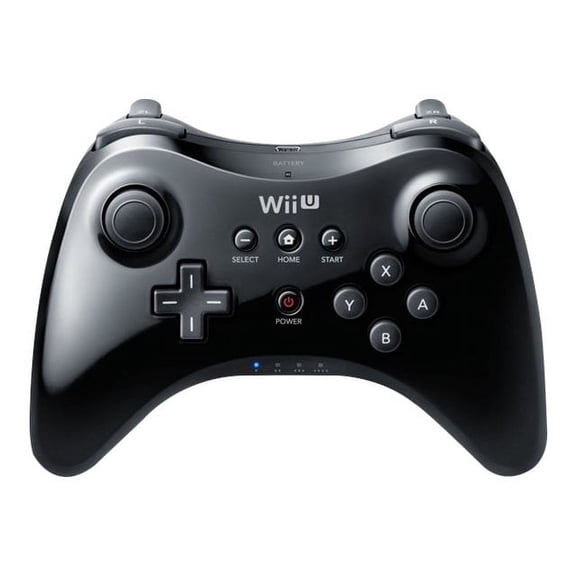
For off-TV play and dual-stick gameplay, a wii u pro controller often fits action, racing, and fighting titles. Your hands can stay on standard thumbsticks, and your layout stays familiar during play.
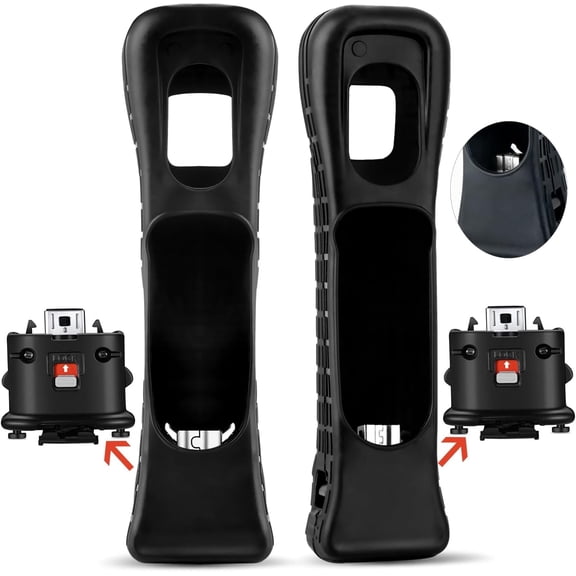
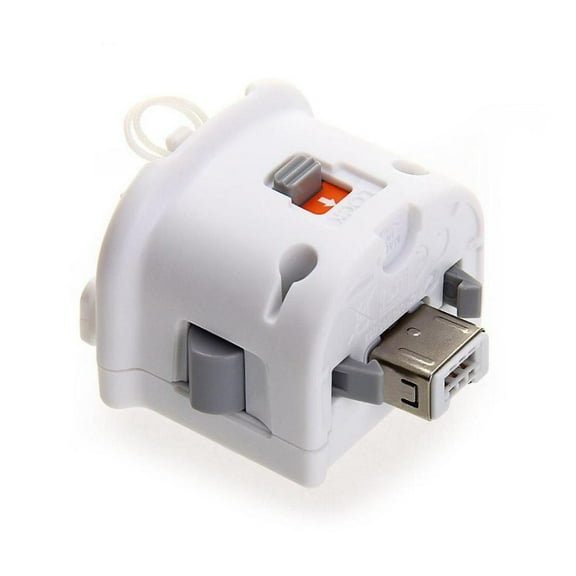
When your games use motion input, a wii u remote may fit that setup closely. You can also pair a Nunchuk when your game combines pointer actions, gestures, and analog movement.
Some titles rely on the GamePad for touch input, maps, or second-screen menus during play. You should check game requirements first, because those features depend on that built-in screen format.
Key benefits to compare before you choose
The right setup supports the way you actually play, whether you rotate between solo sessions and group play. Your controller mix can keep party games, touch-based titles, and traditional button games ready for use.
Controller choice also affects how naturally your older Wii favorites fit into a Wii U setup. You can keep compatible Wii titles in rotation when your remote supports the motion features those games expect.
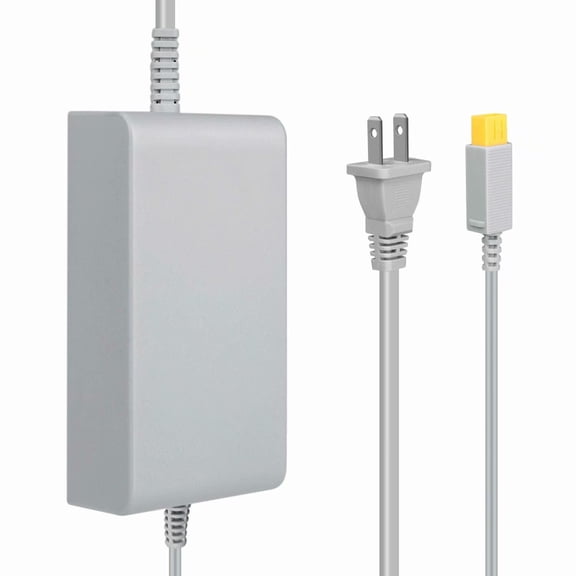
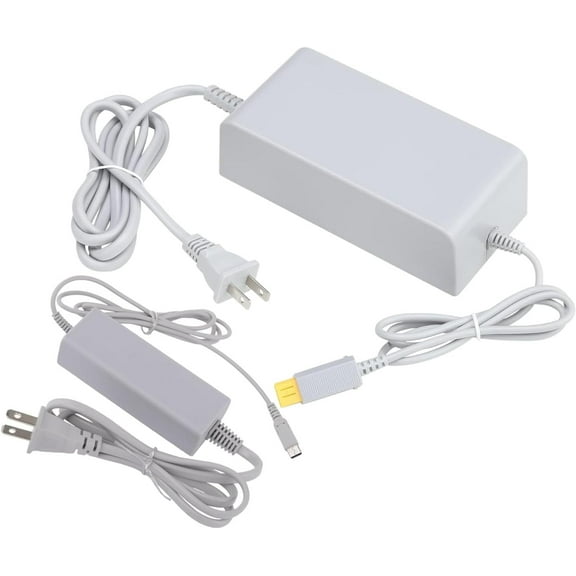
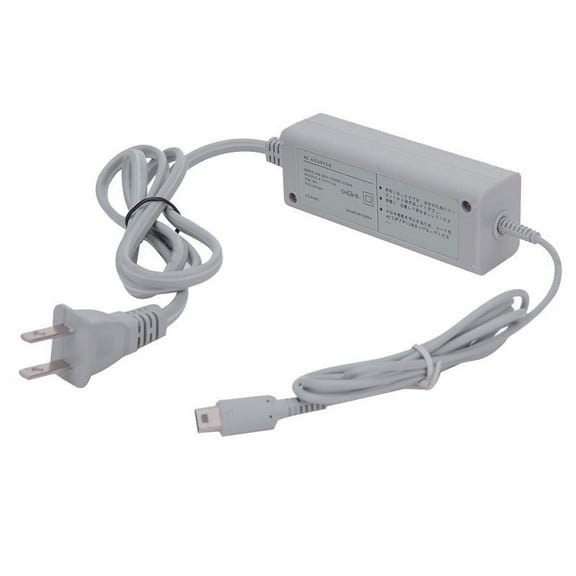
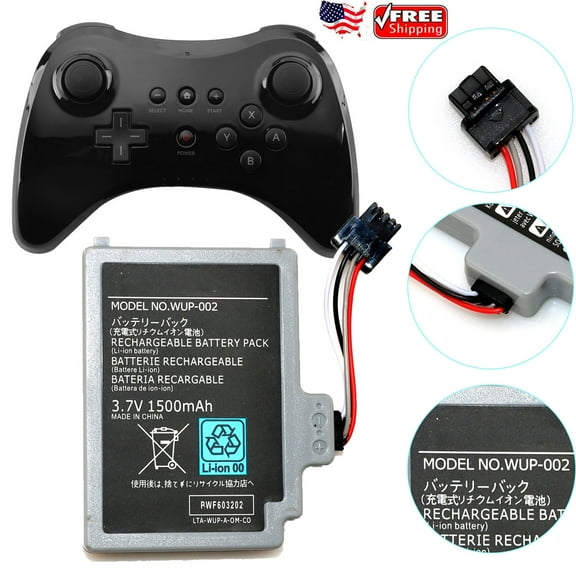
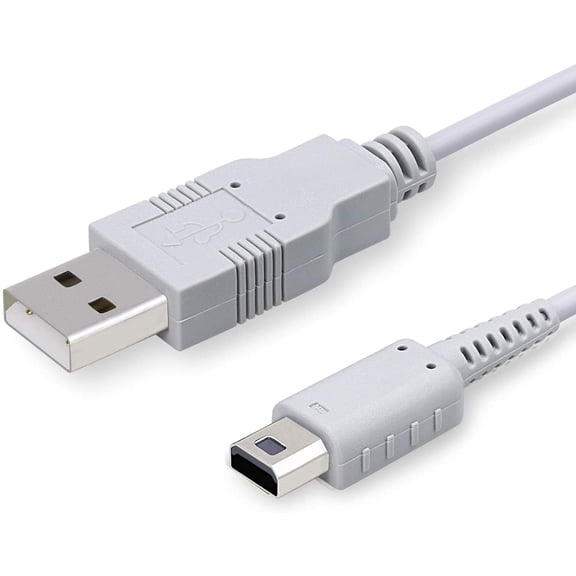
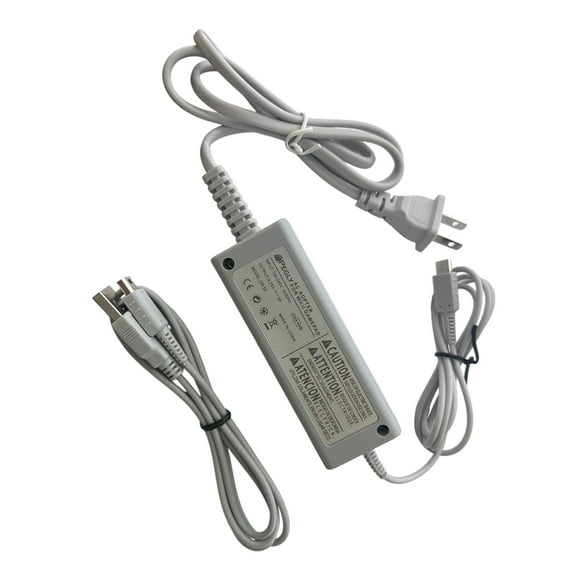
Power format matters during repeat sessions, especially when your household uses several controllers in one week. Your charging routine may feel straightforward when you compare battery packs, charging cables, and AA battery swaps first.
- You can support motion-based play with a Wii Remote and Nunchuk combination.
- You can use a Pro-style pad for dual-stick games and longer sessions.
- You can keep touch and second-screen functions available with a GamePad setup.
- You can prepare for multiplayer sessions with extra remotes for additional players.
Brand compatibility shapes pairing, button feel, and replacement planning across a legacy console setup. You may prefer Nintendo OEM for original styling, or third-party compatible models for broader replacement coverage.
Choosing a wii u remote, wireless controller, and compatibility options
Connectivity is one of the main choices on this page, especially if you want a tidy entertainment setup. A wii u wireless controller gives you room to sit back, while wired options suit fixed play spaces.
Battery format deserves a close look before you pick a spare or primary controller. You can compare rechargeable battery pack models with AA battery models based on how often your household plays.
When you review a wii u remote control option, check whether charging uses a dock, cable, or replaceable batteries. That detail helps you match your controller to your storage habits and play frequency.
Compatibility matters on legacy hardware, because Wii and Wii U support isn't identical across every controller type. You should check whether your chosen model lists Wii U use, Wii game support, and required accessories.
MotionPlus integration is another decision point for games that use refined motion tracking during play. You can avoid mismatched controls when your remote includes MotionPlus or states support for that feature.
When you compare a nintendo wii u controller with a third-party compatible model, focus on intended use first. Your choice may depend on whether you want an original replacement, a backup remote, or extra multiplayer controllers.
Matching controller types to your games and setup
Platformers, racers, and many action titles often pair naturally with a Pro-style layout and dual sticks. Your hands may prefer that format when your games use shoulder buttons, camera control, and steady thumbstick movement.
Party games and motion-focused titles often point you toward extra remotes before any other accessory. You can keep group sessions organized when each player has a synced remote ready for shared play.
Games with maps, inventory screens, or touch actions may depend on the GamePad during core gameplay. Your setup should account for that screen-based control style instead of treating it like a standard remote.
If younger players share the console, a mixed controller setup can cover more game styles in one place. You can combine remotes, a Pro pad, and GamePad support to fit family play across different genres.
Charging habits also shape which controllers make sense for regular use and occasional game nights. Your setup may benefit from rechargeable units for repeat sessions and AA-powered remotes for quick replacement access.
Before you decide, compare player count, game library, and required control features in one pass. That approach helps you choose a wii u controller setup that keeps motion play, second-screen input, and multiplayer support aligned.
What to look for before you decide on a wii u controller
Look for clear compatibility notes, controller type labels, and power details before you commit to a replacement. Your choice feels straightforward when those details match your console, your games, and your usual play style.
With the right combination, your Wii U setup can stay ready for touch controls, motion input, and couch multiplayer. You get a controller lineup that fits your library and keeps key gameplay features available.