

Remote Controls in TV Accessories


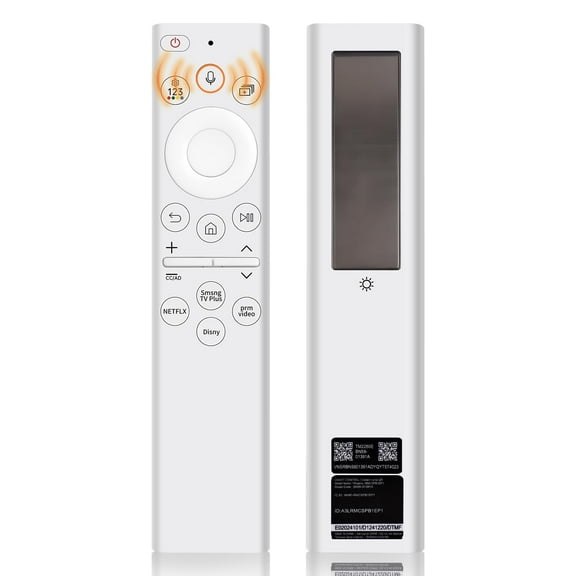
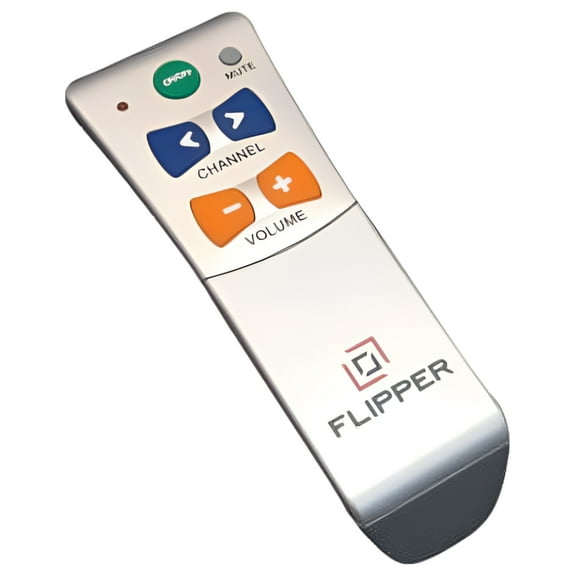
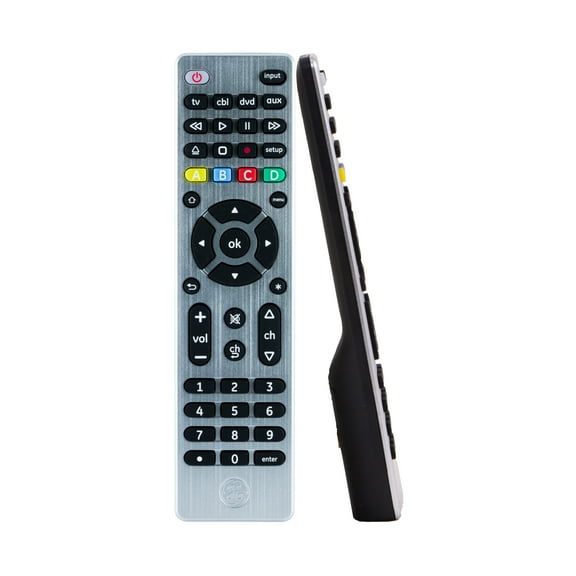


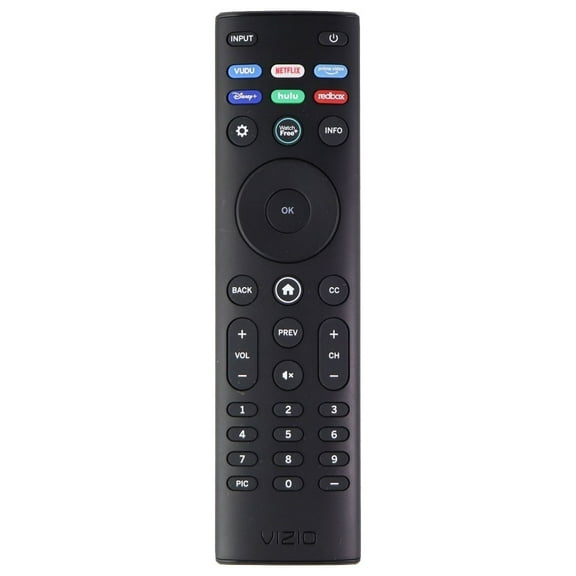

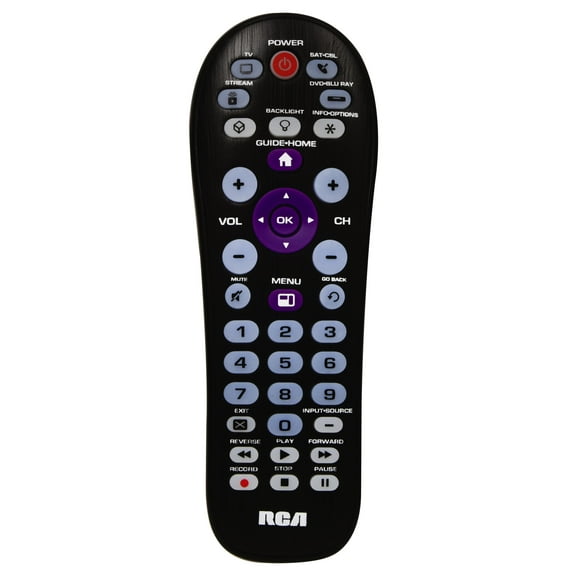

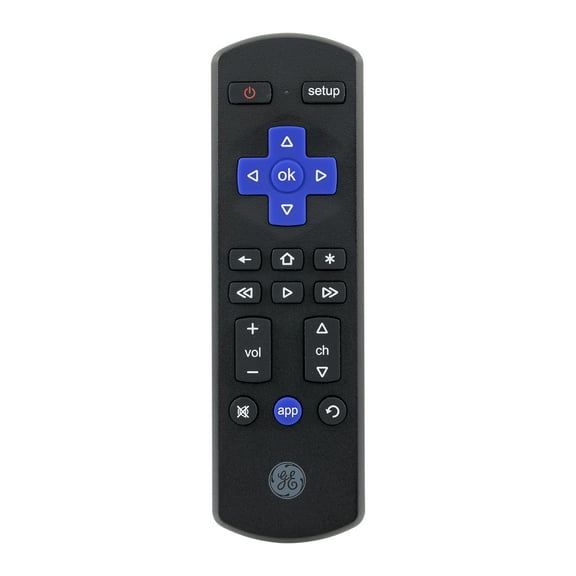


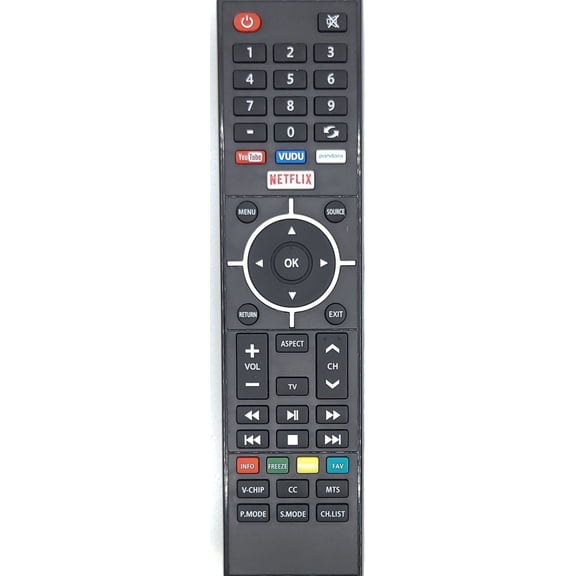
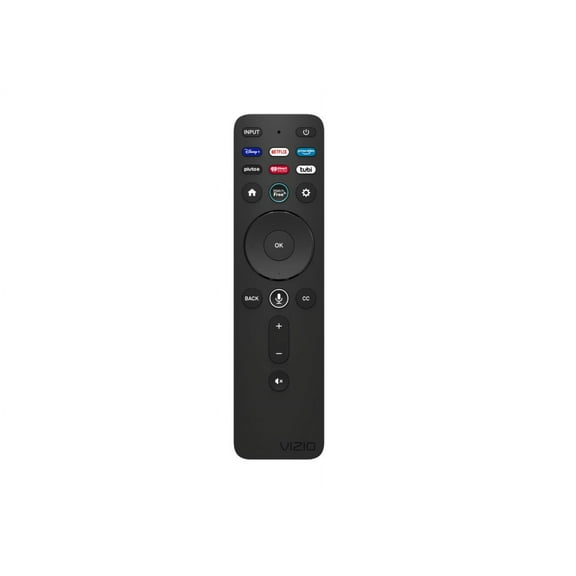





About Remote Controls in TV Accessories - Walmart.com
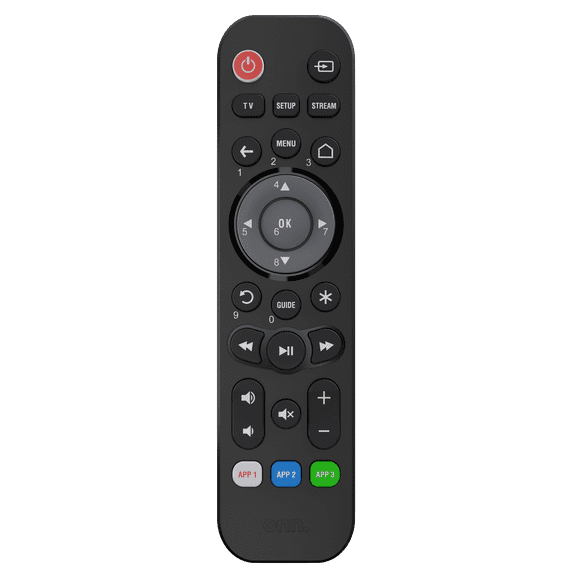
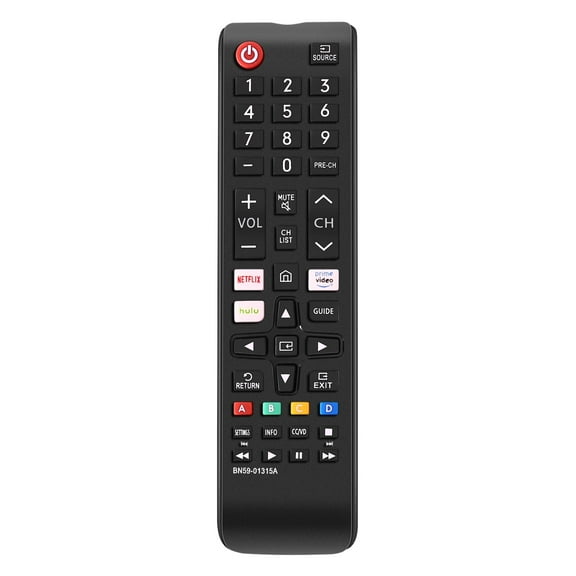
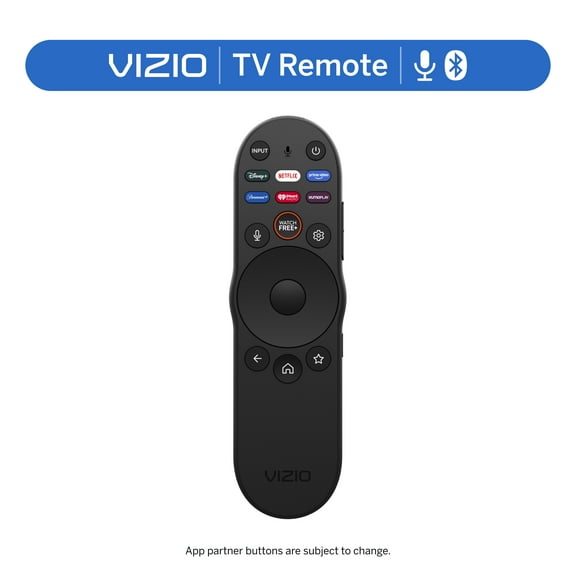
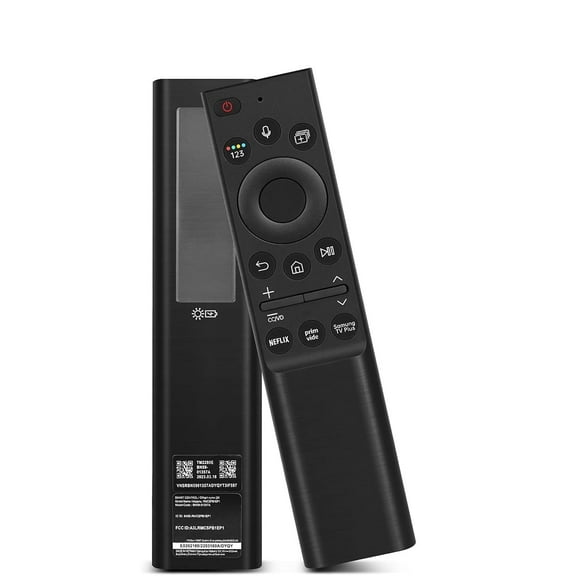
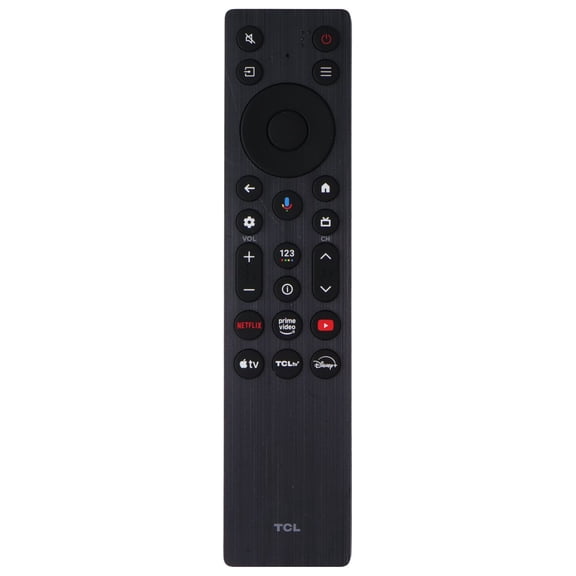
TCL remote controls help you restore simple TV navigation when your original clicker is missing, worn, or no longer fits your setup. You can compare compatibility, connectivity, and setup types quickly, so your replacement matches your TCL TV and works as expected.
How to choose TCL remote controls by compatibility
You should start with compatibility because Roku TV, Android TV, Google TV, and universal options don't use the same commands. You can avoid guesswork by checking your TV model number and operating system before you choose a replacement remote for TCL TV use.
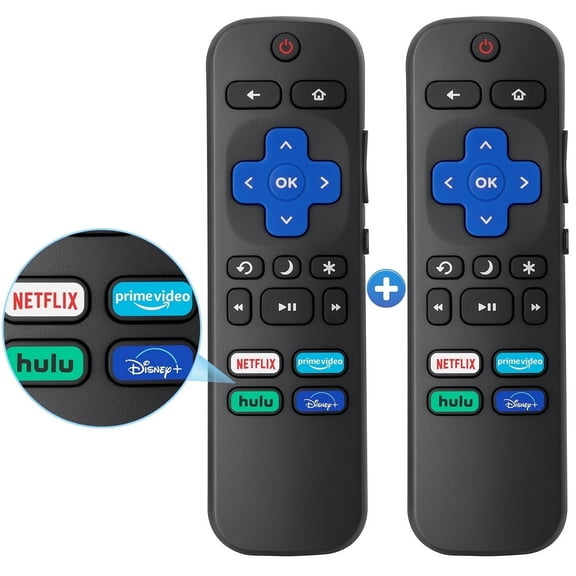
If you need a TCL Roku TV remote replacement, you should look for layouts built for Roku menus and streaming shortcuts. If you use Android TV or Google TV, you should compare remotes designed for those interfaces and voice features.
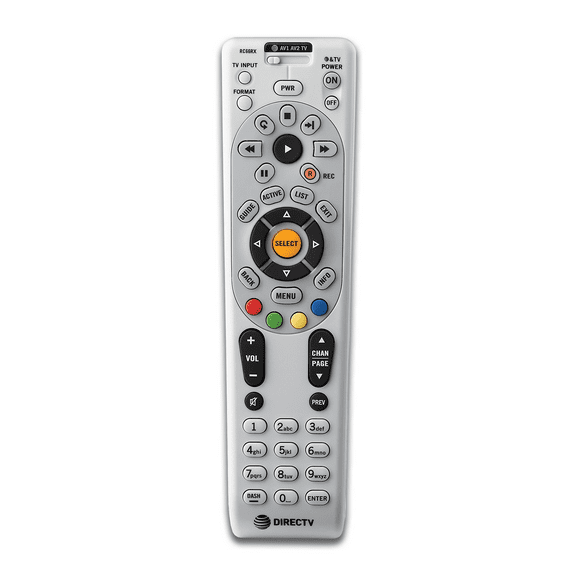
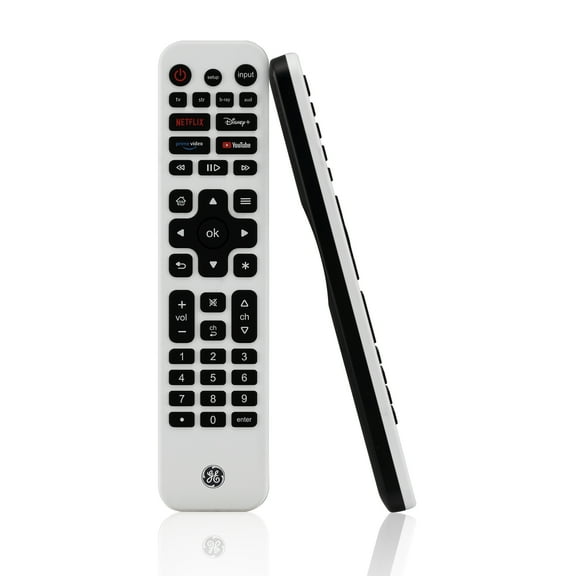
You may also consider a universal remote for TCL TV setups when you want one controller for several devices. You should check supported brands, code options, and button mapping before you decide.
Key benefits you get from the right replacement remote
You get quick control when your buttons match your TV platform and menu layout. You also spend minimal time testing random commands when your remote supports your exact TCL system.
- You can restore power, volume, input, and home controls with a layout that matches your TV experience.
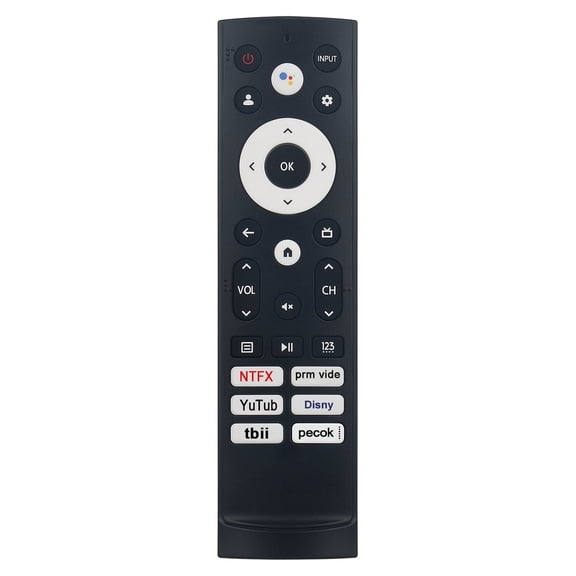
- You can reach streaming apps quickly when your remote includes dedicated hotkeys for common services.
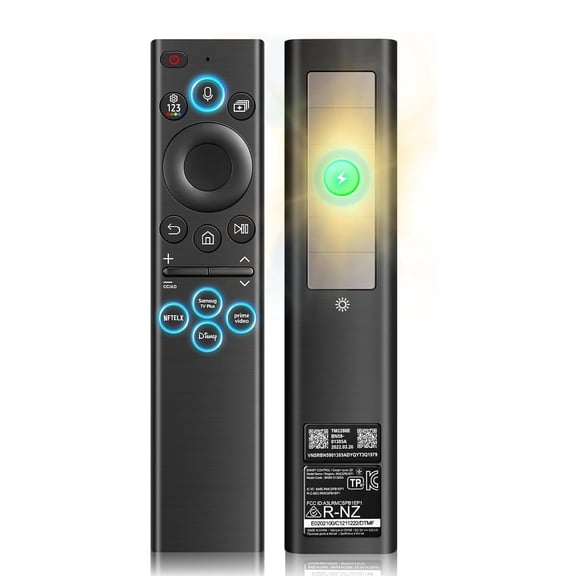
- You can use voice features on supported models when your setup includes Bluetooth pairing and a voice button.
- You can watch comfortably in dim rooms when your remote includes backlit buttons that stay easy to read.
- You can listen privately on select models when your remote includes a headphone jack for personal viewing.
You may also notice convenient day-to-day use when your replacement keeps familiar navigation rings, playback buttons, and number keys. You can keep your living room routine simple when the remote feels close to your original controller.
Choosing between Roku, Android TV, and smart remote types
You should compare platform type next because TCL Roku TV, Android TV, and Google TV remotes can differ in layout and shortcut buttons. You can make an informed choice when you match the remote to your TV software and on-screen menu style.
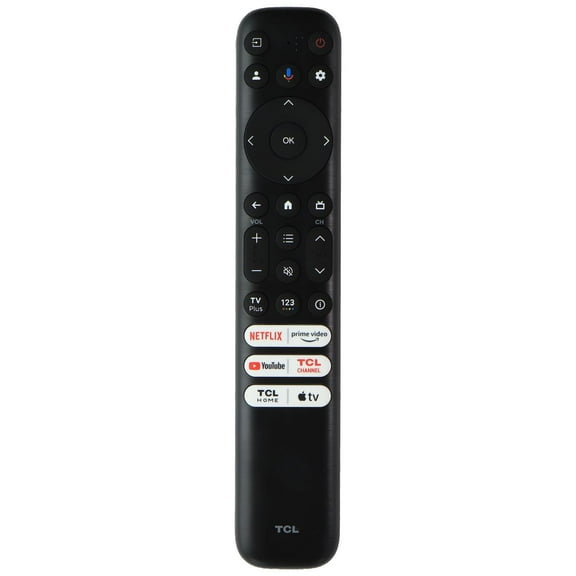
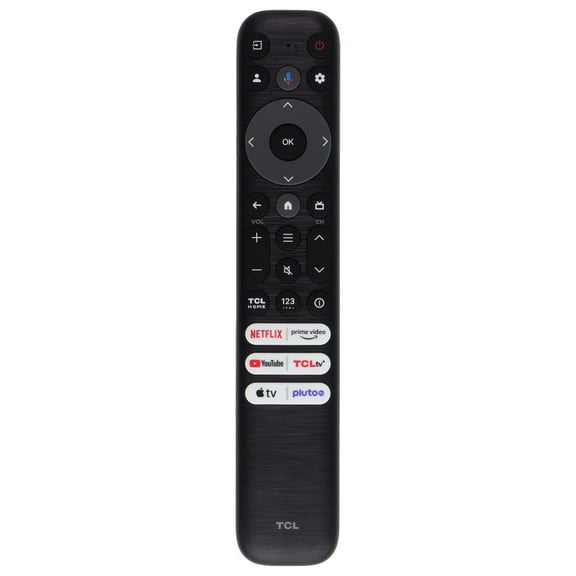
If you use Roku, you may want a tcl roku tv remote replacement with a home button, directional pad, and streaming shortcuts. If you use Android TV or Google TV, you should look for layouts that support those menus and smart features.
You may want a tcl smart tv remote replacement when your setup includes voice search, app navigation, or paired wireless control. You should confirm your operating system and model number before you choose that style.
Comparing connectivity and voice control support
You should compare connectivity because Infrared, Bluetooth, and RF remotes work in different ways. You can make an informed choice when you know whether your TV expects a direct signal or a paired wireless connection.
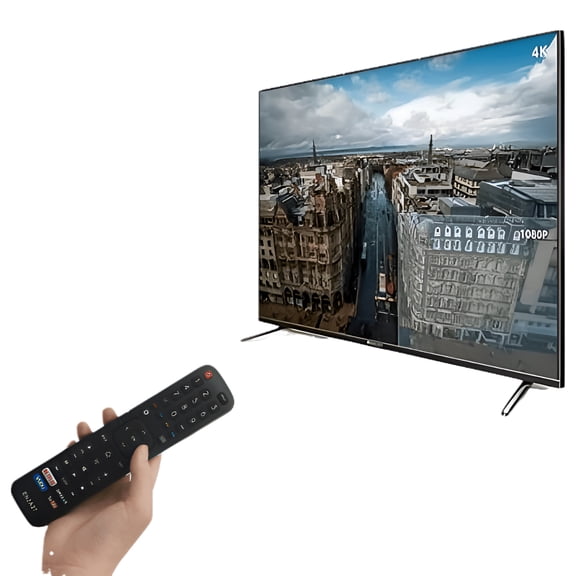
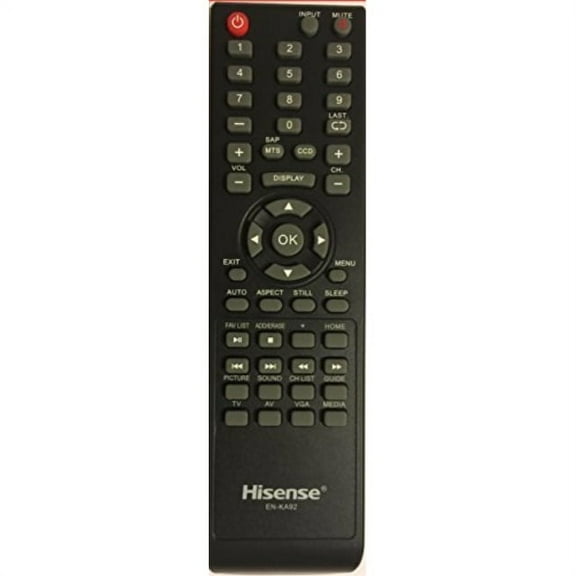
If you choose an Infrared remote, you usually point it at the TV for direct command response. You may prefer this format when you want a simple pre-programmed remote and familiar button-only control.
If you want a tcl smart tv remote or voice remote, you should check for Bluetooth pairing requirements. You can expect many voice-ready options to need pairing before voice search and advanced smart functions respond.
You may also see RF options that support wireless control without the same aiming style as IR units. You should confirm that your TCL model supports that connection type before you order.
Understanding TCL remote control setup options
You should look at setup type before you buy because setup steps affect how quickly you can start watching. You can often choose between pre-programmed models, manual pairing options, and auto-code search remotes.
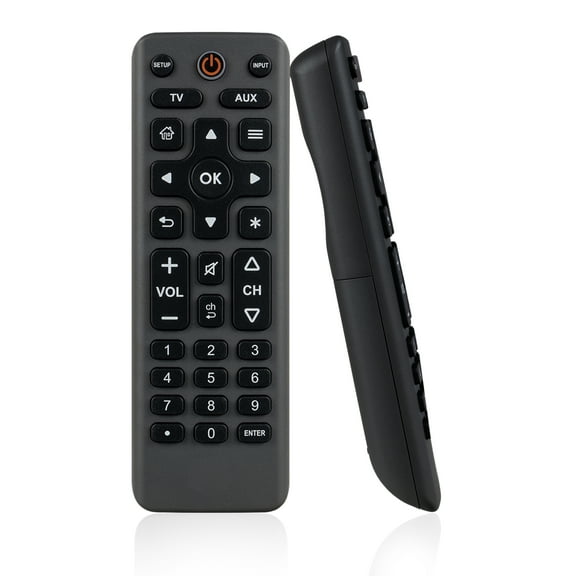
Pre-programmed remotes usually appeal to you when you want a direct replacement with minimal steps. You can often insert batteries and begin using core buttons right away on supported IR models.
Manual pairing matters when your remote uses Bluetooth or voice control features. You should follow your TV prompts and pairing instructions carefully during tcl remote control setup for smart features.
Auto-code search can help you when you choose a universal remote and need broad device control. You can use this setup path when you want one remote for your TCL TV, soundbar, or media box.
What to look for in buttons and convenience features
You should compare key layouts because small design differences change how your remote feels each night. You can focus on streaming hotkeys, backlit buttons, and headphone jack options based on how you watch.
Streaming hotkeys help you jump to favorite apps without extra menu steps. You may want those buttons if your household switches often between live TV, movies, and ad-supported streaming channels.
Backlit buttons can feel convenient because you can read controls in low light. You should also check whether the navigation pad, volume keys, and app buttons stay easy to identify by touch.
A headphone jack appears on select remote styles and supports private listening on compatible systems. You should confirm this feature carefully if personal viewing is part of your regular setup.
Matching remote types to your viewing routine
You should match your remote to the room and routine where you watch frequently. You can keep things simple with pre-programmed IR, or you can choose paired Bluetooth when voice commands matter.
If you watch at night, you may prioritize backlit keys and easy-to-feel navigation buttons. If you switch apps often, you may want dedicated service buttons that reduce menu hopping.
You can narrow tcl remote controls quickly when you compare model compatibility, connection type, setup method, and feature layout together. You end up with a replacement that fits your TCL TV, supports your habits, and keeps everyday viewing straightforward.
You can choose with confidence when you verify model number match, platform type, and setup method before checkout. You get a remote that restores familiar control and keeps your TCL TV ready for everyday watching.