

Tempurpedic Remote Replacement(12)
Ceybo AKB74475433 Replacement Remote fit for LG TV $6.99

Ceybo AKB74475433 Replacement Remote fit for LG TV
Clean Remote Replacement for LG Keychain Remote CRKC1 $11.95
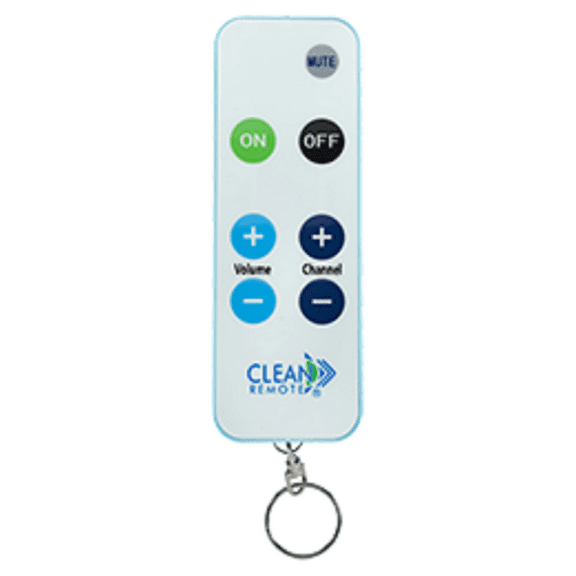
Clean Remote Replacement for LG Keychain Remote CRKC1

Ceybo EN3R39H Replacement Remote fit for Hisense TV $6.99

Ceybo EN3R39H Replacement Remote fit for Hisense TV
Ceybo AA59-00637A Replacement Remote fit for Samsung TV $7.69

Ceybo AA59-00637A Replacement Remote fit for Samsung TV
Original RF358A For Serta Tempur-Pedic Adjustable Base Bed Remote Control $62.09
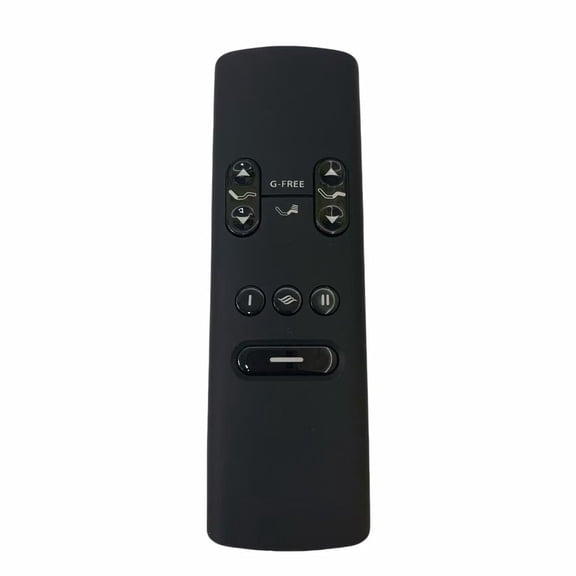
Original RF358A For Serta Tempur-Pedic Adjustable Base Bed Remote Control
New RF502A For Tempur-Pedic Ergo Extend Adjustable Base Bed Remote Control $85.00 Was $106.25
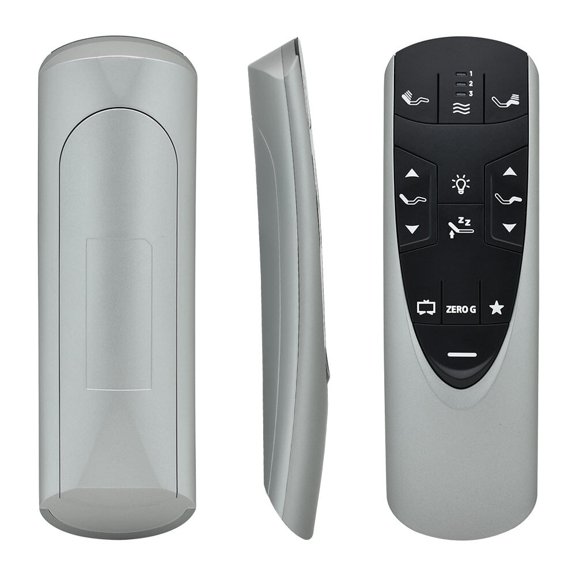
New RF502A For Tempur-Pedic Ergo Extend Adjustable Base Bed Remote Control
V6 Max Replacement Remote Control, Bluetooth Voice Remote with Backlit $39.99
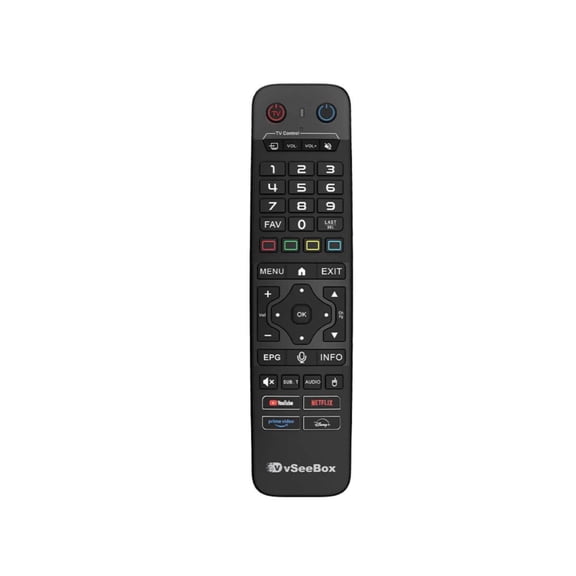
V6 Max Replacement Remote Control, Bluetooth Voice Remote with Backlit
Ceybo AKB73597101 Replacement Remote fit for BluRay LG $8.59
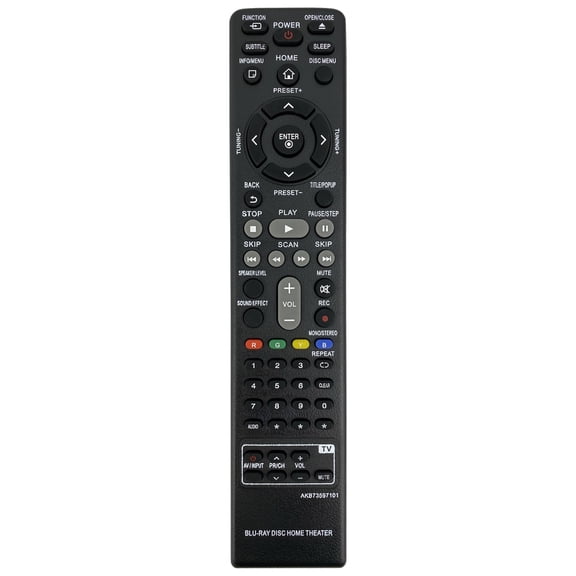
Ceybo AKB73597101 Replacement Remote fit for BluRay LG
Ceybo AH59-02583A Replacement Remote fit for Sound Bar Samsung $7.25

Ceybo AH59-02583A Replacement Remote fit for Sound Bar Samsung
Ceybo BN59-01198N Replacement Remote fit for Samsung TV $6.99 Was $7.99

Ceybo BN59-01198N Replacement Remote fit for Samsung TV
Ceybo EN-33926A Replacement Remote fit for Hisense TV $7.28

Ceybo EN-33926A Replacement Remote fit for Hisense TV
Ceybo RM-GD014 Replacement Remote fit for Sony TV $7.99

Ceybo RM-GD014 Replacement Remote fit for Sony TV
Other options to consider(1)
New RF399A RF368B for Ease Tempur-Ergo Pro Smart Adjustable Base Remote Control $37.68 Was $43.85

New RF399A RF368B for Ease Tempur-Ergo Pro Smart Adjustable Base Remote Control
FAQ
How do I replace a lost adjustable bed remote?
It’s doable, and a little prep helps. Adjustable bed remotes aren’t universal, so matching compatibility is key.
- Find model info: Check the label on your base’s frame or control box and your original remote (if available) for model numbers or codes.
- Match features: Compare the button layout (presets, massage, under-bed light) so the replacement supports what you use.
- Review product details: On the product page, look for “adjustable base bed remote” compatibility notes and pairing instructions.
- When it arrives: Install fresh batteries and follow the manual to pair or sync with the base.
If you’re unsure, consult your base’s manual or contact the manufacturer to confirm the right replacement before ordering.
Which replacement remote matches my adjustable base?
Start with compatibility, then confirm features. A good match aligns with your base and the functions you need.
- Model verification: Locate the base’s model/serial label (often on the frame or control box) and use that as your reference.
- Function check: Ensure the remote supports your base’s options—like head/foot adjustment, presets, massage, and lighting.
- Button layout: Compare photos of the button icons and layout to your original remote for a familiar experience.
- Product page details: Read compatibility notes and customer Q&A. Look for mentions of specific series or receiver types.
When in doubt, confirm with the manufacturer using your base’s exact model number before you add to cart.
Why isn’t my adjustable bed remote working?
A few quick checks can help narrow it down.
- Power and batteries: Confirm the base is plugged in and the outlet works. Install fresh batteries and check battery contacts for corrosion.
- Distance and interference: Operate the remote closer to the base. Move other electronics or metal objects that could interfere.
- Re-sync/pair: Many bases require pairing after a battery change or power loss. Refer to your manual for steps.
- Reset the base: Unplug, wait briefly, and plug back in to reboot the control box.
- Inspect for damage: If the remote was dropped or got wet, it may need replacement.
If issues persist, check the product page troubleshooting guide or contact the manufacturer for model-specific support.
Can I use my phone to control my adjustable base?
It depends on your base. Some adjustable bases include app control via Bluetooth or Wi‑Fi, while others don’t.
- Check your manual: Look for mentions of app capability or a companion module.
- Product page details: Compatibility notes may list smartphone control or required accessories.
- If app support isn’t built in: Phone control typically isn’t available. Universal TV remotes and smart plugs won’t operate bed movements and may affect safety.
- Alternative: A compatible replacement remote is the usual solution for everyday control.
For clarity, confirm with the manufacturer using your base’s exact model. Features can vary widely, even within the same series.
How do I pair a new adjustable bed remote?
Pairing steps vary by model, so use your manual as the primary guide. This general approach can help:
- Prepare: Power the base and insert fresh batteries in the remote.
- Enter pairing mode: Many systems require putting the receiver/control box into pairing mode (often via a small button) or using a button sequence on the remote.
- Sync: Press the remote button indicated in your instructions, then test head/foot movement and any extra features.
- For split bases: Repeat for each side if they use separate receivers.
- Troubleshooting: If pairing fails, power-cycle the base and retry in a clear area away from interference.
Because procedures differ, always follow the steps outlined for your exact model.