

Rocketfish Mount(6)
Rocketfish - Full-Motion TV Wall Mount for Most 42"90" TVs Extends 26" - Black $159.99

Rocketfish - Full-Motion TV Wall Mount for Most 42"90" TVs Extends 26" - Black
Rocketfish - Extending Tilt TV Wall Mount for Most 50100 in. TVs - Black $144.99

Rocketfish - Extending Tilt TV Wall Mount for Most 50100 in. TVs - Black
Rocketfish RF-TVMLPT03V3 - Mounting kit (wall mount) - tilt - for LCD TV - metal - black - screen size: 32"-75" - mounting interface: up to 700 x 400 mm $74.99

Rocketfish RF-TVMLPT03V3 - Mounting kit (wall mount) - tilt - for LCD TV - metal - black - screen size: 32"-75" - mounting interface: up to 700 x 400 mm
rocketfish low-profile tilting wall mount for most 13 inch to 26 inch flat-panel tvs - black $27.99
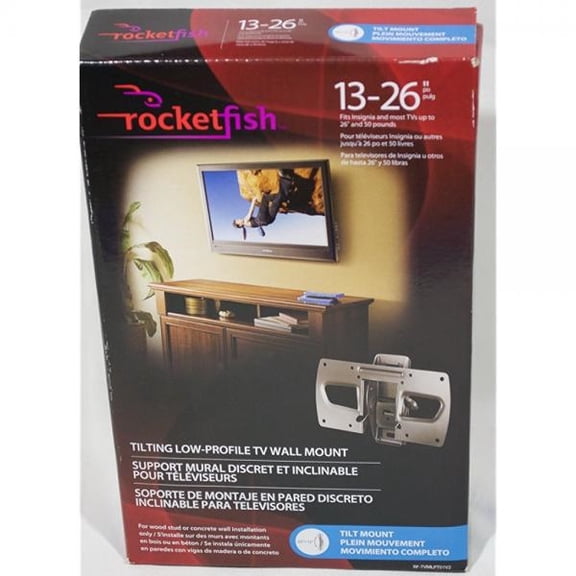
rocketfish low-profile tilting wall mount for most 13 inch to 26 inch flat-panel tvs - black
Rocketfish Tilting TV Wall Mount for 32 to 90-Inch Flat-Panel TVs $99.99
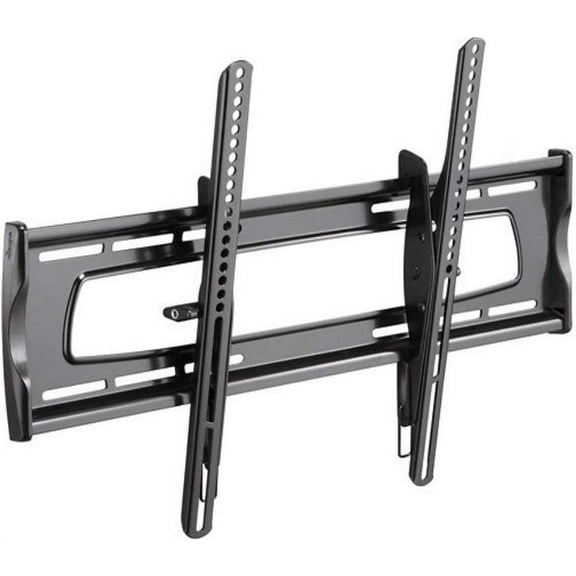
Rocketfish Tilting TV Wall Mount for 32 to 90-Inch Flat-Panel TVs
Rocketfish - Full-Motion TV Wall Mount for Most 32-55 TVs - Black $99.99

Rocketfish - Full-Motion TV Wall Mount for Most 32-55 TVs - Black
FAQ
How reliable are these TV wall mounts?
These mounts can be a dependable option when matched to your TV and installed correctly. On this page, you’ll find full-motion and tilting designs for a wide range of screen sizes, including compact and very large displays, with some models offering extended reach.
- Check compatibility: Confirm the size range listed on each product page.
- Assess features: Look for tilt, swivel, or extension if you need flexible viewing.
- Review feedback: Customer reviews on the product page can highlight real-world pros and cons.
- Installation quality matters: Proper mounting and the right hardware are important for safety and performance.
If you’re unsure, a professional installer can help.
How do I install a full-motion TV mount?
Installation steps vary by model, so the product manual is your best guide. These general tips can help:
- Read the manual first: Confirm your TV size is supported and gather the recommended tools.
- Plan the location: Choose a height and spot that suits your viewing and cable reach.
- Attach the wall plate: Use hardware specified in the instructions and suitable for your wall type.
- Secure TV brackets: Fasten the brackets to the TV per the manual.
- Hang and test: Lift with a helper, then verify tilt/swivel and tighten as directed.
Consider professional installation if you’re unsure. Results may vary depending on your wall and tools.
What types of TV wall mounts are available?
This selection includes several styles, each suited to different spaces and preferences:
- Full-motion (articulating): Extends from the wall and offers swivel and tilt for flexible viewing angles.
- Tilting: Adjusts vertically to help reduce glare and fine-tune the viewing height without moving side to side.
- Low-profile: Sits close to the wall for a clean, streamlined look when you don’t need movement.
Consider how you watch TV, your room layout, and where you want the screen positioned. Product pages list the movement features and size ranges so you can quickly compare options.
What size TV will these mounts support?
You’ll find options for a wide range of TV sizes on this page. Models are available for compact screens (around 13–26 inches), mid-size setups (around 32–55 inches), and larger displays (such as 42–90 inches), with heavy-duty choices that support very large TVs (up to 100 inches) in certain listings.
- Check the size range: Each product page lists the compatible screen sizes.
- Match your setup: Choose a mount style (full-motion, tilting, or low-profile) that fits your viewing needs.
Always select a mount that matches your TV’s size range as stated in the product specifications.
How far can an extending mount reach?
Extension distances vary by model. Some full-motion mounts on this page extend outward significantly—up to 26 inches on certain options—while others have shorter arms designed for modest adjustments.
- Why it matters: Extra reach can make it easier to angle the screen, access cables, or center the TV.
- What to check: Look for the “extension” spec on the product page to see the minimum and maximum reach.
- Balance and placement: The farther you extend, the more important proper installation becomes.
Choose an extension range that suits your room layout and viewing habits.
Popular in Rocketfish Mounts for TVs and Electronics
Related Products
VIVO Black Adapter VESA Bracket Kit and Wall Mount for Monitor, Stand Attachment
 VIVO Black Adapter VESA Bracket Kit and Wall Mount for Monitor, Stand Attachment$19.99current price $19.99
Monoprice Corner Friendly Full-Motion Articulating TV Wall Mount Bracket For TVs 32in to 70in, Max Weight 99lbs, VESA Patterns Up to 600x400, Fits Curved Screens - Cornerstone Series
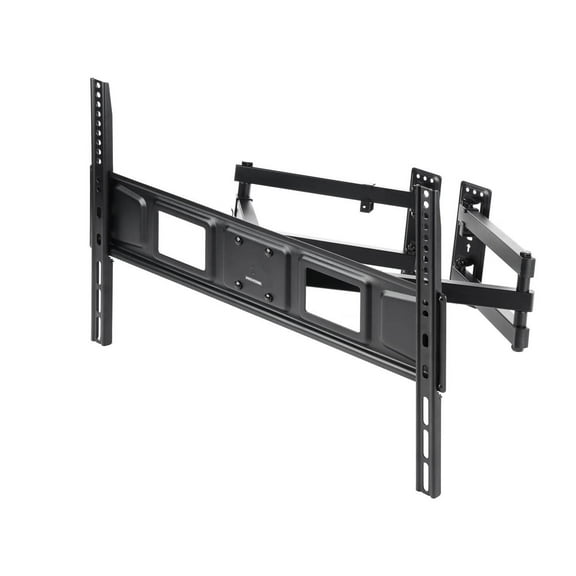 Monoprice Corner Friendly Full-Motion Articulating TV Wall Mount Bracket For TVs 32in to 70in, Max Weight 99lbs, VESA Patterns Up to 600x400, Fits Curved Screens - Cornerstone Series$47.95current price $47.95
Swivel Wall Mount for Ingenico ICT220 and ICT250 - VESA Compatible - Complete Kit
Swivel Wall Mount for Ingenico ICT220 and ICT250 - VESA Compatible - Complete Kit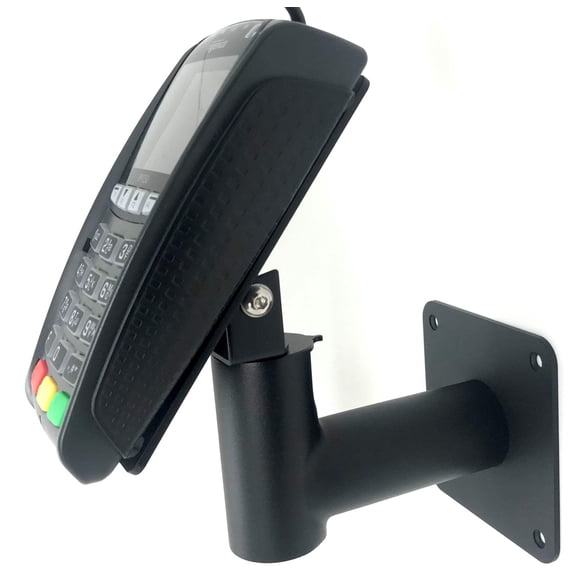
Ludlz Full Motion Wall Mount LCD LED TV and Computer Monitor Screens, Tilt and Swivel Bracket TV Wall Mount Stand Bracket Holder for 12-24 Inch LCD LED Monitor PC Flat Screen
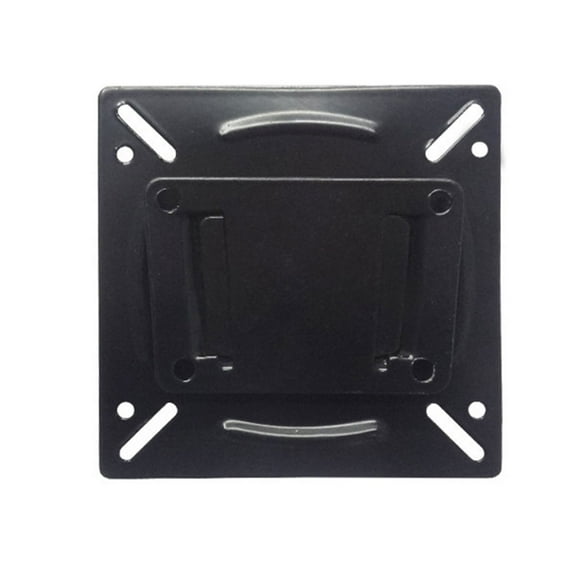 Ludlz Full Motion Wall Mount LCD LED TV and Computer Monitor Screens, Tilt and Swivel Bracket TV Wall Mount Stand Bracket Holder for 12-24 Inch LCD LED Monitor PC Flat Screen$2.29current price $2.29
Crimson World Thinnest Articulating Arm For 13 In. to 65 In. Flat Panel Screens With Double Stud Wall Plate For Attaching Two Studs On Centers
 Crimson World Thinnest Articulating Arm For 13 In. to 65 In. Flat Panel Screens With Double Stud Wall Plate For Attaching Two Studs On Centers$693.39current price $693.39
Mount-It! Dual Monitor Wall Mount | Fits 17-32 Inch Screens
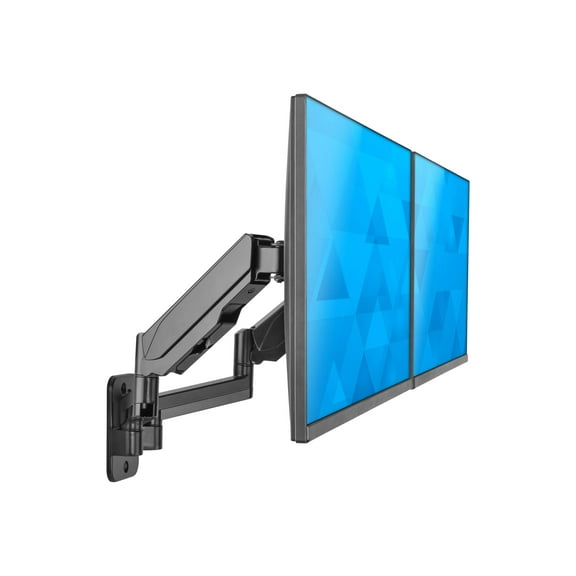 Mount-It! Dual Monitor Wall Mount | Fits 17-32 Inch Screens$99.99current price $99.99
ELG FIX400 Fixed TV Wall Mount Bracket for 32–77 in TVs, Slim Low-Profile Steel, VESA 400x400, Supports up to 110 lb
 ELG FIX400 Fixed TV Wall Mount Bracket for 32–77 in TVs, Slim Low-Profile Steel, VESA 400x400, Supports up to 110 lb$19.92current price $19.92
Kanto R400 Recessed in-Wall Full Motion Articulating TV Mount for 35" - 65" TVs | 300x300 VESA No Gap Flush Install | 0.3" Profile 400x400 VESA | Swivel and Tilt Capable | Cable Management Clips
 Kanto R400 Recessed in-Wall Full Motion Articulating TV Mount for 35" - 65" TVs | 300x300 VESA No Gap Flush Install | 0.3" Profile 400x400 VESA | Swivel and Tilt Capable | Cable Management Clips$149.99current price $149.99
Slim TV Wall Bracket Tilt Swivel for 26-55inch Plasma LCD LED Max VESA 400*400mm
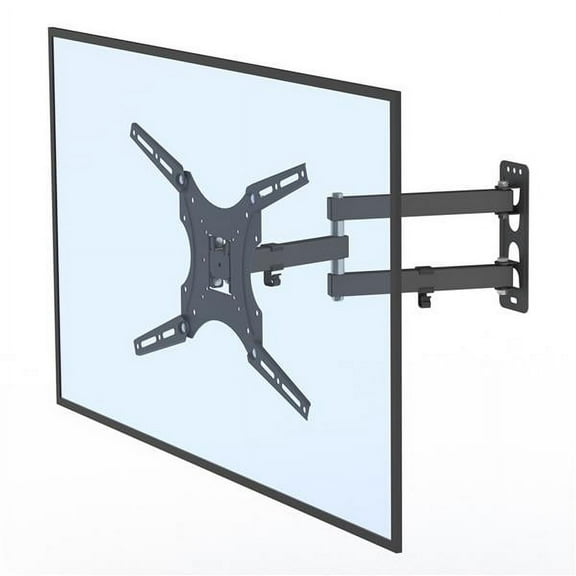 Slim TV Wall Bracket Tilt Swivel for 26-55inch Plasma LCD LED Max VESA 400*400mm$27.20current price $27.20
Dual VESA Bracket Adapter Horizontal Assembly Mount, 2 Monitor Screens up to 27"
 Dual VESA Bracket Adapter Horizontal Assembly Mount, 2 Monitor Screens up to 27"$39.99current price $39.99