





Pulse Oximeters & Blood Oxygen Monitors | Walmart






















About Pulse Oximeters & Blood Oxygen Monitors | Walmart - Walmart.com
Pulse oximeters help you check spot readings in seconds, whether you’re at home, traveling, or tracking workouts. You can compare fingertip, handheld, and wrist designs to match your routine, display preferences, and power needs.
You may want clear numbers, simple controls, and quick setup without extra steps. You’ll also find options with bright screens, compact shapes, and connected tracking that fit different monitoring habits.
How to choose pulse oximeters by device type
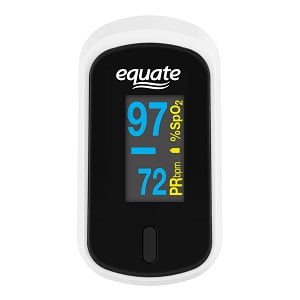
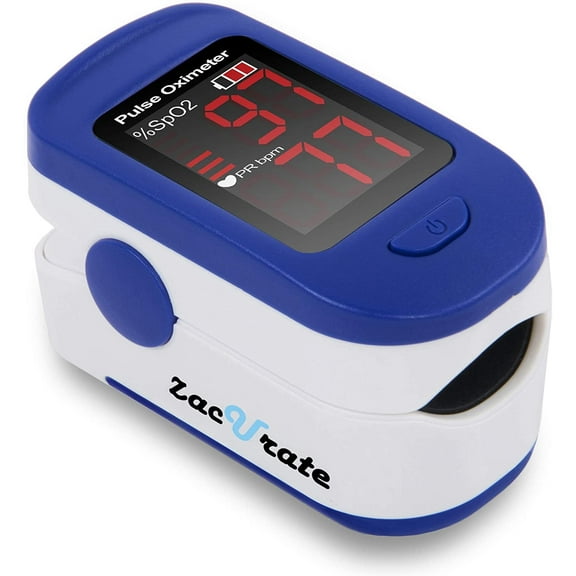
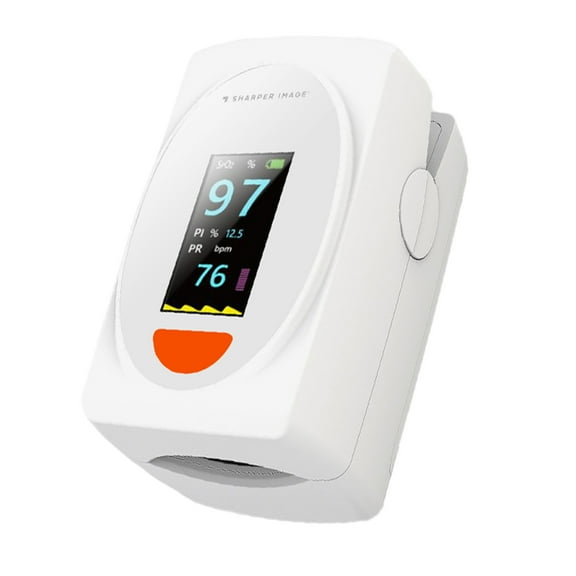
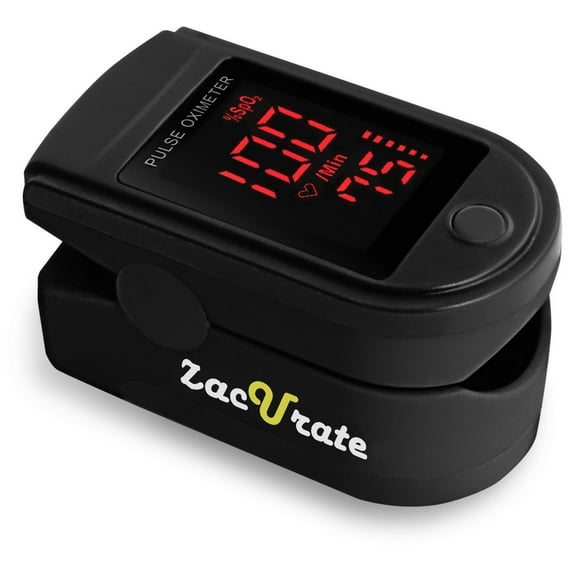
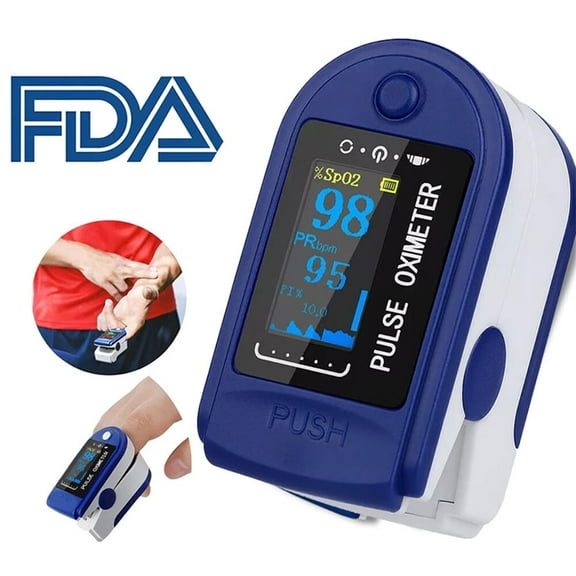
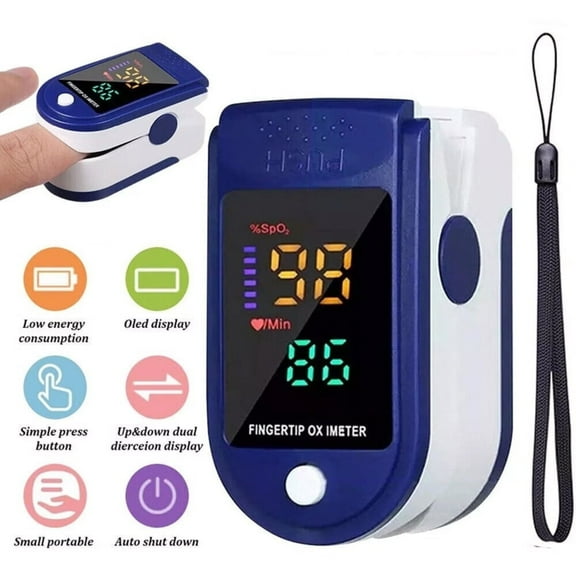
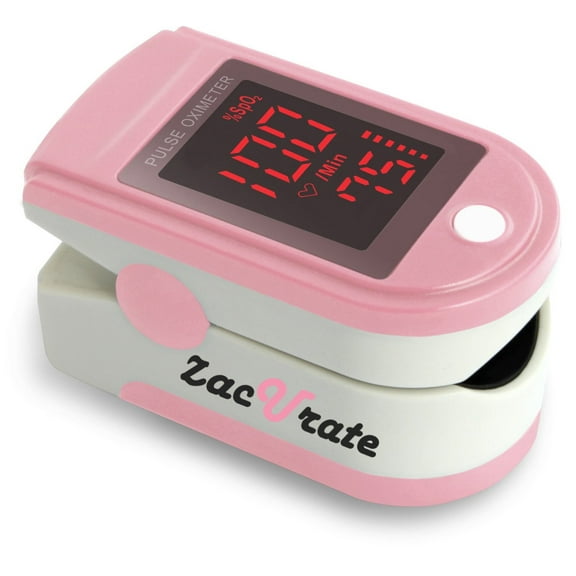
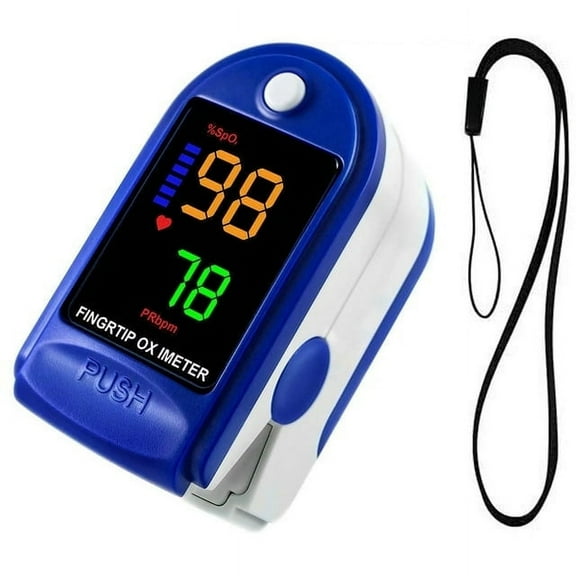
You should start with device type because it shapes how you take readings and carry your monitor. You can often choose a fingertip pulse oximeter for quick checks, while handheld and wrist styles support longer sessions.
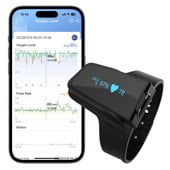
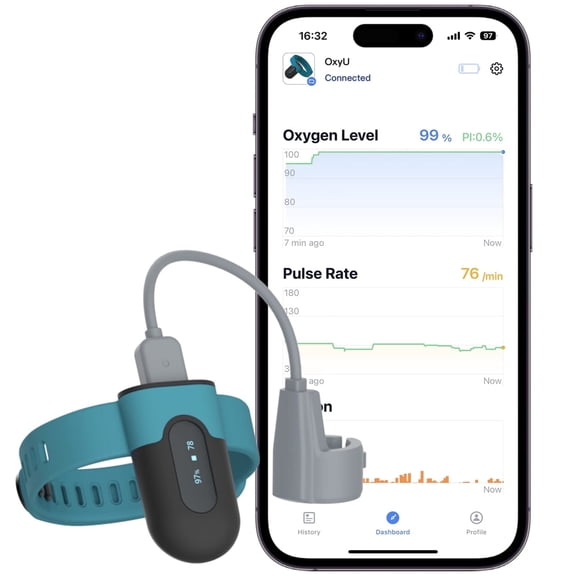
If you want a compact option, you may prefer fingertip models that clip on fast and store easily in a bag. If you want extended monitoring comfort, you may consider wrist units with a connected sensor.
You can also look at handheld designs when you want a larger screen and button layout. You’ll often notice these options fit your needs when you prefer a more traditional blood oxygen saturation monitor format.
- You can use fingertip styles for quick spot checks at home or on the go.
- You may prefer handheld units when you want a larger display and simple controls.
- You can choose wrist styles when you want a wearable format for longer tracking sessions.
- You’ll find portable oxygen sensor options that fit easily into travel kits and gym bags.
Choosing the right fingertip pulse oximeter display
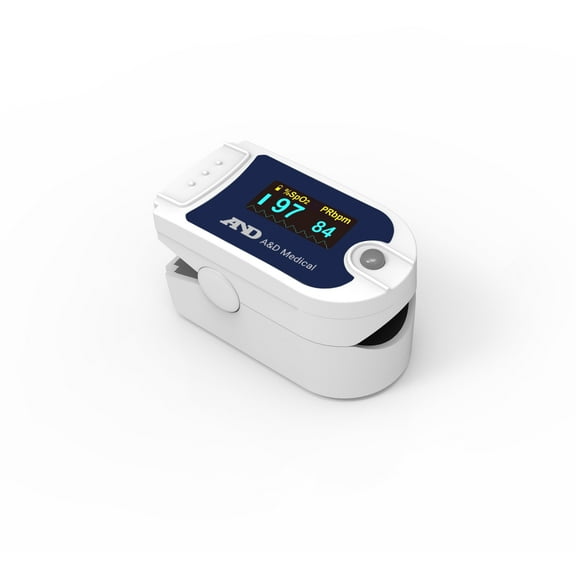
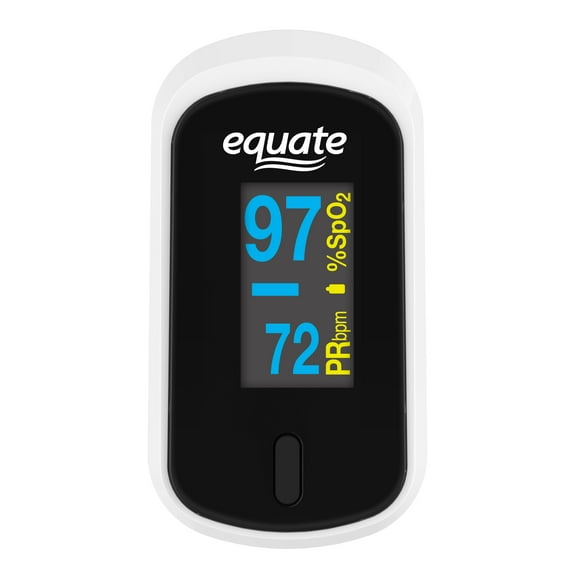
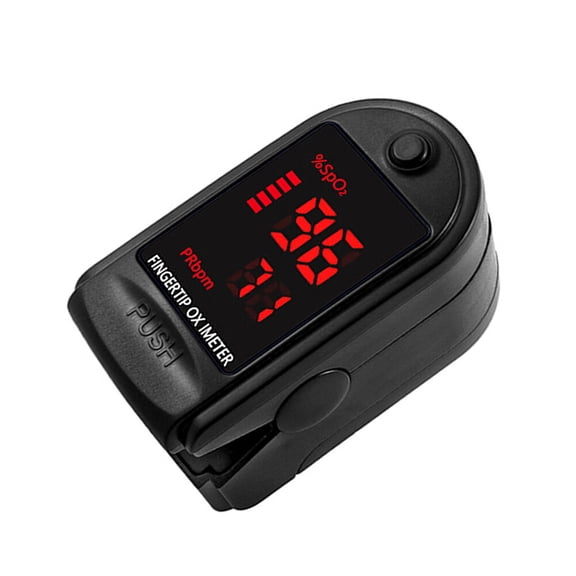
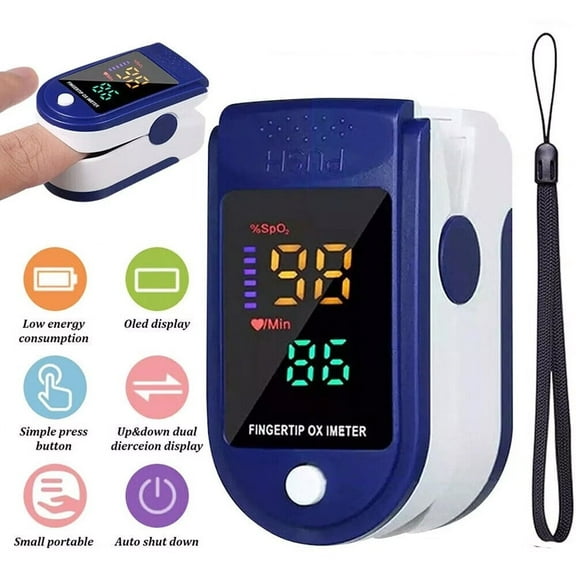
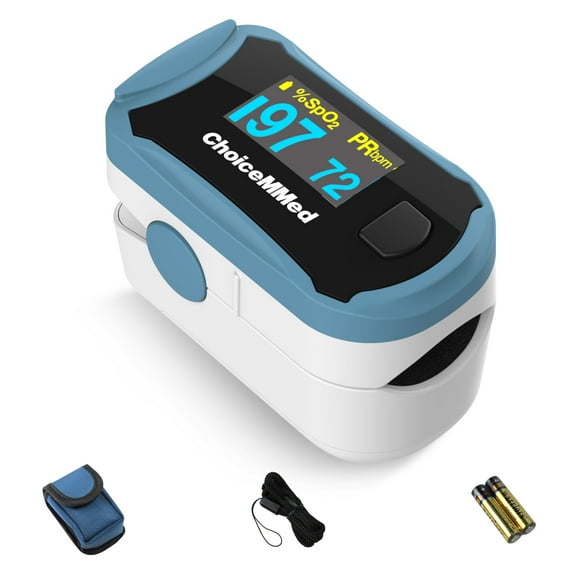
You should compare display type next because screen readability affects how quickly you can confirm a reading. You can choose LED, OLED, or dual-color screens based on brightness, contrast, and viewing comfort.
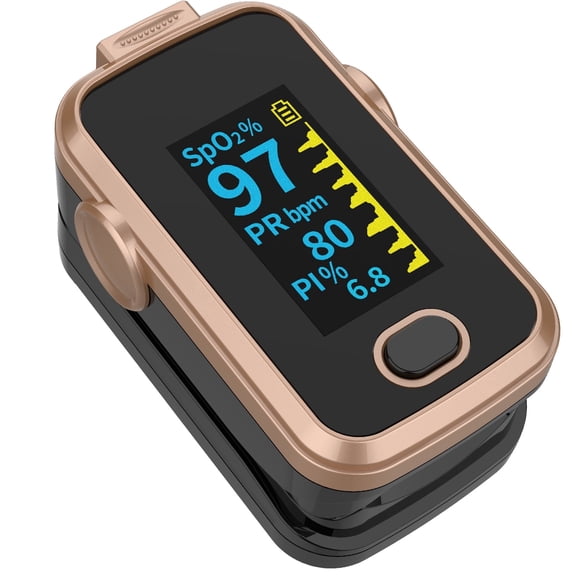
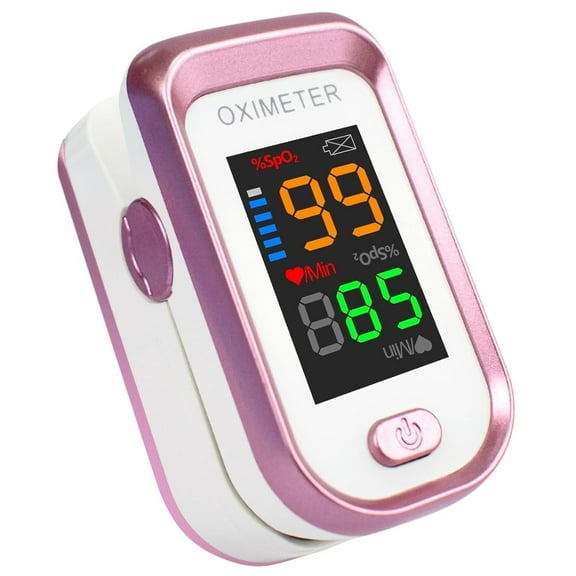
If you check readings in different lighting, you may appreciate OLED screens with crisp digits and strong contrast. You’ll often find auto-rotation helpful when you want the numbers to face you clearly from either direction.
You can also look for larger numerals and simple icons if you want less visual clutter. If your household includes older adults, you may prefer a screen that stays easy to read at a glance.
What to look for in SpO2 accuracy and fit
You should compare accuracy details before choosing a unit for routine use. You may see SpO2 accuracy ranges such as plus or minus two percent, which helps you understand expected reading variation.
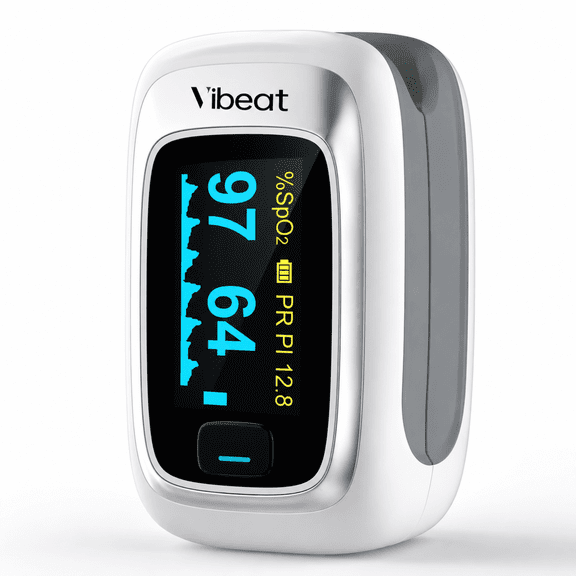
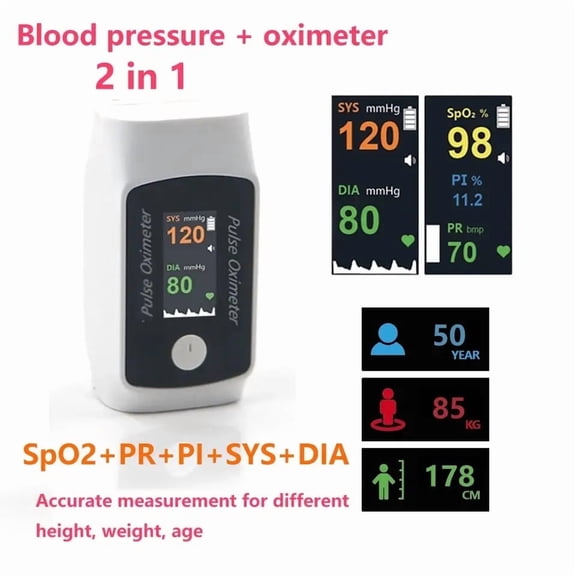
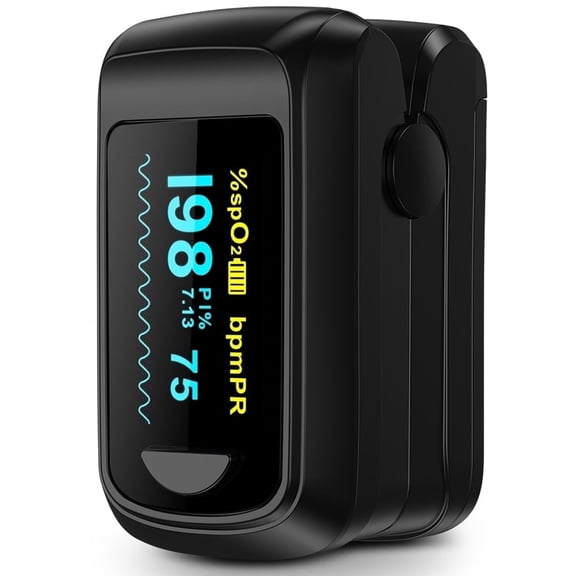
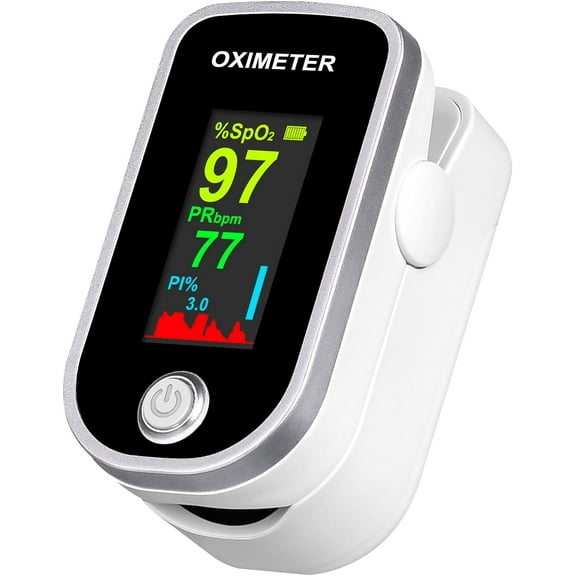
If you want more confidence during low-signal moments, you can also check whether the device includes perfusion index information. You’ll want plain instructions and stable finger placement so your readings feel easier to interpret.
You should also consider fit because finger size can affect comfort and consistency during a reading. You may prefer a cushioned clip design that feels secure without pinching during repeated checks.
If you share a monitor with others, you can look for a flexible chamber that suits different finger sizes. You’ll also appreciate a balanced clip tension that helps the sensor sit evenly during use.
Comparing battery-operated and rechargeable models
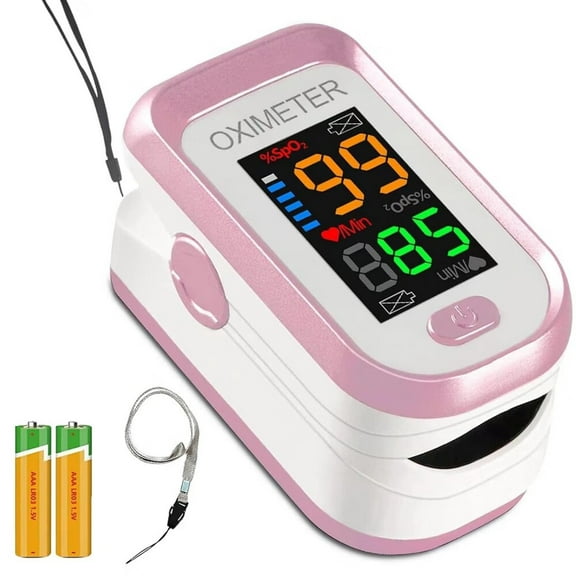
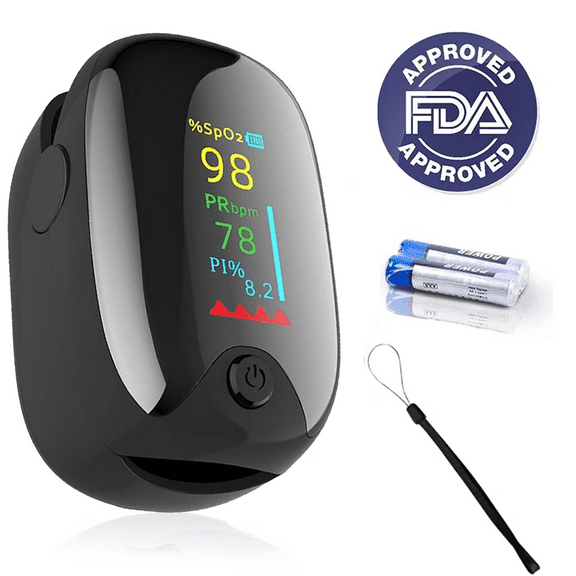
You should review power options based on how often you plan to use your monitor. You can choose battery-operated models for simple replacement or rechargeable designs for cable-based charging between sessions.
If you travel often, you may like a rechargeable pulse oximeter that reduces loose battery swaps. You’ll also want to check battery life expectations and auto-off features that help extend power between uses.
You can keep a battery-operated unit ready in a drawer for occasional spot checks. If you use your monitor regularly, you may prefer recharge cycles that fit your weekly routine.
Deciding on Bluetooth, app-compatible, or standalone use
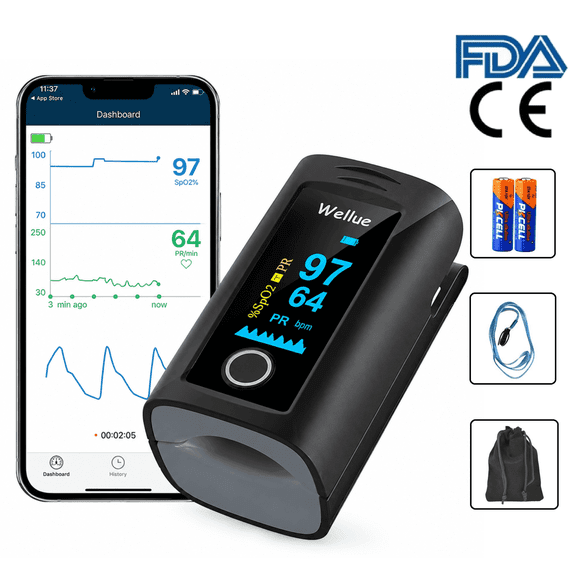
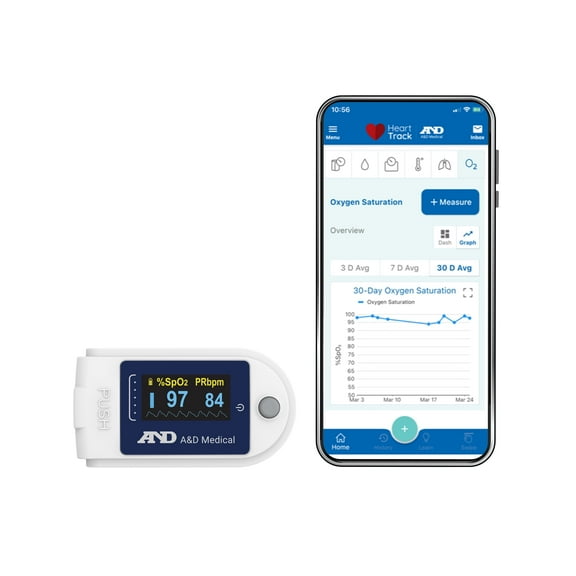
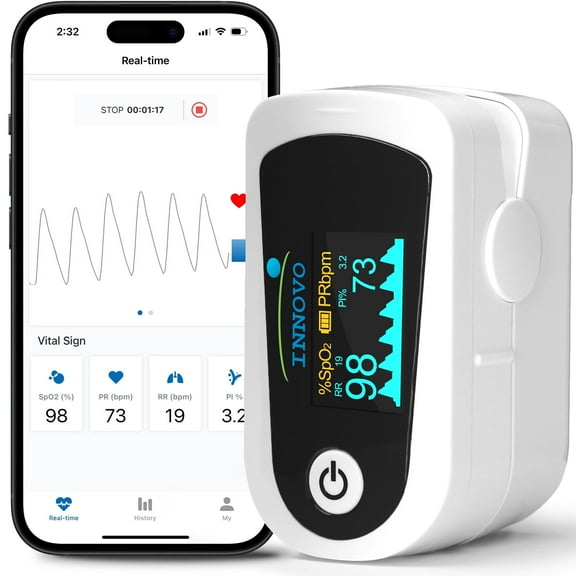
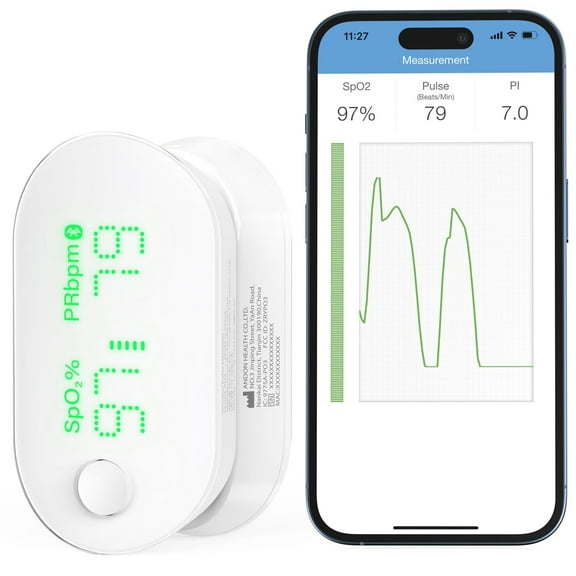
You should think about how you want to review your readings over time. You can choose a standalone monitor for quick on-screen checks or a Bluetooth pulse oximeter for synced tracking.
If you like digital logs, you may prefer app-compatible options that store results on your phone. You’ll find this setup useful when you want to review multiple readings without writing them down.
You can keep things simple with a standalone unit if you only want immediate numbers on the display. If you want connected convenience, you may look for pairing steps that feel quick and easy.
How pulse oximeters fit different routines
You can use pulse oximeters during home check-ins, after workouts, or while traveling between activities. You may prefer a small fingertip unit for gym bags, while a handheld model can suit bedside use.
If you follow training metrics, you can choose a lightweight monitor that gives fast readings between sets. You’ll also want a bright display when you check numbers in a garage gym or outdoor setting.
You may want a high-accuracy oxygen monitor style for household monitoring preferences and clearer spec comparisons. You can compare screen type, accuracy range, and connectivity options to match how detailed you want your setup.
If you’re choosing for a parent or another adult, you can focus on comfort, readable digits, and simple buttons. You’ll make the process easier when you compare fit, screen rotation, and power habits first.
You can feel confident choosing pulse oximeters when you compare device type, display, accuracy details, and power options together. You’ll end up with a monitor that fits your routine and makes quick readings easier to review.