





Printer Ink in Printers & Supplies



















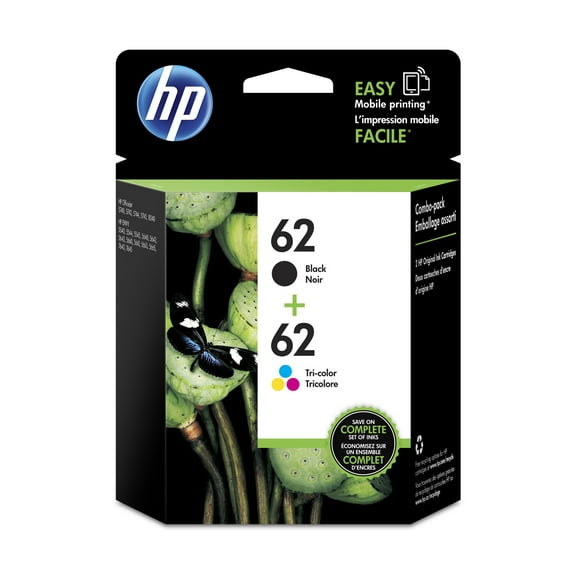
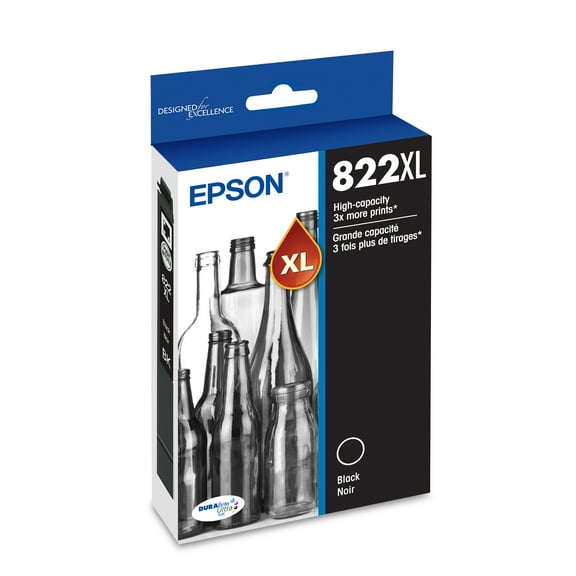

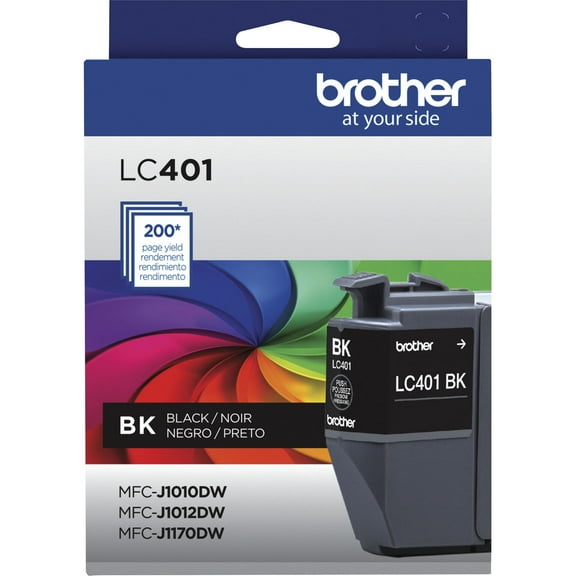
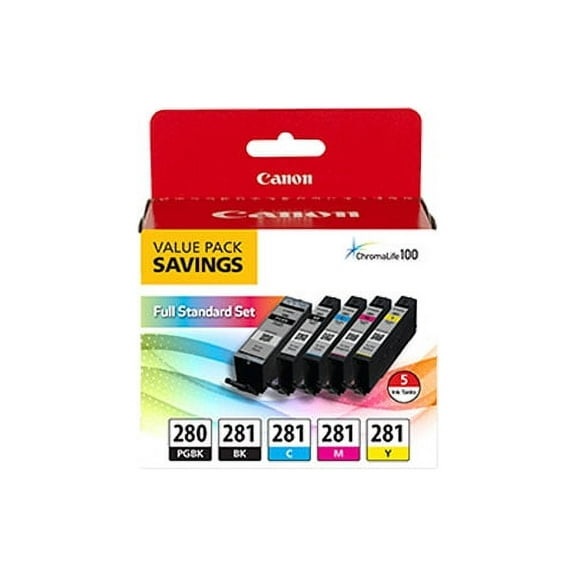







About Printer Ink in Printers & Supplies - Walmart.com
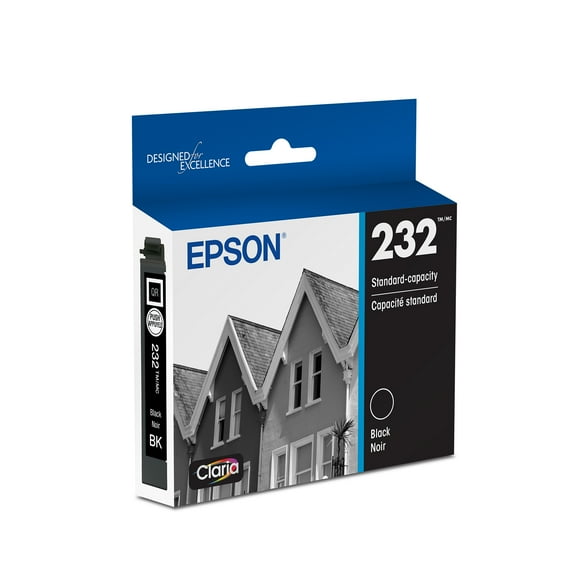
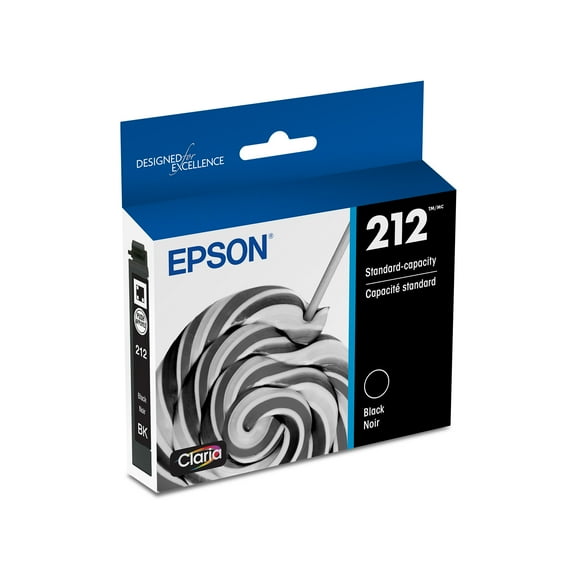
Epson printer ink helps you match the right refill to your printer with less guesswork. You can compare compatibility, cartridge format, and color choices before you choose.
If you print at home, for school, or for work, you need a clear way to narrow options. Your printer family and cartridge series code help you avoid mismatched supplies.
How to choose Epson printer ink
You should start with printer compatibility because your exact model number determines the right supply. You can usually find that number on your printer, current cartridge, or setup materials.
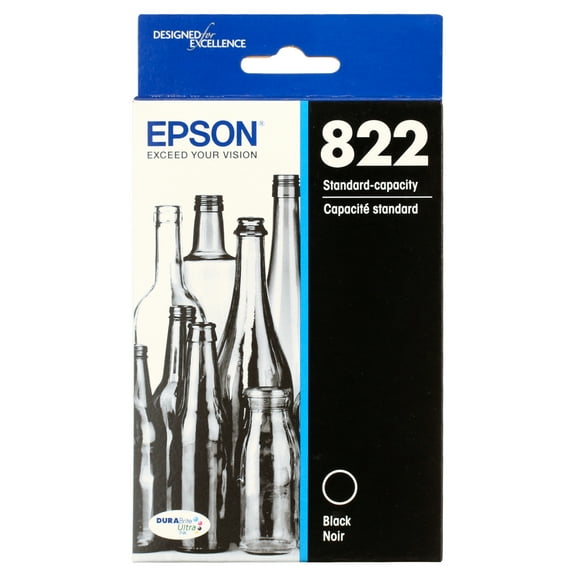
When you compare Epson ink cartridges, you should confirm whether your printer uses bottles or cartridges. Your search stays more straightforward when you check the series code, including options like Epson 522 ink.
Another useful step is comparing the choices that shape daily printing. You can narrow the right match when you review format, color needs, and printer family together.
- You can match supplies by printer family, including EcoTank, WorkForce, Expression Home, and Stylus.
- You can compare standard capacity, high yield XL, extra high yield XXL, and ink bottles.
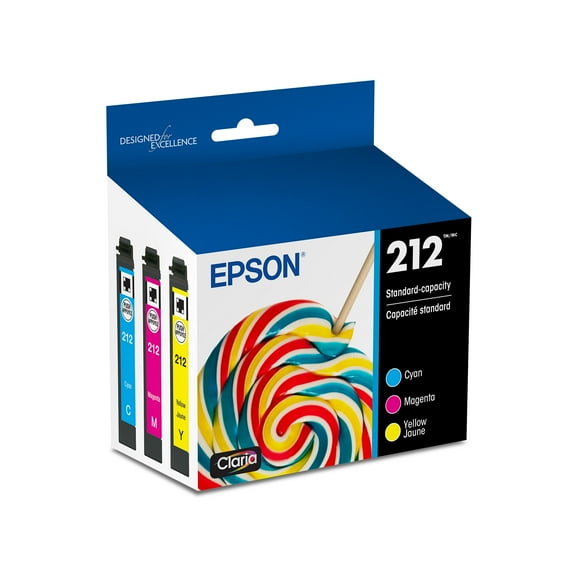
- You can pick black, cyan, magenta, yellow, or a multi-pack based on your printing habits.
- You can compare pigment-based, dye-based, and sublimation formats for different print goals.
- You can choose a single pack, combo pack, or multipack for your replacement plan.
If you print homework, invoices, labels, or photos, your usage pattern matters. You can narrow choices when you know whether your pages are mostly text, color graphics, or both.
Choosing between Epson ink cartridges and bottle refills
You should compare cartridge format next because it shapes how your replacement routine works. You can choose standard capacity for lighter printing or move to XL and XXL for longer print runs.
If you print frequent reports or shipping labels, you may prefer Epson printer cartridges with higher page yield. Your routine feels more consistent when you choose larger capacities for steady weekly printing.
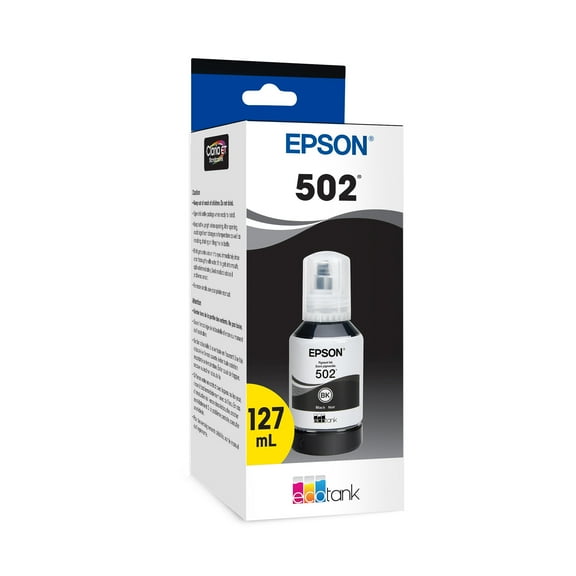
If your printer uses tanks, you should check for Epson eco-tank ink that matches your system. You can refill EcoTank models with bottle sets designed for that printer family and series.
You may also want to compare single packs, combo packs, and multipacks by the colors you replace most frequently. Your supplies can stay aligned with your routine when you keep black stocked or choose multipacks for color output.
Comparing Epson printer cartridges by ink type and color
You should look at ink type when your print style matters, especially for documents or photo projects. You can compare pigment-based, dye-based, and sublimation options by the pages you print most often.
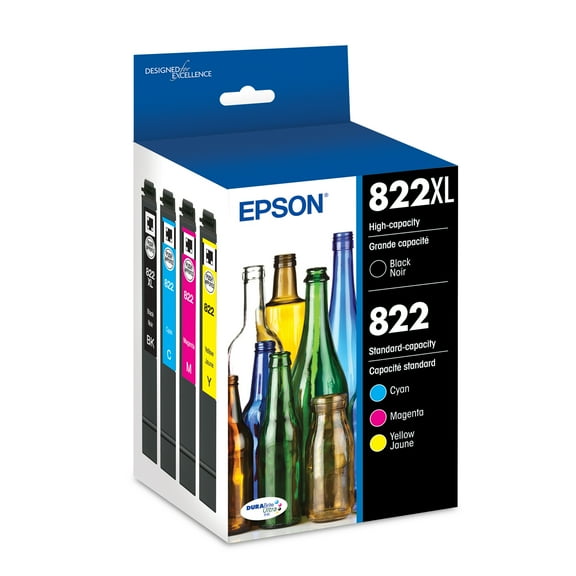
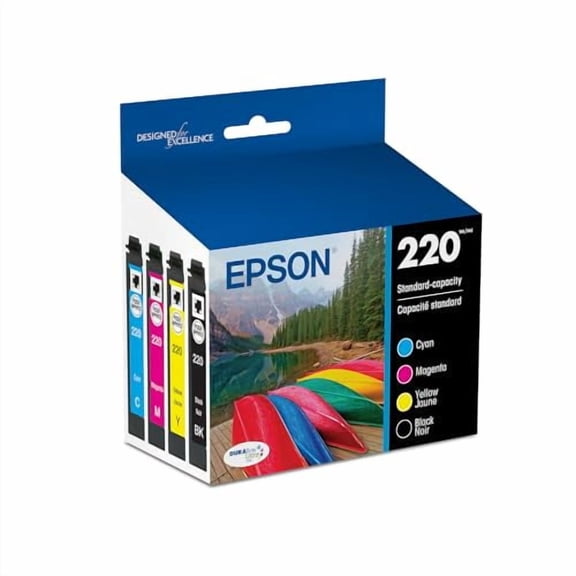
If your focus is office pages, you may want pigment-based options such as Epson DuraBrite ink lines. Your forms, invoices, and worksheets can look crisp when you choose that document-focused format.
If your focus is photos or colorful graphics, you may prefer dye-based ink for smooth gradients. Your snapshots, flyers, craft prints, and classroom projects can benefit from that finish.
If you create transfers with compatible equipment, you may also compare sublimation ink formats. Your setup should always match the listed compatibility because sublimation supplies fit specific printer systems.
You should also choose colors based on how you actually print during the week. You can buy black for routine documents, or you can pick cyan, magenta, yellow, and multi-packs for color tasks.
Matching Epson printer cartridges to your printer family
You can simplify your search when you shop by printer family first, then confirm the cartridge code. Your exact model still matters because similar printer names may use different supplies.
If you use EcoTank, you should look for bottle refills made for that system. You can often spot Epson eco-tank ink by the bottle format and the matching series number.
If you use WorkForce, you may want cartridges designed for regular document printing. Your home office routine may fit standard or XL options when weekly printing stays steady.
If you use Expression Home, you may want support for everyday text pages and occasional photo prints. Your cartridge choice can fit homework, household forms, and color images.
If you use Stylus models, you should confirm the exact cartridge series before you reorder. You can replace only the shades you need or choose a combo pack for broader coverage.
Using Epson printer ink for everyday printing needs
You may need black ink for contracts, schedules, and lesson plans that print clearly. Your printer can stay ready when you keep a spare black cartridge or bottle available.
If you print family photos or craft projects, you may want full color coverage and simple replacement. You can use individual colors or multi-packs based on how quickly each shade runs low.
You might print shipping labels, checklists, and work packets several times each week. Your routine may benefit from XL and XXL choices when you want fewer changeouts during busy stretches.
You may also keep backup supplies on hand, so storage details matter during reordering. You can store unopened ink in a cool, dry place and check package guidance before use.
When you compare Epson printer ink by compatibility, format, and color needs, you can choose with more confidence. Your printer stays ready for documents, photos, and refill cycles with the right match.