

Shipping Labels & Packing Labels for Printers | Walmart












About Shipping Labels & Packing Labels for Printers | Walmart - Walmart.com
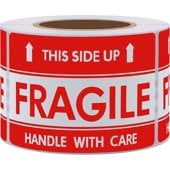
Shipping labels help you keep orders moving with clean scans, strong adhesion, and printer-ready formats for home, office, and e-commerce use. You can compare sheeted, roll, and fanfold options based on your printer, package type, and daily shipping volume.
How to choose shipping labels for your setup
You should start with printer compatibility, because that choice affects every other label decision. You’ll want shipping labels that match direct thermal, laser, or inkjet printing before you compare sizes or adhesives.
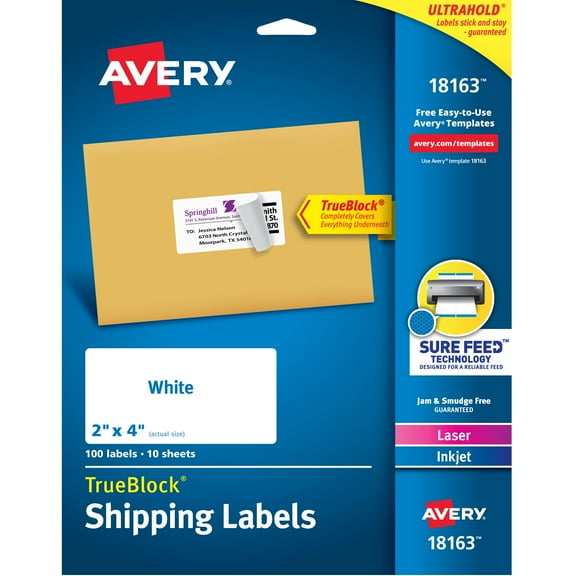
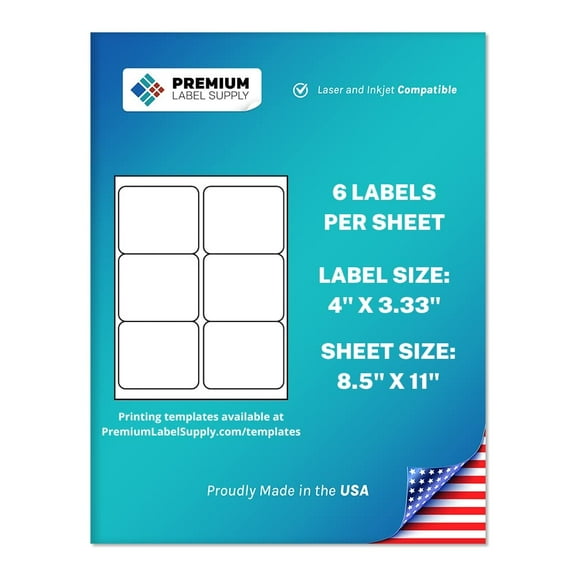
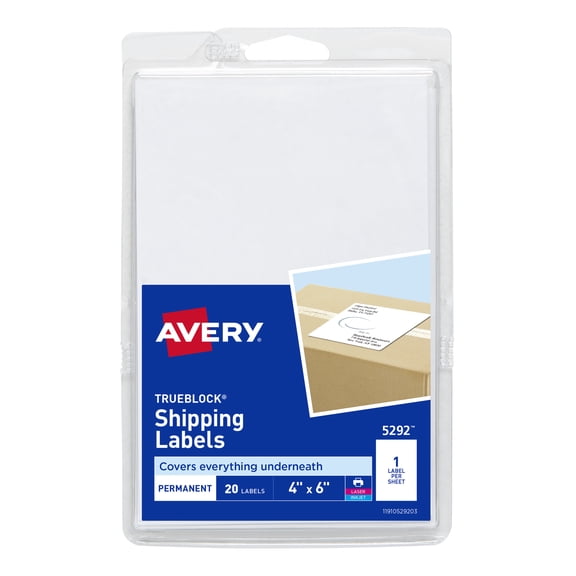
Direct thermal formats work without ink or toner, so you can keep high-volume label printing simple. Laser and inkjet printable shipping labels fit sheet-based printing, which helps when you print labels alongside packing slips.
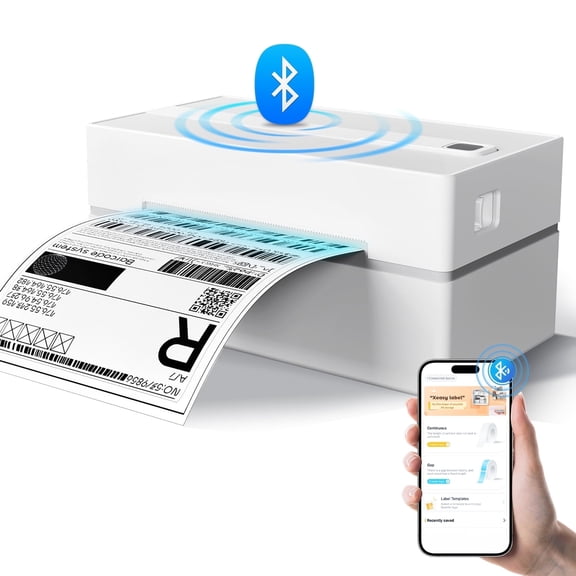
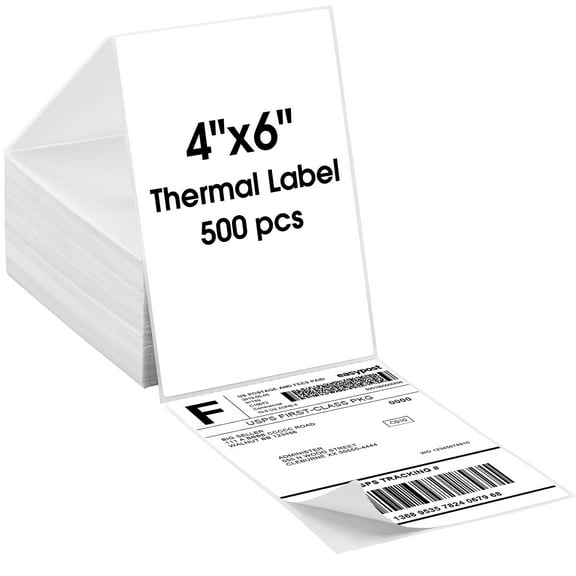
- You can use thermal shipping labels for fast batch printing on compatible thermal printers.
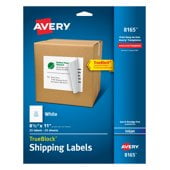
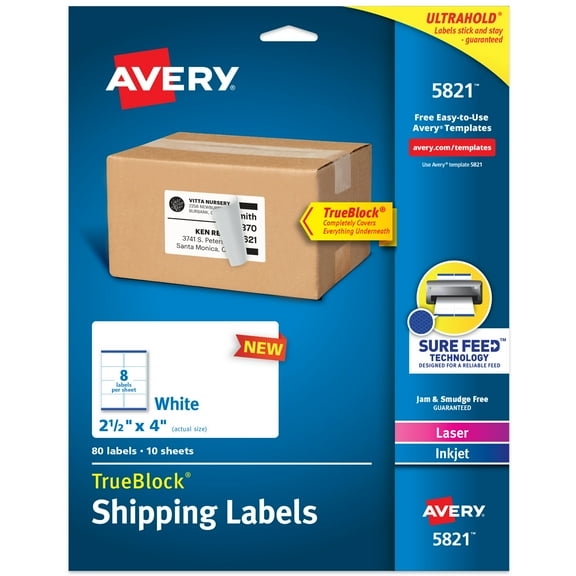
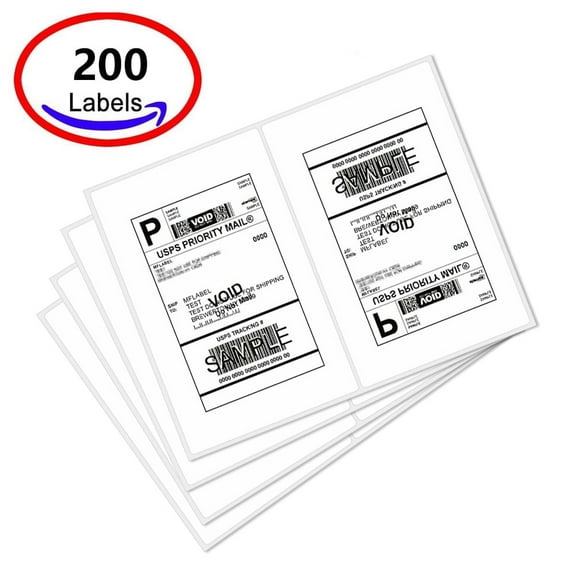
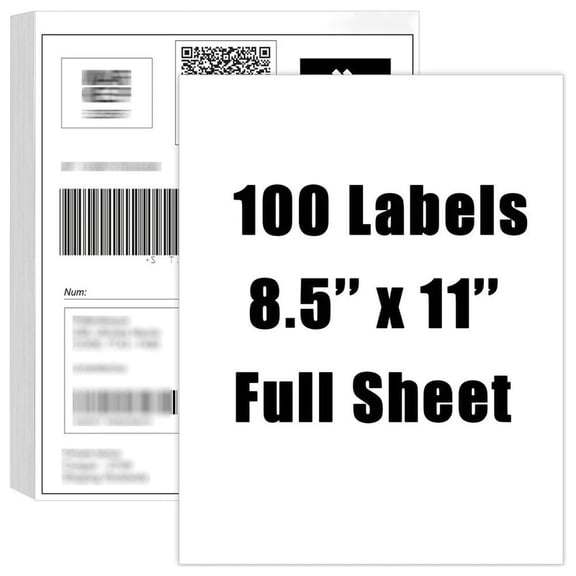
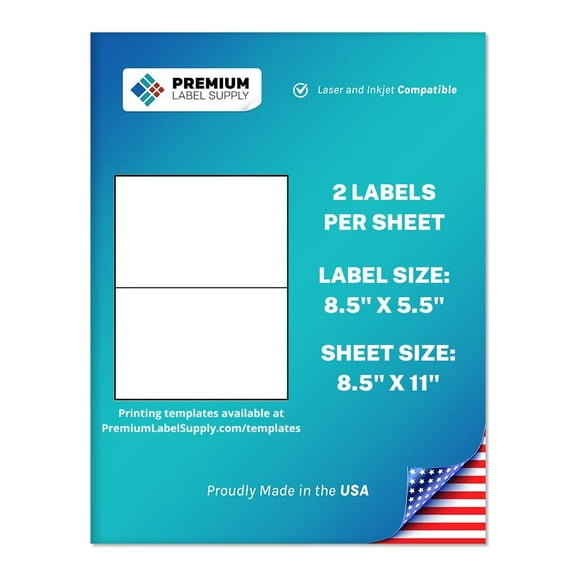
- You can choose sheeted labels when your laser or inkjet printer handles standard letter-size paper.
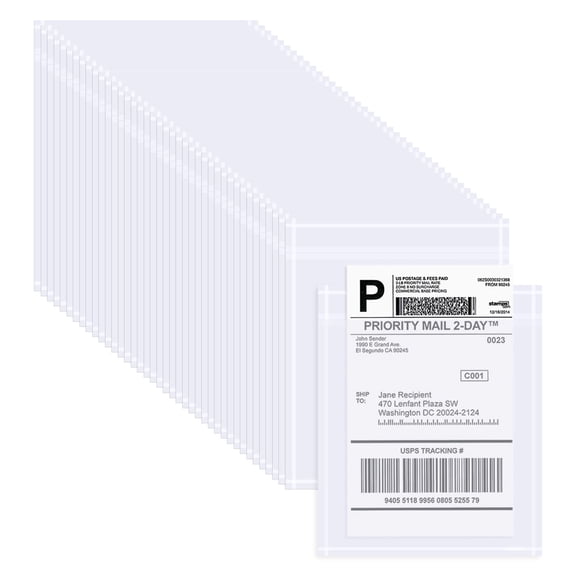
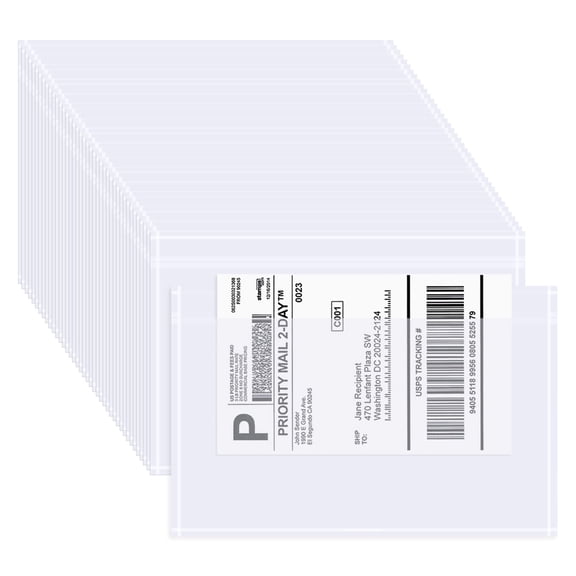
- You can select adhesive shipping labels based on cardboard boxes, poly mailers, or plastic pouches.
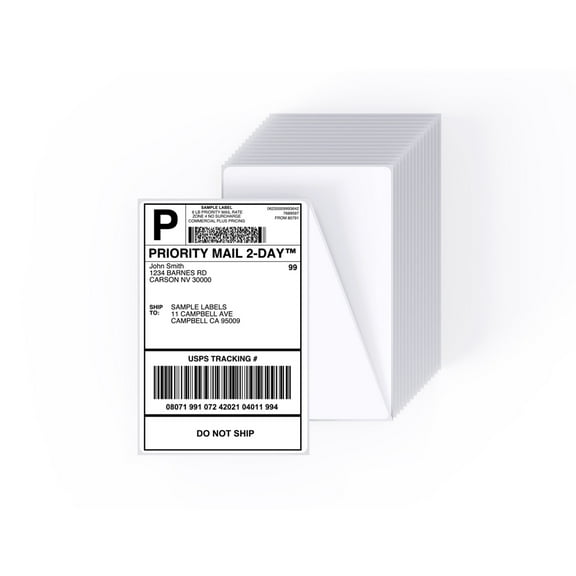
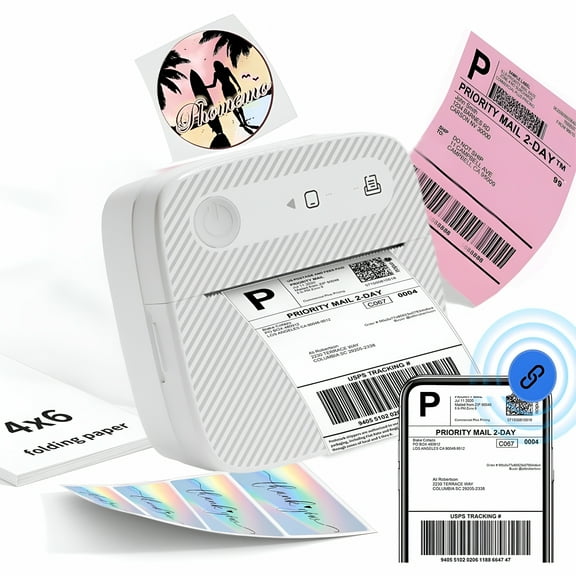
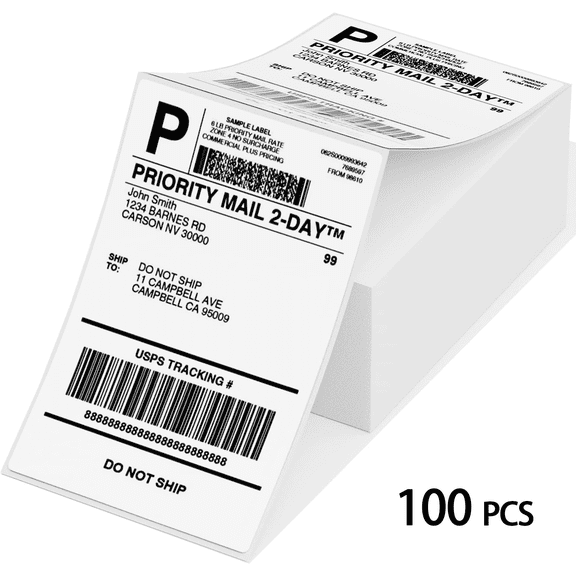
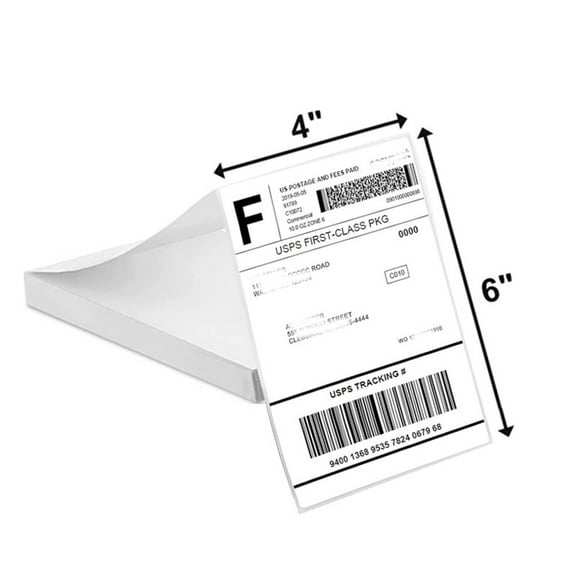
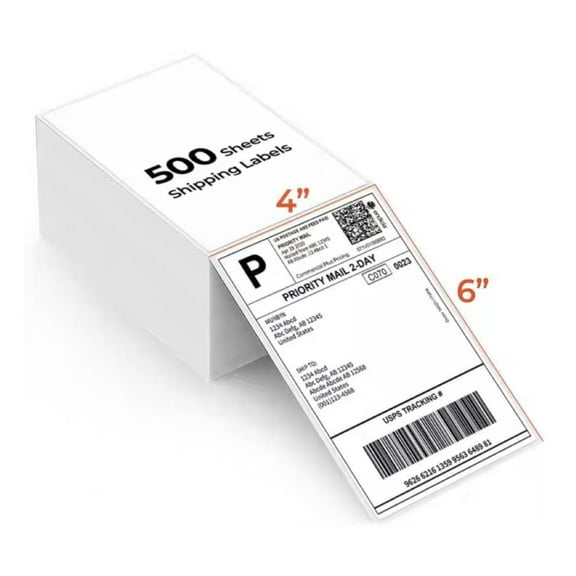
- You can match dimensions like 4x6 shipping labels to common carrier label requirements.
You’ll also notice that format affects loading speed and workflow at your desk or packing station. Rolls and fanfold stacks support continuous printing, while sheets can feel familiar in standard office printers.
Choosing thermal shipping labels, rolls, and sheets
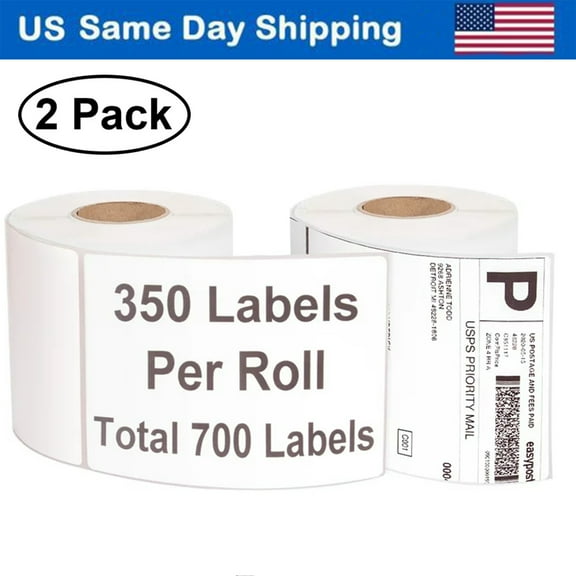
You should compare label format by how your printer feeds media during each print run. Thermal shipping labels often come in shipping label rolls or fanfold stacks, while printable shipping labels usually come in sheets.
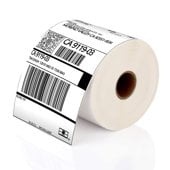
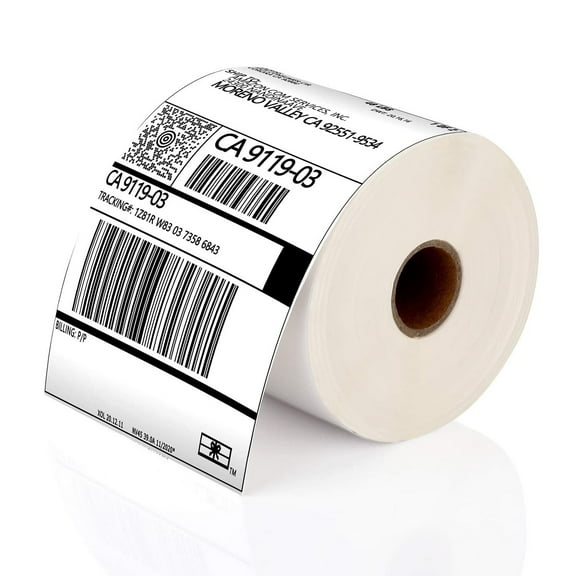
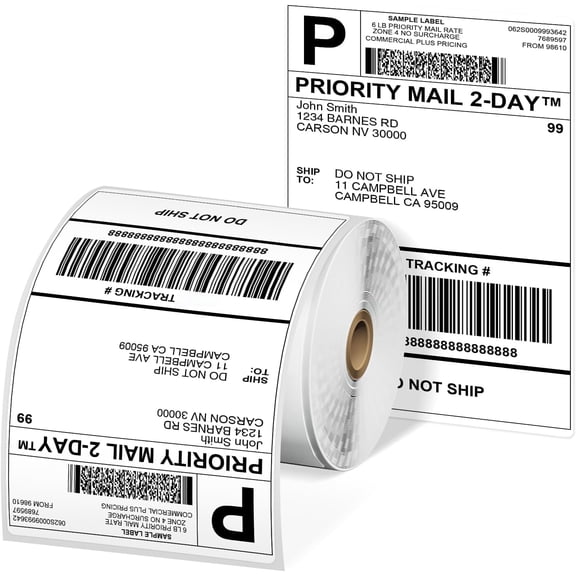
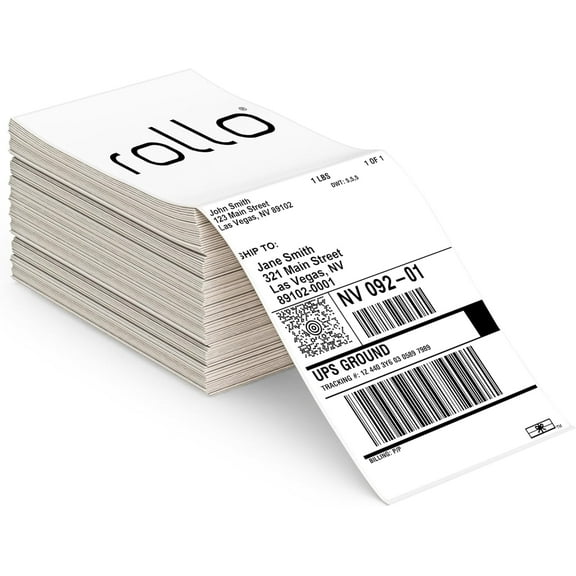
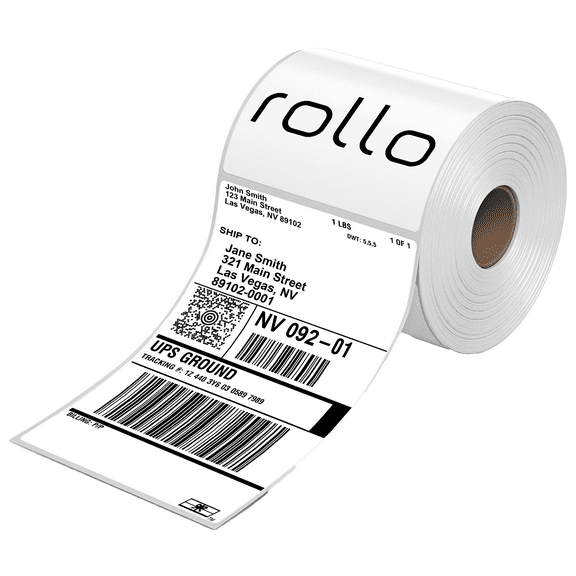
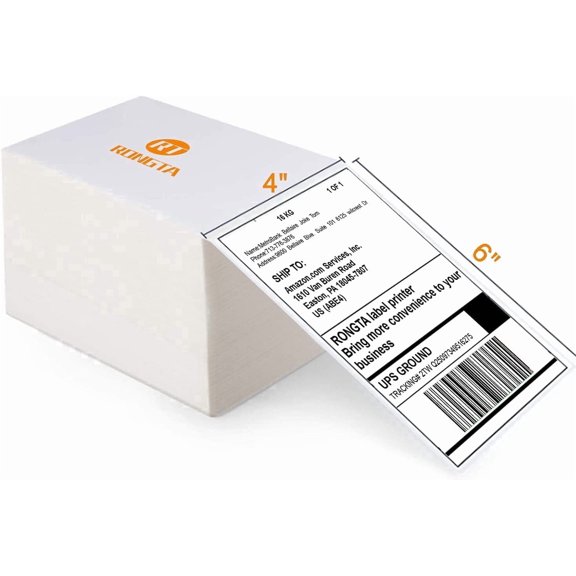
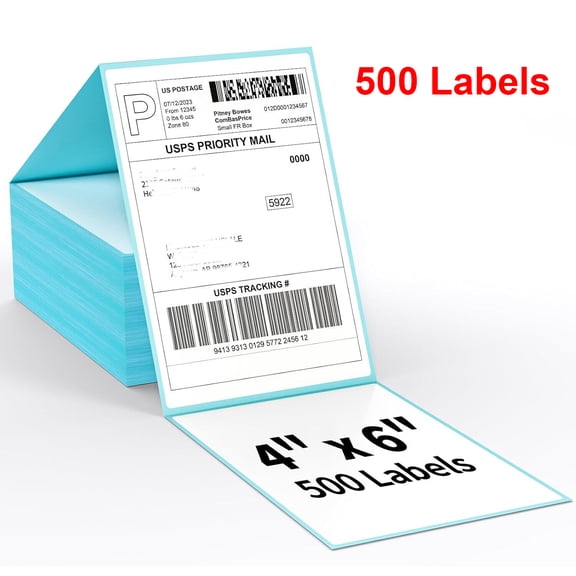
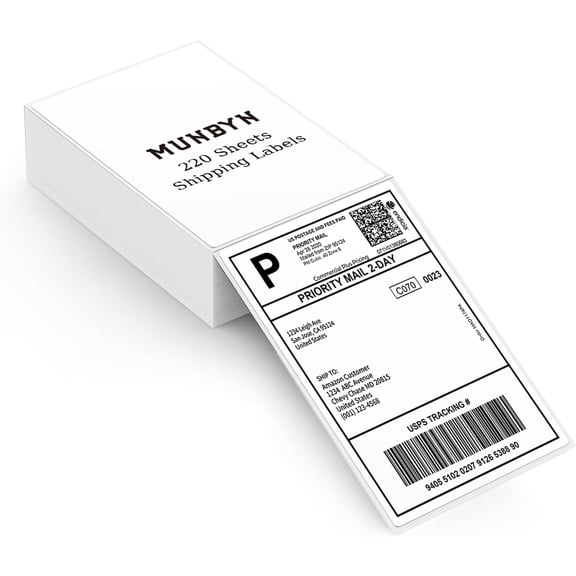
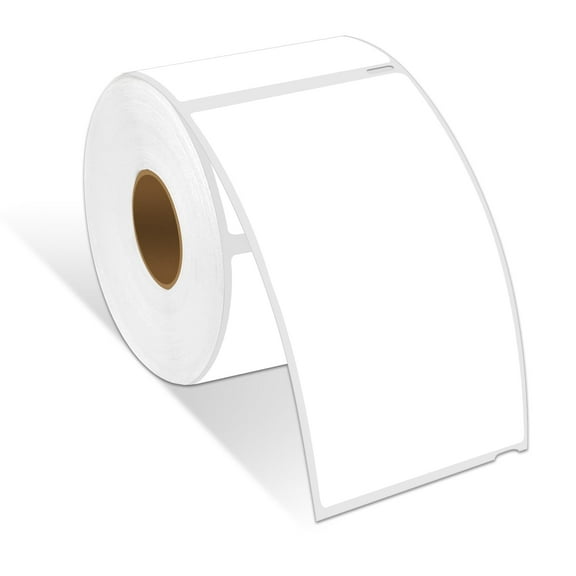
Shipping label rolls fit many dedicated thermal printers and support repeat printing with fewer reloads. Fanfold labels stack behind or under the printer, which can help you manage space around tighter work areas.
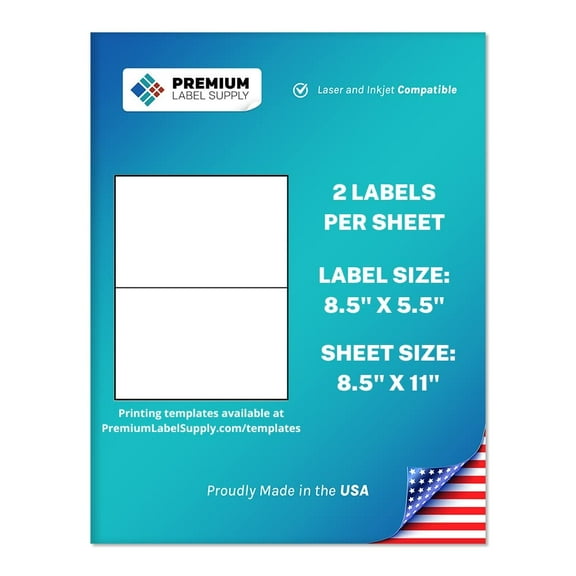
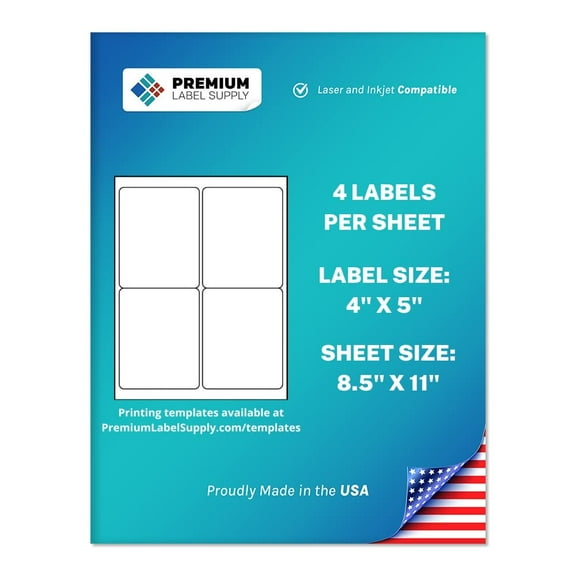
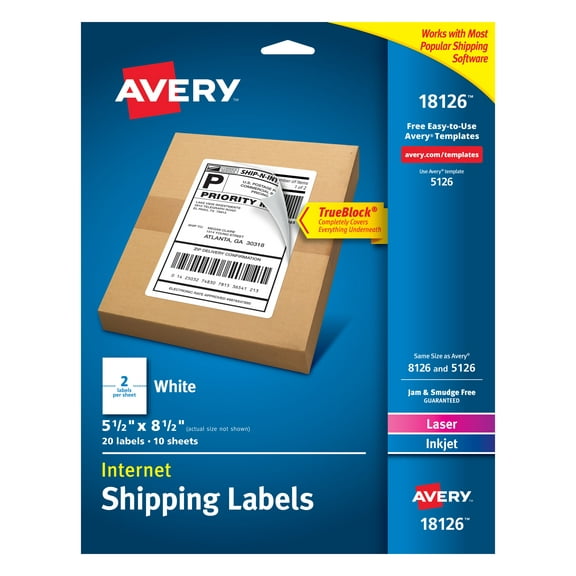
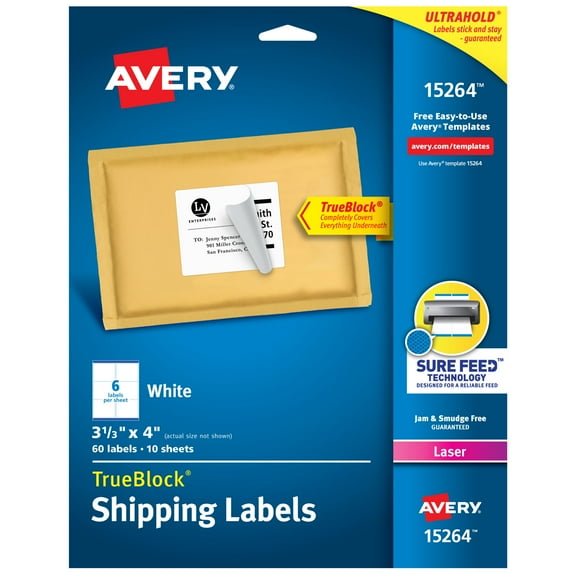
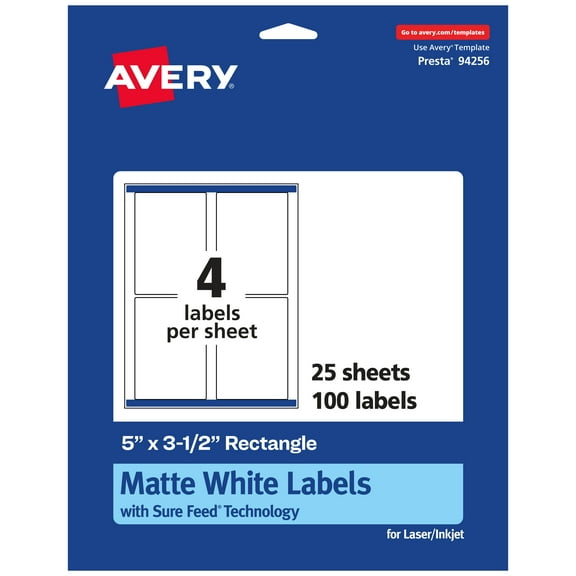
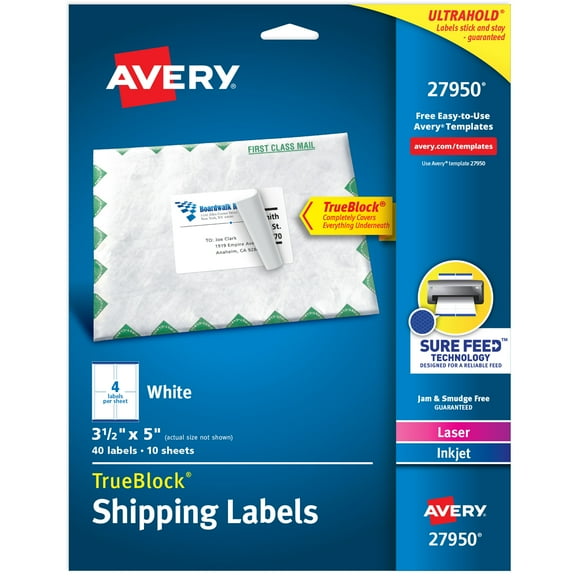
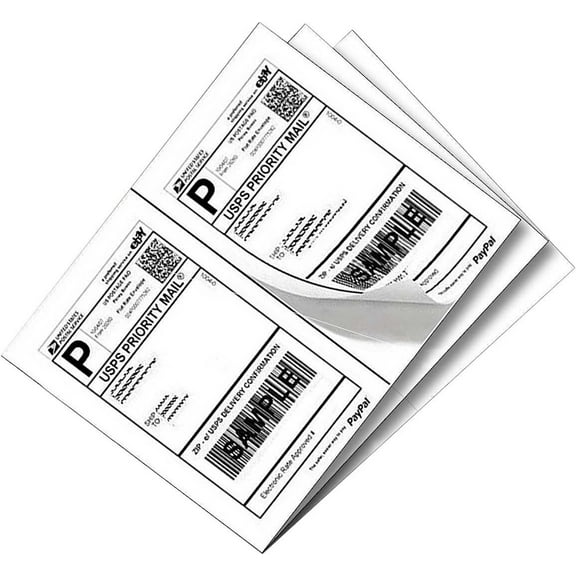
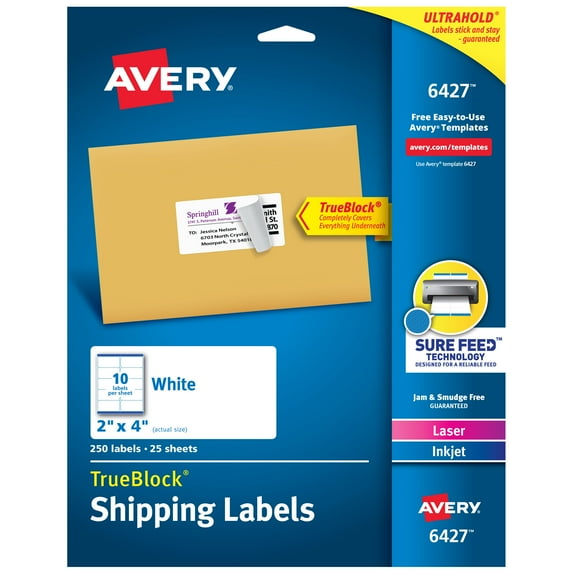
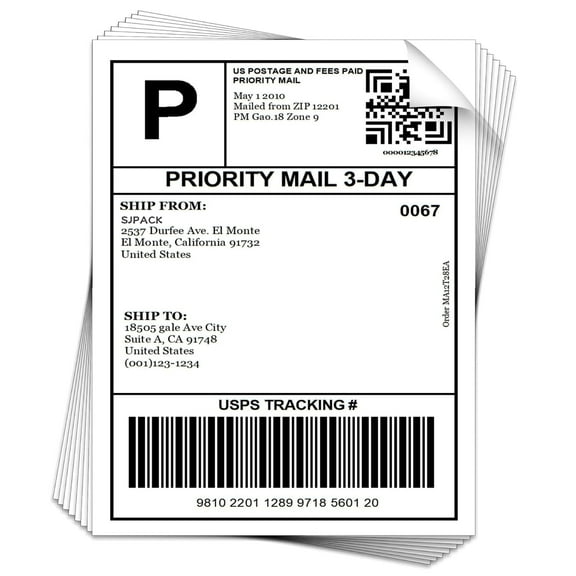
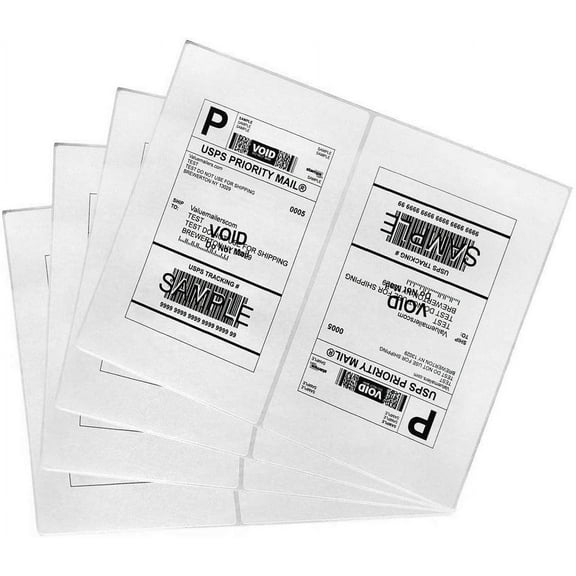
You may prefer sheeted formats when your workflow uses laser or inkjet devices already on your desk. You can print one label or several labels per page, depending on the sheet layout.
Core size matters when you load roll media into different thermal printers. You should check whether your printer needs a one inch core, a three inch core, or a coreless format.
Comparing adhesive shipping labels and surface needs
You should treat adhesive type as a practical decision, not a small detail. Adhesive shipping labels need to stay in place on corrugated boxes, poly mailers, and smoother plastic surfaces.
Permanent self-adhesive options suit many everyday shipments because you want the label to stay flat through handling. Removable options can help when your process includes temporary labeling for sorting or internal routing.
All-weather constructions can matter when your packages face varied handling environments during transit. You should still check the package surface, because cardboard and plastic can hold labels differently.
You’ll get cleaner results when you apply labels to dry, smooth areas with full contact at the edges. That simple step helps barcodes stay readable and keeps corners from lifting during movement.
Matching 4x6 shipping labels and other sizes
You should choose dimensions based on carrier requirements, printer support, and the information you need to print. 4x6 shipping labels remain a common choice because they fit standard address and barcode layouts.
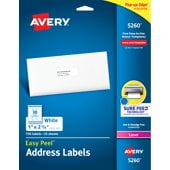
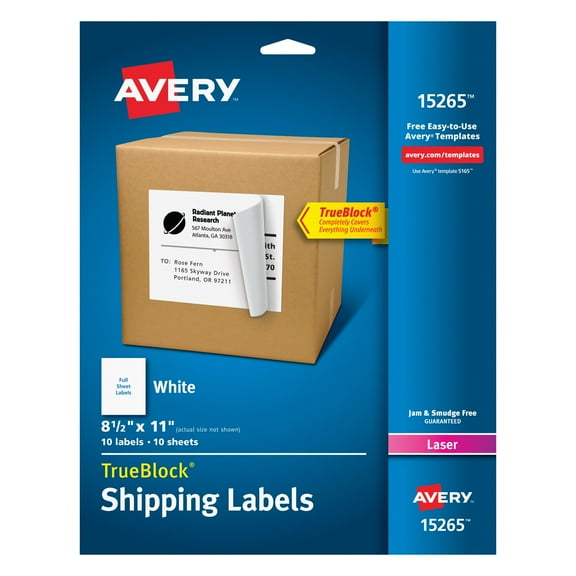
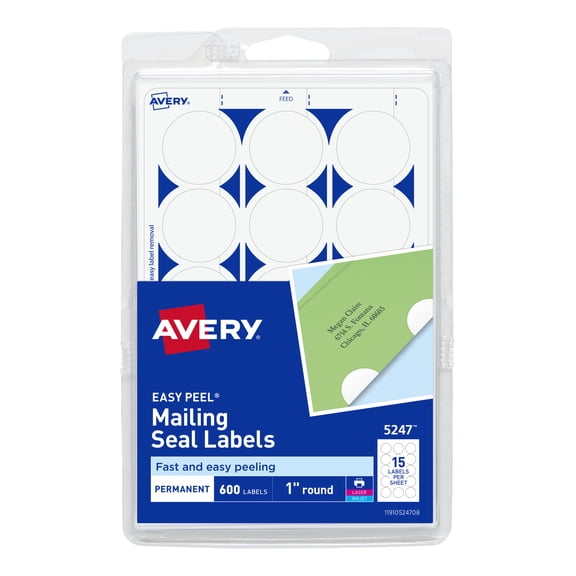
If your printer uses letter-size sheets, you may prefer 8.5x11 sheets with one or more labels per page. Smaller sizes, such as two by one inches, can work for inventory tags, return routing, or bin labeling.
You should measure your printer settings and confirm the exact media size before you order refills. That step helps you avoid feed issues, clipped barcodes, and wasted labels during setup.
You may also want to think about how label size affects package presentation and scan placement. A properly sized label gives you room for addresses, service details, and tracking codes without crowding.
Using shipping labels for business, office, and home workflows
You can use shipping labels in small business fulfillment, marketplace selling, office mailrooms, and home shipping routines. The right combination of format, adhesive, and size helps you keep packing lines organized.
If you ship dozens of orders each day, you may lean toward thermal shipping labels in rolls or fanfold stacks. That setup supports faster reprints, simple media changes, and steady output from compatible printers.
If you ship occasional packages, printable shipping labels on sheets may fit your routine with less setup. You can use the printer you already have and print labels only when you need them.
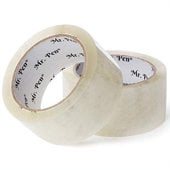
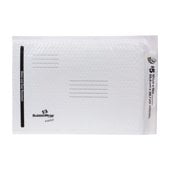
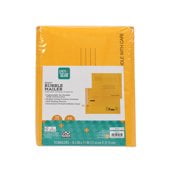
You might also pair your label choice with bubble mailers, packing tape, or thermal printers for a smoother packing station. When your labels match your equipment and packages, you get clearer scans and fewer printing interruptions.
You can shop shipping labels with more confidence when you compare compatibility, format, adhesive, size, and core requirements together. That practical approach helps you choose labels that print clearly, feed smoothly, and stay attached from pickup through delivery.