









Digital Notebooks & Reusable Smart Notebooks | Walmart























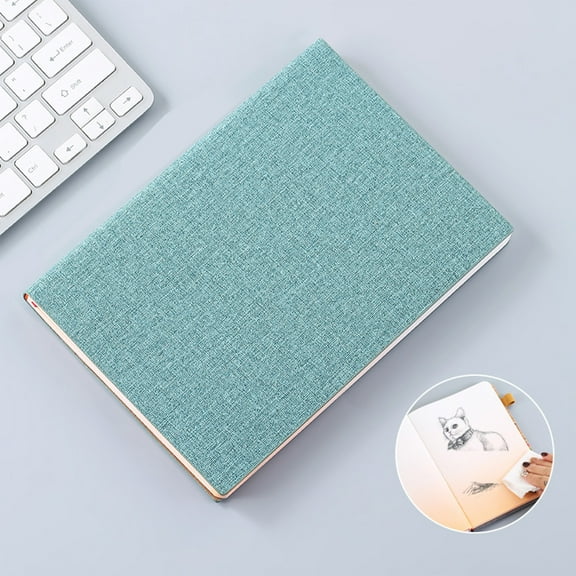


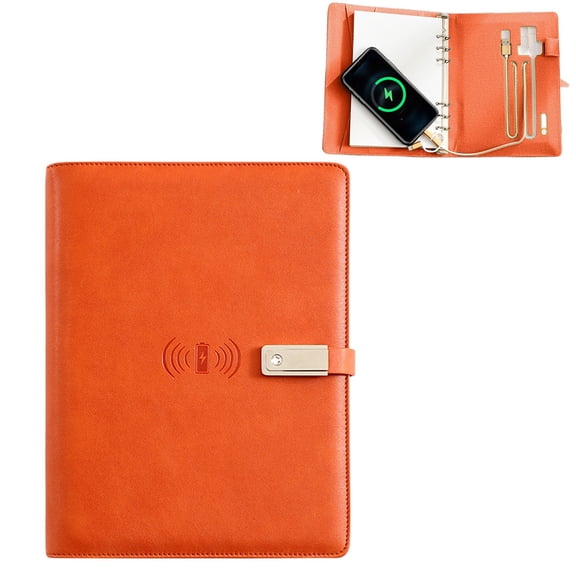











About Digital Notebooks & Reusable Smart Notebooks | Walmart - Walmart.com
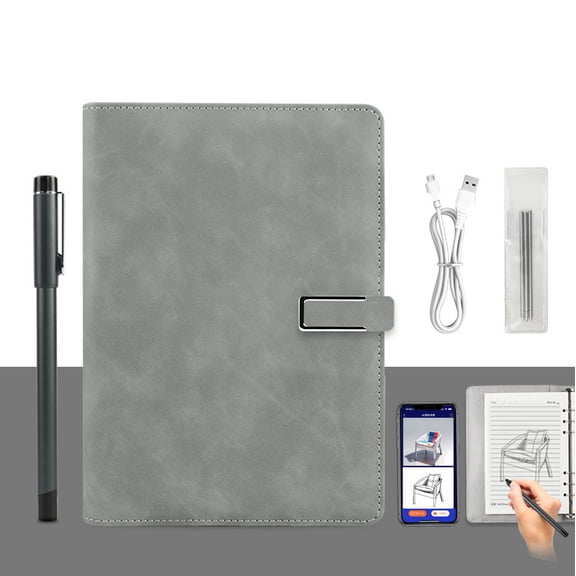
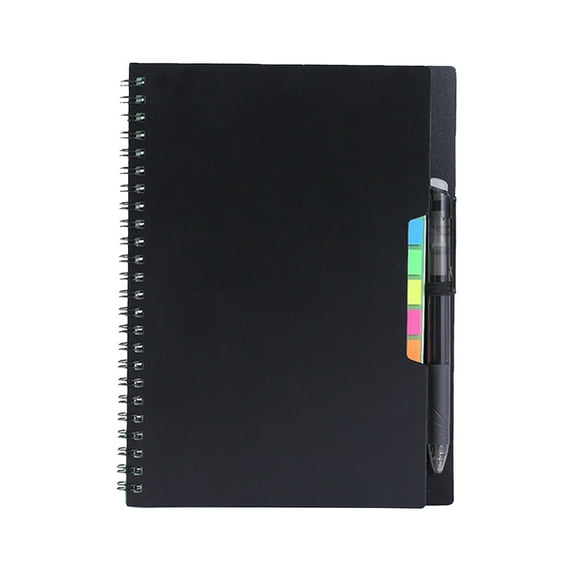
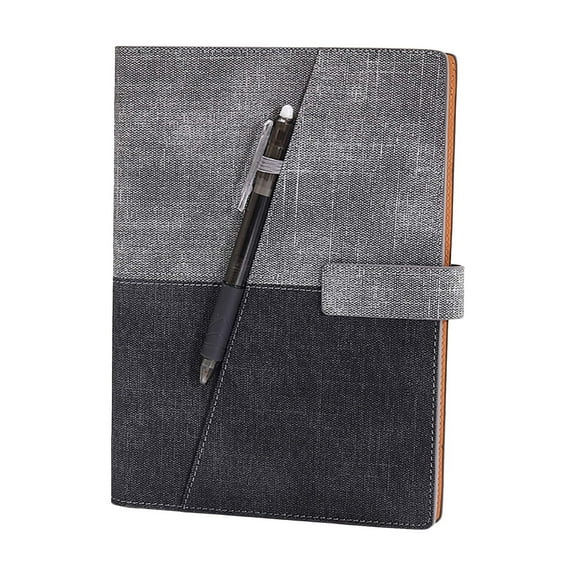
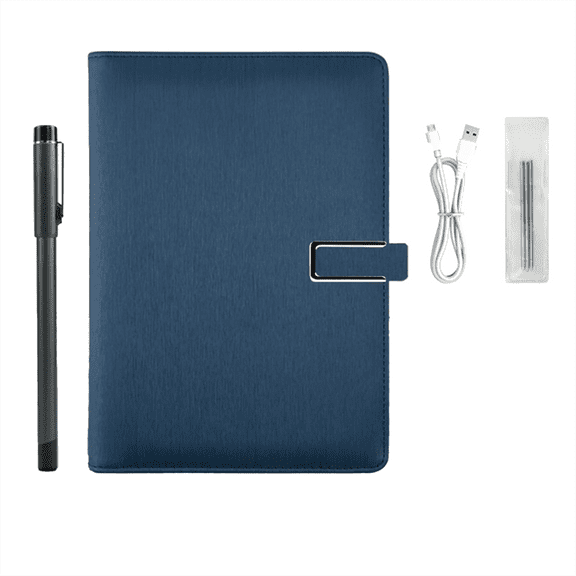
You can streamline daily notes with a digital notebook that combines handwriting with organized digital storage. Across meetings, classes, and travel days, you can compare reusable pages, sync tools, and writing options that fit your routine.
When paper stacks build up, you can switch to formats designed for repeated use and simple scanning. You can also find rocket calendar layouts for planning alongside lined and dot grid pages for notes.
How to choose a digital notebook
A practical starting point is your writing experience, because your page surface shapes each note you take. You can compare coated pages, textured sheets, and screen-based formats designed for quick scanning.
Another key decision is how your notes reach your devices after you write them. You can compare app-compatible tools, cloud sync options, and automatic upload features for organized storage.
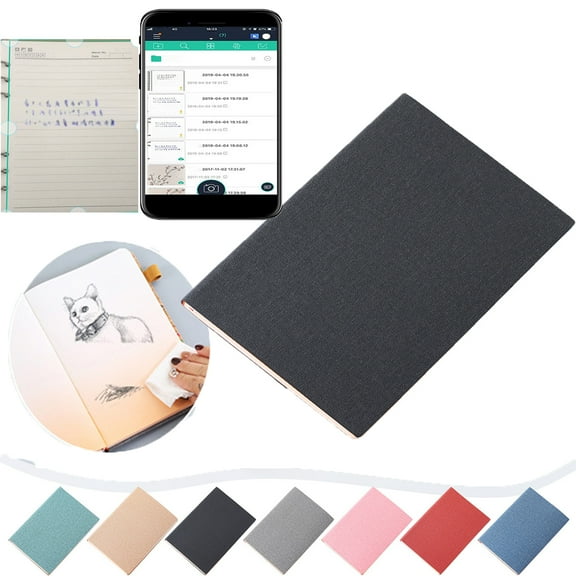
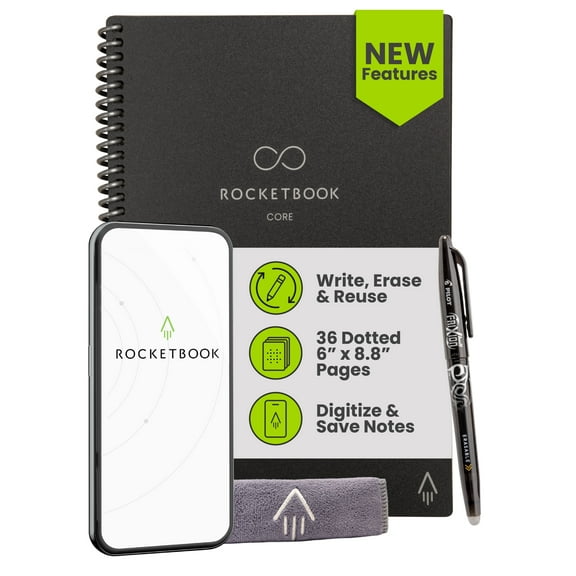
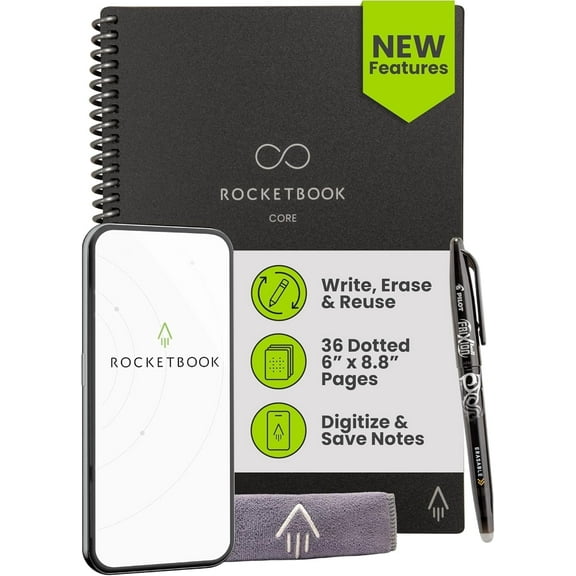
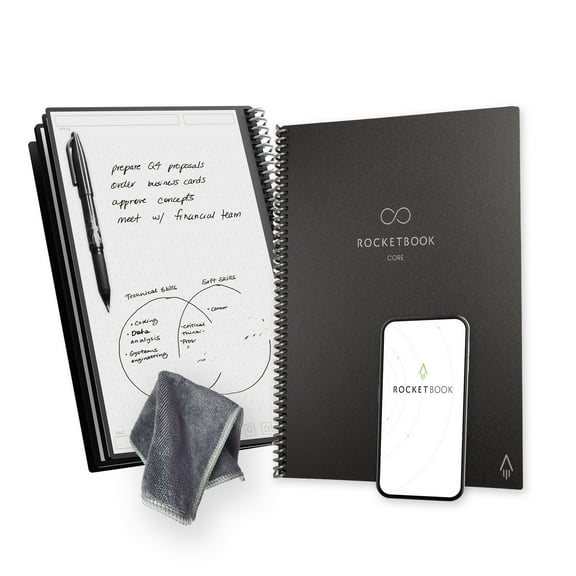
- You can write by hand, then scan pages into cloud destinations for organized storage.
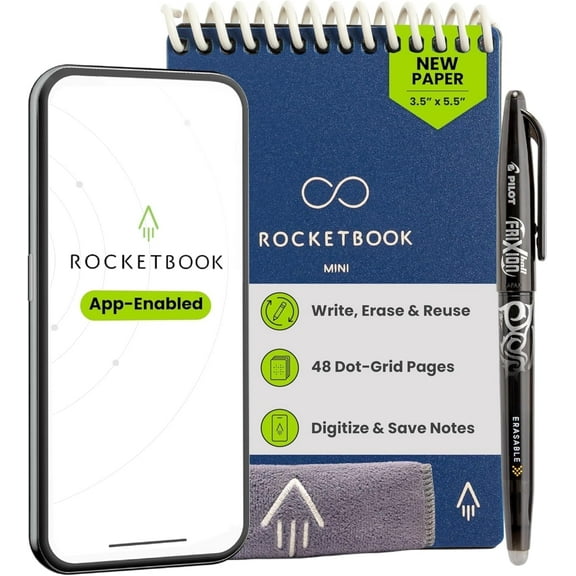
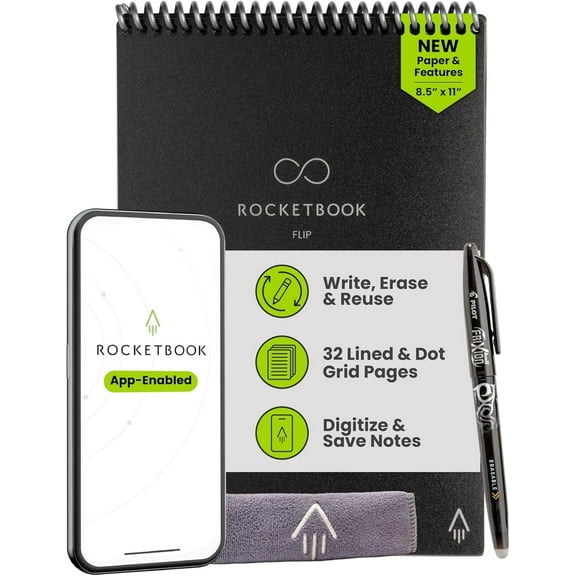
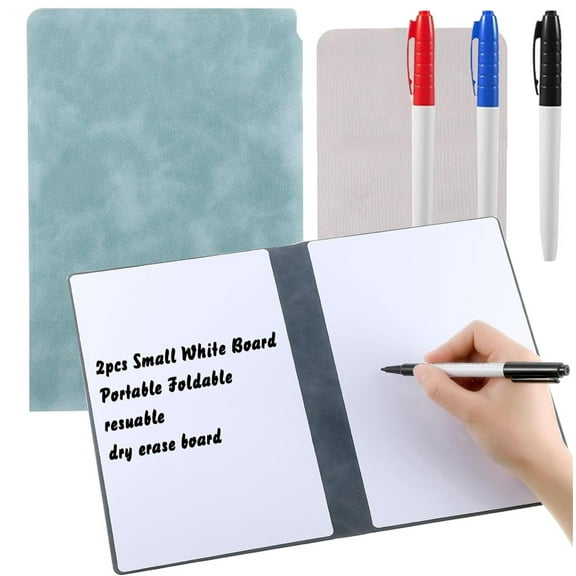
- You can erase pages and reuse them for class notes, project plans, or daily checklists.
- You can choose compact or full-size formats that fit desks, bags, and meeting spaces.
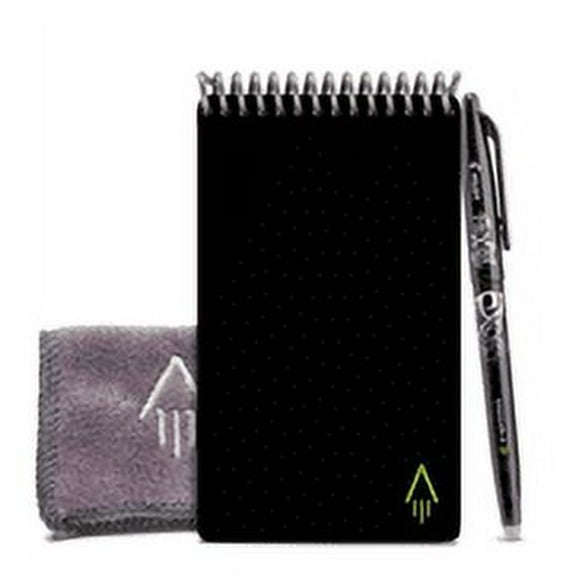
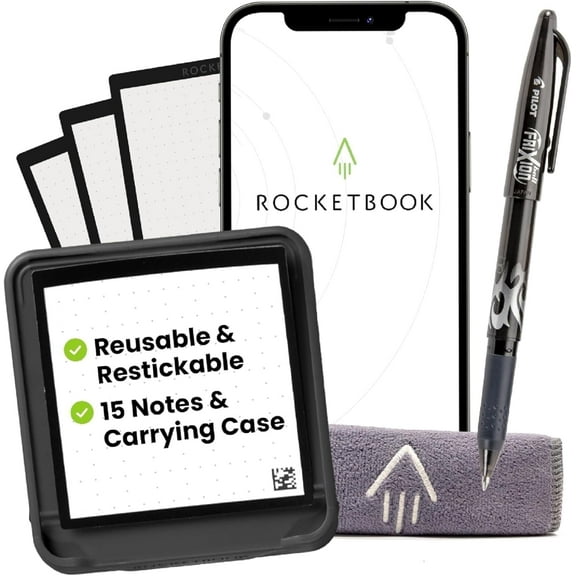
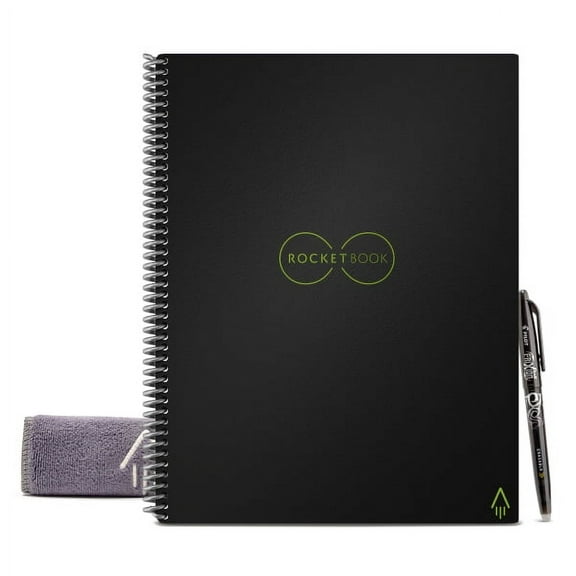
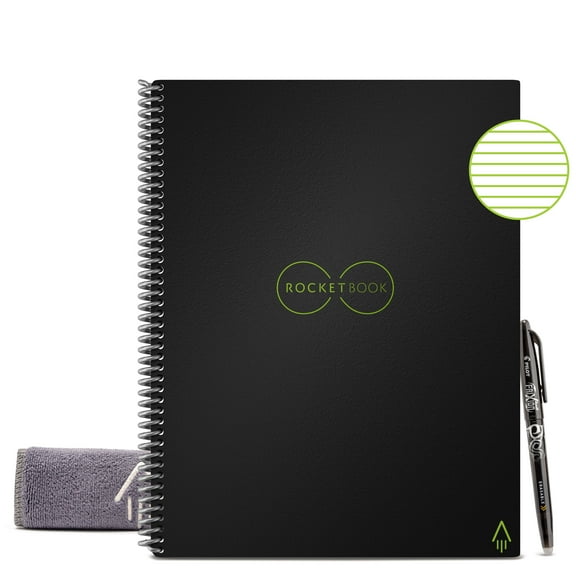
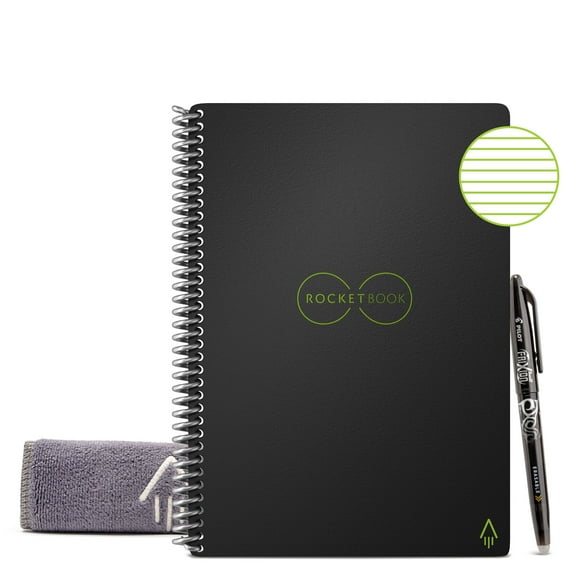
- You can match the notebook to a pen, stylus, or Pilot Frixion compatible writing tool.
By comparing these points together, you can narrow your choice with less guesswork. Your setup can match the note-taking habits you already have instead of forcing a new system.
Choosing a reusable digital notebook
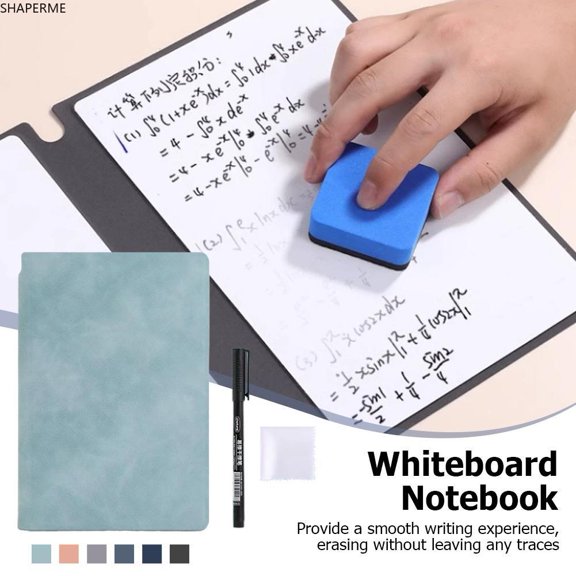
You should compare the erasing method first, because each reusable digital notebook resets in a different way. You can find erasable, microwave-safe, and wipe-clean designs that suit different writing routines.
For steady daily writing, you may prefer an erasable digital notepad that clears page by page. With lighter use, you may consider heat-based formats that clear several pages together.
Before choosing, you can check whether pages need water, a cloth, or short drying time. Your notes can stay neat when your page material matches the recommended pen and erase method.
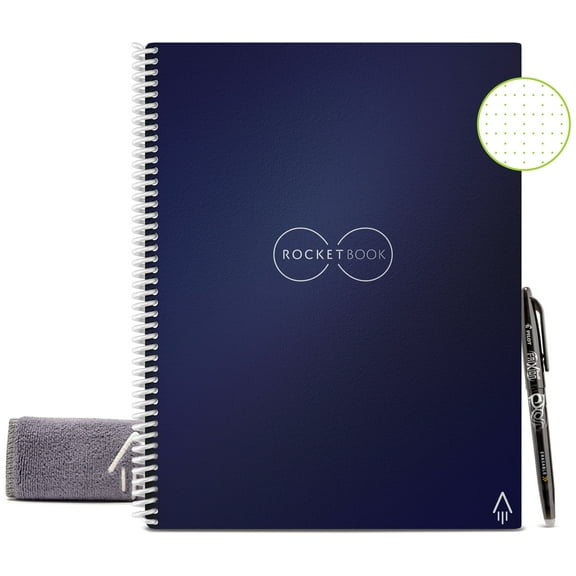
Page layout matters too when your notebook supports planning as well as note-taking. You can choose lined pages for writing, dot grids for diagrams, and calendar layouts for recurring plans.
Comparing sync, upload, and app features
Your electronic notebook becomes more useful when its app works with the platforms you already use. You can look for cloud sync, app-compatible scanning, and destination shortcuts that support school or office workflows.
If your routine needs a notebook that automatically uploads to computer folders, you should check supported services first. You can compare shared folders, export formats, and routing tools before you commit.
OCR text conversion is also worth comparing when you search handwritten notes later. You can turn meeting points, lecture notes, and task lists into searchable text with less manual typing.
Scan speed matters when you capture pages between classes, calls, or client visits. You can capture notes quickly when page markers and borders are easy for the app to recognize.
Choosing size, format, and writing tools
You should measure where you write before choosing a format for daily use. A small digital notepad fits compact bags, while letter and executive sizes give your notes more room.
For commutes and travel, you may want a pocket or small format that stores easily. At desks or conference tables, you may prefer larger pages for diagrams, lists, and longer notes.
Writing instrument choice also affects how natural your notes feel on the page. You can compare a digital notebook with pen options, stylus included models, and Pilot Frixion compatible formats.
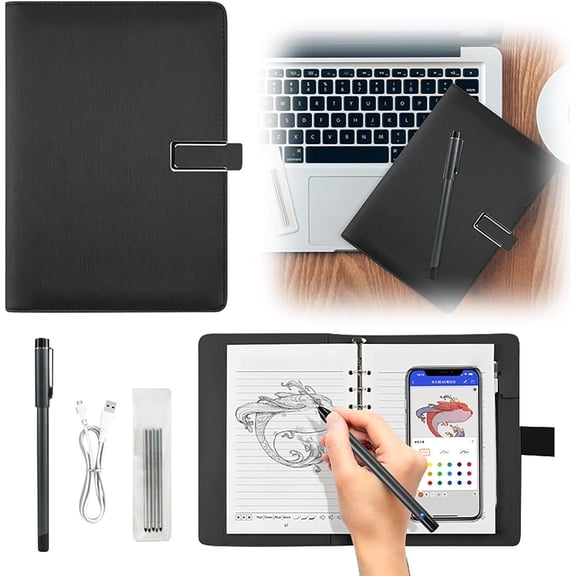
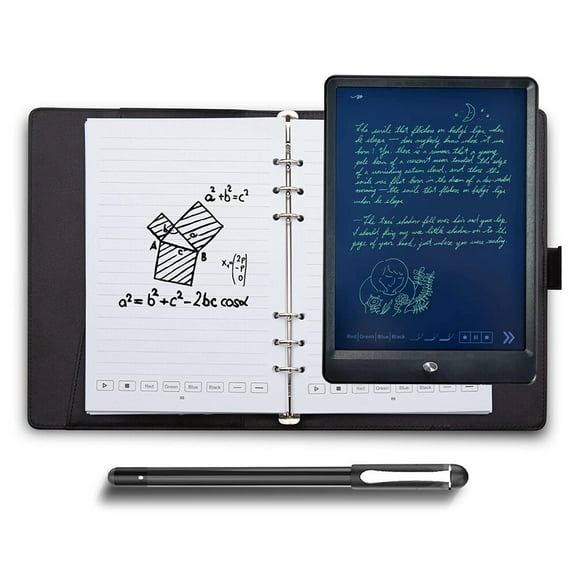
Some notebooks support standard pen-based writing, while others use an active stylus on a writing surface. You should check whether you want a reusable notebook with pen support or a screen-based option.
Matching digital notebooks to your routine
You can use a smart erasable notebook for lecture notes, meeting agendas, brainstorming maps, and weekly planning. Your handwritten notes can stay flexible while your digital files remain simple to sort.
When you manage several projects, you may want separate layouts for task lists, diagrams, and calendar tracking. You can scan each section to cloud folders so your notes stay organized across devices.
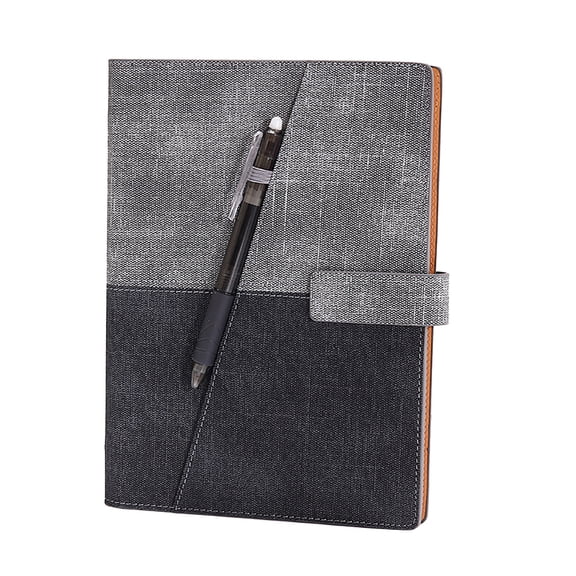
For travel and field work, you may prefer a pocket format with wipe-clean pages and pen storage. Your setup can stay light while your notes remain ready for quick uploads after each stop.
If you share work with classmates or coworkers, app integration becomes a practical priority. You can move pages into shared folders, email drafts, or storage apps with fewer manual steps.
You may also compare a digital notebook with paper planners when your routine mixes handwriting and digital access. At Walmart, you can find options at everyday low prices that support repeated writing and scanning.
With the right mix of reusable pages, sync tools, size, and pen compatibility, your notes stay simple to capture and revisit. Your everyday writing can become a clean, organized system that fits how you already work.