

Micro USB Cables for Fast Charging and Sync





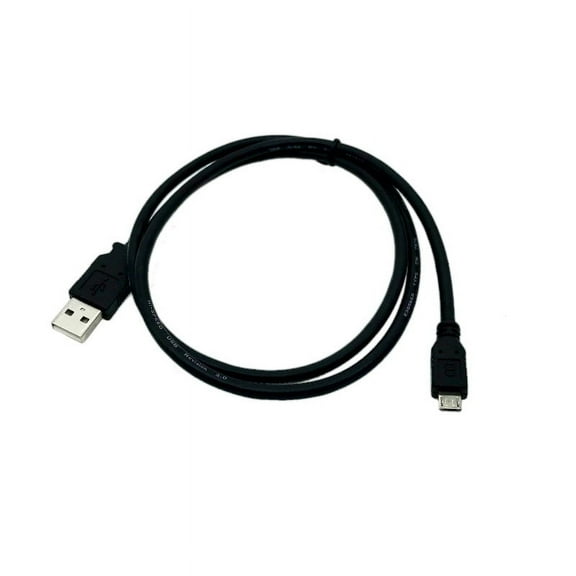
![Mimifly Micro USB Charging Cable 2FT [2-Pack], USB 2.0 A to Micro B for Samsung Galaxy S5/S6/S7, Note 4/5, Black](https://i5.walmartimages.com/seo/Mimifly-Micro-USB-Cable-2FT-2Pack-Android-Charger-USB-2-0-A-to-Micro-B-Charging-Cord-for-Samsung-Galaxy-S5-S6-S7-Edge-Note-4-5-LG-Moto-PS4-Black_2acf60d5-375a-4d7f-84ae-f951227bb284.33ff7d667dfabfa3608742f01ba0b4b8.jpeg?odnHeight=576&odnWidth=576&odnBg=FFFFFF)

![Black, variant on Mimifly Micro USB Charging Cable 2FT [2-Pack], USB 2.0 A to Micro B for Samsung Galaxy S5/S6/S7, Note 4/5, Black](https://i5.walmartimages.com/asr/2acf60d5-375a-4d7f-84ae-f951227bb284.33ff7d667dfabfa3608742f01ba0b4b8.jpeg?odnBg=FFFFFF&odnHeight=30&odnWidth=30)
![Blue, variant on Mimifly Micro USB Charging Cable 2FT [2-Pack], USB 2.0 A to Micro B for Samsung Galaxy S5/S6/S7, Note 4/5, Black](https://i5.walmartimages.com/asr/b929882f-a683-4ed5-bed8-15ea9411fb12.24025ca364c339661cf4db7255d77d6d.jpeg?odnBg=FFFFFF&odnHeight=30&odnWidth=30)
![Red, variant on Mimifly Micro USB Charging Cable 2FT [2-Pack], USB 2.0 A to Micro B for Samsung Galaxy S5/S6/S7, Note 4/5, Black](https://i5.walmartimages.com/asr/c5920722-6218-45d3-ad7c-7b6e890cb863.8f0749ebac0f94b1f7337b9a65426186.jpeg?odnBg=FFFFFF&odnHeight=30&odnWidth=30)

















![[2 Pack] TV xStream USB Port Adapter, Micro OTG Cable and Power - Compatible with Amazon Fire Stcks, Media Devices, Rii and Logitech Keyboards, and Nintendo Switch, SNES, NES Classic](https://i5.walmartimages.com/seo/2-Pack-TV-xStream-USB-Port-Adapter-Micro-OTG-Cable-Power-Compatible-Amazon-Fire-Stcks-Media-Devices-Rii-Logitech-Keyboards-Nintendo-Switch-SNES-NES-C_95dfa40f-554a-47f5-ac98-42224d444109.265d27052463cf267b1494a369b69c60.jpeg?odnHeight=576&odnWidth=576&odnBg=FFFFFF)



About Micro USB Cables for Fast Charging and Sync - Walmart.com
Micro usb cables help you keep older phones, tablets, speakers, and accessories powered with the connector your device actually uses. You can compare length, material, connector style, and charging support, so your cable fits your device and your routine.
How to choose micro usb cables for your devices
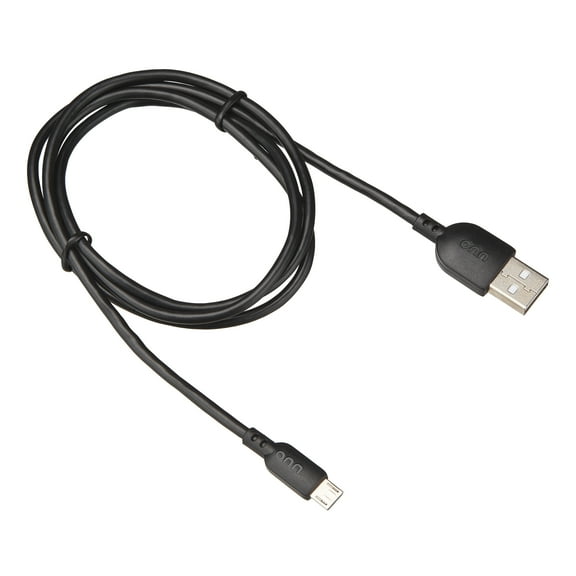
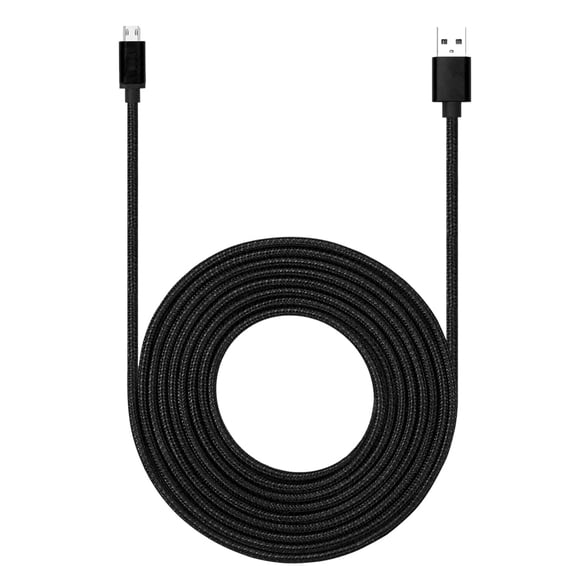
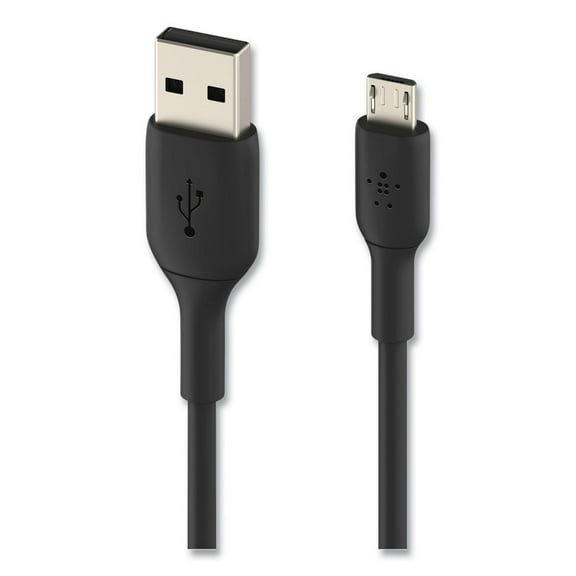
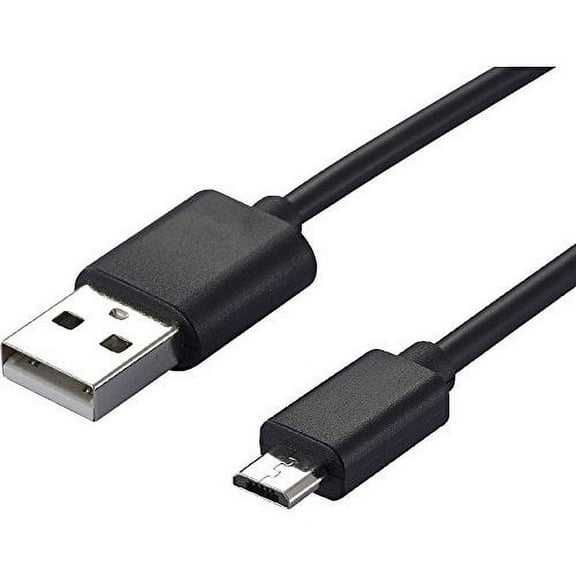
Start by checking your device port before you choose a replacement cord. You need a small, tapered Micro USB tip, not the oval USB-C shape used on many newer devices.
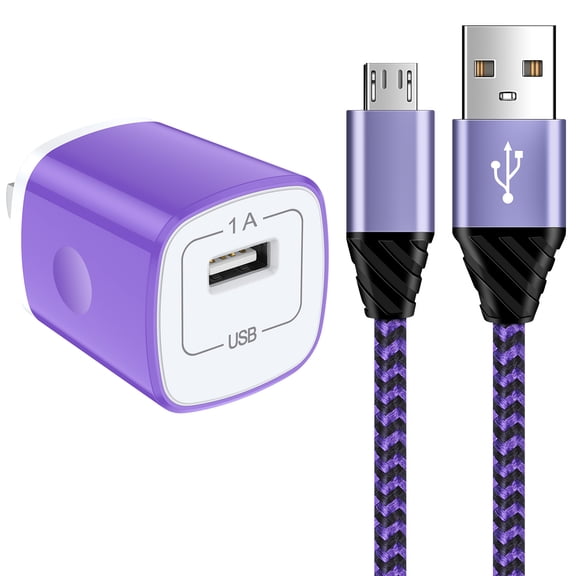
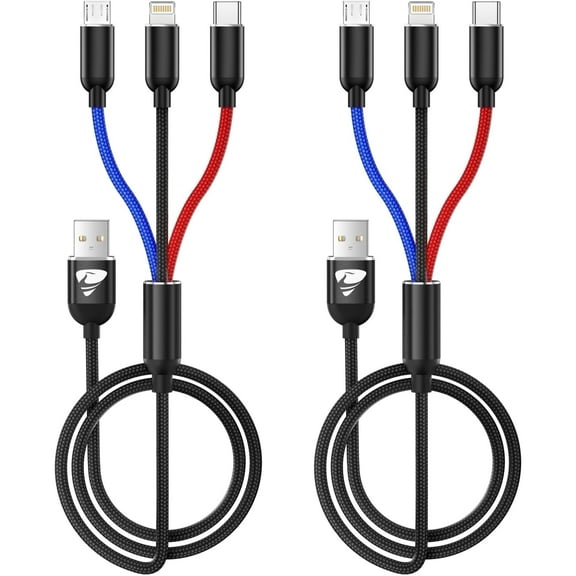
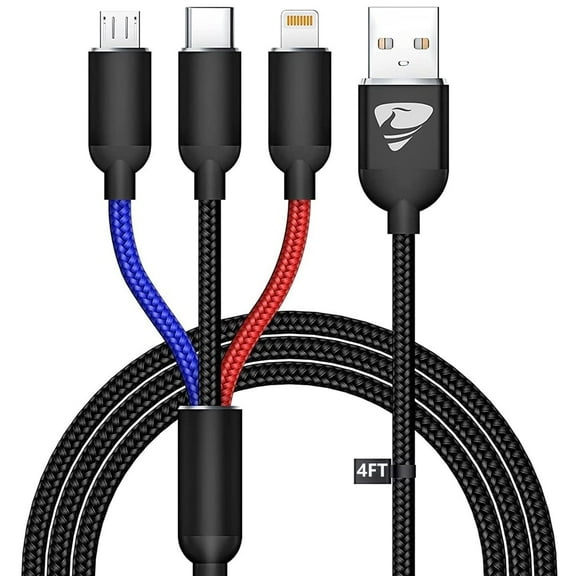
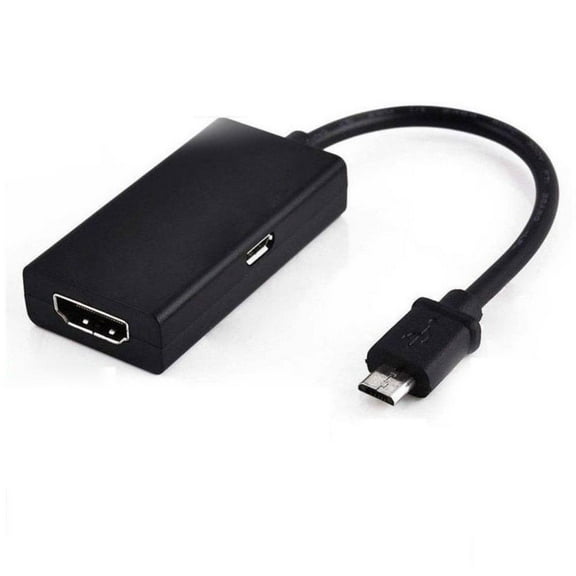
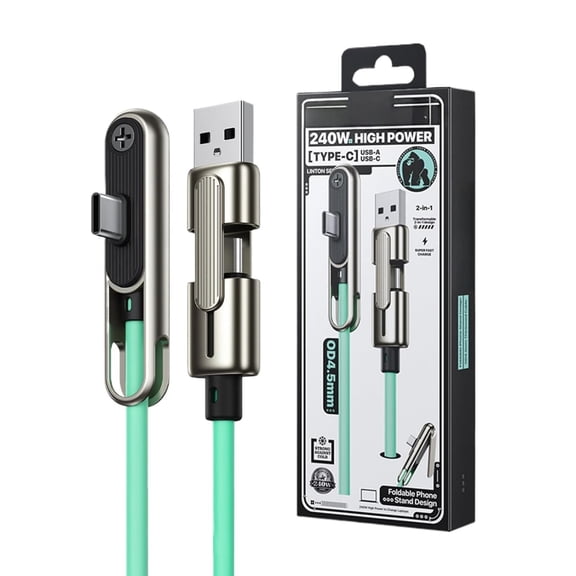
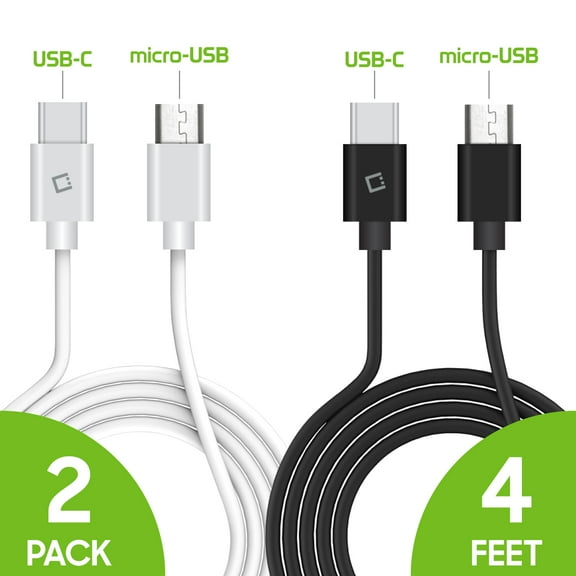
Next, compare the other end of the cable with your charger or computer port. You may need a micro usb to usb cable with USB-A, or you may need a cable that connects Micro USB to USB-C.
That connector choice matters when you use newer wall plugs, car chargers, or power banks. You can avoid adapter hassles when your cable matches the port you already use every day.
Choosing the right micro usb cord length
Length changes how comfortably you can charge and use your device during the day. You should match the cable to where you sit, where your outlet is, and how much reach you want.
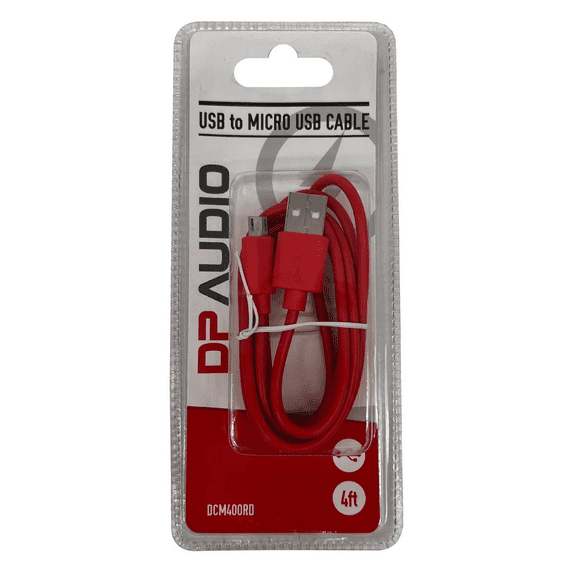
A three foot cable works well when your charger stays close to your desk or nightstand. You can get less slack, which can help you keep small spaces neater.
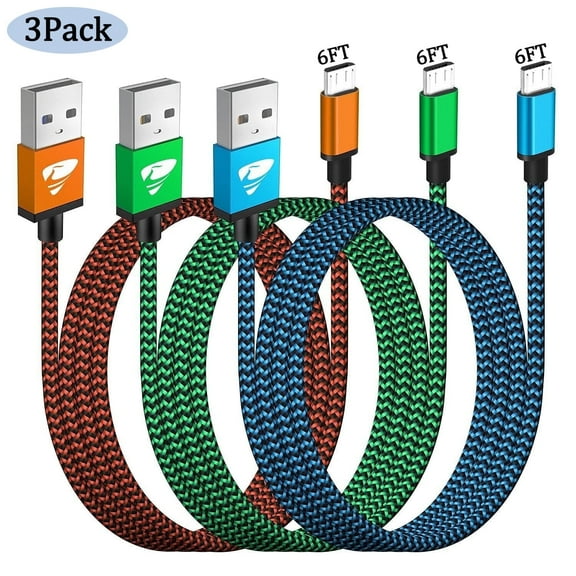
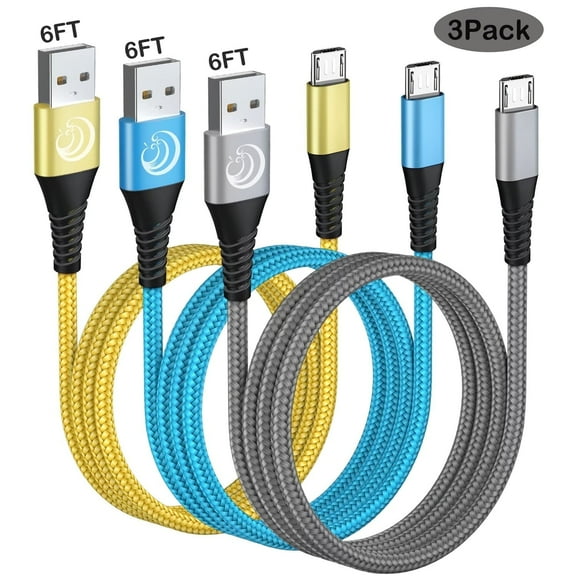
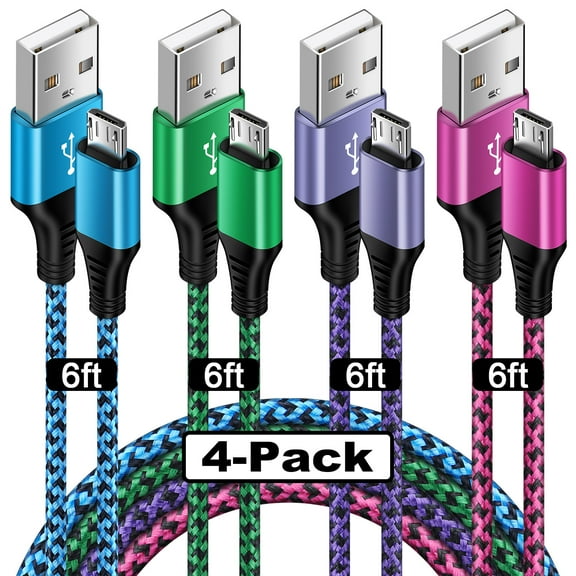
A 6ft micro usb cable gives you extra reach for couches, beds, and back seats. You can plug in farther from the outlet without stretching the cord tight.
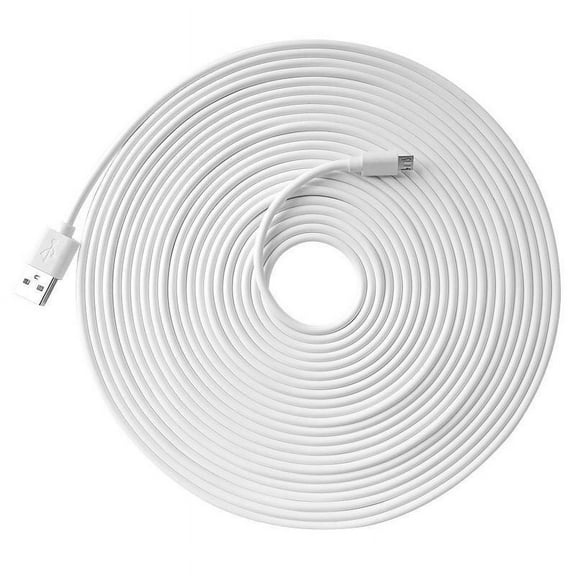
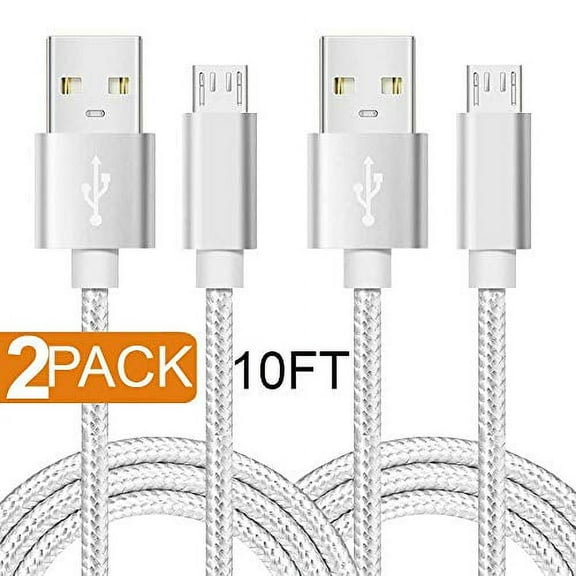
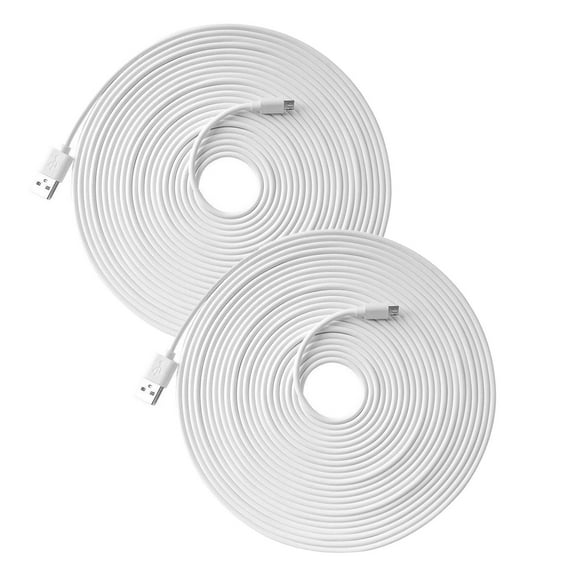
A 10 foot cable suits larger rooms or outlets placed behind furniture. You should measure your space first, because extra length can create more cable to manage.
Comparing materials and everyday durability
Material affects how your cable feels in your hand and how it handles daily bending. You should compare braided nylon, PVC, and silicone based on where you use the cord most.
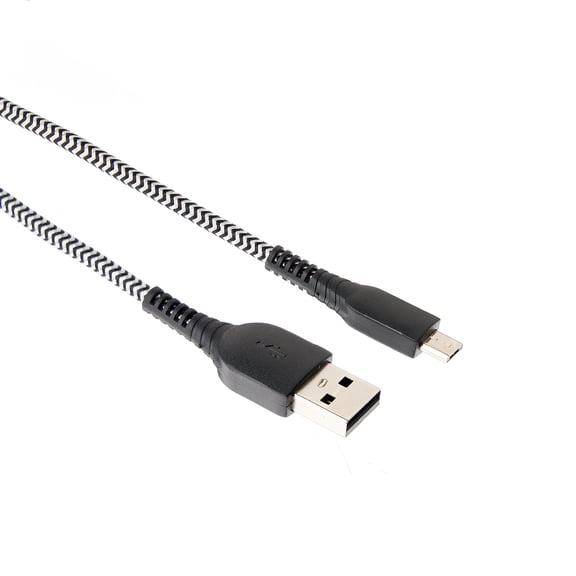
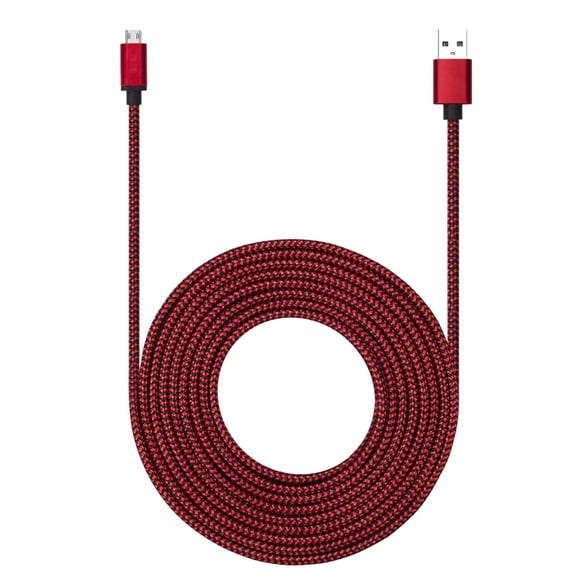
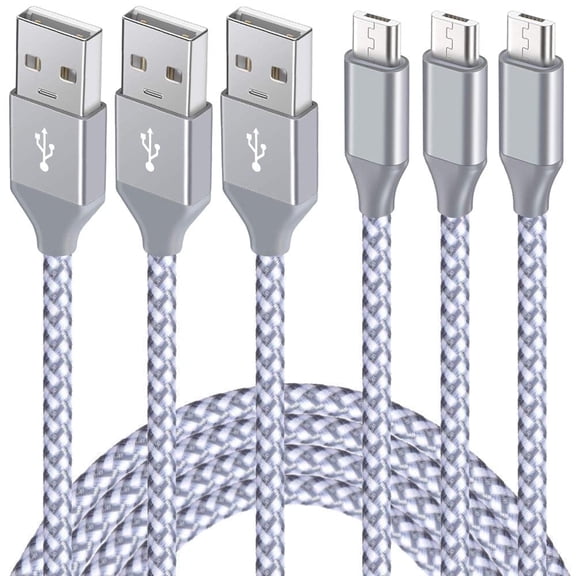
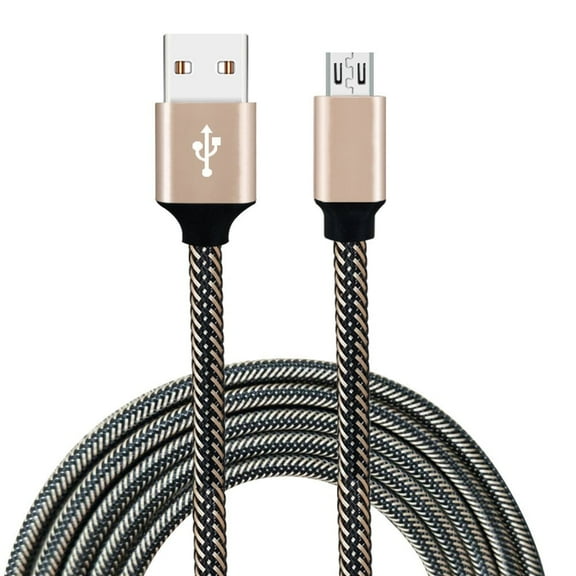
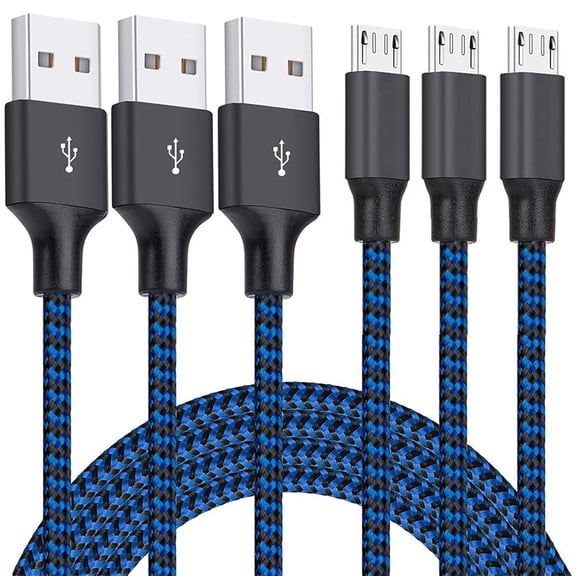
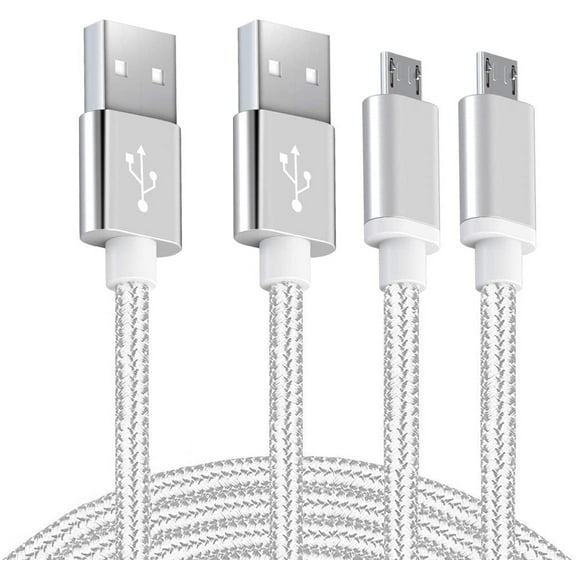
A braided micro usb cable usually gives you a textured outer layer that helps with frequent packing and unplugging. You may prefer it for travel bags, work commutes, or shared charging stations.
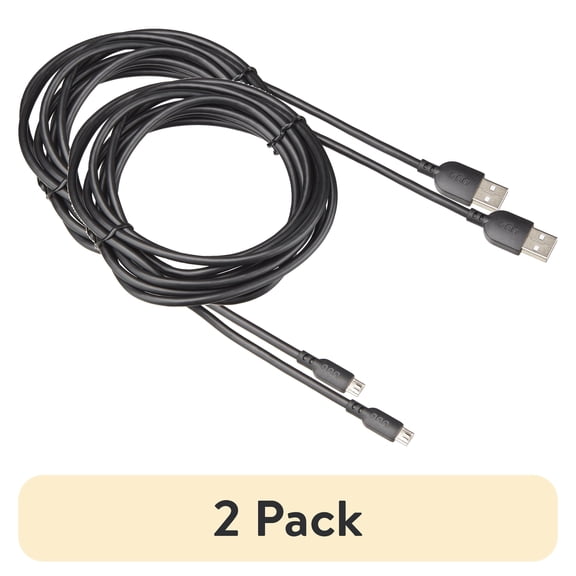
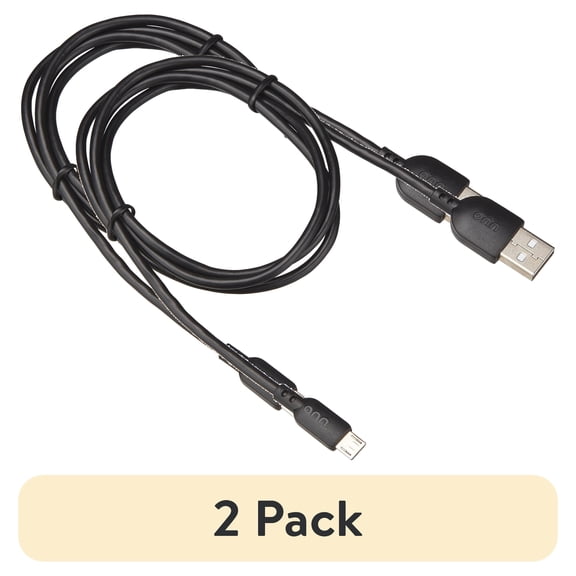
PVC jackets feel familiar and flexible for everyday household charging setups. You can use them easily at a desk, in a drawer, or with backup chargers around your home.
Silicone styles often feel softer and more flexible when you coil and store them. You may like them when you want a cable that packs smoothly in tight spaces.
Understanding charging speed and data sync
Function matters just as much as fit when you replace android charger cables. You should check whether you want charging only, charging and data sync, or a micro usb fast charging cable.
Charging-only cables focus on powering your device without file transfers. You may choose them for wall chargers, bedside setups, or spare cords kept in the car.
Charging and data sync cables let you connect to a laptop or desktop for music, photos, and other files. You may want this option when your cable also doubles as a computer connection.
Fast charging support depends on both the cable and your charger output. You should look at amperage rating and Quick Charge compatibility when your device and adapter support faster power delivery.
- You can choose three foot cables for desks, counters, and travel kits.
- You can choose six foot or 10 foot cords for couches, beds, and larger rooms.
- You can compare braided nylon, PVC, and silicone for different handling preferences.
- You can select charging-only or data sync options based on how you use your device.
- You can check Micro USB and charger-end compatibility before you replace an older cord.
Matching cable types to your daily setup
If you charge an older phone beside your computer, you may want a shorter cable with data sync. You can keep your desk tidier while still connecting for file transfers.
If you charge from a wall outlet across the room, you may want a longer cord instead. You can stay connected on the couch or in bed without hovering near the plug.
For travel, you may prefer a compact three foot cable that slips into a bag easily. You may also appreciate a material that coils neatly between stops.
For family charging areas, you may want several cord styles for different devices and charger ports. You can simplify daily charging when each cable matches a specific room or adapter.
If you’re replacing worn cords, pay close attention to connector style and outer material. You can make a smarter choice when you compare how often you unplug, pack, and move the cable.
What to look for before you decide
Check your device port, charger port, preferred length, and needed function before you choose. You can narrow the options faster when you compare those four details first.
Micro usb cables still make sense when your device uses that exact connector and your setup depends on it. You can keep older tech powered and connected with a cable that fits your space and charging habits.