

Mechanical Keyboards Near Me: In-Store & Online | Walmart
















































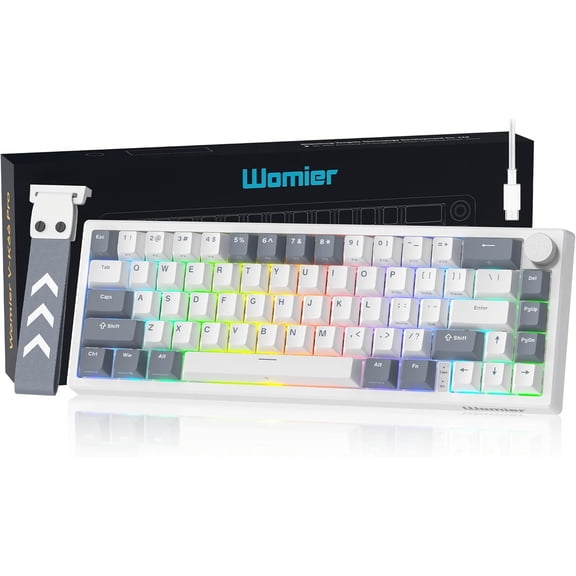
About Mechanical Keyboards Near Me: In-Store & Online | Walmart - Walmart.com
Mechanical keyboards give you fast input, clear key feel, and precise control at your desk. You can compare switch types, layouts, and connectivity options that match gaming, work, or mixed daily use.
Unlike basic membrane models, mechanical keyboards let you choose how each keystroke feels and sounds. You can narrow your options by actuation force, travel distance, and compact size before you pick a board.
How to choose mechanical keyboards for your setup
You should start with the tasks you handle frequently at your desk. Your gaming sessions, spreadsheets, coding, and writing habits can point you toward different layouts and switch styles.
When you compare categories, you’ll notice that mechanical keyboards offer extensive tuning options compared to standard office keyboards. You can choose a full-size board, a tenkeyless mechanical keyboard, or a compact 60% layout.
- You can get a defined keypress that helps your inputs feel consistent.
- You can choose a layout that fits your mouse space and desk depth.
- You can match your sound preference with quiet, tactile, or clicky keys.
- You can select wired or wireless options based on mobility and latency needs.
- You can look for a hot swappable keyboard if you want simple switch changes later.
If you share a workspace, you may prefer a quiet mechanical keyboard with softer acoustics. If you want strong feedback, you may prefer a tactile or clicky option instead.
Choosing the right mechanical keyboard switches
You should treat switch selection as your first major decision. Your typing feel depends on actuation force, travel distance, and whether you want a tactile bump during each press.
Linear switches give you a smooth press from top to bottom. You may prefer red switches when you want quick repeated inputs and a lighter feel for fast games.
Tactile switches add a noticeable bump during the keypress. You may prefer brown switches when you want feedback for typing without the sharp click sound.
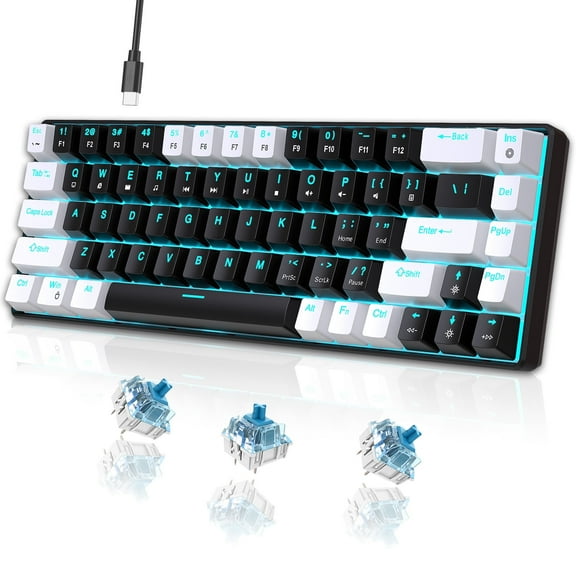
Clicky switches combine a tactile bump with a distinct audible click. You may prefer blue switches when you want pronounced feedback and don’t mind a louder desk sound.
You should also compare acoustics beyond the switch label alone. Your keyboard can stay quiet with case foam, dampening layers, and lubed stabilizers on larger keys.
When you review mechanical keyboard switches, check how the board describes force and travel. You can get a clear picture of whether each key feels light, firm, shallow, or deliberate.
Choosing layout size and desk fit
You should measure your desk before choosing a layout size. Your available mouse room and number pad needs often decide whether full-size or compact boards make sense.
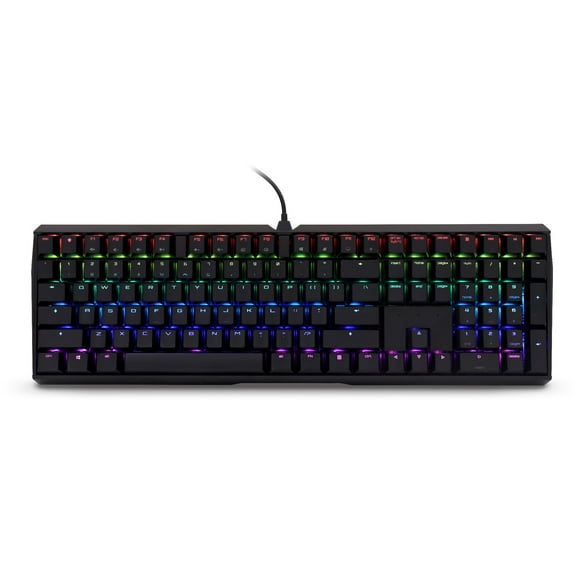
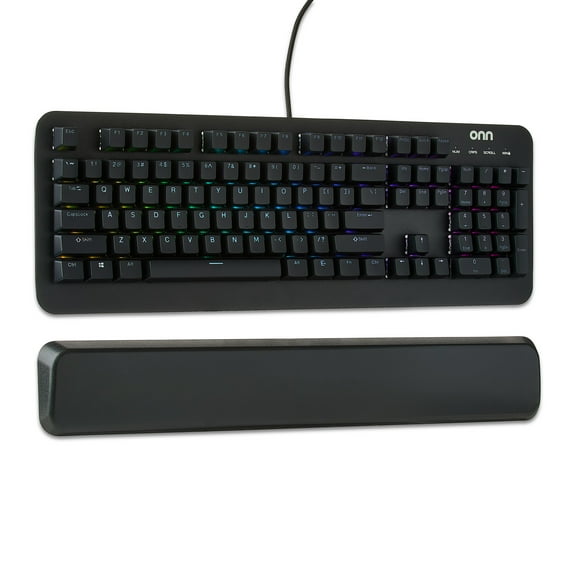
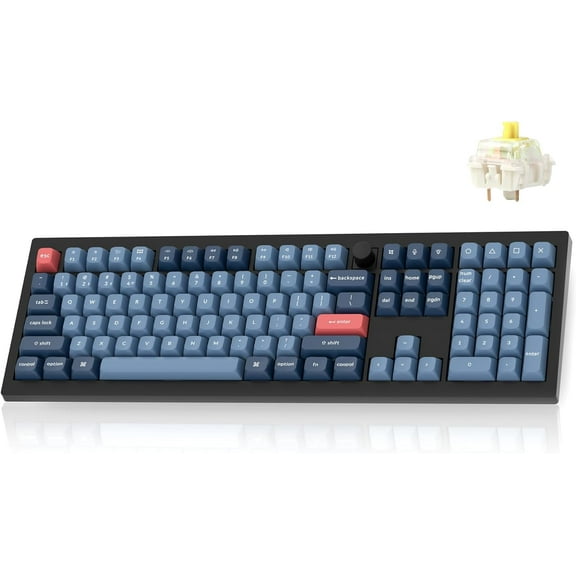
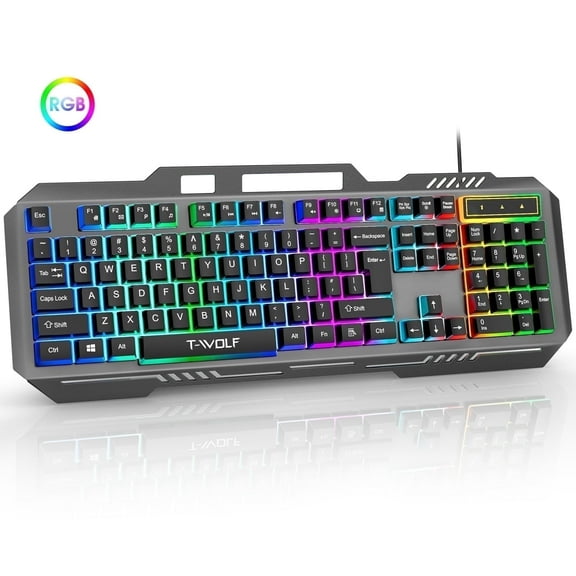
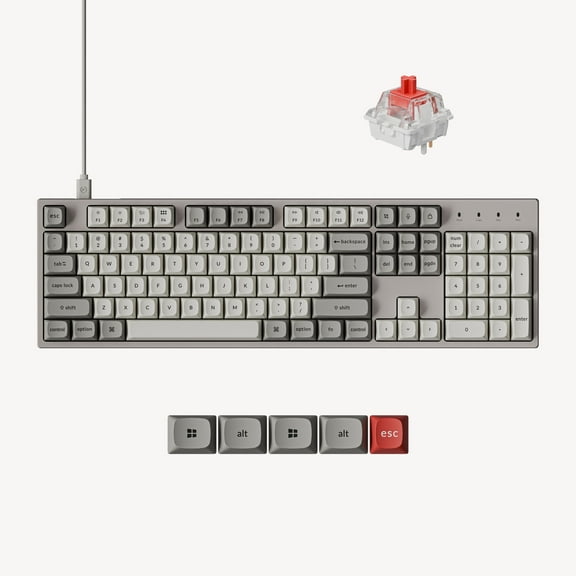
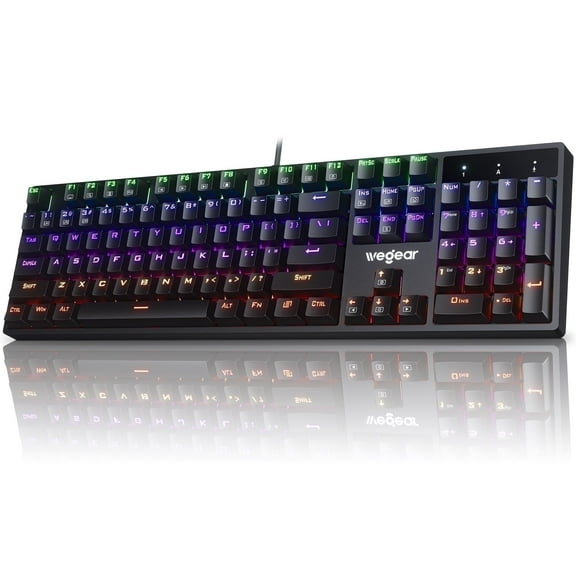
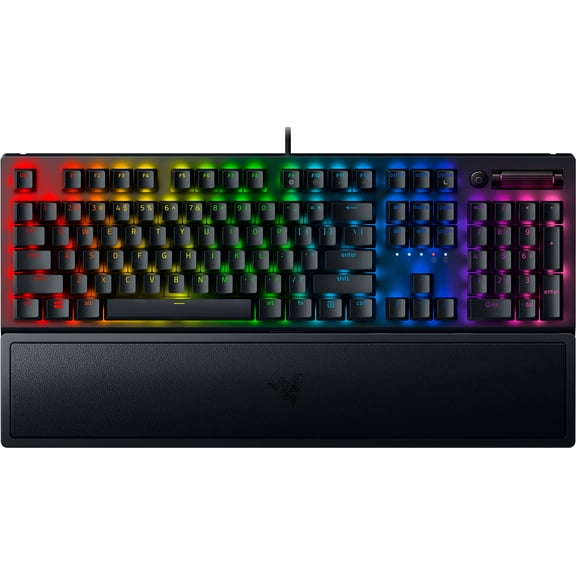
Full-size layouts give you a function row, arrow cluster, and number pad. You may prefer this format when your work includes data entry, accounting tasks, or frequent number input.
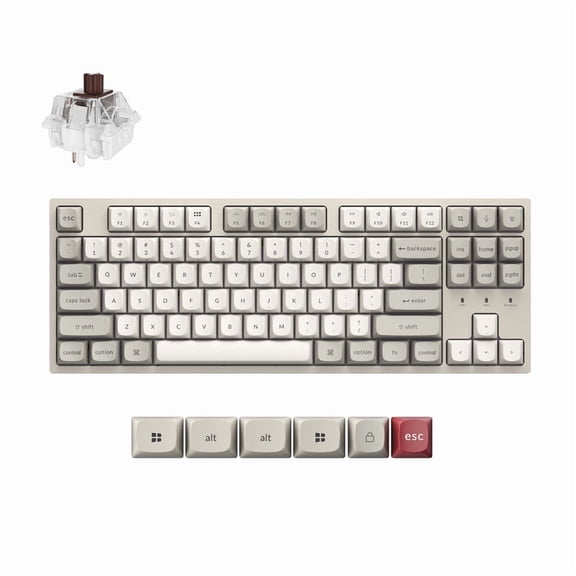
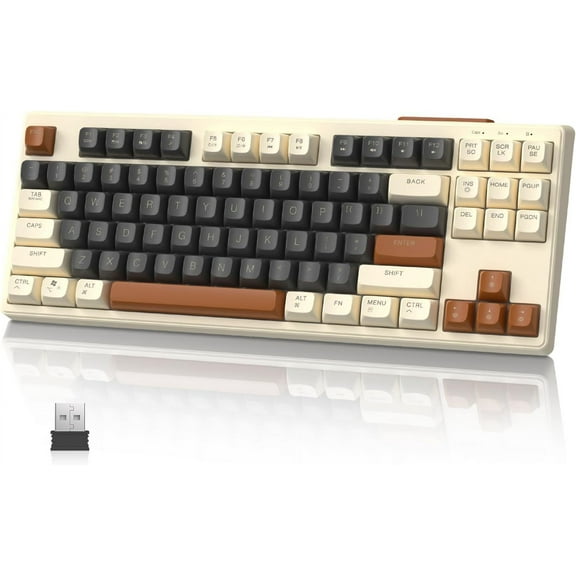
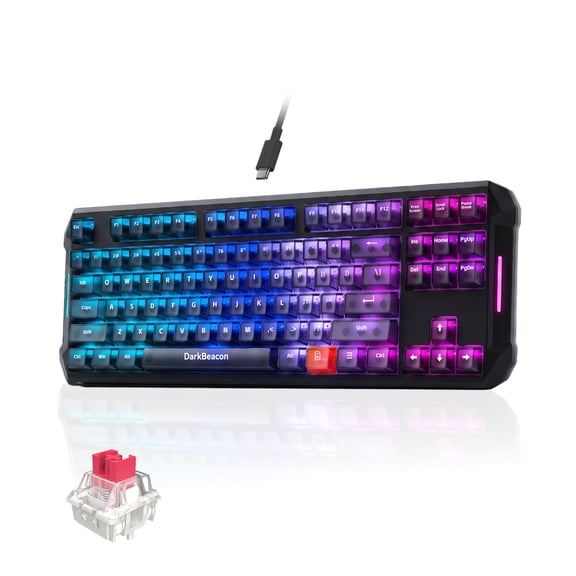
A tenkeyless mechanical keyboard removes the number pad to free extra mouse space. You may prefer TKL if you game often and still want dedicated arrows and function keys.
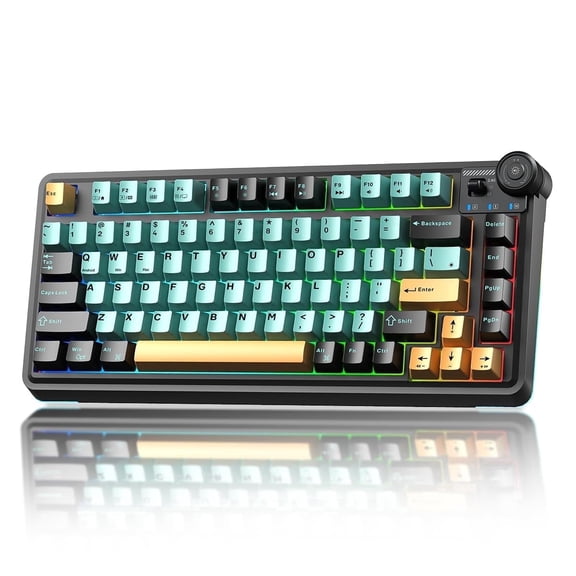
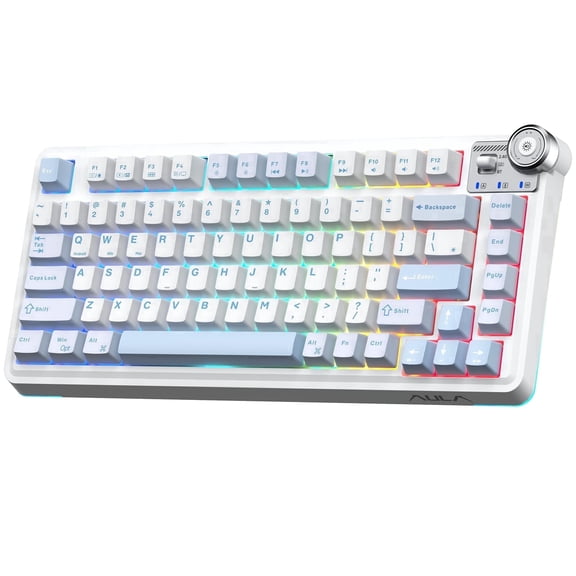
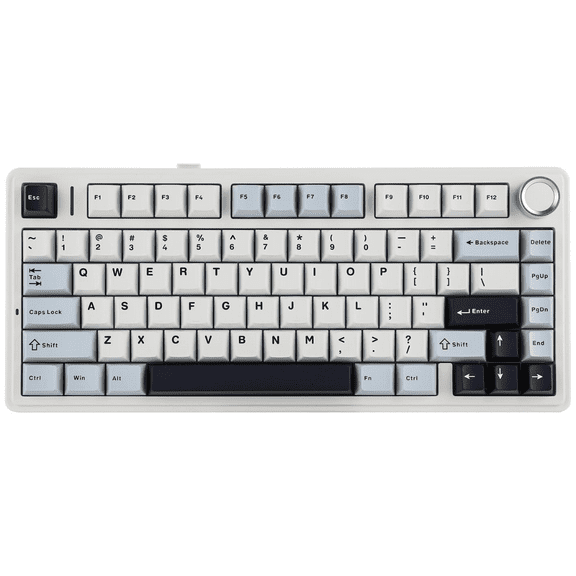
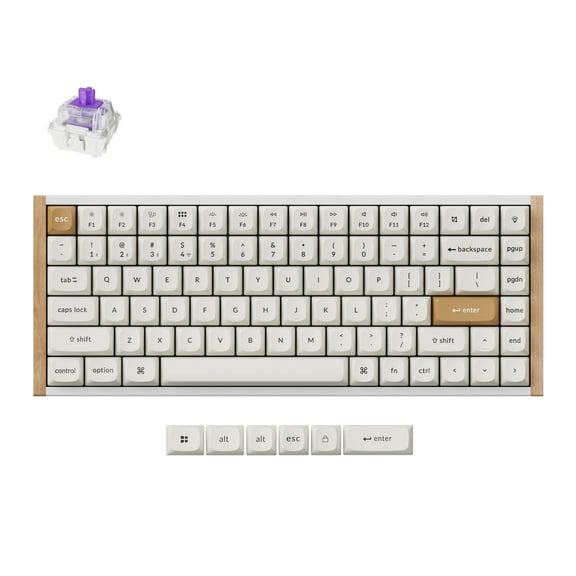
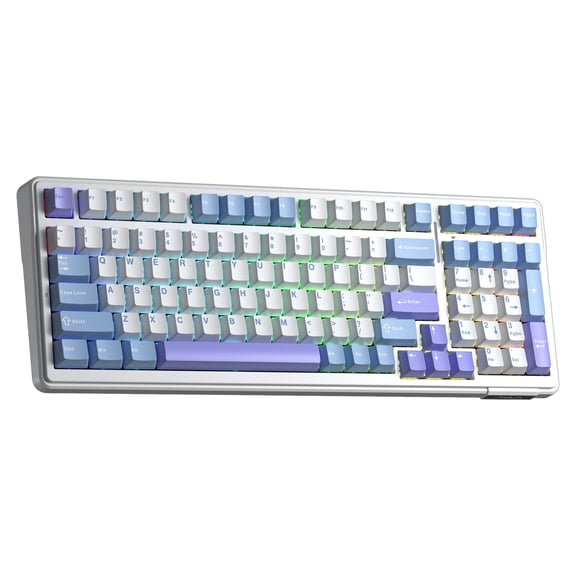
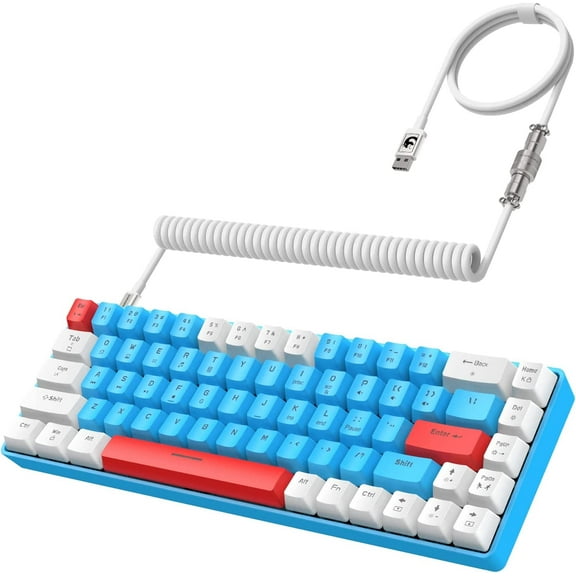
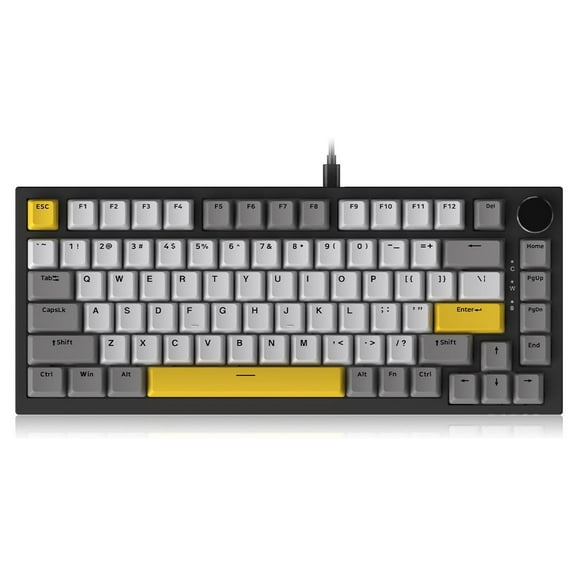
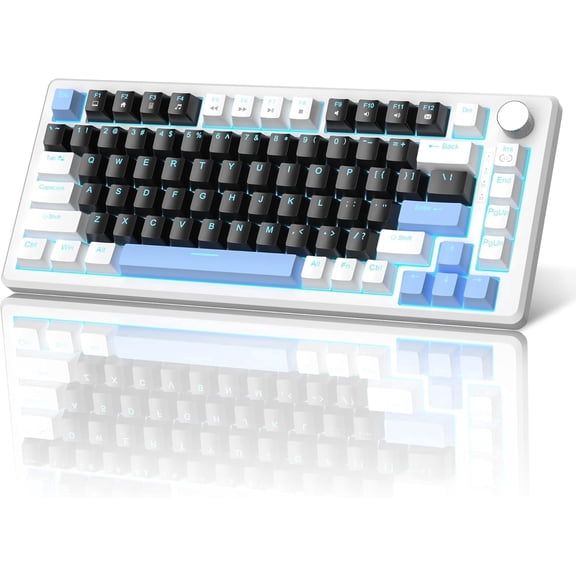
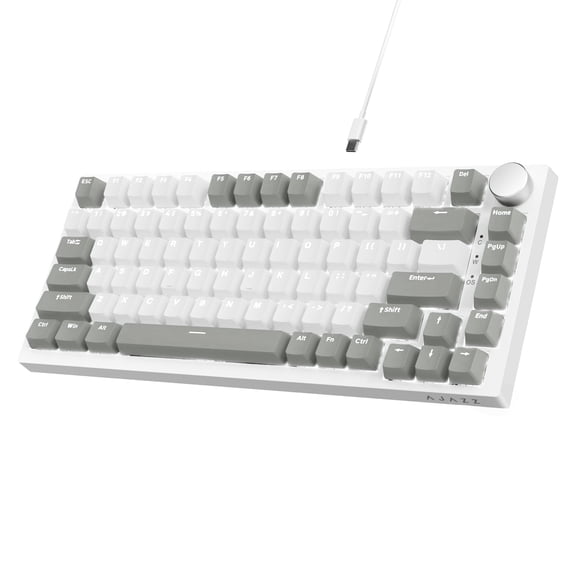
A 75% layout keeps many essential keys in a tighter footprint. You can get a compact board that still feels familiar for work, shortcuts, and daily navigation.
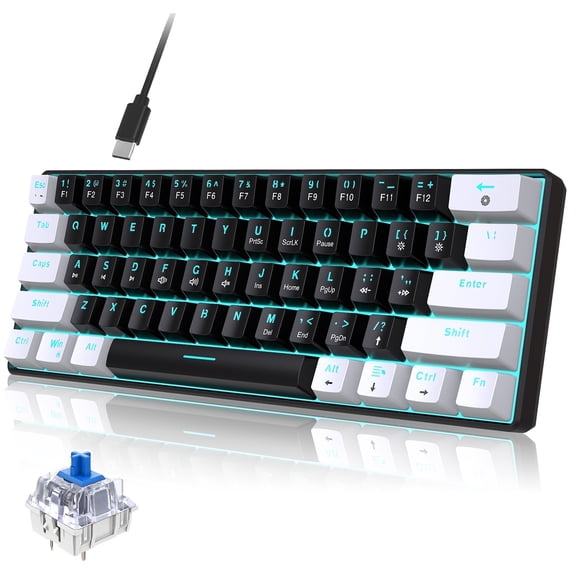
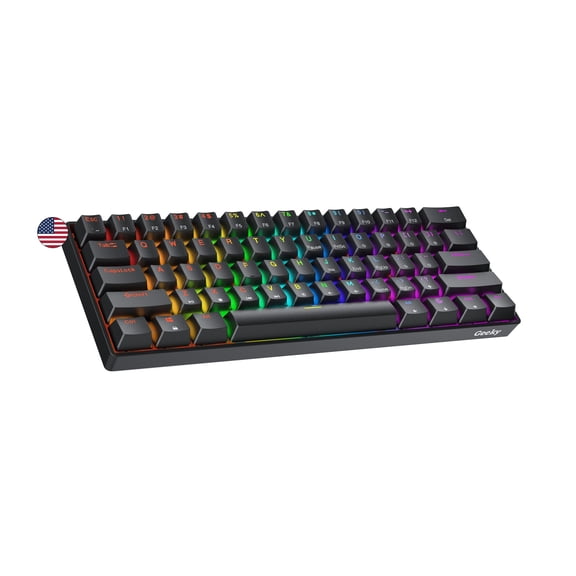
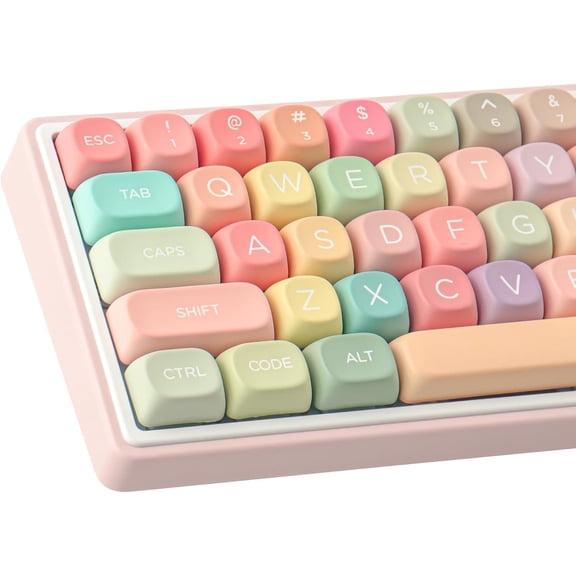
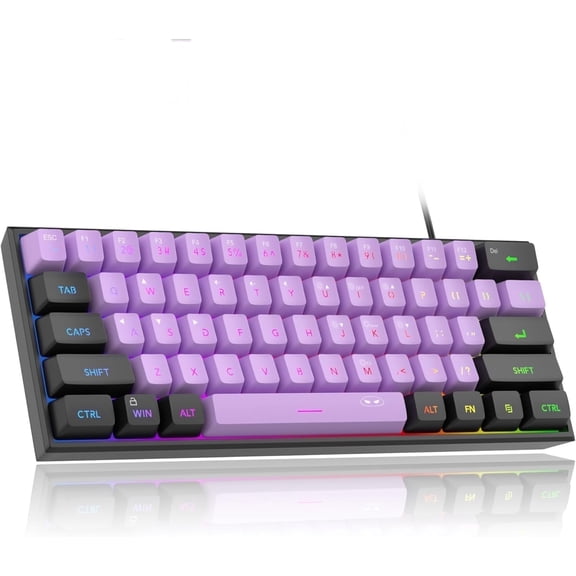
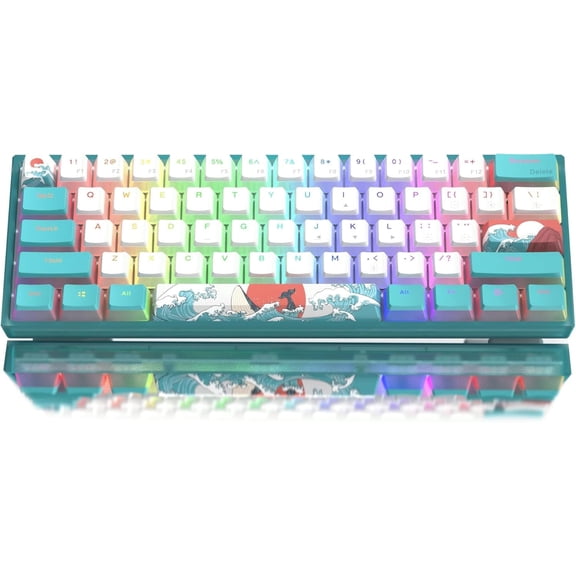
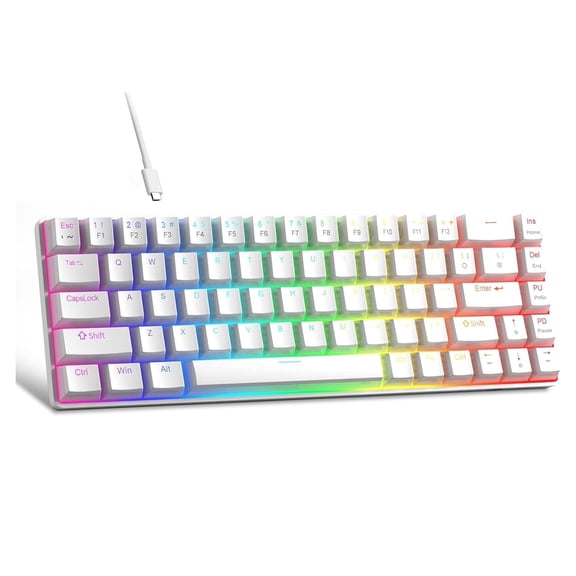
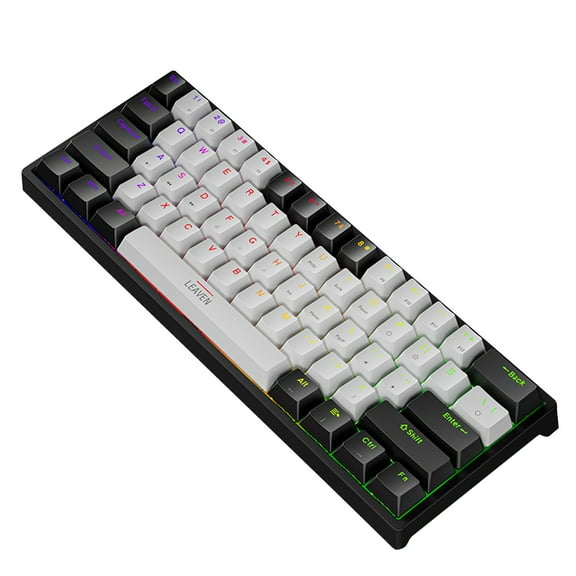
A 60% layout removes more keys to create a very small desktop profile. You may prefer this format when your setup needs portability or a clean look with minimal clutter.
Comparing wired and wireless mechanical keyboard options
You should choose connectivity based on where and how you use your keyboard. Your setup may favor a cable for simplicity or wireless freedom for cleaner desk routing.
A wired gaming mechanical keyboard can give you a direct connection and charging-free use. You may prefer wired models if your desk stays fixed and you want straightforward plug-in setup.
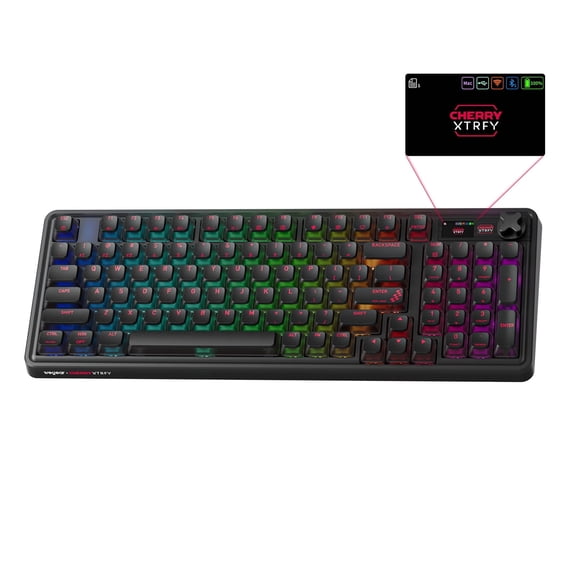
A wireless mechanical keyboard can reduce cable clutter and make desk changes simple. You can move between workstations with less effort when your keyboard supports Bluetooth or 2.4GHz wireless.
Bluetooth can help you connect across laptops, tablets, and other compatible devices. You may prefer it when your workflow includes switching between devices during the day.
2.4GHz wireless often appeals to shoppers who want low-latency input with cable-free placement. You should also check polling rate details when your gaming setup depends on quick response.
If you split time between work and play, multi-mode connectivity can simplify your setup. You can keep a wired option at your desk and still use wireless pairing elsewhere.
Deciding if a hot swappable keyboard fits your plans
You should compare hot-swappable and soldered designs before you commit to a board. Your long-term flexibility changes a lot depending on whether you can replace switches without soldering.
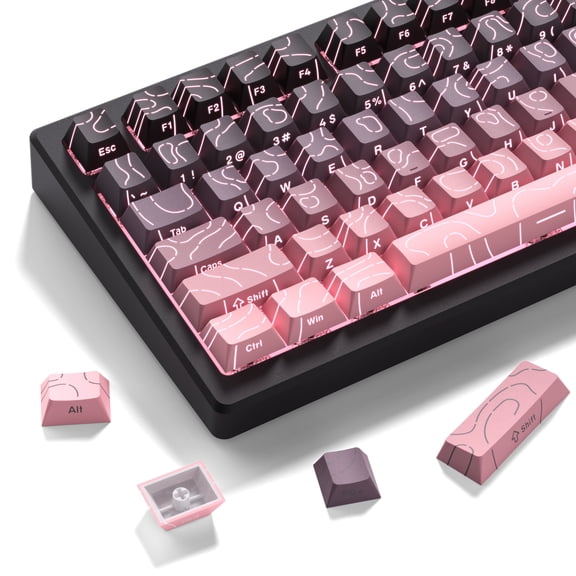
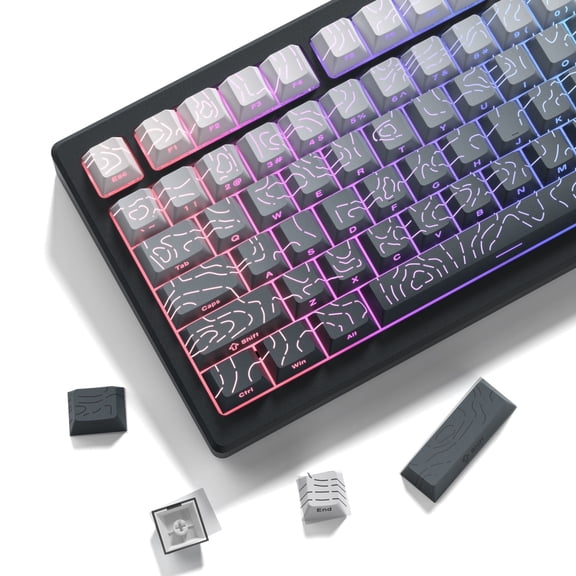
A hot swappable keyboard lets you change compatible switches with less effort. You may prefer this design if you want to test linear, tactile, or clicky options over time.
Soldered boards can still suit shoppers who know exactly what feel they want. You can choose them when your priority is a fixed setup without future switch changes.
You should also check stabilizer notes, plate material, and case construction when available. Your larger keys can feel steadier, and your typing sound can become more even across the board.
Mechanical keyboards for gaming, work, and shared spaces
You can match these keyboards to very different routines once you know your priorities. Your ideal combination may look different for gaming, office tasks, travel, or late-night use.
For competitive play, you may want a gaming mechanical keyboard with linear switches and 2.4GHz wireless or wired connectivity. You can pair that setup with a TKL layout for extra mouse movement room.
For office work, you may want tactile switches and a full-size layout. You can keep your number pad while getting clear feedback for long typing sessions and daily shortcuts.
For shared rooms, you may want a quiet mechanical keyboard with dampened sound and smooth large keys. You can reduce harsh noise while keeping the feel that draws many shoppers to this category.
If you like to customize over time, you may want a wireless mechanical keyboard that’s also hot-swappable. You can adjust switch feel later without replacing your whole board.
When you compare mechanical keyboards at Walmart, you can focus on the details that shape everyday use. Your final pick can deliver the layout, switch feel, and connection style that fit your desk.