

Computer Keyboards - Wireless, Mechanical & More













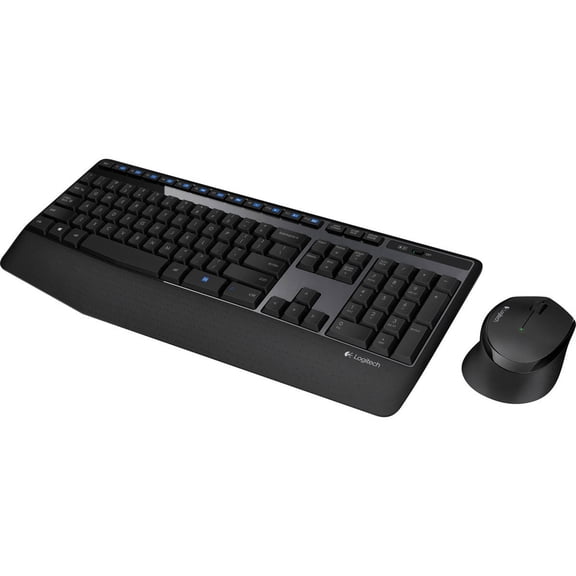


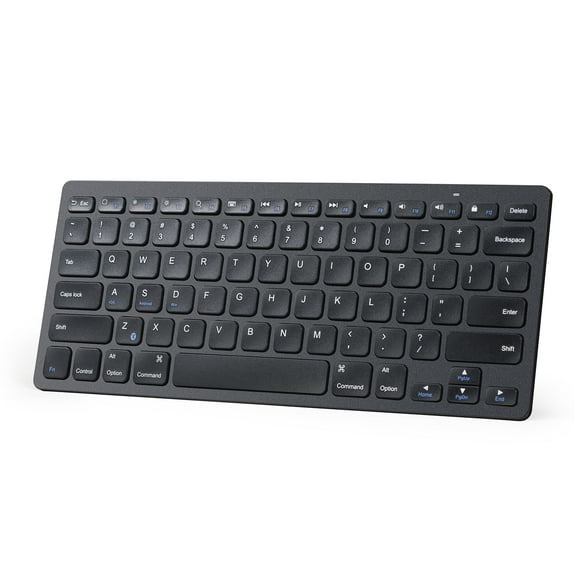


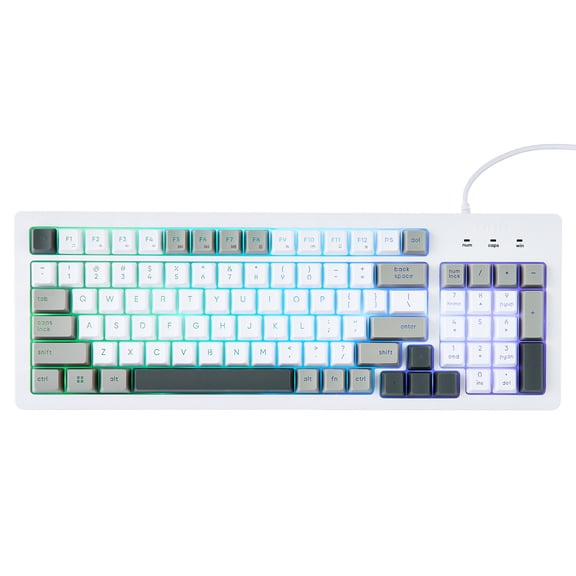
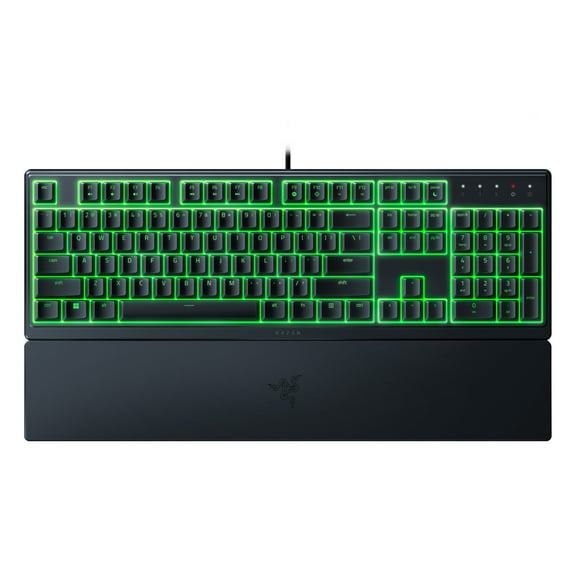


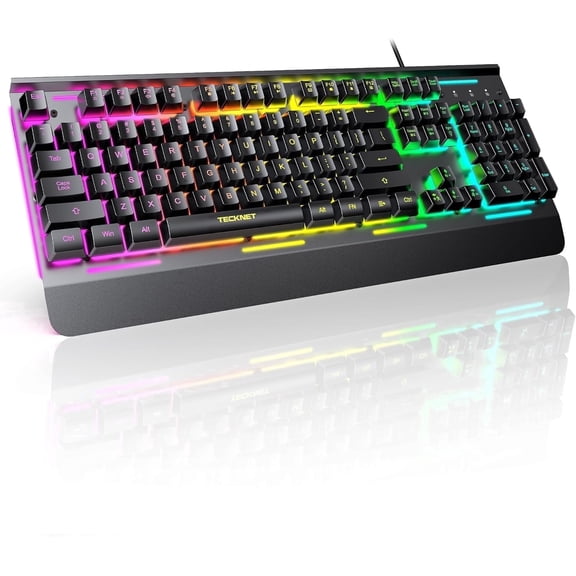
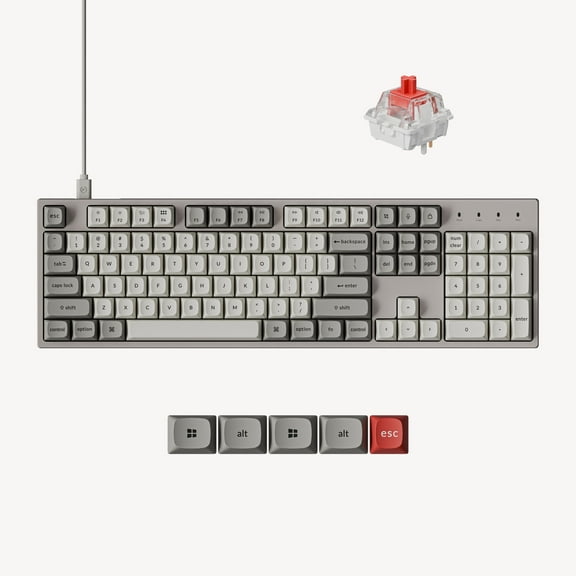
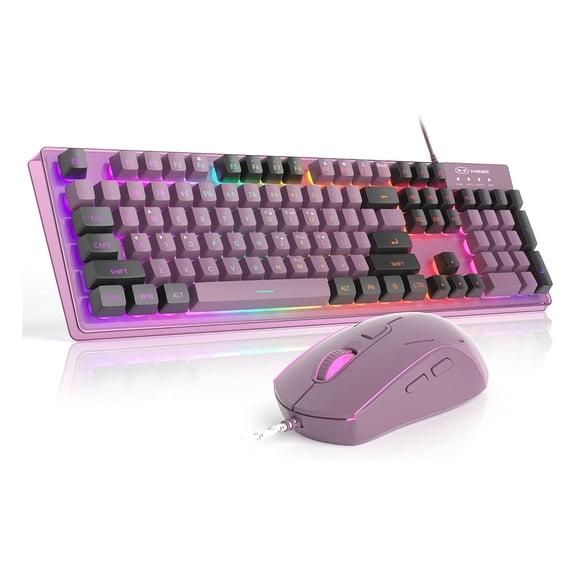


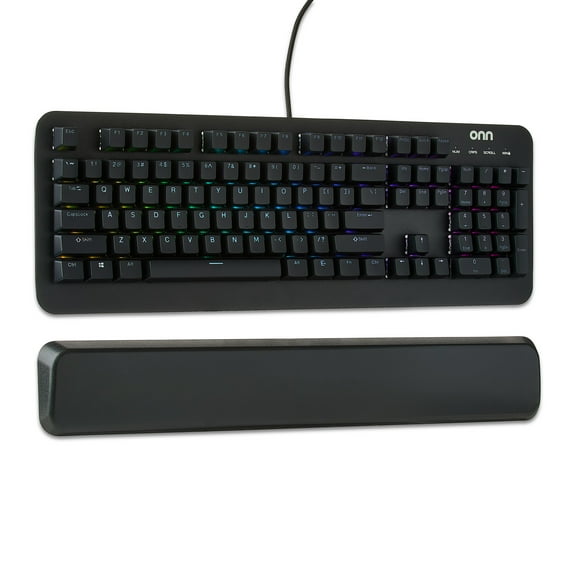




















About Computer Keyboards - Wireless, Mechanical & More - Walmart.com
Computer keyboards shape how your desk feels, types, and connects every day. This category covers input for computers and PCs, not musical keyboards. You can compare layouts, connections, and key feel for work, gaming, school, and shared home setups.
How to choose computer keyboards by connection
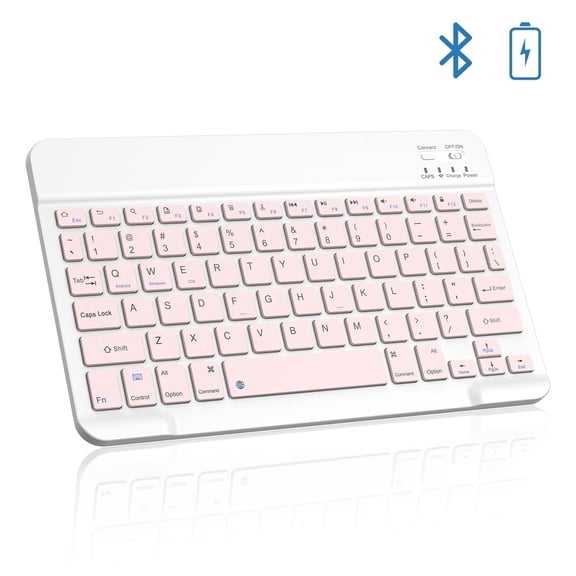
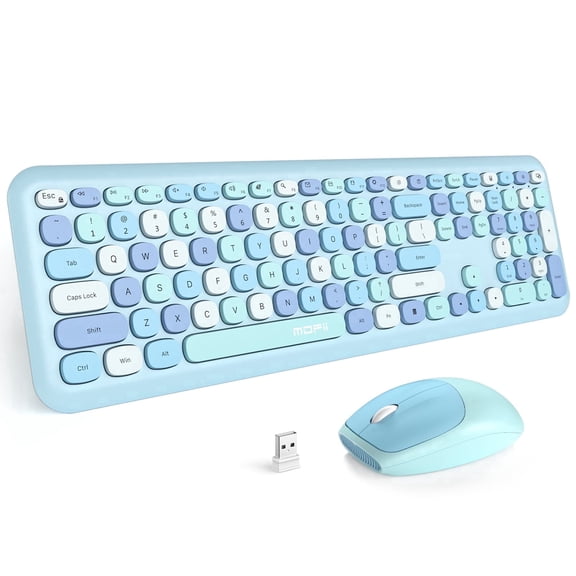
Start with connectivity because it affects setup, cable routing, and portability. Wired models usually connect through USB and suit a fixed desk. Wireless and Bluetooth options keep surfaces cleaner and make it easier to move your keyboard.
Check how your computer connects before you choose a model. A laptop with fewer ports may suit Bluetooth, while a desktop can fit a direct USB connection. Multi-device pairing also matters if you switch between screens during the day.
- Wired keyboards fit permanent desks and simple plug-in use.
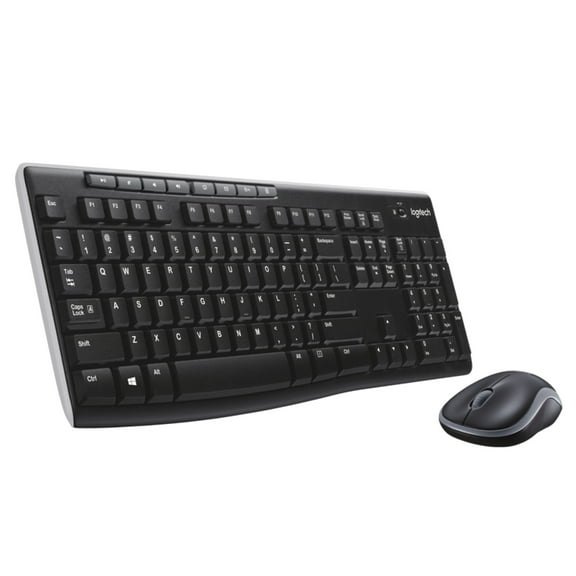
- Wireless keyboards support flexible placement and cleaner work areas.
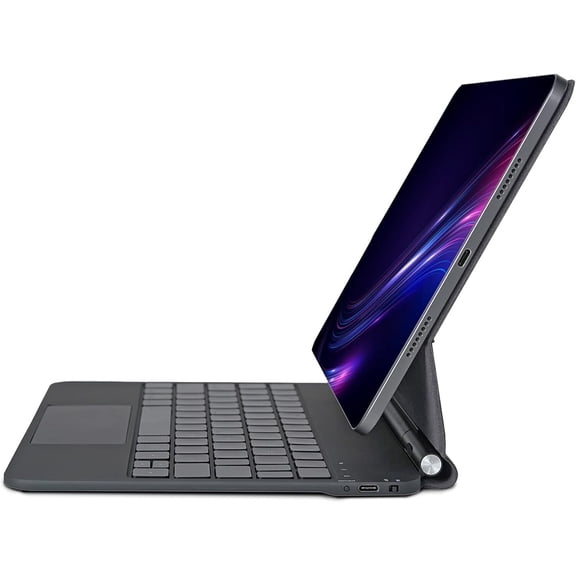
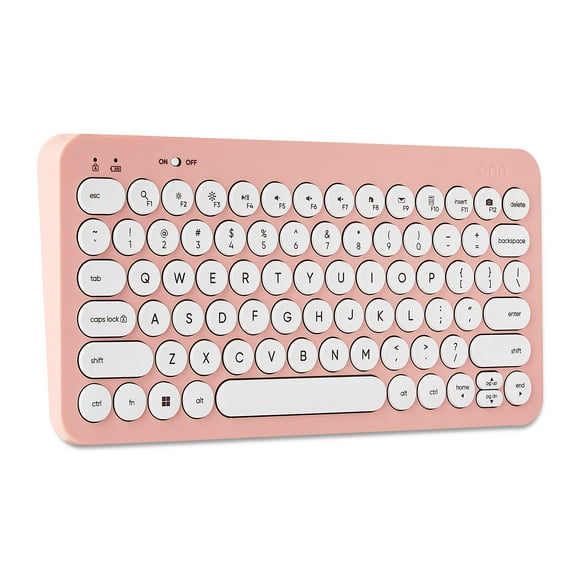
- Bluetooth models pair with compatible laptops and multi-device setups.
- USB keyboards provide a direct connection for many desktops.
Connection type also changes how you arrange your workspace. If you use a monitor arm or keyboard tray, fewer cables can keep the area neater. If you want a straightforward setup, a wired option keeps the connection method simple.
Choosing keyboard type and key feel
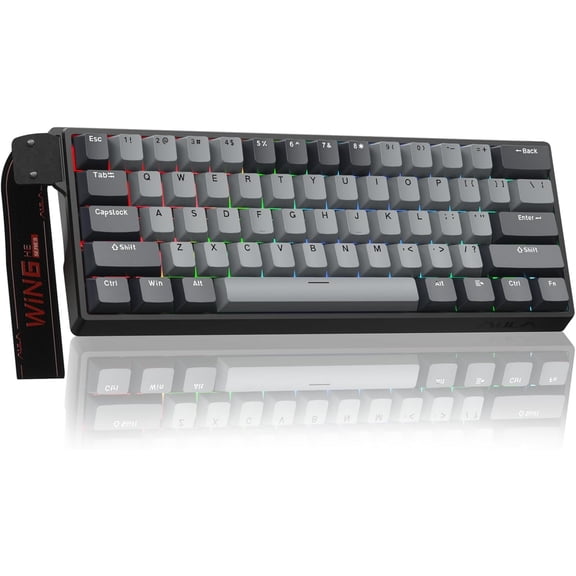
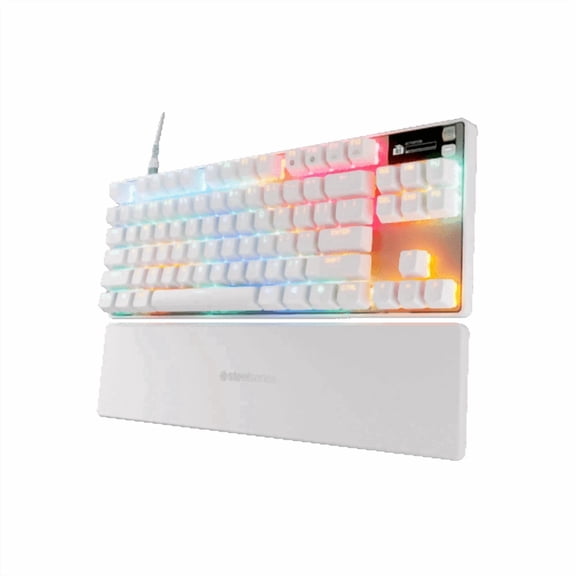
Keyboard type changes sound, feedback, and typing character. Mechanical, membrane, ergonomic, and gaming designs each support a different routine. You can narrow the field faster when you compare feel before color or styling.
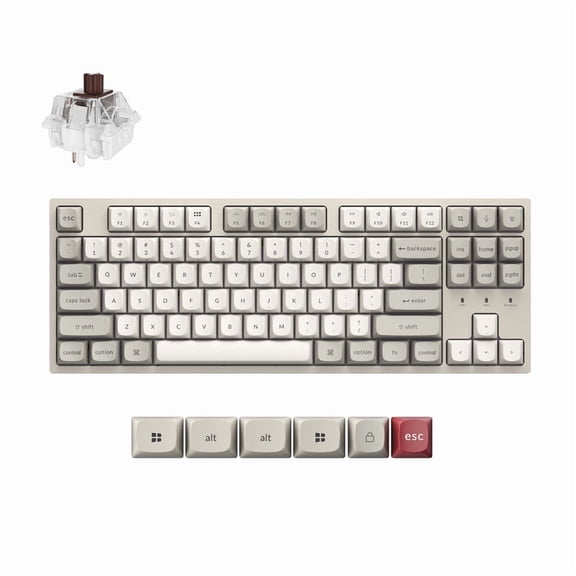
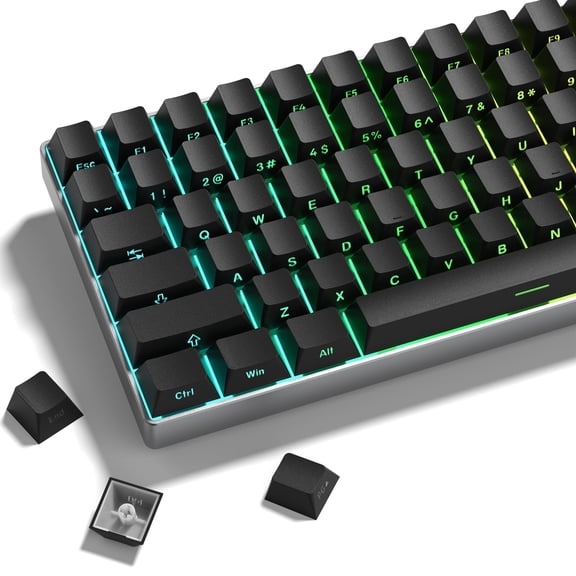
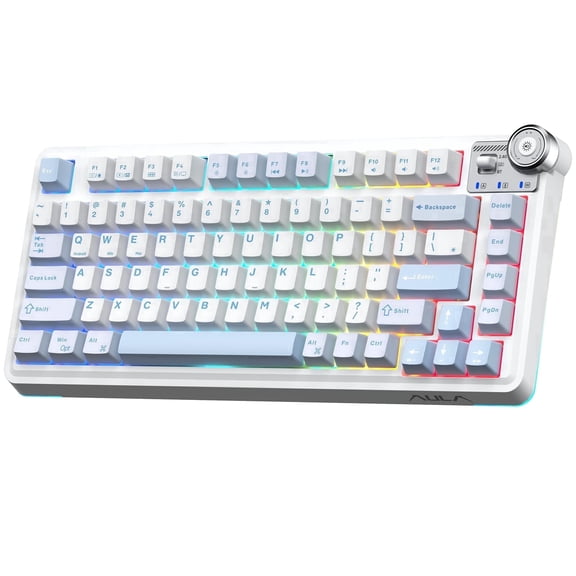
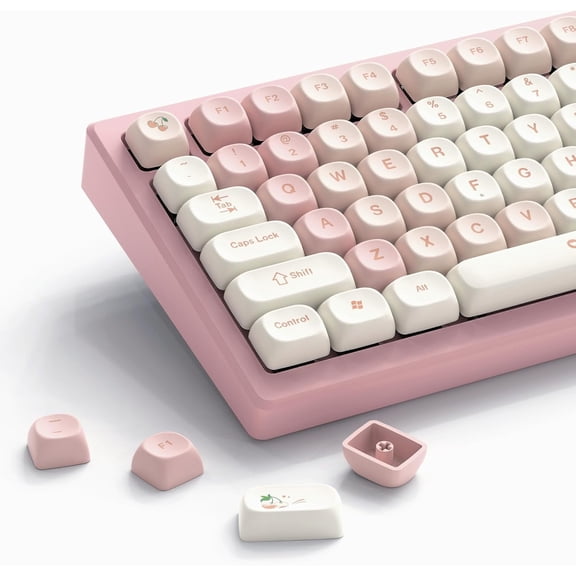
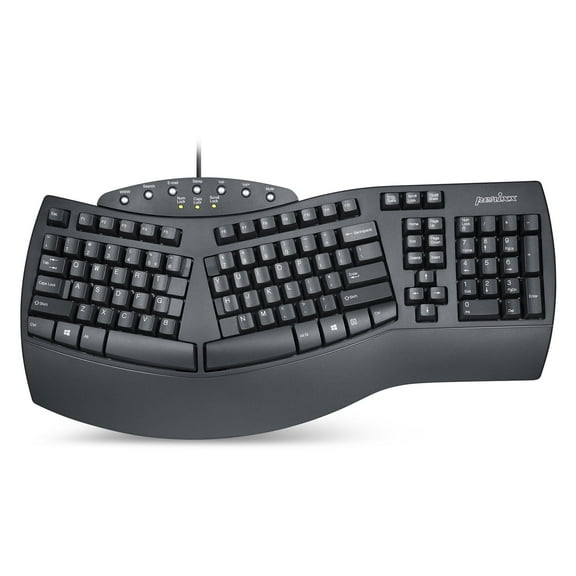
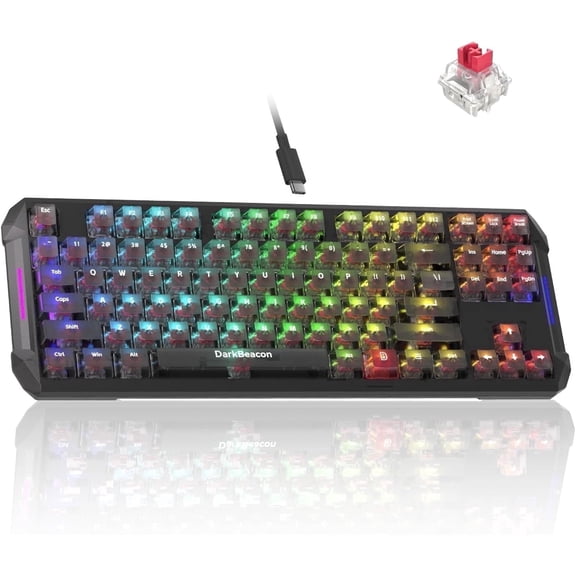
Mechanical keyboards often have more distinct key travel and switch response. Membrane designs usually feel softer and familiar for everyday typing. Ergonomic layouts use split angles, curved shapes, or adjusted wrist positions for a different desk posture.
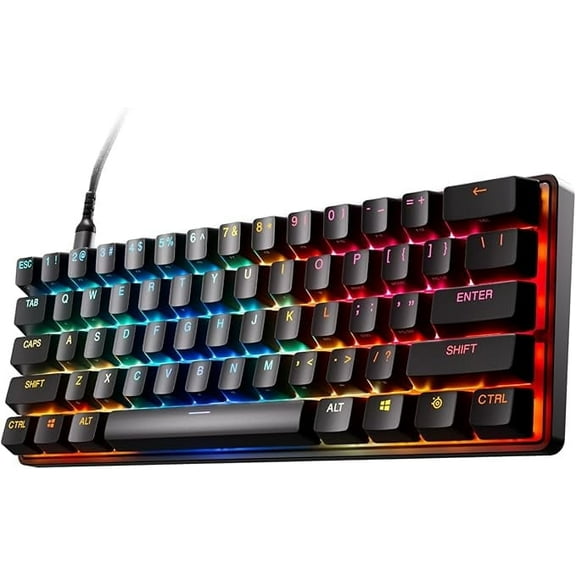
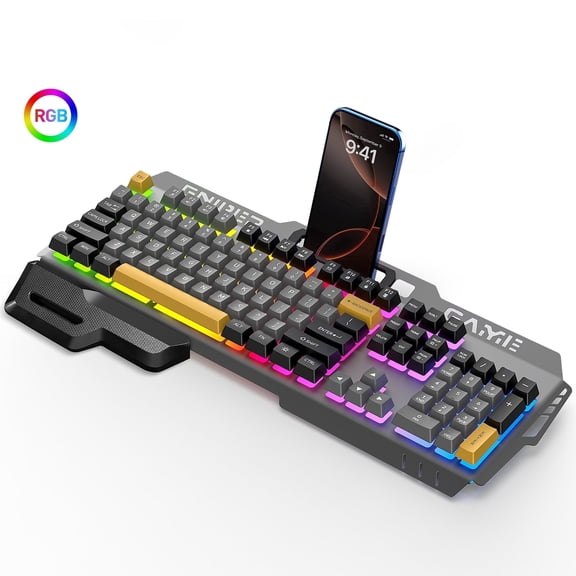
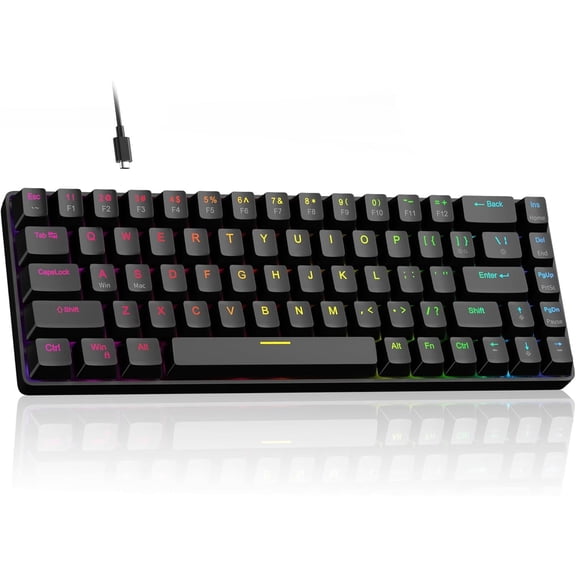
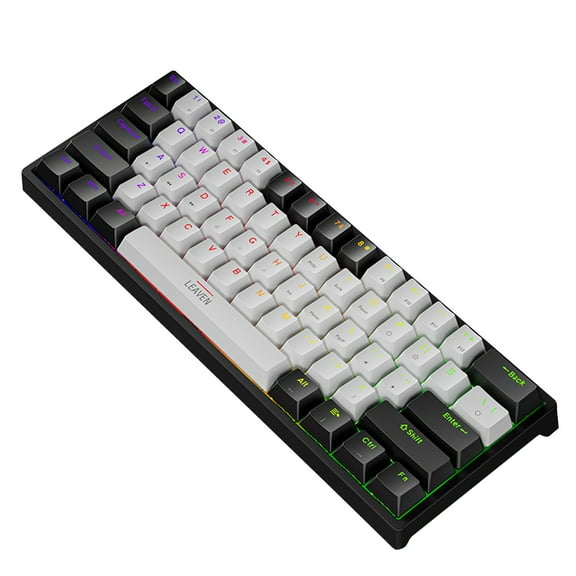
Gaming keyboards often focus on compact footprints, responsive input, and layouts that leave more room for mouse movement. That combination matters on a crowded gaming desk. It matters less on a spreadsheet station with a full mouse pad and number entry.
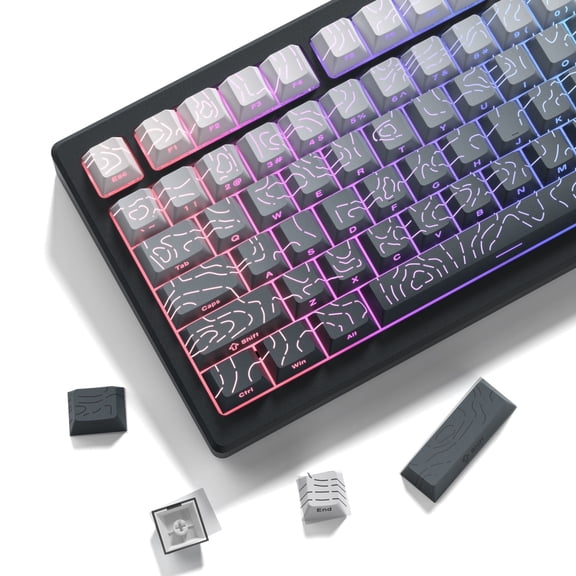
Switch style adds another layer to your decision. Linear switches press smoothly, tactile switches add a bump, clicky switches sound sharper, and quiet switches reduce keyboard noise. You should match that feel to the room, your typing habits, and the amount of feedback you prefer.
What to look for in a pc keyboard layout
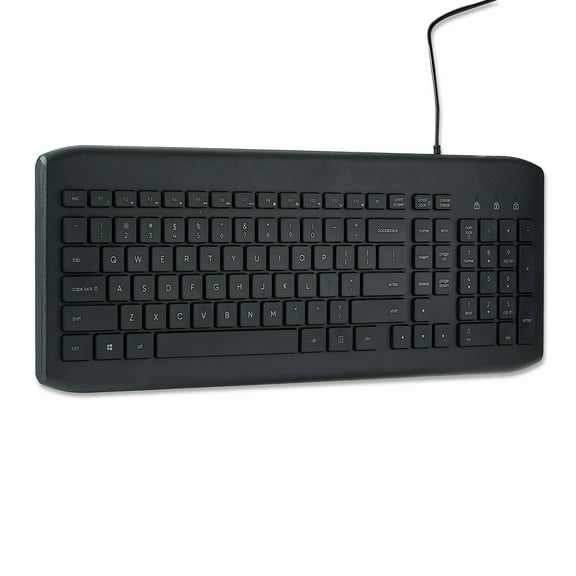
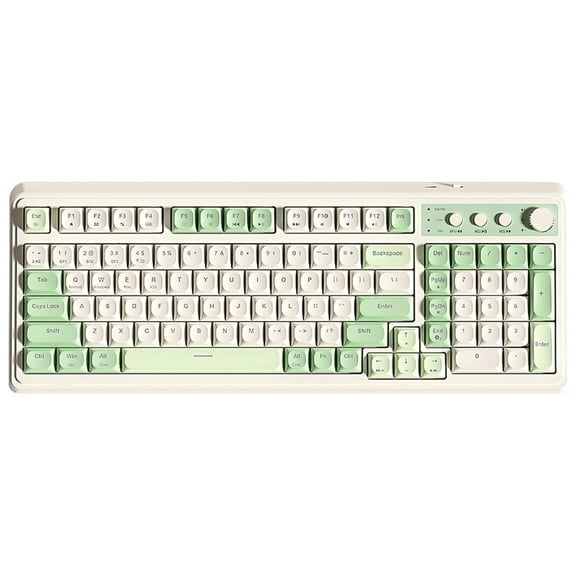
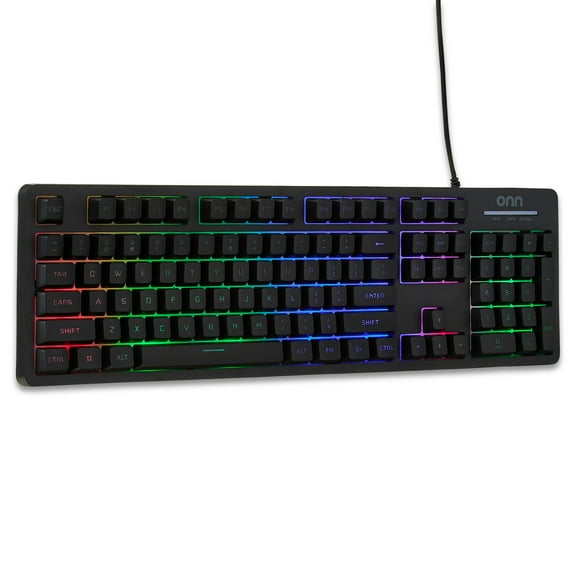
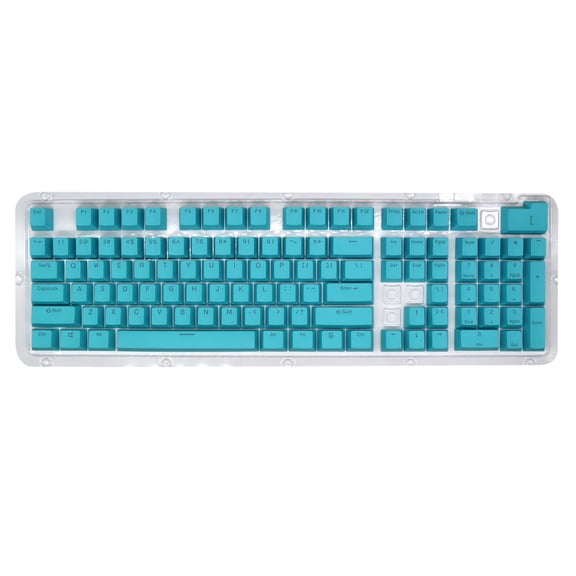
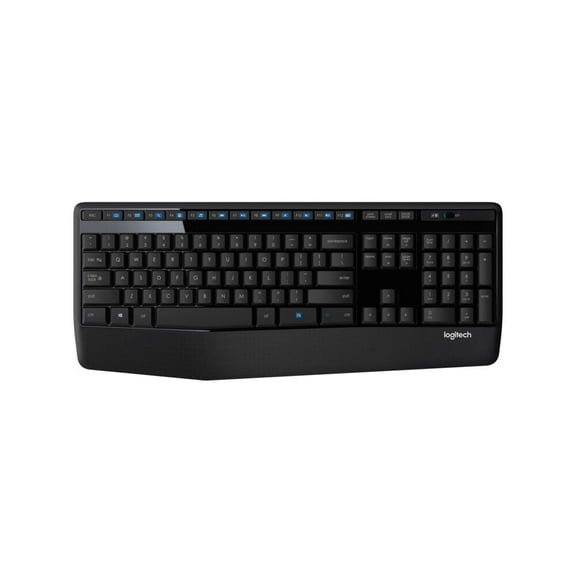
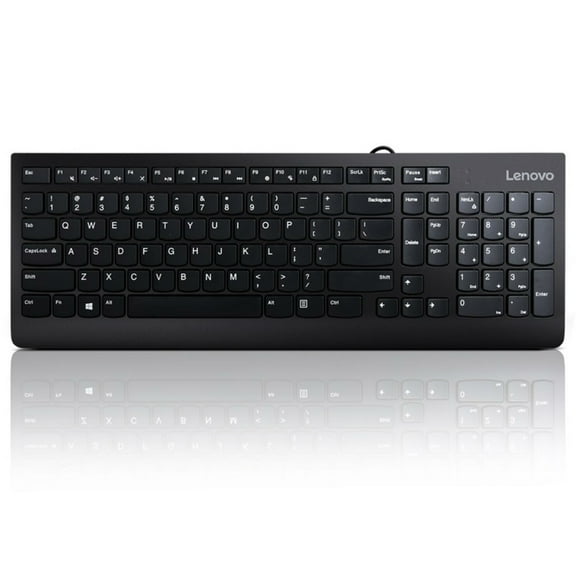
Layout size affects desk space, number entry, and mouse position. A full-size pc keyboard usually includes a number pad, function row, and navigation keys. That format often fits office work, accounting tasks, and data entry.
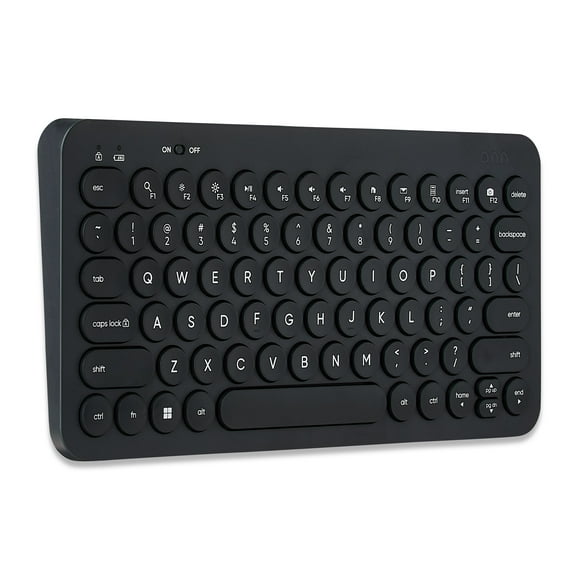
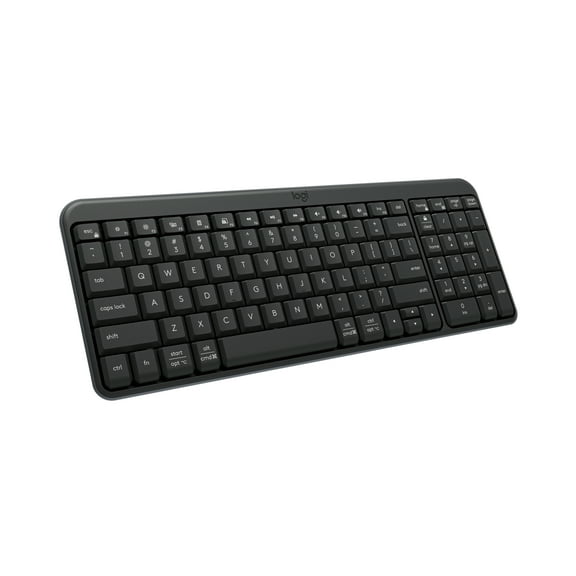
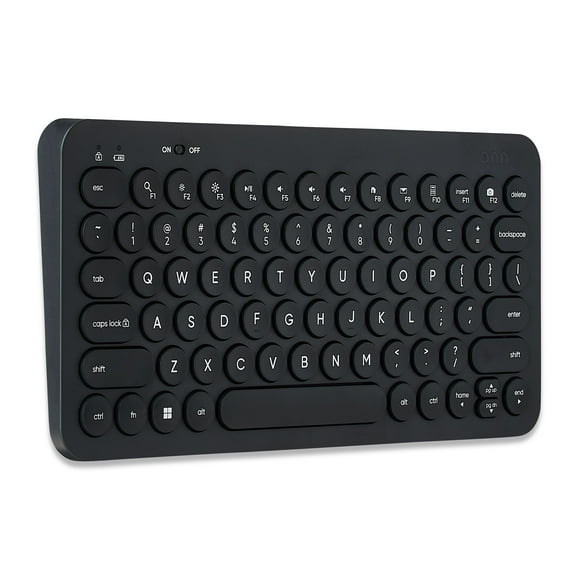
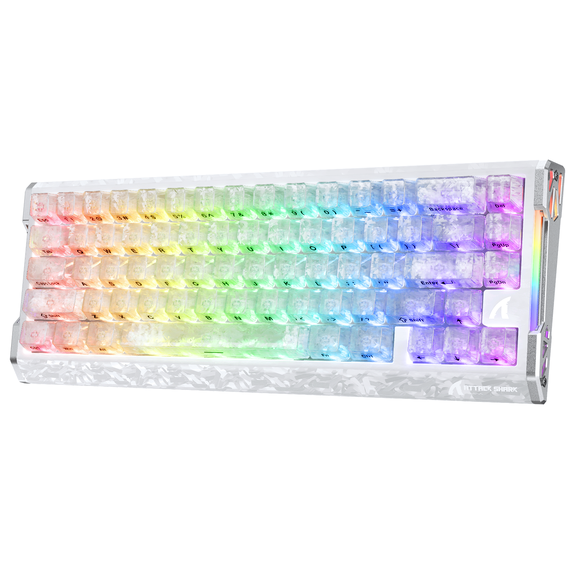
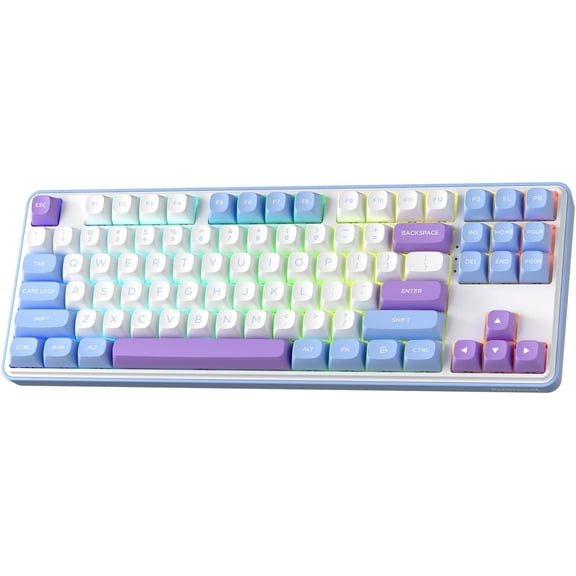
Tenkeyless layouts remove the number pad and open more room on the right side. Compact and mini options reduce the footprint further and fit smaller desks well. You may prefer those layouts if your workspace also holds speakers, notebooks, or a laptop stand.
Measure your desktop before choosing a size. That step helps when monitors, chargers, and writing space all compete for the same surface. Smaller layouts can also shift arrow keys or shortcut placement, so compare key positions before deciding.
Matching a keyboard for computer use to your devices
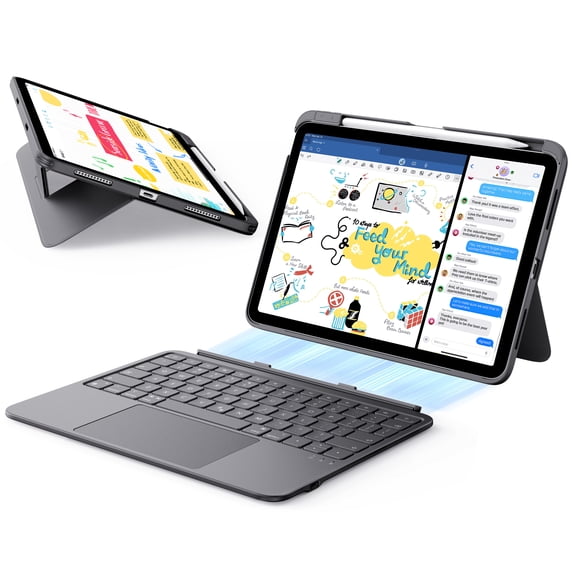
Device compatibility should guide your shortlist early. A keyboard for computer use may be intended for a PC tower, desktop workstation, laptop dock, or several devices. You should check operating system support and pairing method before focusing on design details.
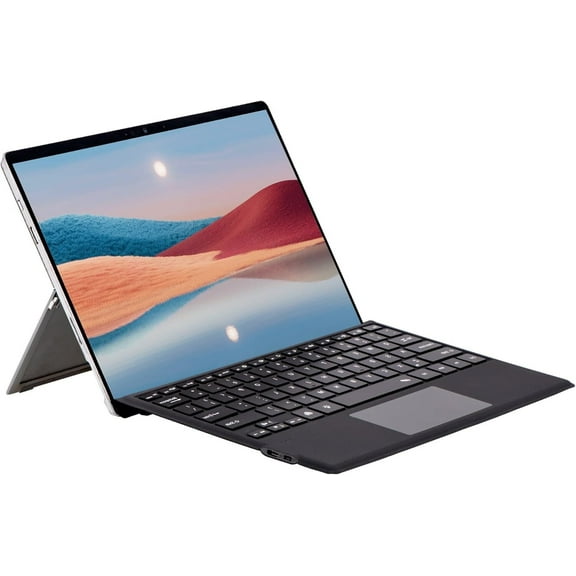
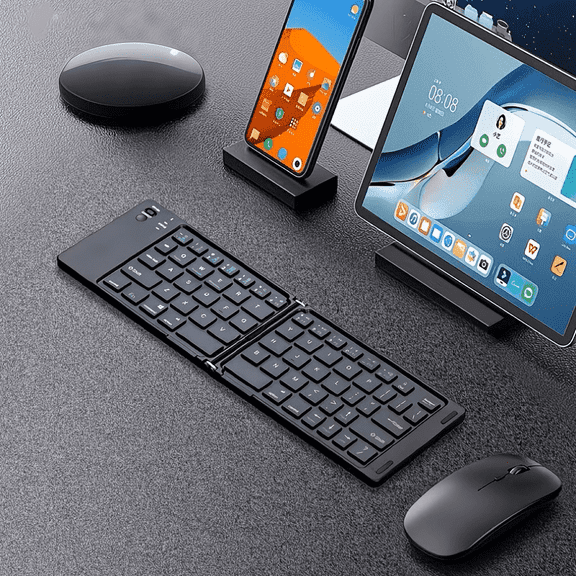
Some setups need one keyboard that stays on a home office desk all week. Others need a compact option that moves from a laptop stand to a living room table. A multi-device model can fit both situations if you switch between compatible screens often.
Compare your main device with the keyboard's connection style and layout. A desktop may suit a wired or USB model, while a laptop setup may favor Bluetooth and a smaller footprint. That match helps your keyboard fit your space instead of crowding it.
How use case changes your keyboard choice
Use case is one of the clearest ways to narrow keyboards. Gaming, office work, school, and everyday home use each call for a different balance. You can make a faster decision when you start with where the keyboard will live.
Office work often favors full-size layouts, predictable key spacing, and direct connectivity. School setups may benefit from compact shapes that move easily between desks and study spots. Everyday home use often centers on familiar layouts and simple pairing for shared computers.
Gaming setups may lean toward mechanical switches, tenkeyless sizes, or layouts with extra mouse room. Those details support fast input and cleaner desk movement. They are specific to computer keyboards, not monitors, speakers, or other accessories.
- Office work often matches full-size layouts and direct connections.
- School setups can fit compact or wireless designs.
- Gaming use may suit mechanical switches and tenkeyless sizes.
- Home setups often focus on familiar keys and broad compatibility.
Key differences that help you compare computer keyboards
Experienced shoppers usually compare six details before deciding. They check connectivity, keyboard type, device compatibility, layout size, use case, and switch feel. That approach helps you separate a travel-friendly keyboard from a full desk model.
It also helps you distinguish a quiet membrane board from a clicky mechanical option. Those differences are specific to computer keyboards and pc keyboard shopping. When those decisions match your routine, typing feels more consistent and your desk works more smoothly.
With the right combination of connection, layout, and key feel, your setup stays easier to use every day. A well-matched keyboard can keep your workspace cleaner, your shortcuts easier to reach, and your typing more comfortable.