

Hidden Cameras & Spy Cameras for Home Security | Walmart



















About Hidden Cameras & Spy Cameras for Home Security | Walmart - Walmart.com
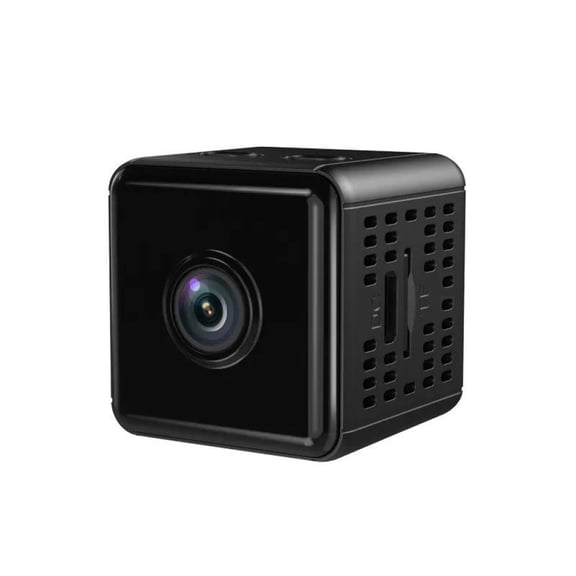
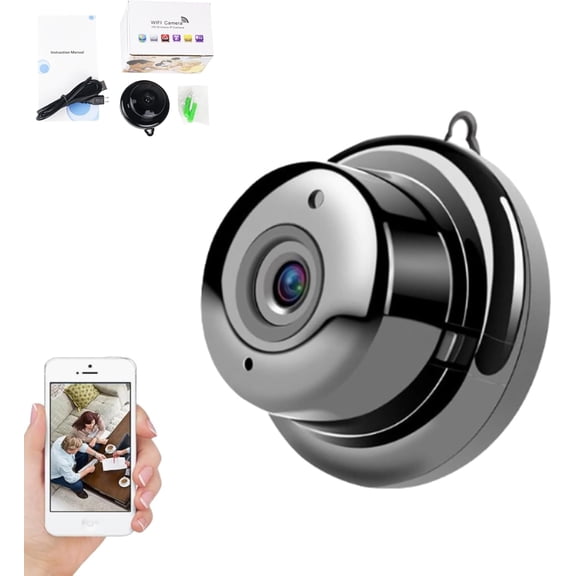
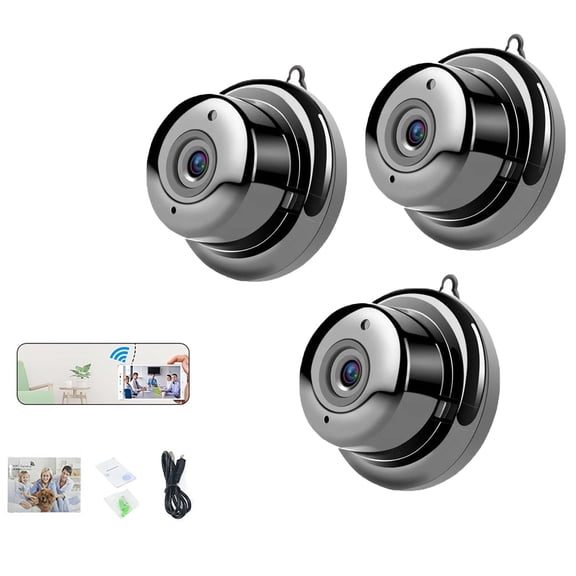
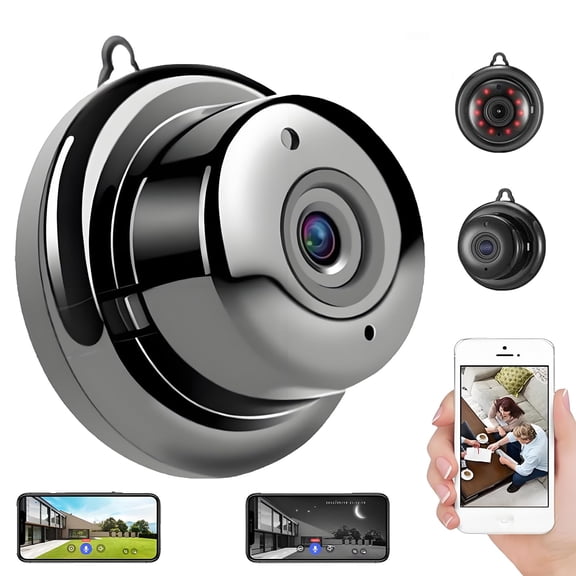
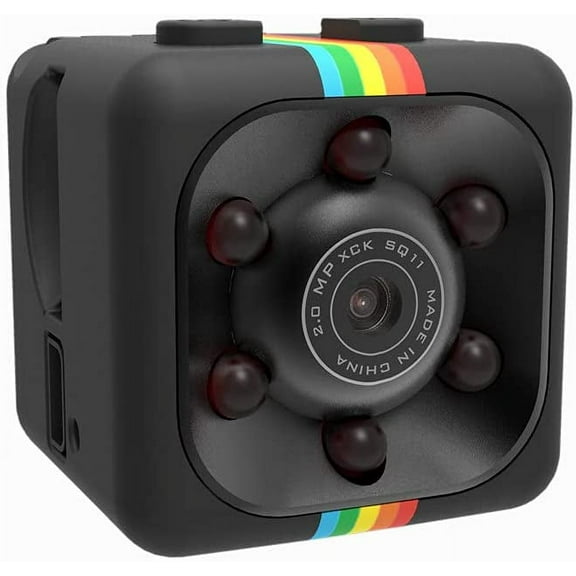
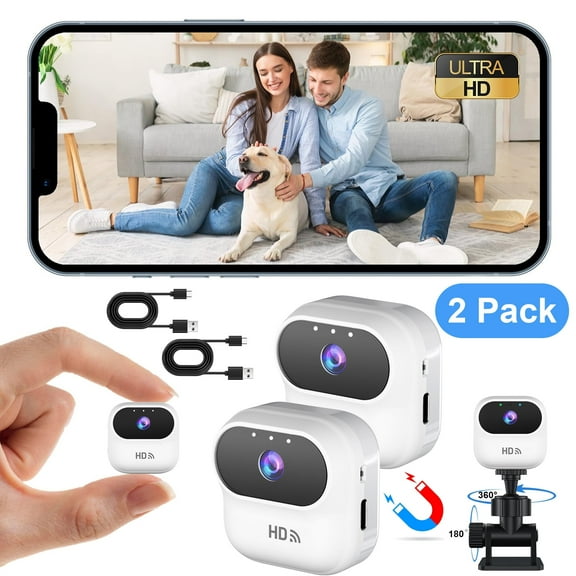
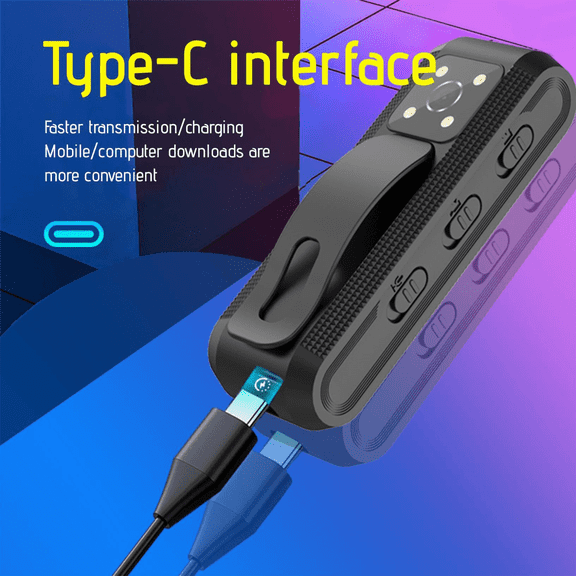
Hidden cameras help you monitor key spaces with discreet placement and flexible recording options. You can compare form factors, audio settings, and storage choices for your home setup.
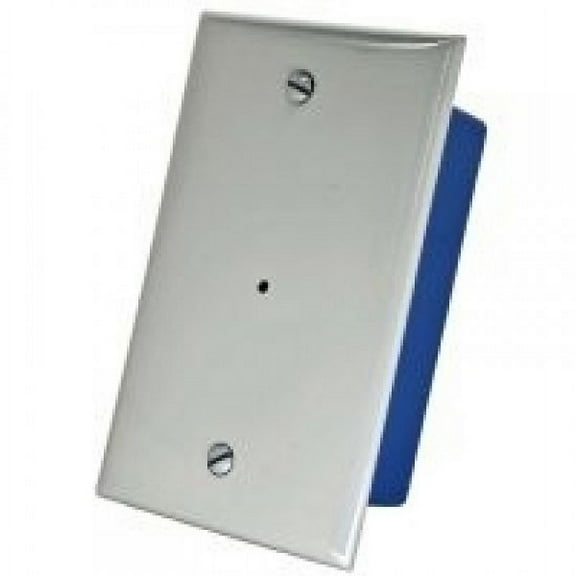
If you're narrowing down covert home monitoring, you'll want details that fit real rooms and daily routines. Different designs let your setup blend into shelves, outlets, desks, or nursery spaces.
How to choose hidden cameras for your space
When you compare hidden cameras, you should start with placement and visibility. You may prefer an invisible camera style that blends into everyday household items.
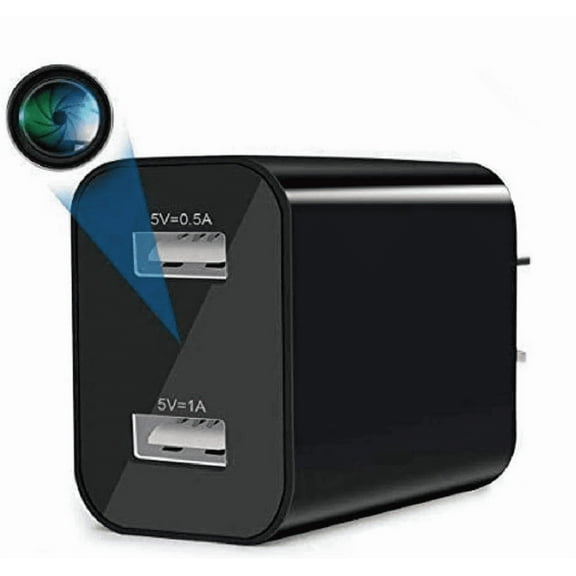
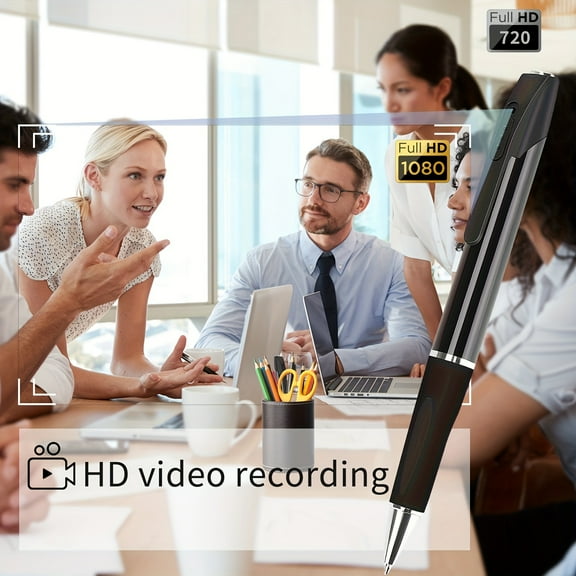
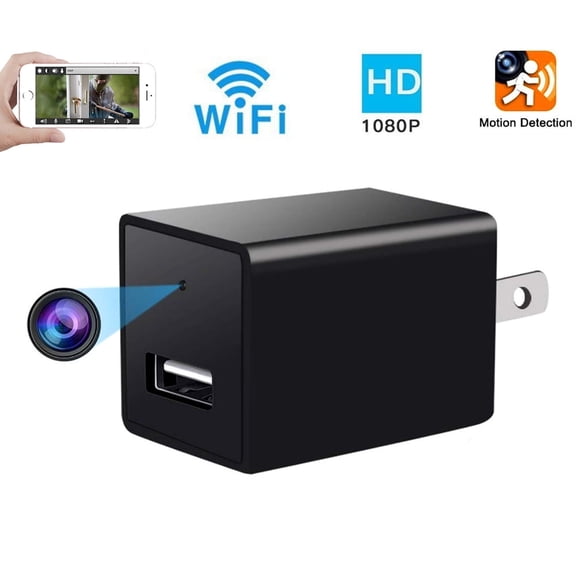
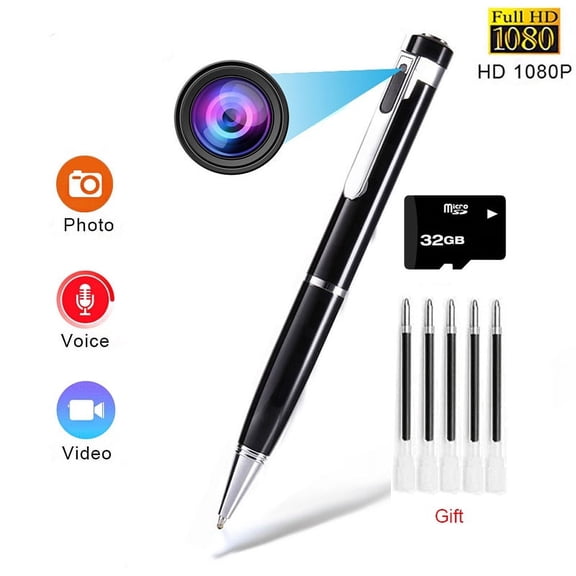
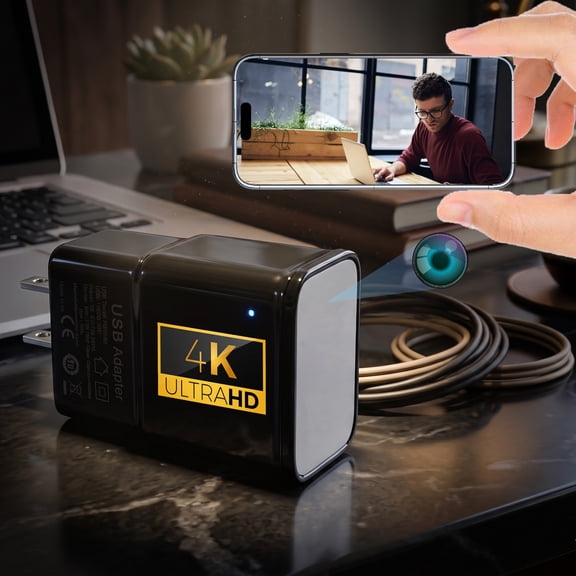
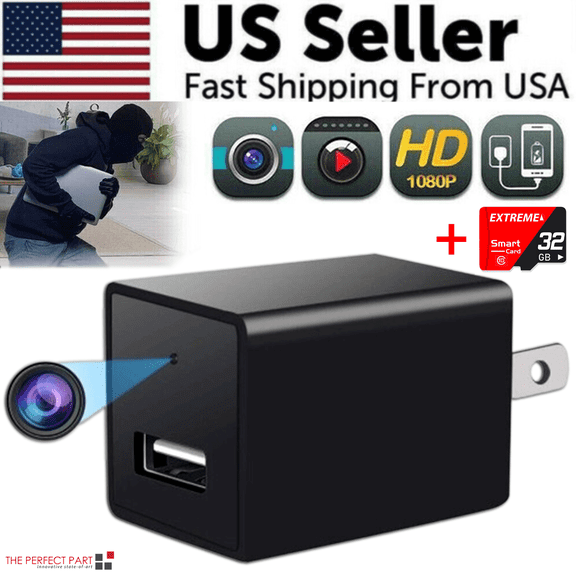
Consider whether your room fits a clock camera, smoke detector camera, USB charger camera, or spy pen design. You can match the housing to the room so your hiding camera setup feels natural.
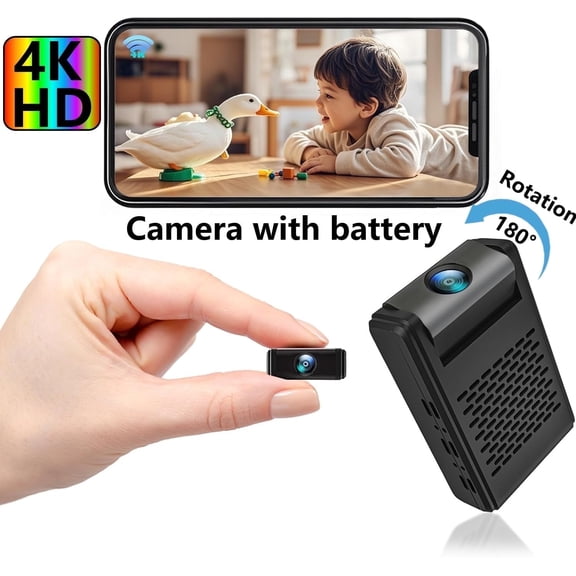
You'll also want to check power needs before you decide. You can use continuous AC power for longer recording or choose standby battery options for flexible placement.
- You can keep a nursery, entryway, or office in view with discreet form factors.
- You can choose local storage, Wi-Fi viewing, or both for different access preferences.
- You can compare with audio, video only, and two-way audio options by room use.
- You can look for night vision when you need recording in darker spaces.
Choosing a hidden camera for home with audio
Audio capability shapes how you use a hidden camera for home with audio in daily situations. You can select video only for simple recording or choose with audio when sound matters.
If you want more interaction, you can compare two-way audio options for spaces where remote communication matters. You should check product details to see how the unit incorporates microphones and speakers.
Connectivity also affects your setup and playback routine. You can compare wireless Wi-Fi models for app access, wired models for steady power, or cellular options for remote placement.
Local storage only models work well when you want recording without app dependence. You should compare micro SD support, storage limits, and file access before you choose.
Comparing storage, power, and image details
Power source is a major decision because it affects placement and recording duration. You can use AC-powered units for continuous operation, while battery models support flexible positioning.
Battery life varies by motion settings, recording mode, and app use. You should compare standby claims with your actual trigger-based recording habits at home.
Storage matters just as much as power. You can record to a micro SD card for on-device files or choose cloud-compatible options for offsite access.
When you compare storage, you should look at card capacity, loop recording, and how the system organizes clips. You can avoid guesswork when your footage needs quick review.
Image features help you narrow choices for day and night use. You can look for resolution details, motion alerts, and night vision range for hallways, living rooms, or nurseries.
If you're comparing an invisible camera for low-light areas, you should check how the lens handles darkness. You can also compare viewing angles for wider room coverage.
Choosing the right wireless nanny cam and form factor
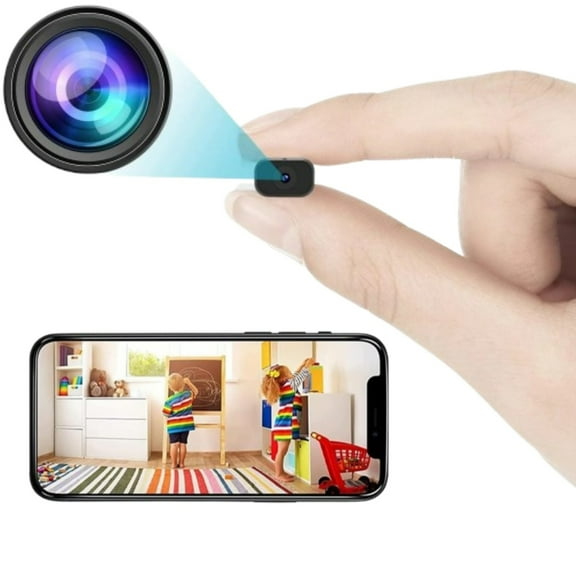
Form factor affects how easily your camera blends into a specific environment. You can choose a wireless nanny cam design for nursery furniture, shelves, or tabletop placement.
A smoke detector camera may suit ceilings or upper wall areas in larger rooms. A clock camera can fit bedside tables, desks, or bookcases where electronics already belong.
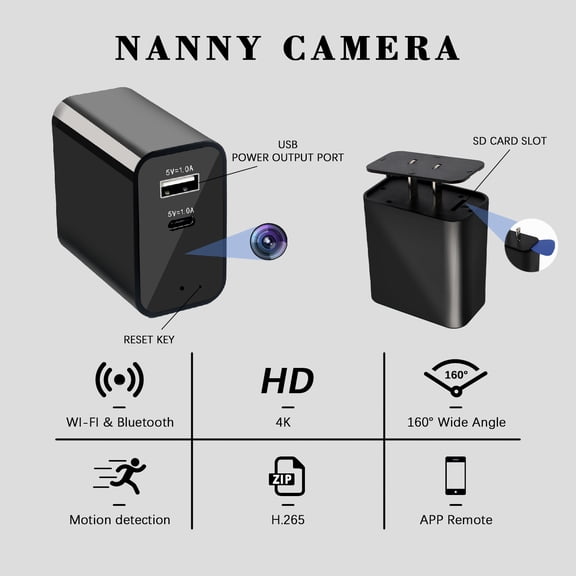
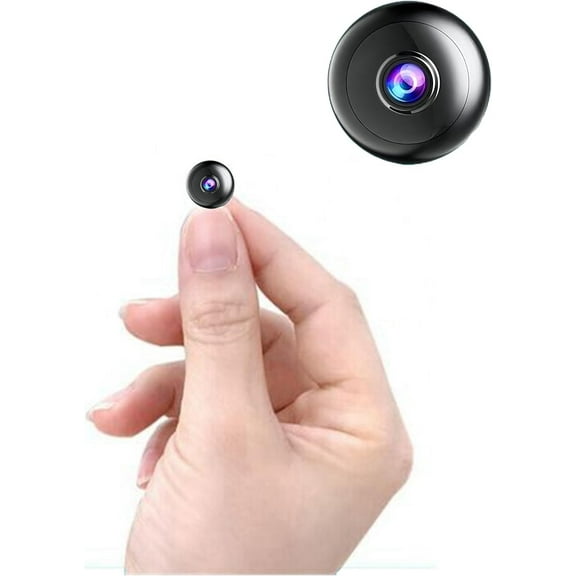
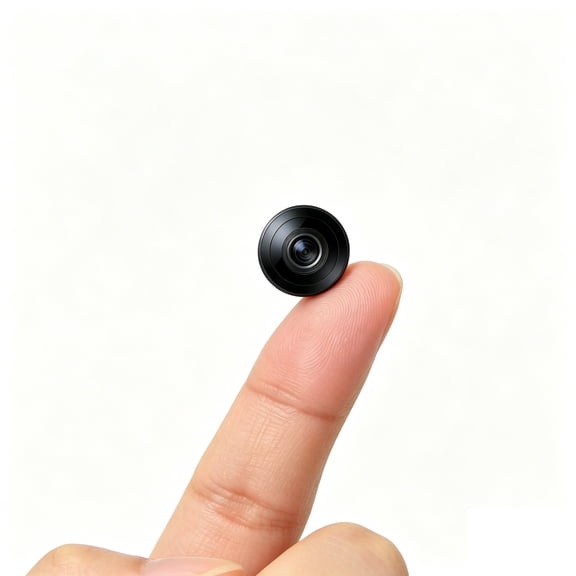
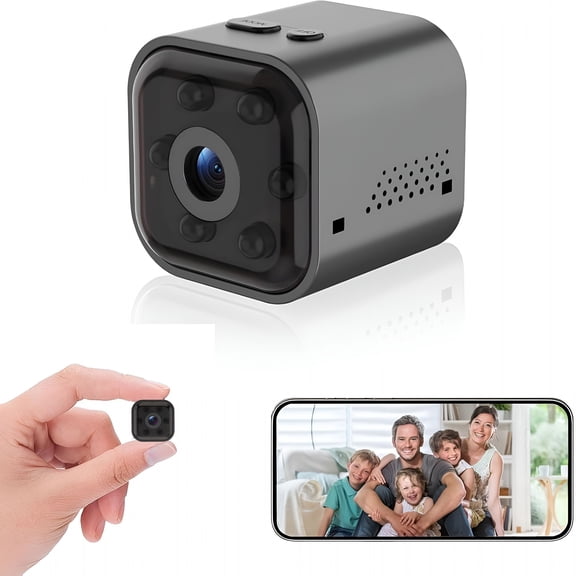
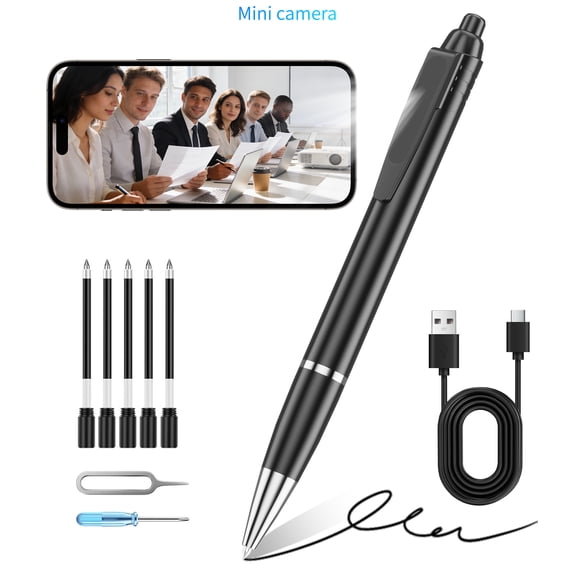
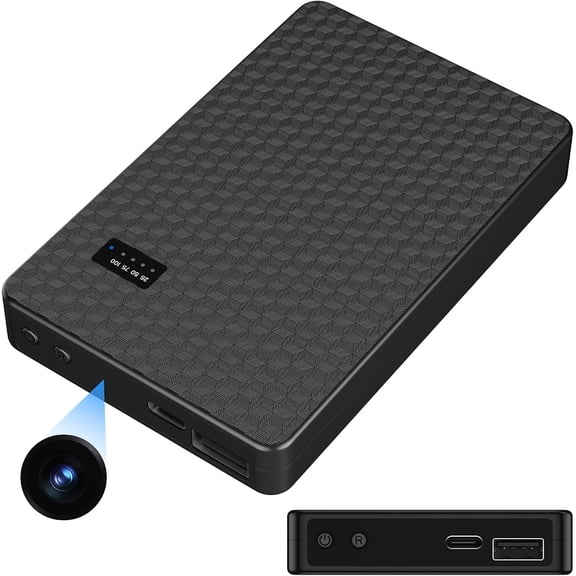
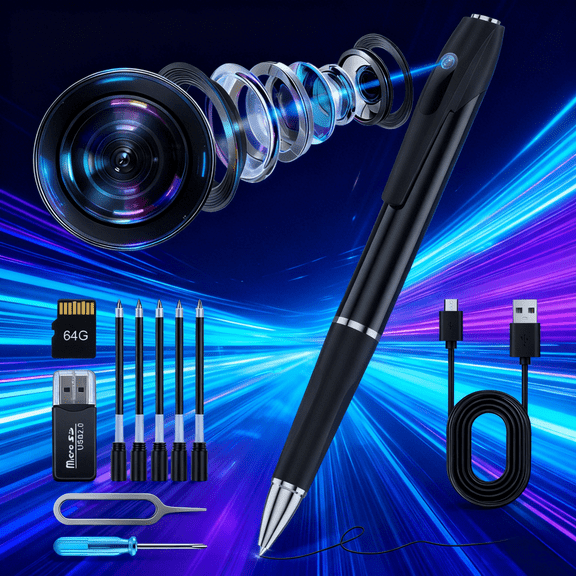
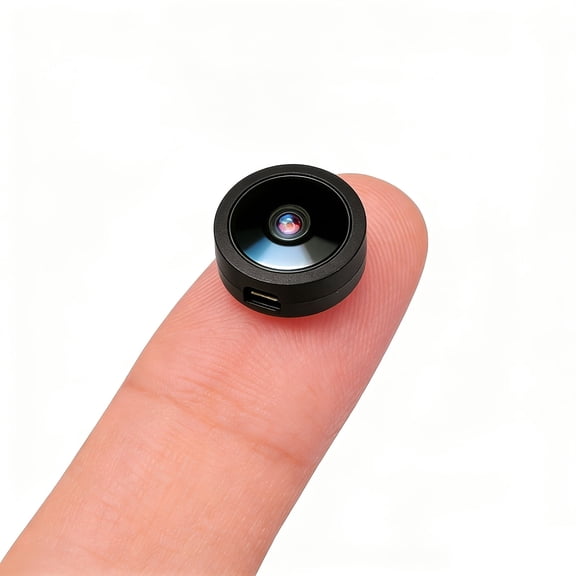
If you need a compact setup, you can compare USB charger camera styles and ultra-compact housings. You may also prefer a spy pen for portable placement in temporary situations.
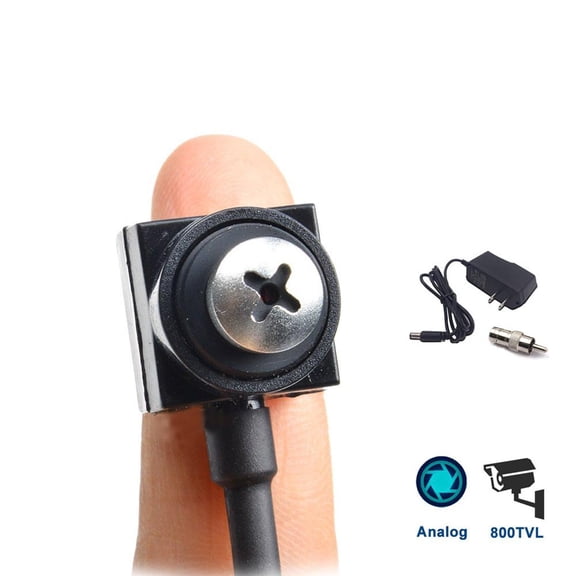
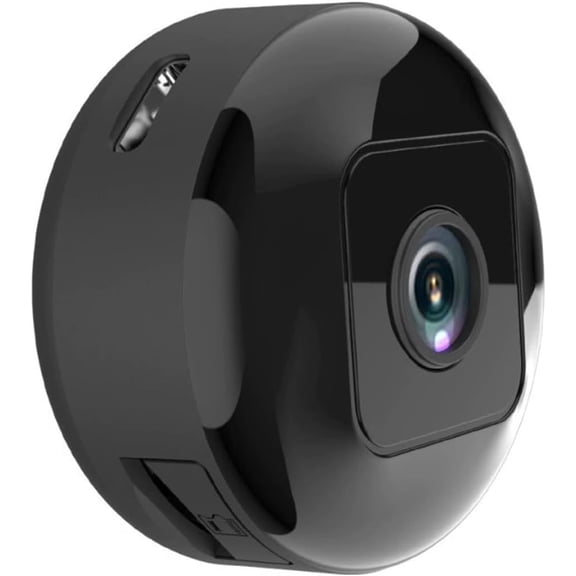
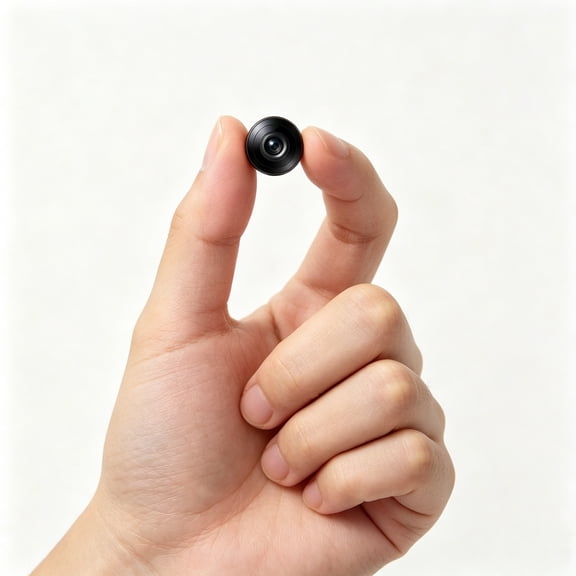
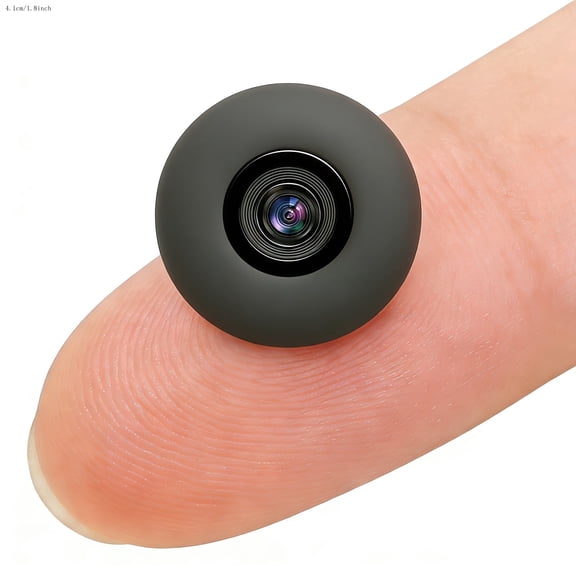
Stealth level matters when you want the unit to match surrounding objects. You can compare fully disguised styles, miniature lenses, and compact shapes based on your room layout.
Using hidden cameras in common home scenarios
You can use hidden cameras in nurseries, entry points, home offices, and shared living spaces. You should match the camera style to the furniture, lighting, and power access in each area.
For nursery monitoring, you may want a wireless nanny cam with night vision and simple app viewing. You can compare with audio options when sound is part of your decision.
In an office or study, you might prefer a clock camera or USB charger camera with local storage. You can review clips later without relying on a constant connection.
For hallways or larger rooms, you may want AC power and wider viewing angles. You can keep recording active longer when the camera stays plugged in.
If you're organizing broader coverage, you can compare these options with smart home security, security cameras, and surveillance video recorders. You can build a setup that fits discreet monitoring and visible recording needs.
You may also compare a camera detector when you're reviewing privacy tools for travel or shared spaces. You can inform your setup decisions by understanding both recording and detection categories.
When you compare hidden cameras carefully, you can match concealment, storage, power, and audio to the room that matters. You get a setup that fits your space and supports clearer everyday visibility.