

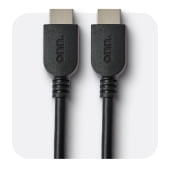
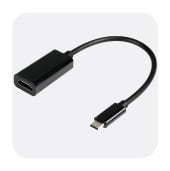
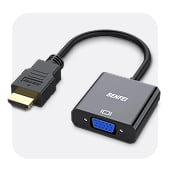
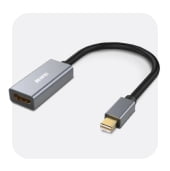
HDMI Splitters in HDMI Cables & Adapters
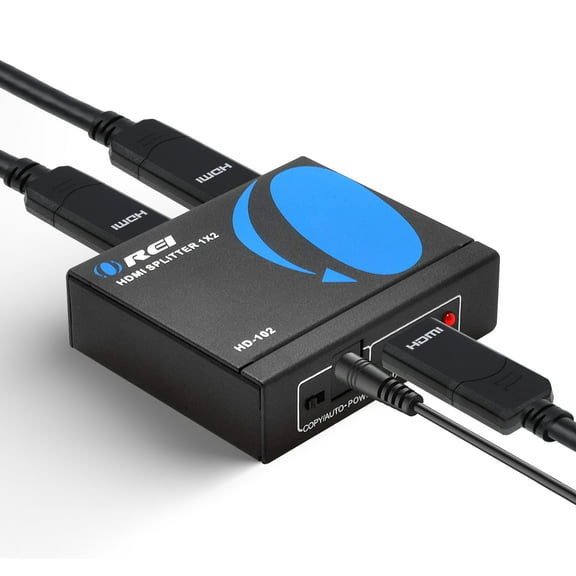
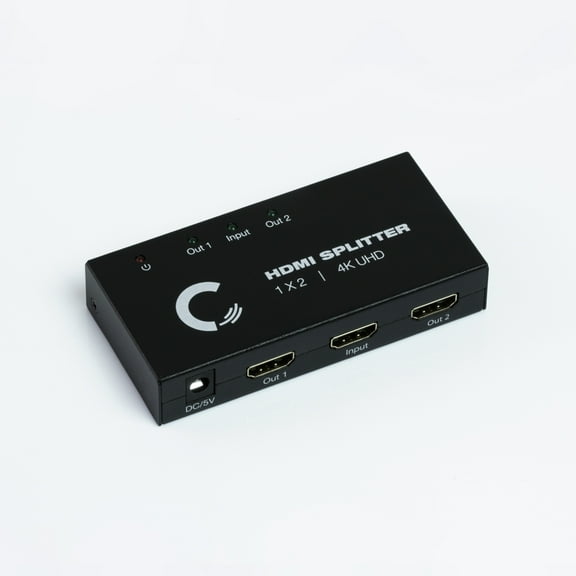
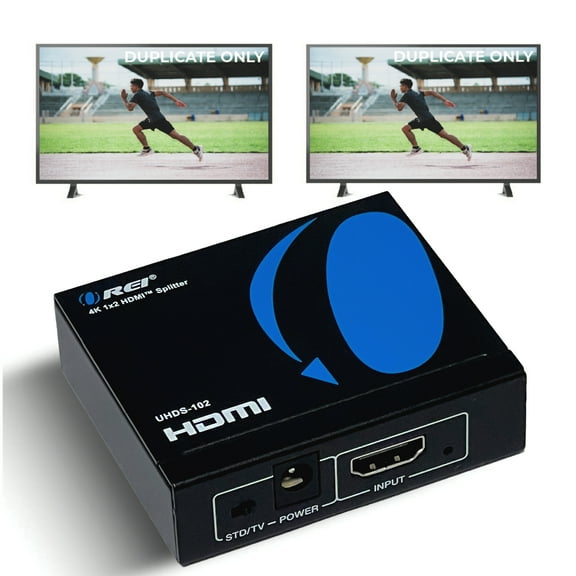









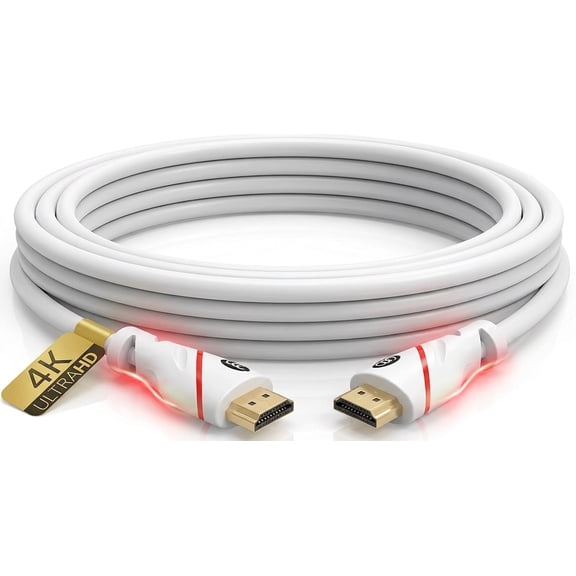
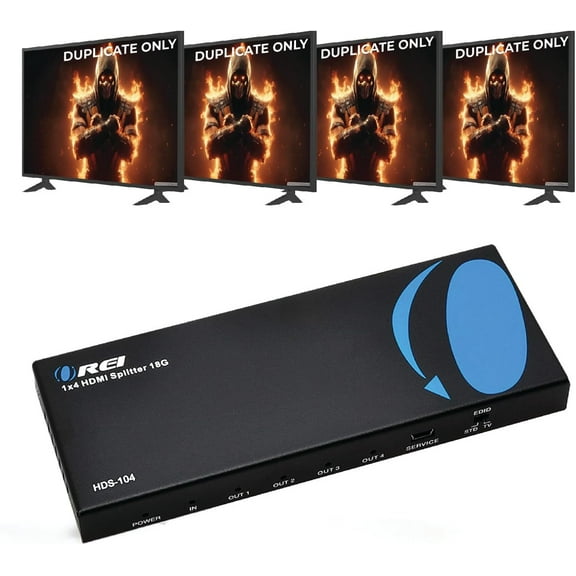


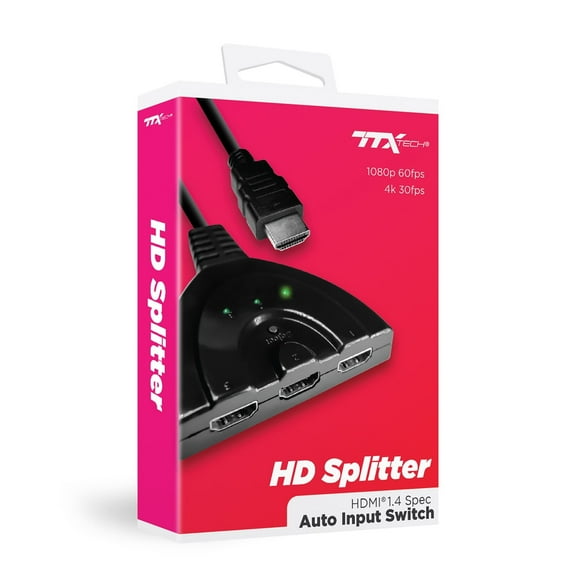

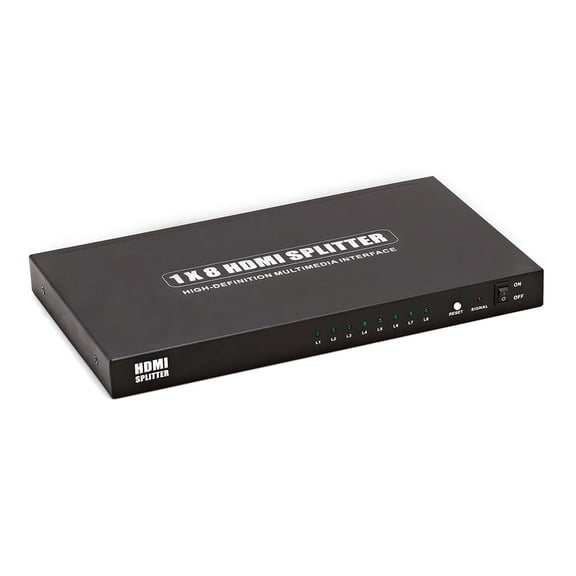


About HDMI Splitters in HDMI Cables & Adapters - Walmart.com
Charging cables help you match connector type, cable length, material, and wattage to your devices. You can compare these details faster when you know how each option fits daily charging.
How to choose charging cables for your devices
You should start with connector type, because your device port decides what can fit. You may need USB-C, Lightning, Micro-USB, or USB-A for the right connection.
USB-C works with many newer phones, tablets, laptops, and accessories. Lightning fits many Apple devices, while Micro-USB supports older gear you still use every day.
You can also check the power source end before you order. Your setup may use USB-A on older wall plugs, or USB-C on newer power adapters.
- You can match USB-C cables with USB-C power adapters for newer phones and laptops.
- You can choose Lightning cables when your Apple device uses that connector.
- You can keep Micro-USB cords for older speakers, cameras, and accessories.
- You can use USB-A connections when your charger, car port, or computer has a standard USB port.
Choosing the right usb charging cords by length
You should measure the distance from your outlet to where you actually use your device. Your comfort changes a lot when you choose three feet, six feet, or 10 feet.
A three-foot cable works well when your charger sits close to your desk or nightstand. You get less slack, which can help you keep your space tidy.
A six-foot cable gives you more reach for couches, shared workspaces, and hotel rooms. You can plug in and still use your device without stretching the cord.
A 10-foot cable gives you extra flexibility in large rooms or hard-to-reach outlets. You should check your setup carefully, because extra length can create more cable to manage.
Comparing replacement power cables by material
You can compare materials by how your cable feels, bends, and handles daily use. Your choice often comes down to braided nylon, heavy-duty PVC, or silicone.
Braided nylon gives you a textured outer layer that can feel more secure in your hand. You may prefer it when your cable travels in bags, drawers, and backpacks.
Heavy-duty PVC gives you a familiar smooth finish and everyday flexibility. You can use it for routine charging at home, at work, or in the car.
Silicone gives you a softer feel and a flexible bend that can sit flatter on surfaces. You may like it when your cable wraps often and needs a cleaner, simpler feel.
Understanding power adapters and charging speed
You should compare wattage before pairing cables with power adapters. Your device may charge differently with 18W, 20W, 60W, or 100W PD support.
An 18W or 20W setup often fits everyday phone charging needs. You can use those levels when your device supports standard fast charging from a compatible adapter.
A 60W cable can support many tablets, handheld devices, and some laptops. You should look for USB-C compatibility when your devices need more power than a basic phone cord.
A 100W PD option gives you higher power delivery for demanding USB-C setups. You can consider it for laptops, docks, and multi-device travel kits that need stronger output.
You should always compare your device requirements with the cable and adapter rating. Your charger can only deliver the speed your device and cable can handle.
Matching charging cables to everyday use
You can make your choice easier by matching cable specs to where you charge most. Your desk, car, kitchen, bedside table, and travel bag all create different needs.
For commuting, you may want a shorter cord that stays neat in a console or backpack. Your car charger and phone port should guide the connector and power choice.
At your desk, you might want six feet for easier reach around monitors and stands. You can pair USB-C cables with a compatible adapter for phones, tablets, or laptops.
For bedside charging, you may want extra length when your outlet sits behind furniture. Your setup can feel more convenient when the cord reaches without pulling tight.
During travel, you may want fewer cables that handle multiple devices. You can simplify packing by comparing connector type, wattage, and adapter ports before you leave.
If you charge laptops and phones from one kit, you should check PD support carefully. Your cable and adapter pairing can make a big difference in everyday convenience.
What to look for before you choose
You should check connector type first, then confirm cable length, material, and wattage. Your decision becomes easier when you compare those four details in that order.
Charging cables work efficiently when your setup matches how you actually power devices each day. You can choose a cord and adapter combination that fits your ports, reach, and charging speed.