

GPS Dash Cam Combos: Dash Cams with GPS - Walmart















About GPS Dash Cam Combos: Dash Cams with GPS - Walmart - Walmart.com
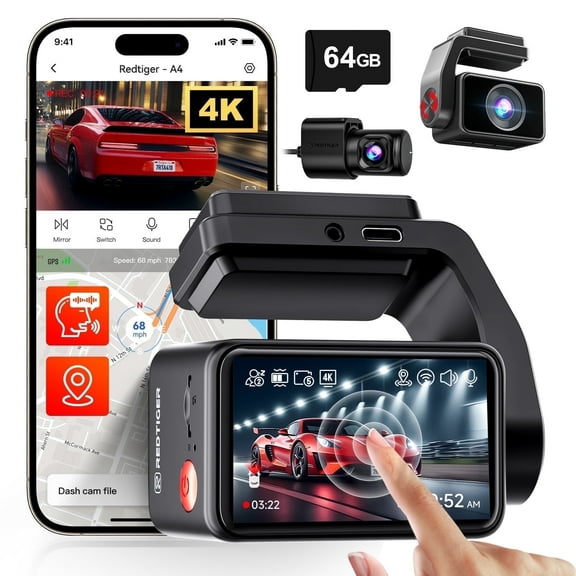
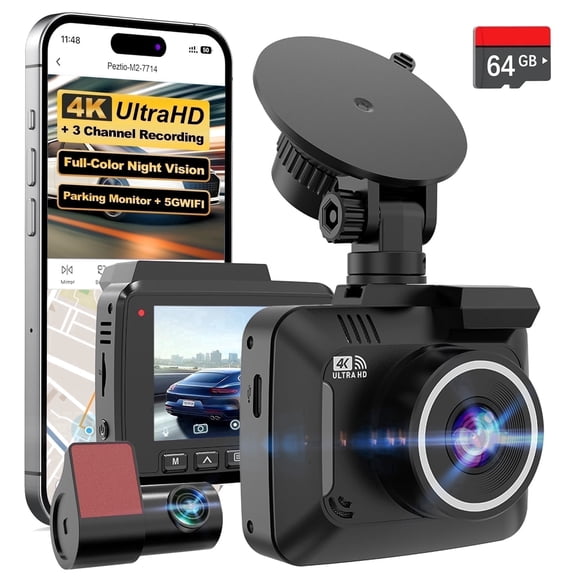
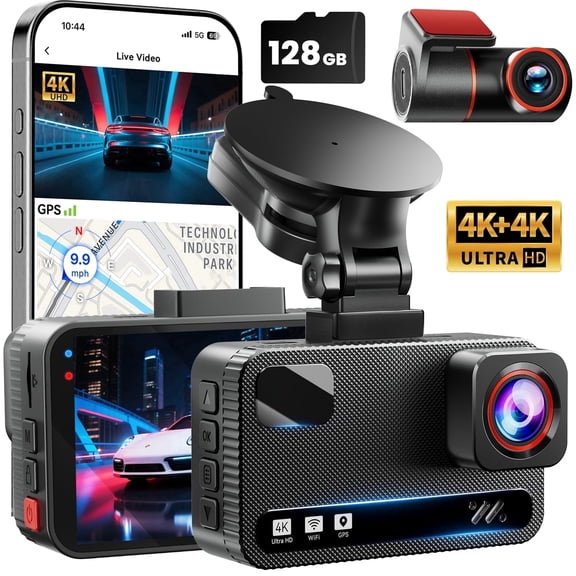
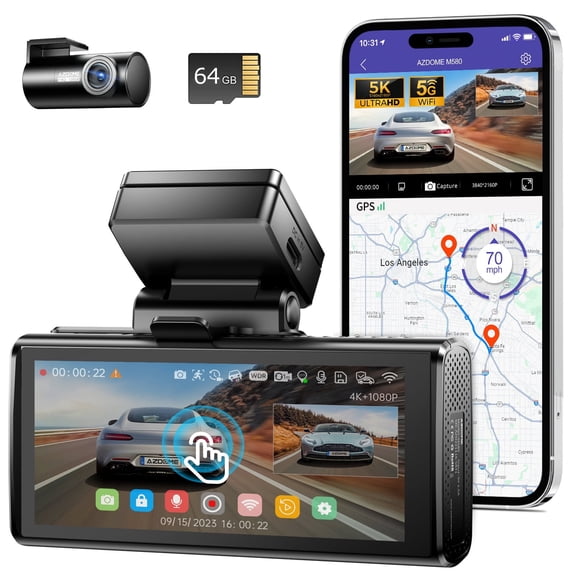
Dash cams with gps help you capture video with location and speed data in one device. You can compare camera setup, resolution, and logging options to match your driving routine.
If you commute daily, travel often, or track business miles, you may want footage with mapped route details. You can also choose models that pair front video with rear coverage and app-based playback.
How to choose dash cams with gps
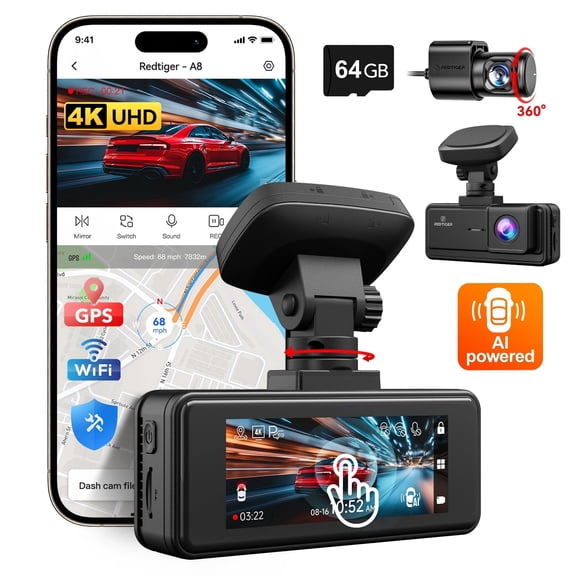
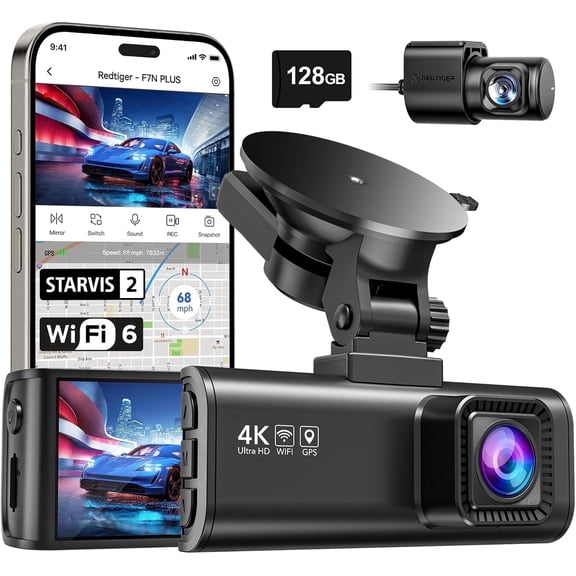
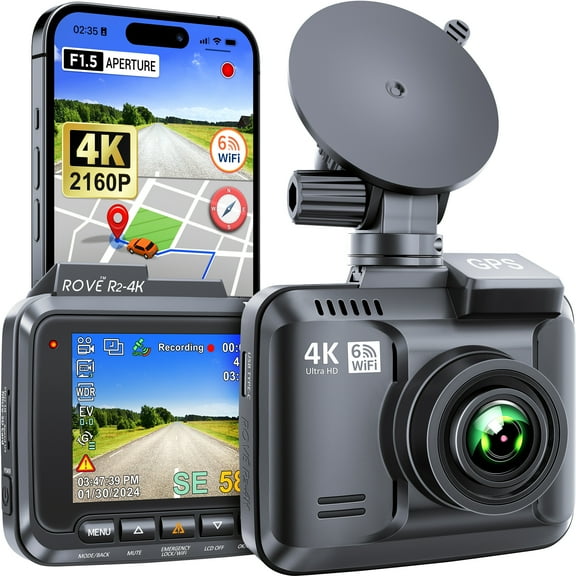
When you compare dash cams with gps, you should start with how you want your trip data recorded. You may prefer built-in GPS for a cleaner setup, or a wired accessory for flexible placement.
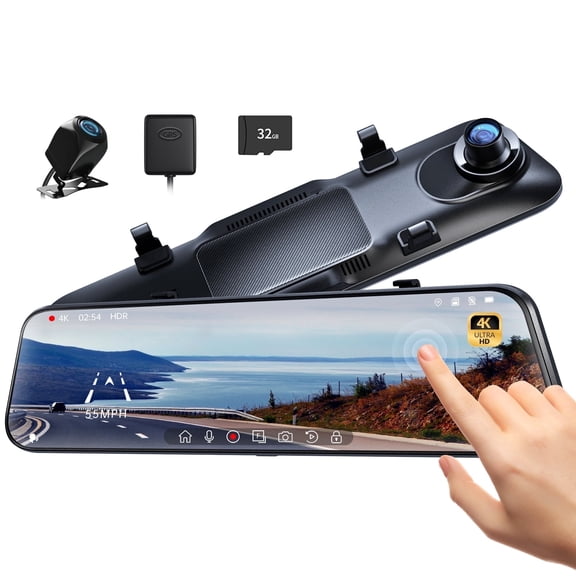
Built-in GPS keeps the camera body self-contained, so you have fewer parts around your windshield. An external module can still fit your needs if you want a compact main unit.
You should also check whether your camera logs speed and route details directly into the video file. That metadata helps you review where a clip was recorded and when each event happened.
- You can choose built-in GPS when you want fewer accessories and a simpler install.
- You can pick speed and route logging when you want trip details attached to your recordings.
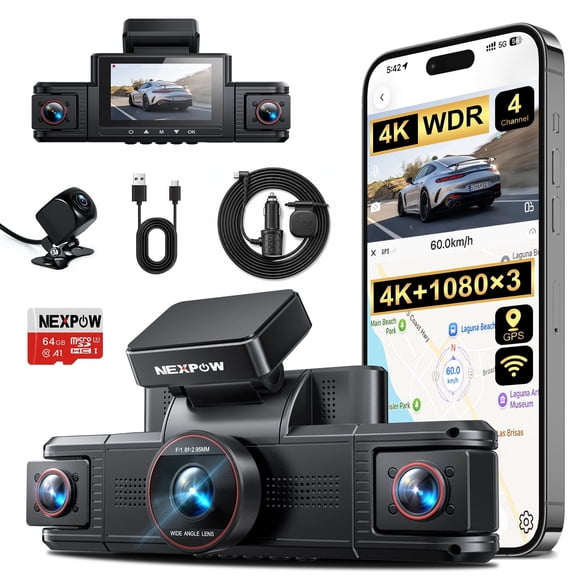
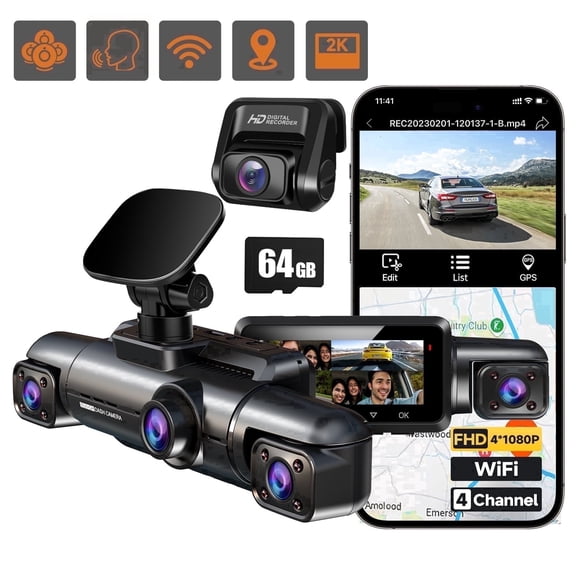
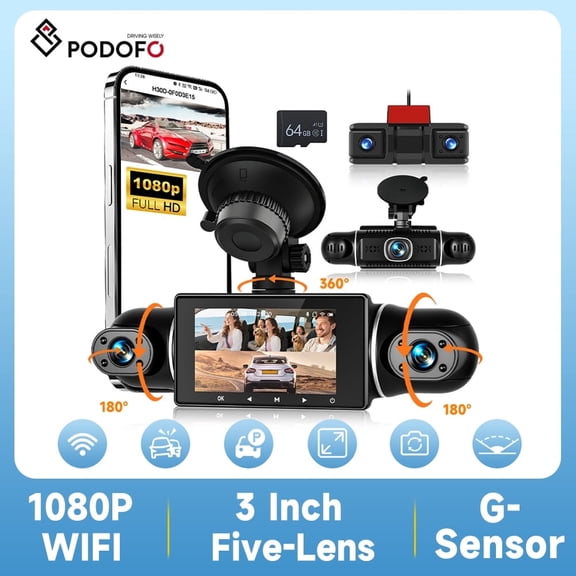
- You can select dual or three-channel coverage when you want more than a forward view.
- You can look for app playback when you want quick access to clips and mapped routes.
Choosing the right resolution and camera setup
You should compare resolution first, because image detail affects what you can review later. A 1080p Full HD model gives you clear everyday recording, while 2K and 4K add finer detail.
If you drive long highway routes, you may prefer higher resolution for sharper daytime footage. If you want a balance of file size and clarity, you may find 2K easier to manage.
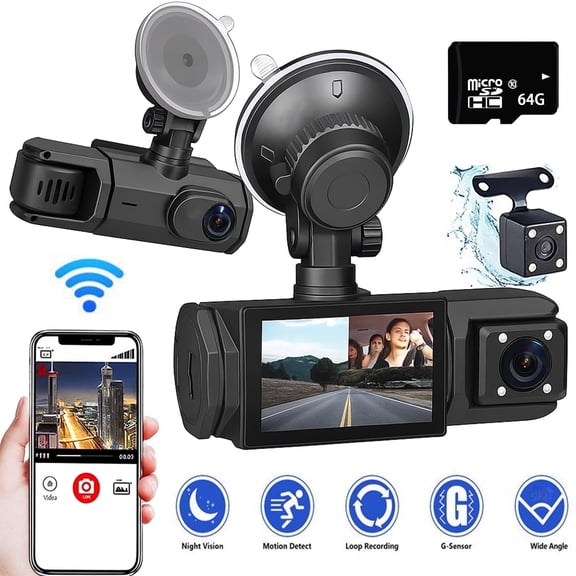
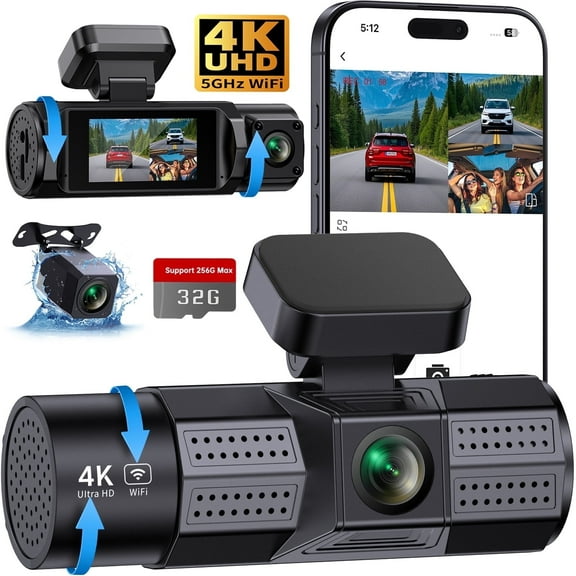
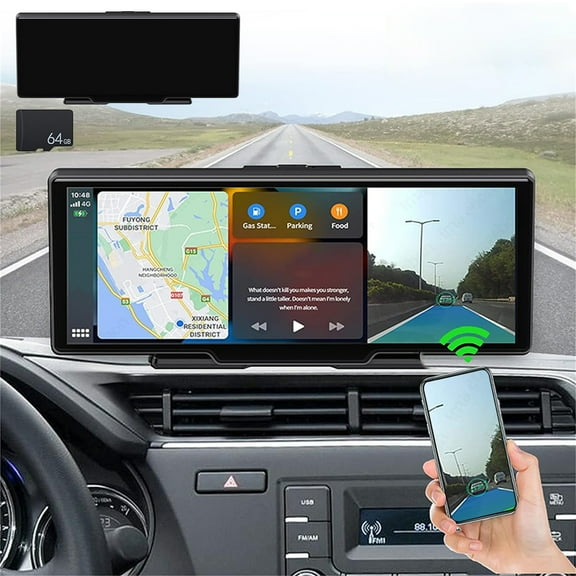
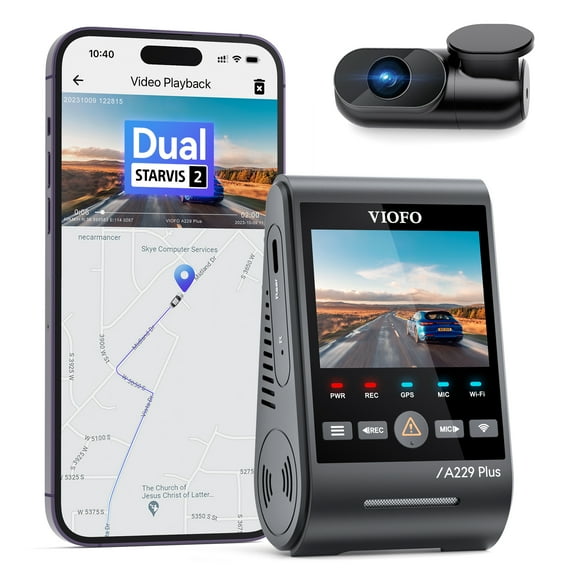
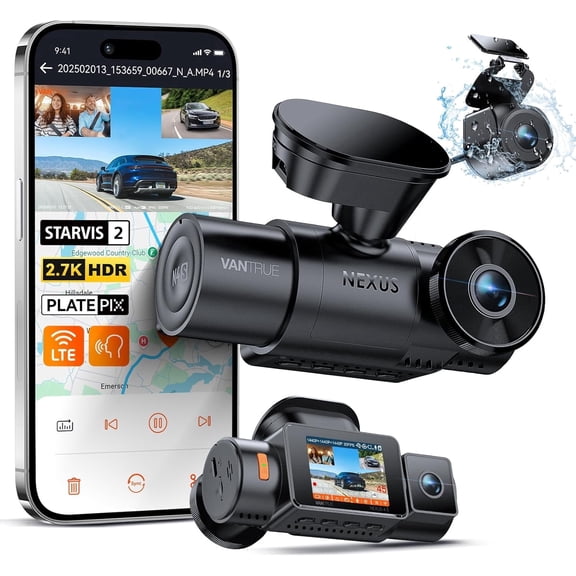
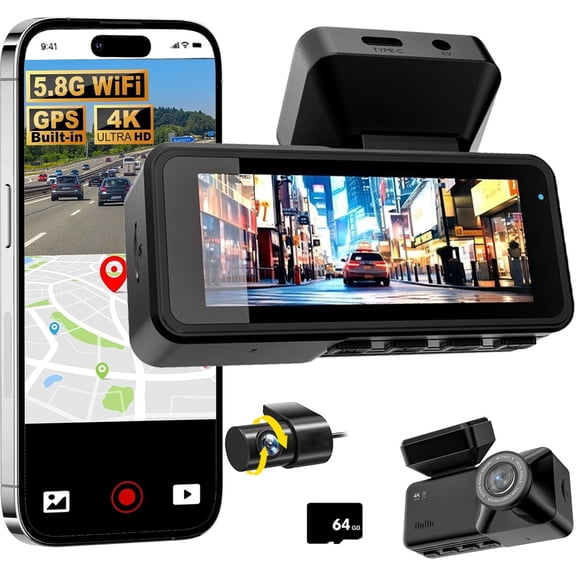
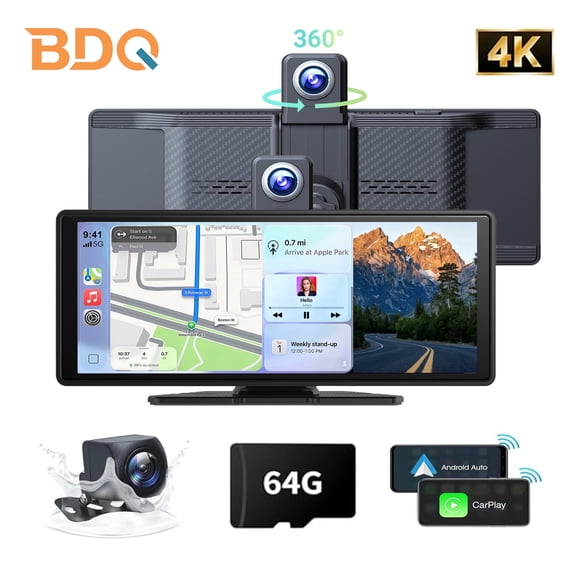
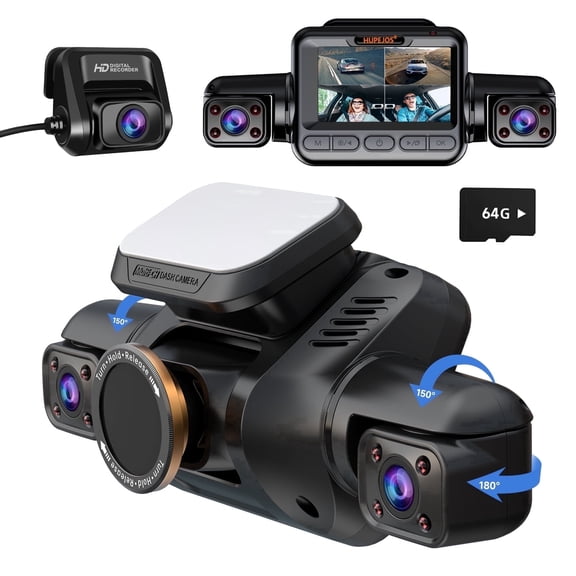
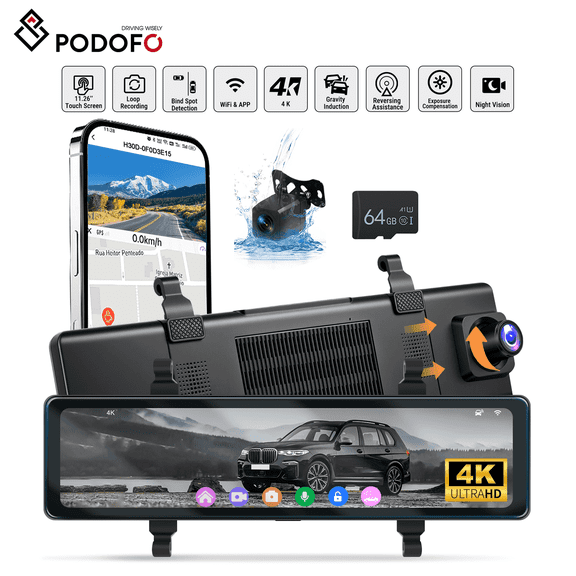
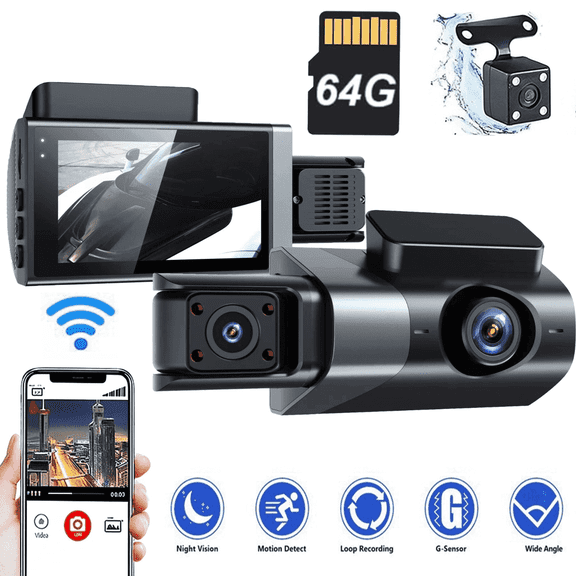
Camera setup matters just as much as resolution, because your view can extend beyond the windshield. A single front unit covers the road ahead, while a dual dash cam with gps records front and rear views together.
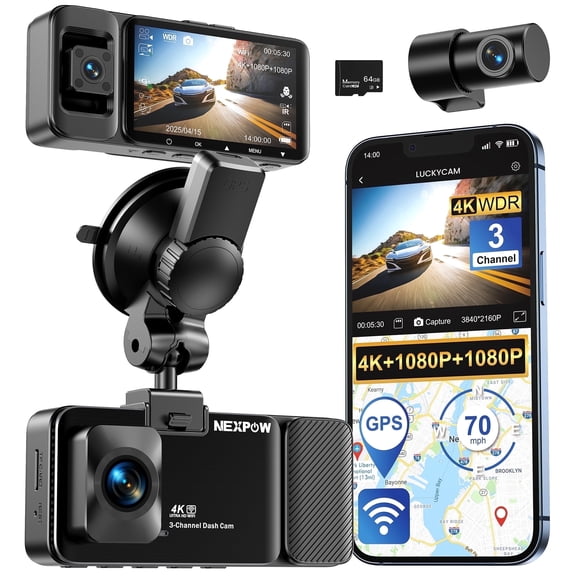
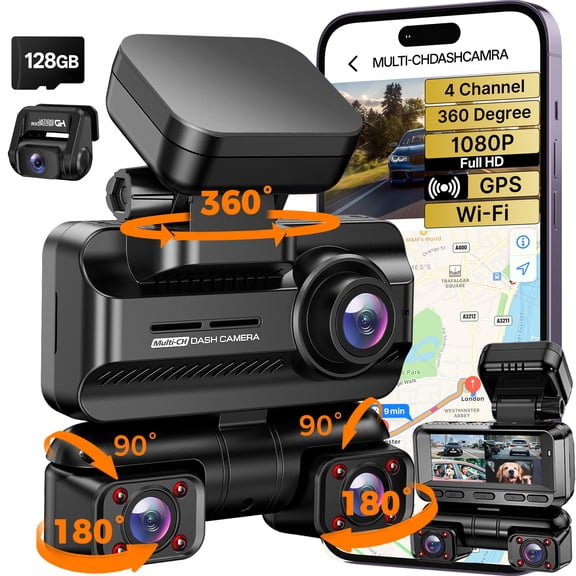
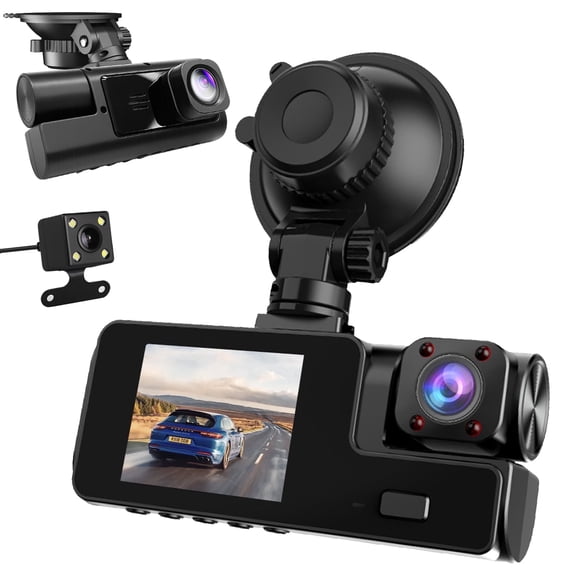
You may also compare three-channel options when you want cabin, front, and rear recording in one system. That setup can suit rideshare driving, family travel, or busy daily carpool routines.
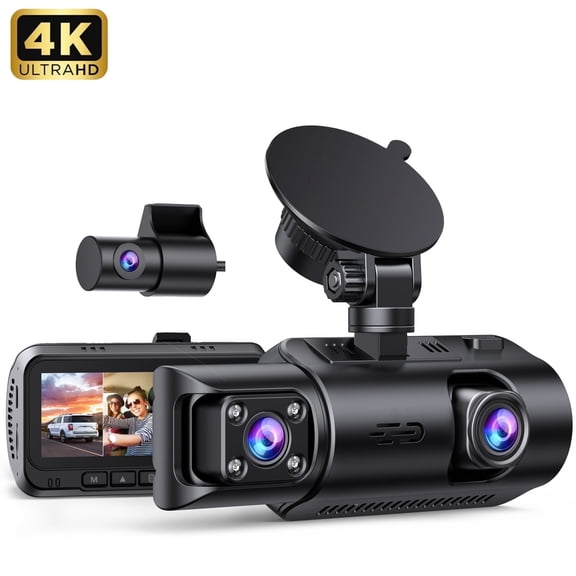
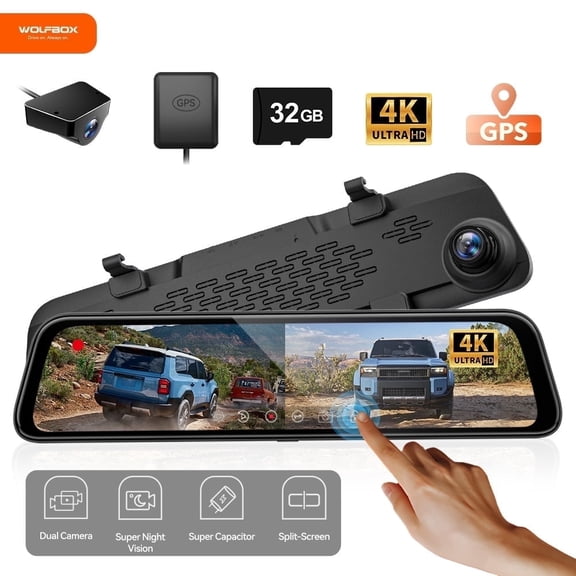
Some models show split-screen playback, which helps you review multiple angles from the same moment. You can use that layout to compare traffic movement behind and ahead of your vehicle.
Understanding gps dash camera logging and connectivity
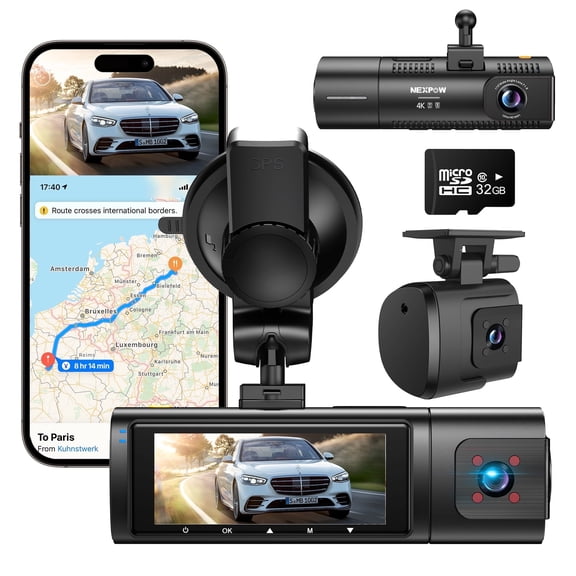
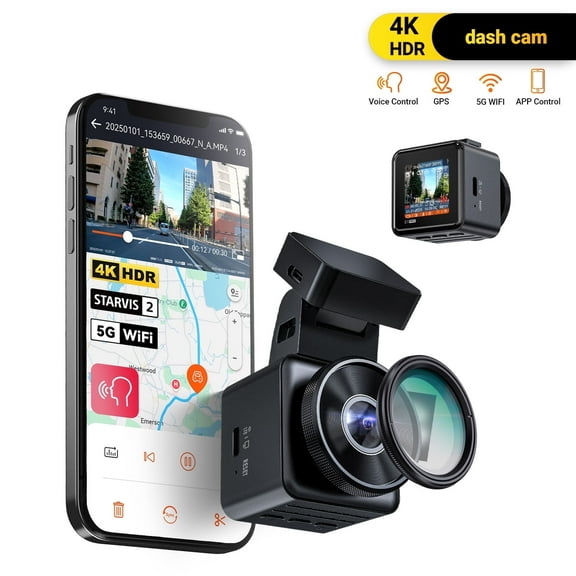
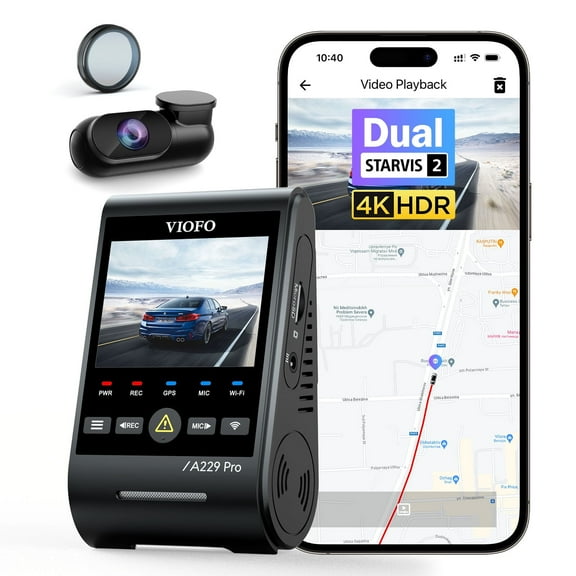
A gps dash camera adds trip information to your recordings, so you can review more than video alone. You can check location coordinates, mapped routes, and time-stamped driving details through supported software.
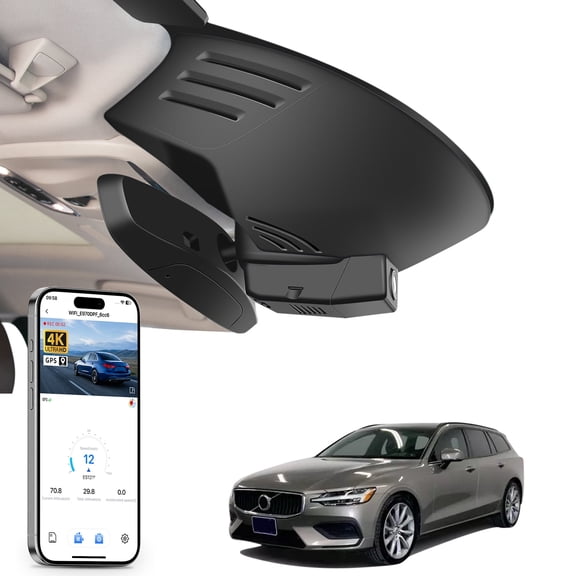
When you compare logging features, you should check how the route data appears during playback. Some models use a phone app, while others use desktop software or map-based playback tools.
If you want faster clip transfers, you may prefer Wi-Fi enabled options that send files to your phone. Bluetooth can help with pairing, while USB-C can simplify charging and file connections.
You should also look at how the dashcam with gps tracking stores metadata with each file. That matters when you want video and route details linked together instead of saved separately.
Storage is another key decision point because video quality and channel count affect file size. You can compare 32GB, 64GB, and 128GB support, or choose expandable microSD compatibility.
If you record in 4K or use front and rear cameras together, you may want higher card capacity. More storage lets you keep longer driving history before older files cycle over.
Matching features to your driving routine
You should match your camera to how and where you drive most often. A car camera with gps can fit daily commuting, weekend road trips, delivery routes, or long family drives.
For city commuting, you may want compact size, built-in GPS, and easy phone playback. That combination helps you review short trips quickly without extra accessories or lengthy file transfers.
For highway travel, you may prefer 2K or 4K recording with speed and route logging. Those features give you detailed footage and a clearer record of where each clip happened.
If you park in crowded areas or back into tight spaces, you may want a front and rear dash cam gps setup. That layout gives you broader coverage during routine driving and everyday stops.
For rideshare or shared family vehicles, you may compare three-channel systems with cabin coverage. You can pair that setup with larger memory support when you expect longer recording sessions.
If you use your vehicle for work travel, you may want route history that lines up with your clips. You can then review recorded trips through an app or computer with map-based context.
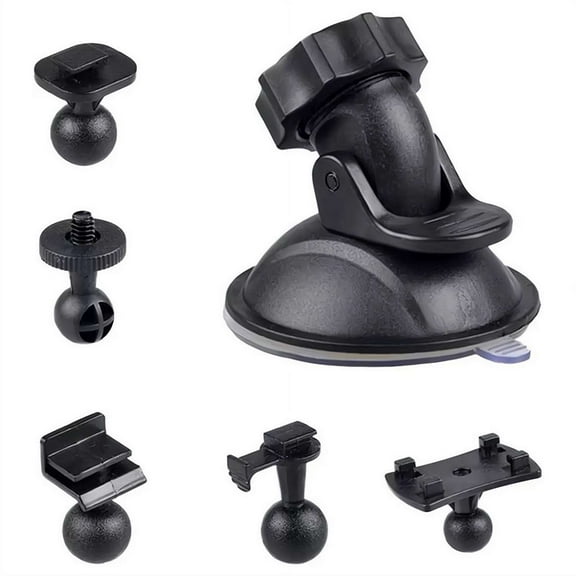
You should also think about installation before you choose a model. A simpler mount, USB-C power, and wireless access can make daily use feel easier in a busy schedule.
What to look for before you decide
You should check whether the package includes the GPS function you expect, since some cameras use an external add-on. You can avoid setup surprises by confirming integrated versus wired GPS details first.
You may also compare memory card support, video resolution, and channel count together instead of separately. Those features work as a system, and your choice affects storage needs, playback speed, and viewing coverage.
When you narrow your options, you should focus on the footage angles and trip data you’ll actually use. That approach helps you choose a camera that records your route clearly and keeps your video easier to review.