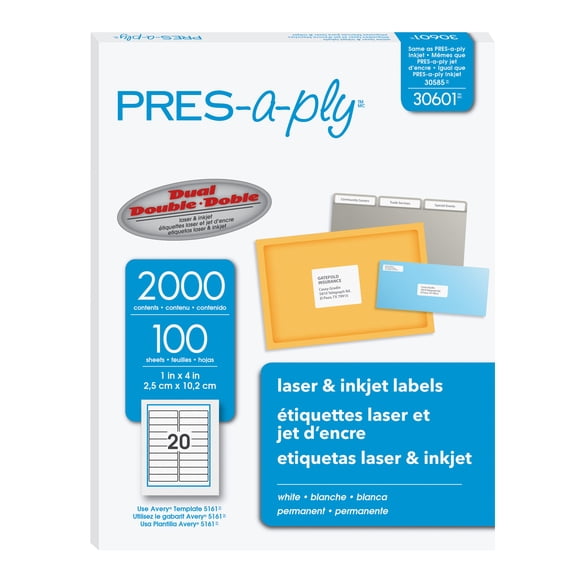
Gk420t(7)
Uses item details. Price when purchased online
ZEBRA PRINTER - ZEBRA AIT,GK420T,203 DPI,THERMAL TRANSFER,EPL AND ZPL,USB,10/100 ETHERNET,6FT US $937.33

$93733
current price $937.33ZEBRA PRINTER - ZEBRA AIT,GK420T,203 DPI,THERMAL TRANSFER,EPL AND ZPL,USB,10/100 ETHERNET,6FT US
Restored Zebra GK420t Thermal Transfer Label Printer – 203 dpi, USB & Ethernet, Desktop Barcode Printer P/N: GK42-102210-000 (Refurbished) $198.00

$19800
current price $198.00Restored Zebra GK420t Thermal Transfer Label Printer – 203 dpi, USB & Ethernet, Desktop Barcode Printer P/N: GK42-102210-000 (Refurbished)
Restored Zebra GK420t Thermal Transfer Network Label Printer 203 DPI USB Ethernet (Refurbished) $173.45

$17345
current price $173.45Restored Zebra GK420t Thermal Transfer Network Label Printer 203 DPI USB Ethernet (Refurbished)
Zebra Gk420t Direct Thermal/thermal Transfer Printer - Monochrome - Desktop - Label Print - 4.09" Print Width - 5 In/s Mono - 203 Dpi - 8 Mb - Usb - Serial - Parallel - 4.25" - 39" (gk42-102510-000) $269.99 Was $699.99
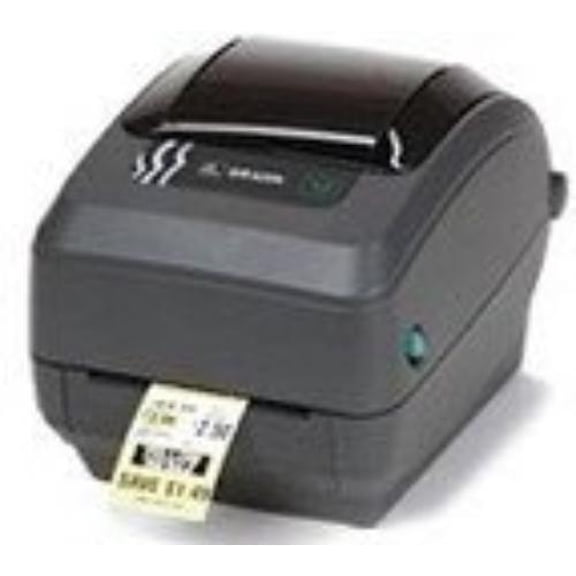
Now$26999
current price Now $269.99, Was $699.99$699.99
Zebra Gk420t Direct Thermal/thermal Transfer Printer - Monochrome - Desktop - Label Print - 4.09" Print Width - 5 In/s Mono - 203 Dpi - 8 Mb - Usb - Serial - Parallel - 4.25" - 39" (gk42-102510-000)
Restored Zebra GK42-102211-000 GK420T Direct Thermal Transfer Monochrome 203dpi Ethernet USB Printer (Refurbished)

Restored Zebra GK42-102211-000 GK420T Direct Thermal Transfer Monochrome 203dpi Ethernet USB Printer (Refurbished)
Restored Zebra GK420t Thermal Transfer Desktop Printer, 4-inch Print Width, USB, Serial, and Parallel Connectivity (Refurbished) $168.29
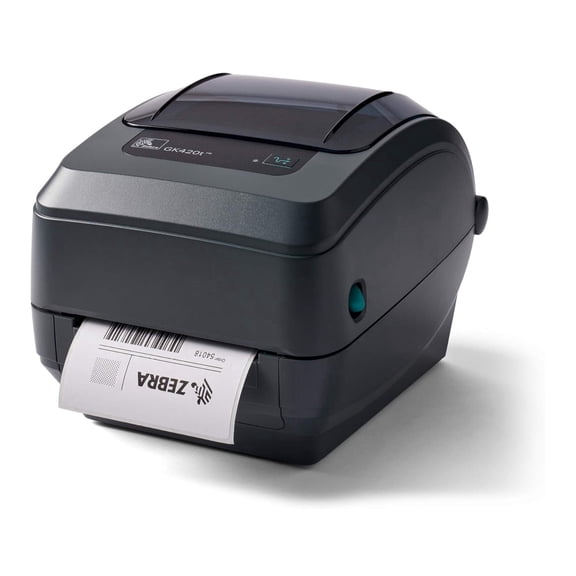
$16829
current price $168.29Restored Zebra GK420t Thermal Transfer Desktop Printer, 4-inch Print Width, USB, Serial, and Parallel Connectivity (Refurbished)
Restored Zebra - GK420t Thermal Transfer Desktop Printer for Labels, Receipts, Barcodes, Tags, and Wrist Bands - Print Width of 4 in - USB and Ethernet Port Connectivity (Refurbished) $173.25
$17325
current price $173.25Restored Zebra - GK420t Thermal Transfer Desktop Printer for Labels, Receipts, Barcodes, Tags, and Wrist Bands - Print Width of 4 in - USB and Ethernet Port Connectivity (Refurbished)
Other options to consider(4)
Thermal Transfer Ribbon 4.33 x 243' for Zebra GK420t, GX420t, GX430t, & TLP2844 Printers, Premium Resin Enhanced $9.99
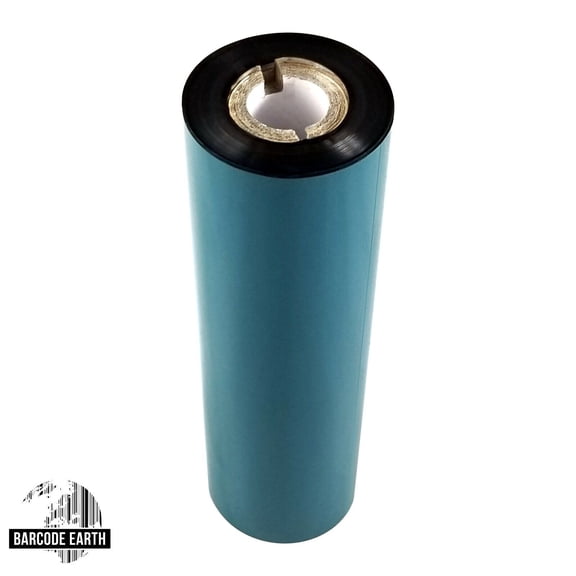
$999
current price $9.99Thermal Transfer Ribbon 4.33 x 243' for Zebra GK420t, GX420t, GX430t, & TLP2844 Printers, Premium Resin Enhanced
Thermal Print 203dpi 105934-037 for GX420D GK420D ZP450 ZP550 ZP505 Label Printers $59.98

$5998
current price $59.98Thermal Print 203dpi 105934-037 for GX420D GK420D ZP450 ZP550 ZP505 Label Printers
Feed Switch Sensor Cable for Zebra 420t 430t Gk420t Gx430t Gx420t Gx430d $23.99

$2399
current price $23.99Feed Switch Sensor Cable for Zebra 420t 430t Gk420t Gx430t Gx420t Gx430d
4" Thermal Printhead 203DPI 105934-038 for GK420T/ZD500 Printers $53.98

$5398
current price $53.984" Thermal Printhead 203DPI 105934-038 for GK420T/ZD500 Printers
FAQ
How do I set up a GK420t printer?
To set up your GK420t thermal transfer printer, start by connecting the device to your computer using the USB or Ethernet port.
- Install the matching drivers from the manufacturer's website to ensure compatibility.
- Insert your label roll and feed the media through the printer guides.
- Load the thermal transfer ribbon if you're using that print mode.
- Follow the on-screen prompts for printer calibration.
What labels work with the GK420t printer?
The GK420t printer supports a wide range of label types, including barcode, receipt, tag, and wristband formats.
- Labels should match the maximum print width of around 4 inches.
- Both thermal transfer and direct thermal labels are compatible, depending on your print mode.
- For optimal results, use labels designed for desktop printers and follow any guidelines provided in the product specs.
Do I need to change ribbons for every print job?
You don't need to change ribbons for every print job unless the ribbon runs out or you switch media types.
- Thermal transfer printers use ribbons, while direct thermal printing doesn't.
- Monitor ribbon levels regularly, and replace them when print quality drops or the ribbon is empty.
- Keep spare ribbons handy if you print in large volumes.
Can I replace parts on my GK420t printer?
Replacement parts like sensor cables or ribbon holders are available for the GK420t series.
- Many desktop printers allow for field replacement of basic components, such as sensor cables, printheads, or ribbon holders.
- Make sure parts are compatible with your specific GK420t model.
- If you're unsure about installation, consult the user manual or seek expert assistance.
How can I keep my GK420t printer clean?
Regular cleaning helps your GK420t printer work reliably.
- Turn off and unplug the printer before cleaning.
- Remove dust and debris from the printhead, guides, and sensors using a lint-free cloth.
- For stubborn residue, use cleaning swabs recommended by the printer manufacturer.
- Check for label adhesive buildup, especially after large print runs.
Popular in Shop GK420t Office Supplies and Accessories Online
Related Products
Staples Laser/Inkjet Address Labels 1" x 2 5/8" White 30 Labels/Sheet 6000/Carton ST18057-CCVS
 Staples Laser/Inkjet Address Labels 1" x 2 5/8" White 30 Labels/Sheet 6000/Carton ST18057-CCVS$30.49current price $30.49
1 x 0.5 Extra Strength Barcode Labels - Inkjet or Laser Printer - Online Labels (10 Sheet Pack)
 1 x 0.5 Extra Strength Barcode Labels - Inkjet or Laser Printer - Online Labels (10 Sheet Pack)$14.34current price $14.34
Staples Laser/Inkjet Address Labels 1/2" x 1 3/4" White 80 Labels/Sheet 18053/SIWJ090
 Staples Laser/Inkjet Address Labels 1/2" x 1 3/4" White 80 Labels/Sheet 18053/SIWJ090$16.99current price $16.99
SJPACK Fanfold 4" x 6" Direct Thermal Labels, Shipping Labels with Perforated Line, (1 Stack- 500 Labels)
 SJPACK Fanfold 4" x 6" Direct Thermal Labels, Shipping Labels with Perforated Line, (1 Stack- 500 Labels)$13.89current price $13.89
4 x 3.33 Shipping Labels - Inkjet/Laser Printer - Online Labels (100 Sheet Pack)
 4 x 3.33 Shipping Labels - Inkjet/Laser Printer - Online Labels (100 Sheet Pack)$19.81current price $19.81
Cambro StoreSafe® Rectangular Dissolvable Food Safety Label - 2"L x 1 1/4"H
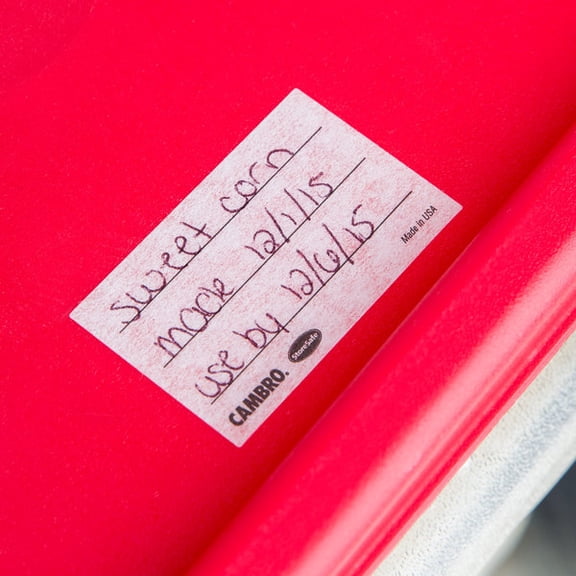 Cambro StoreSafe® Rectangular Dissolvable Food Safety Label - 2"L x 1 1/4"H$26.19current price $26.19
Avery UltraDuty GHS Chemical Labels for Laser Printers, Permanent Adhesive, Waterproof, UV Resistant, 1" x 2-1/2", 600 Labels (60517)
 Avery UltraDuty GHS Chemical Labels for Laser Printers, Permanent Adhesive, Waterproof, UV Resistant, 1" x 2-1/2", 600 Labels (60517)$49.94current price $49.94
1/2" x 1-3/4", 25 Sheets, 2000 Return Address Labels for Laser & Inkjet Printers, Letter Size
 1/2" x 1-3/4", 25 Sheets, 2000 Return Address Labels for Laser & Inkjet Printers, Letter Size$9.99current price $9.99
JADENS 4x6 inch Shipping Labels, Self-Adhesive Direct Thermal Labels for Most Thermal Printer, 350 Labels/Roll
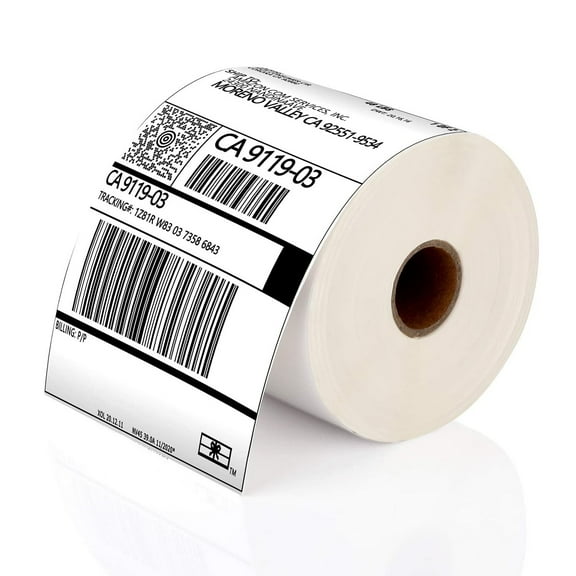 JADENS 4x6 inch Shipping Labels, Self-Adhesive Direct Thermal Labels for Most Thermal Printer, 350 Labels/Roll$16.99current price $16.99
Laser/Ink Jet White Labels 4 x 5" - 4 Per Page 1000 Labels
 Laser/Ink Jet White Labels 4 x 5" - 4 Per Page 1000 Labels$44.17current price $44.17
2.625 x 1 Waterproof Vinyl Address Labels (Laser Printers Only) - Pack of 3,000 Labels, 100 Sheet Pack - Online Labels
 2.625 x 1 Waterproof Vinyl Address Labels (Laser Printers Only) - Pack of 3,000 Labels, 100 Sheet Pack - Online Labels$80.73current price $80.73
Monarch, MNK925075, Model 1131 Pricemarker Labels, Red
 Monarch, MNK925075, Model 1131 Pricemarker Labels, Red$10.99current price $10.99
Office Depot Permanent Inkjet/Laser ID Labels, 4in. x 6in., White, Pack Of 20, OD98814
 Office Depot Permanent Inkjet/Laser ID Labels, 4in. x 6in., White, Pack Of 20, OD98814$8.99current price $8.99