


PC Gaming Mouse & Mouse Pads in PC Gaming Peripherals & Accessories

















































About PC Gaming Mouse & Mouse Pads in PC Gaming Peripherals & Accessories - Walmart.com
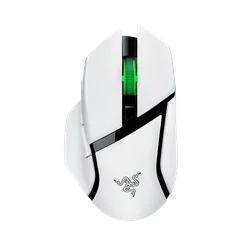
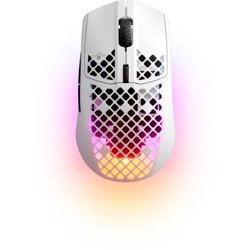
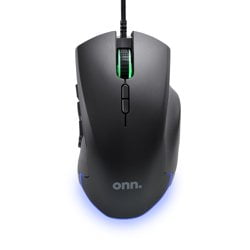
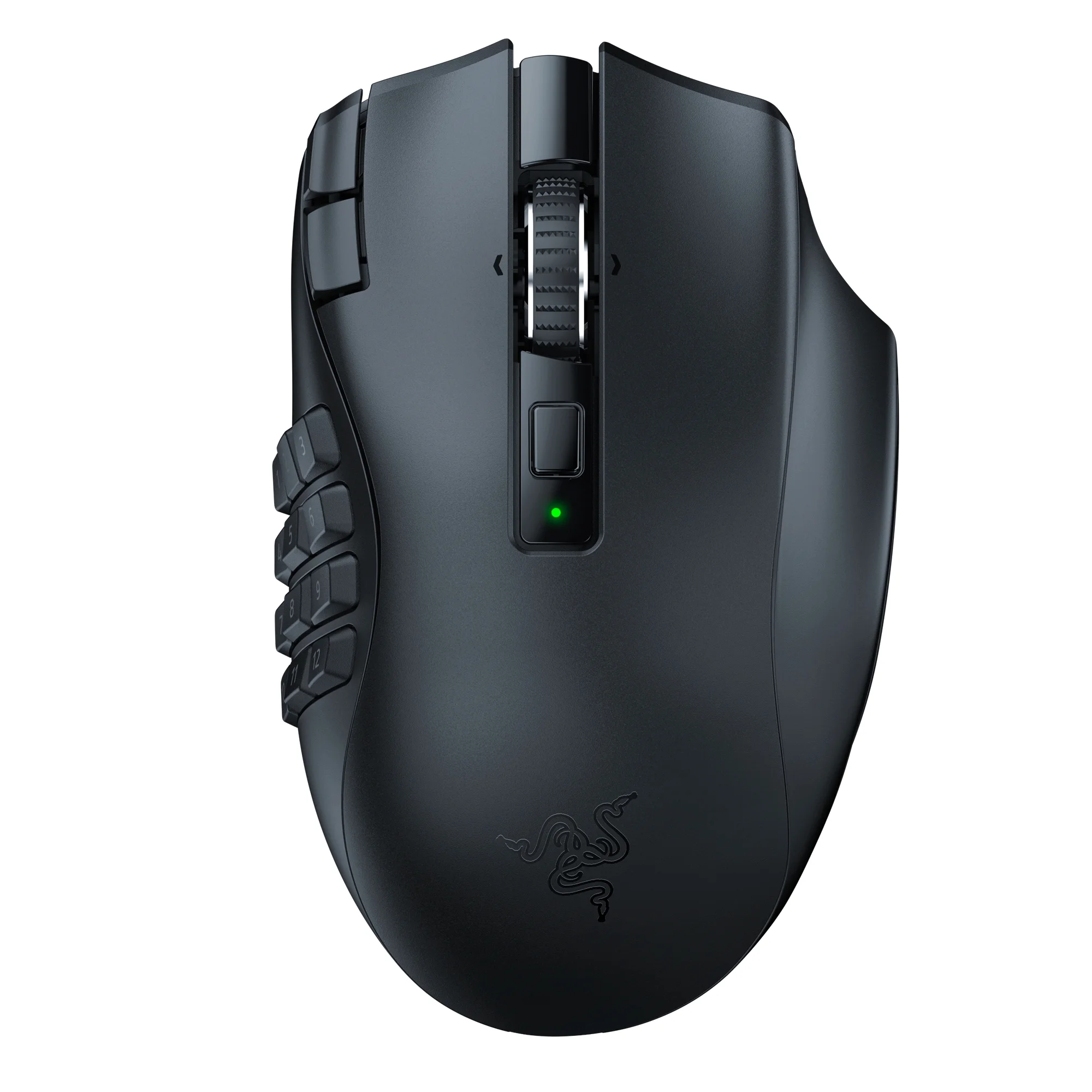
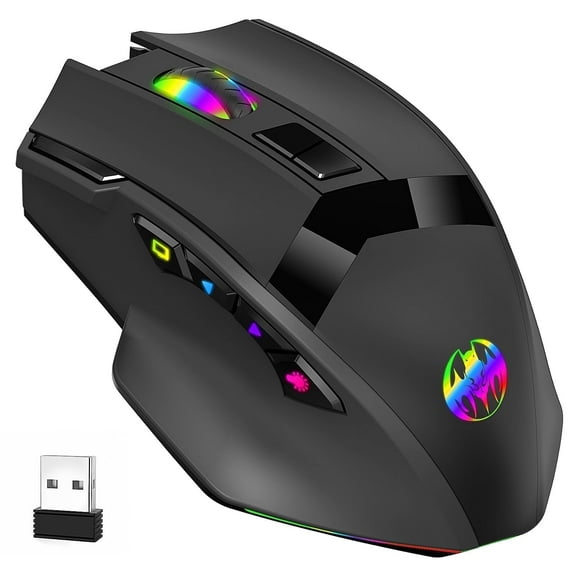
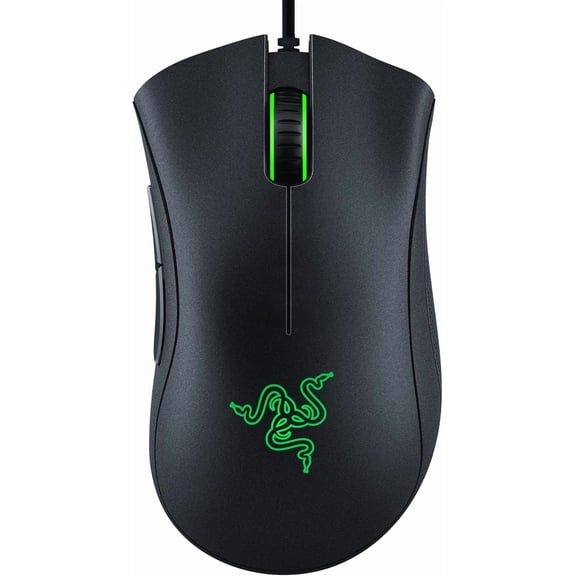
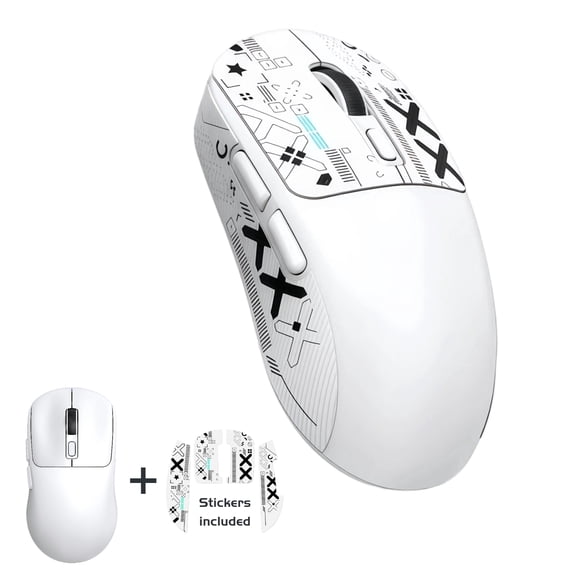
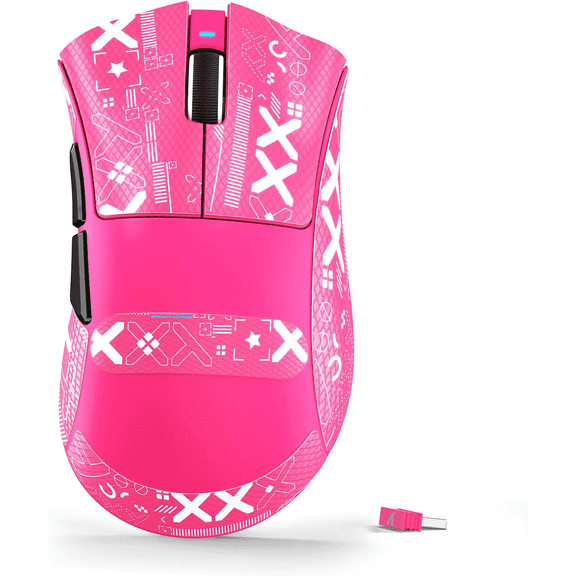
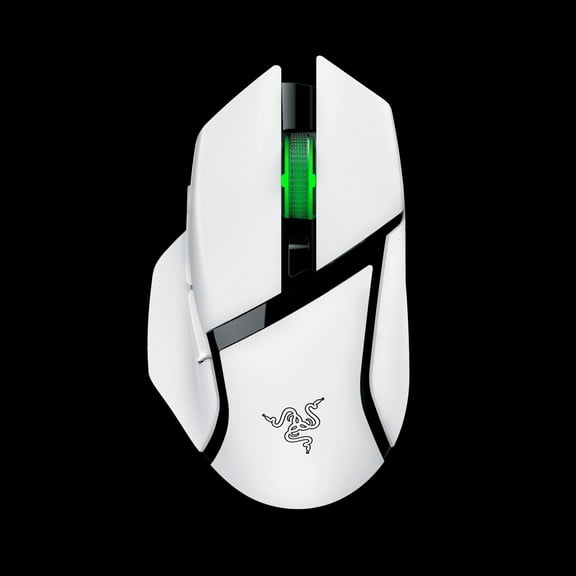
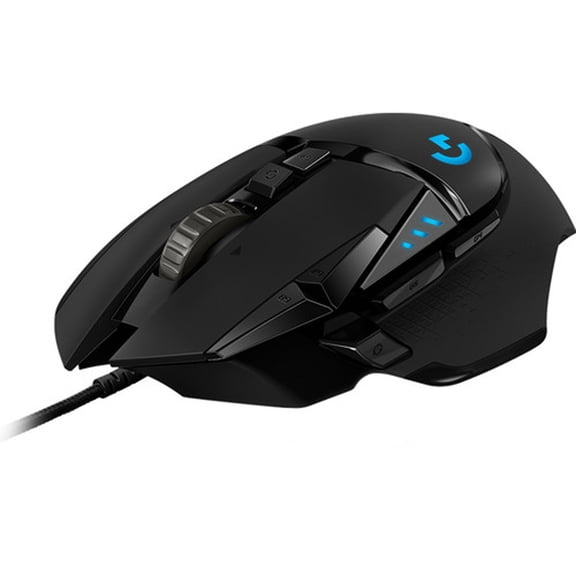
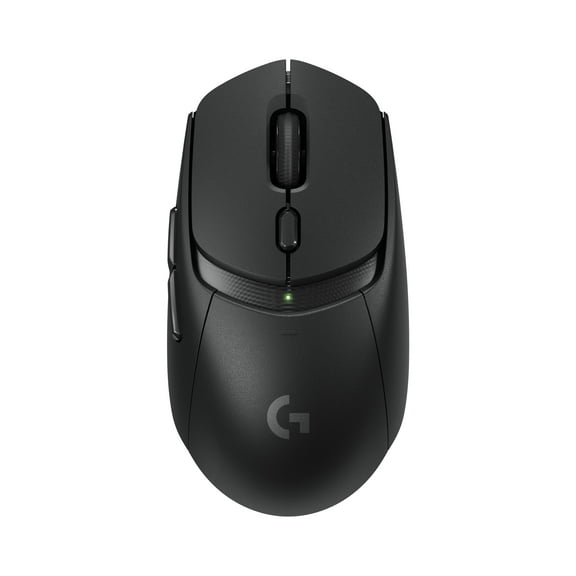
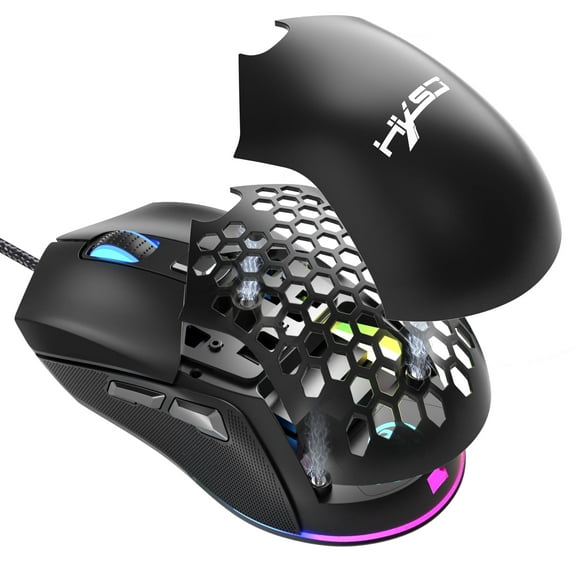
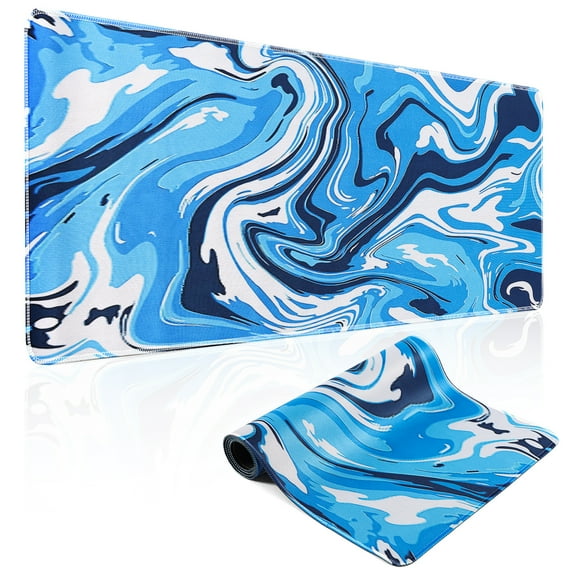
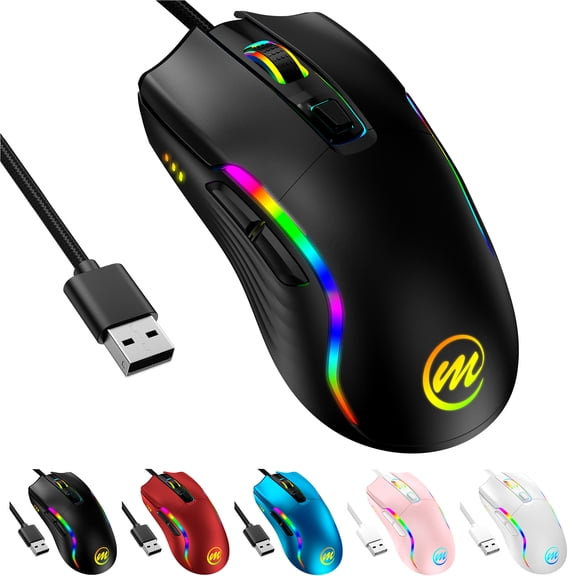
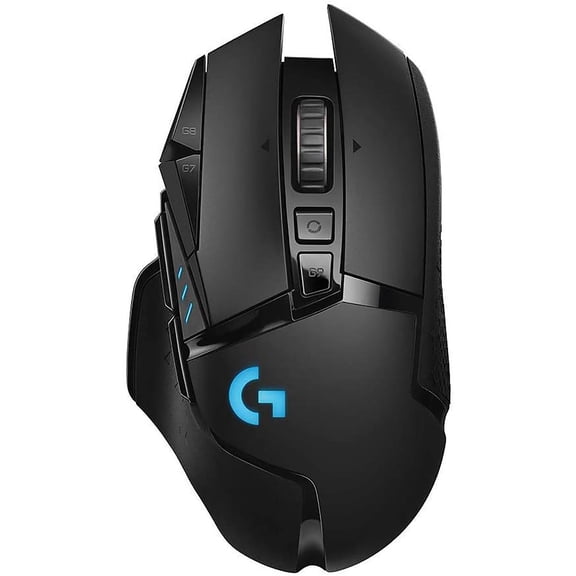
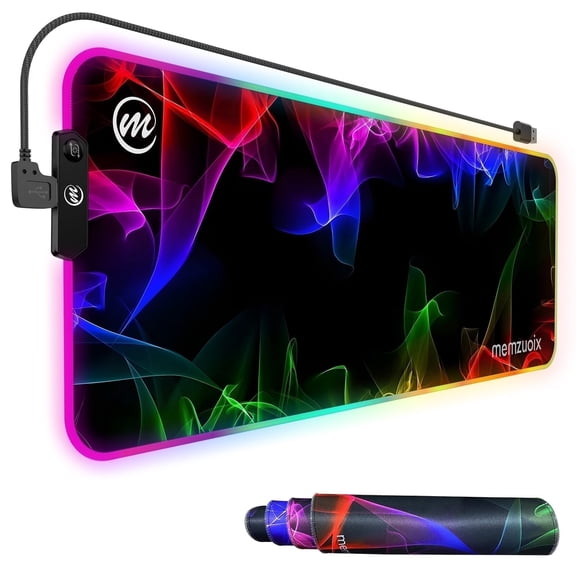
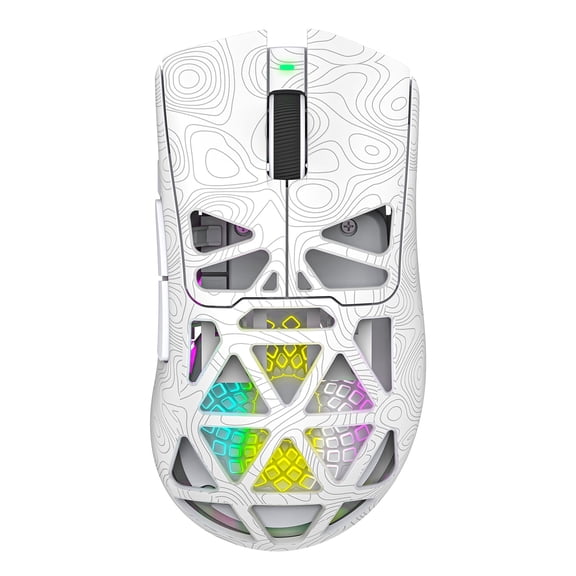
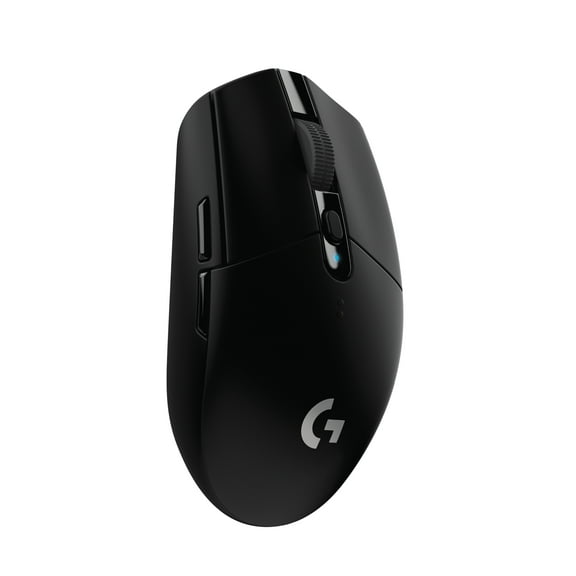
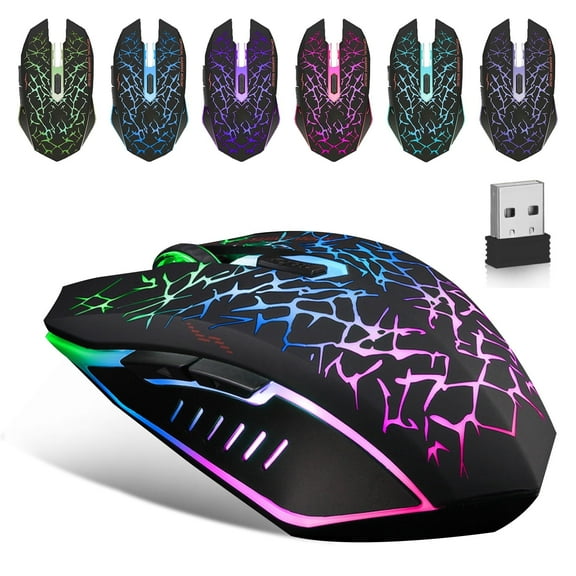
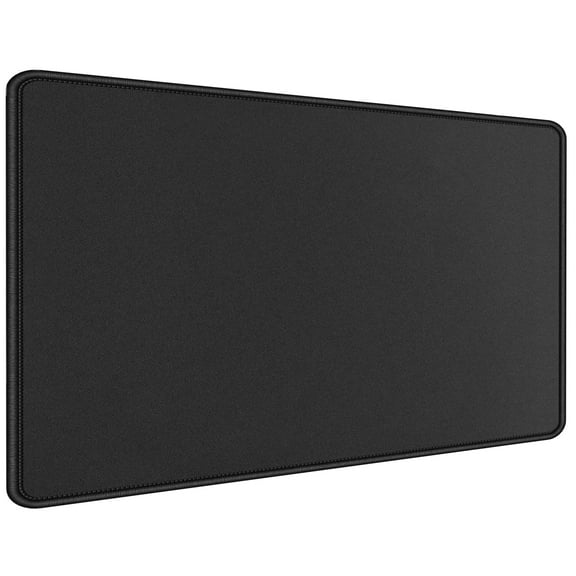
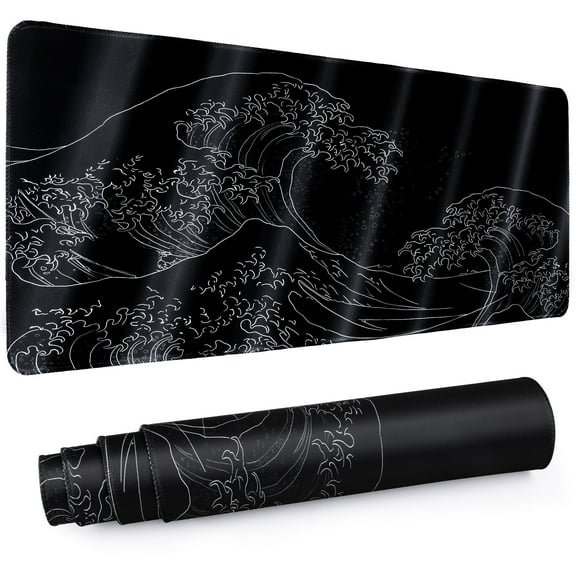
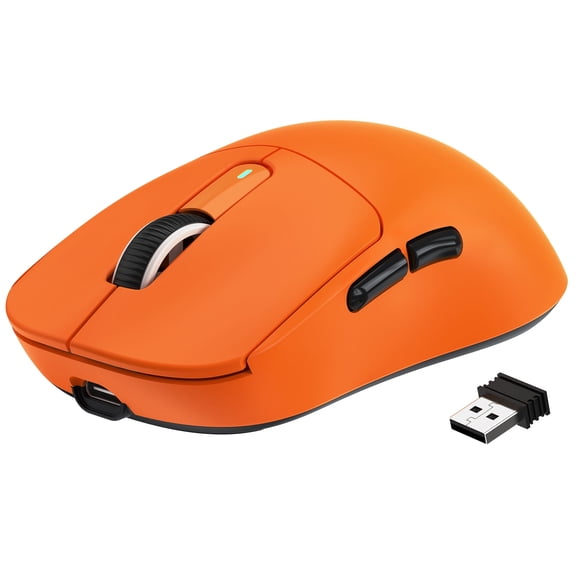
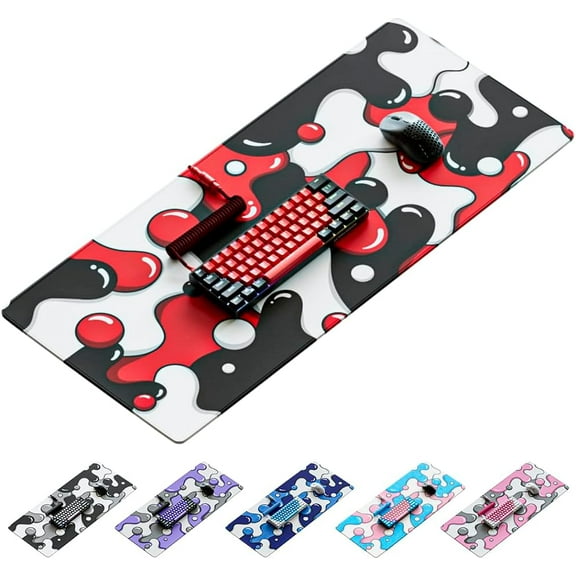
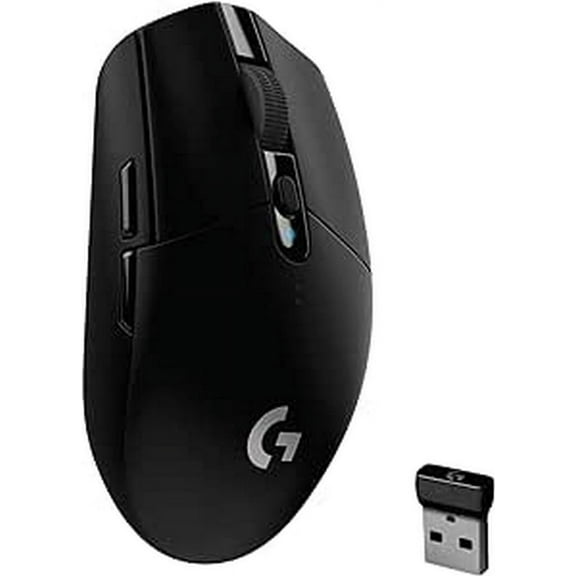
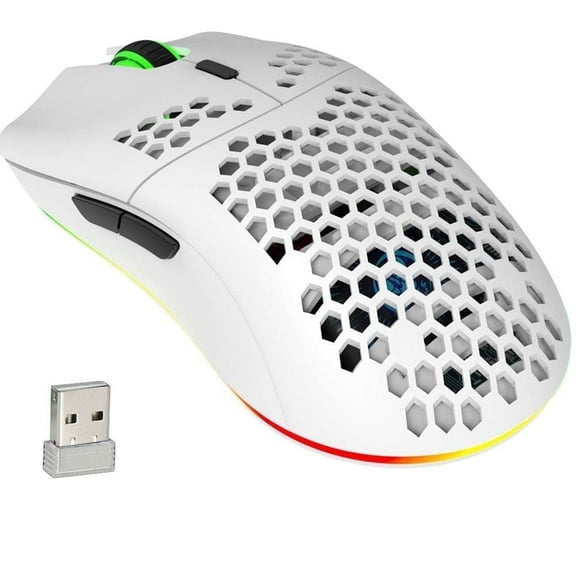
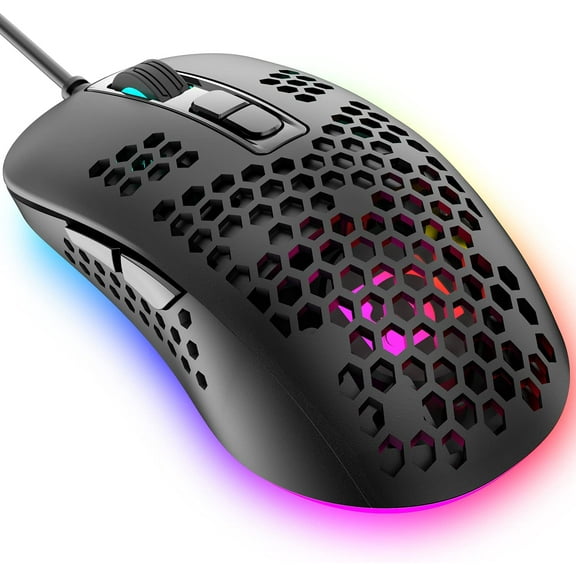
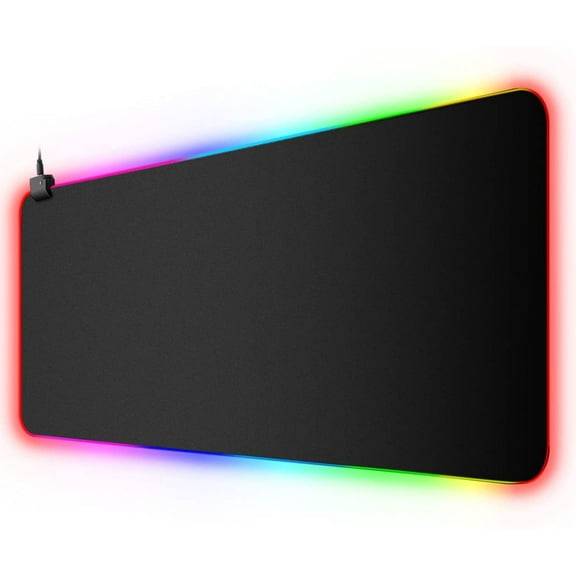
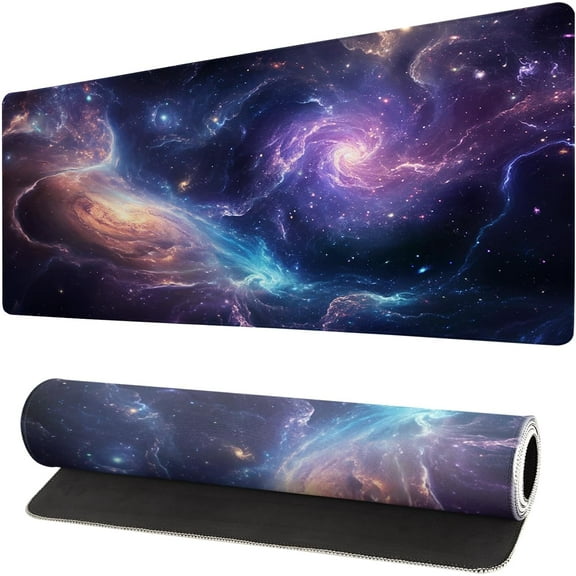
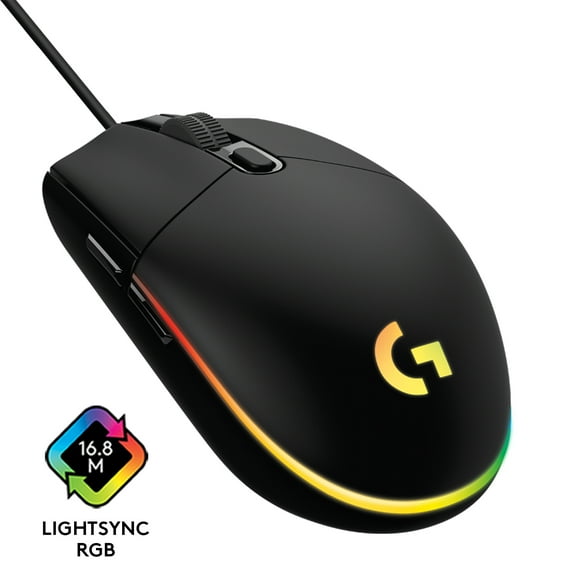
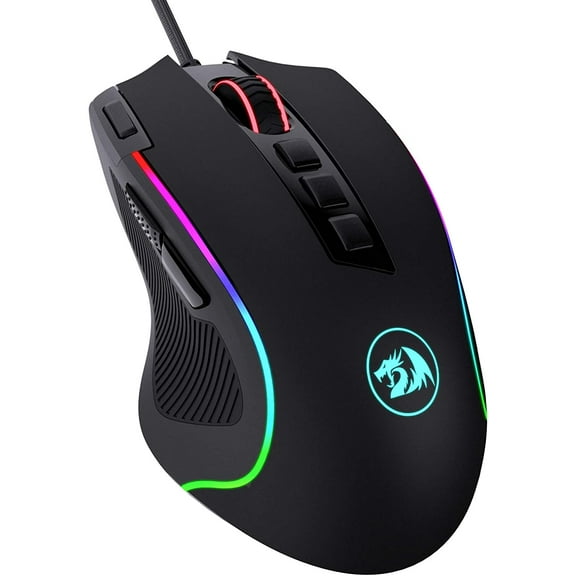
A pc gaming mouse can make aiming, tracking, and flick shots feel steadier across your favorite PC titles. On Walmart.com, you’ll find gaming mice plus mouse pad gaming options sized for compact desks or full setups. Choose shapes that match palm, claw, or fingertip grip styles for longer sessions. Pair your mouse with the right pad surface to keep glide consistent across different DPI settings.
Why a pc gaming mouse changes your play
A tuned sensor and solid shape can help you stay consistent during fast turns and micro adjustments. A gaming mouse with reliable tracking keeps your crosshair from skipping during quick swipes. Many players also prefer a mouse gaming setup with a pad that matches their sensitivity.
Comfort matters because long sessions expose hotspots on your palm and fingers. The right shell height and side contour reduce fatigue when you’re holding angles. A balanced weight can also help you stop precisely without overcorrecting.
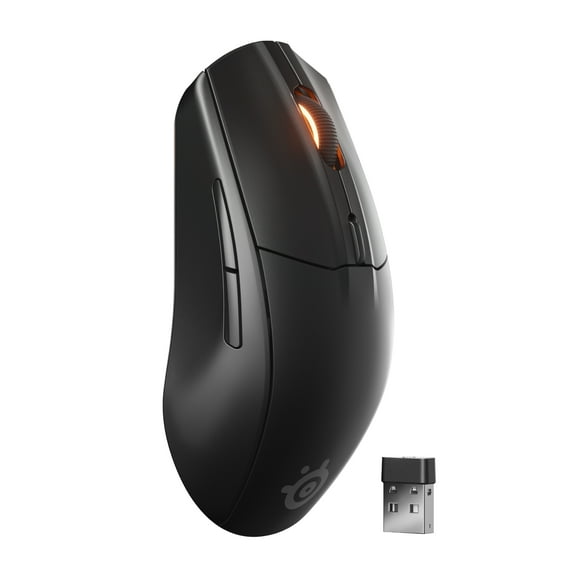
Wireless models can reduce cable drag and keep your desk cleaner. Wired options can keep things simple with a direct connection and no charging routine. Either way, a stable mouse pad gaming surface supports repeatable movement.
- Keep tracking steady with sensors built for fast swipes and controlled micro movement.
- Stay comfortable longer with shapes designed for palm, claw, or fingertip grips.
- Dial in feel with adjustable DPI and buttons you can map for in-game actions.
- Reduce desk friction by pairing your gaming mouse with a pad made for your glide style.
Features to compare before you pick
Start with the sensor type and how it tracks on your desk or pad. Optical sensors are common for consistent tracking on many surfaces. Laser sensors can track on more materials, but feel differs by model.
DPI ranges matter, but the usable steps matter more for control. Look for adjustable DPI presets you can switch mid match. Lower sensitivity players may want more pad space for sweeping aim.
Polling rate affects how often the mouse reports movement to your PC. Many gaming computer mouse models support higher polling for responsive feel. Your PC settings and game settings still play a role.
Switch feel and button placement affect speed in real play. Side buttons help with push-to-talk, melee, or ability binds in shooters. Extra buttons can support MMO rotations without reaching for the keyboard.
Weight and balance change how fast you start and stop. Some mice include removable weights for a heavier, planted feel. Lightweight builds can feel quicker for flicks and fast resets.
For wireless, check battery life and charging style. Some support USB charging while you play between matches. Others use docks or replaceable batteries for simpler swaps.
Gaming mouse pads that match your sensitivity
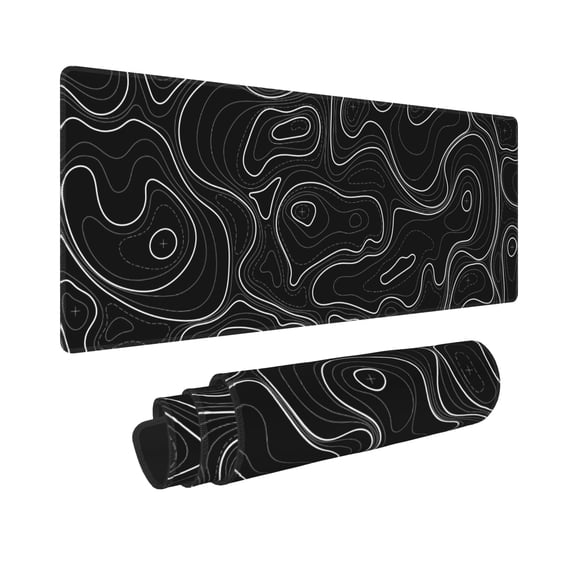
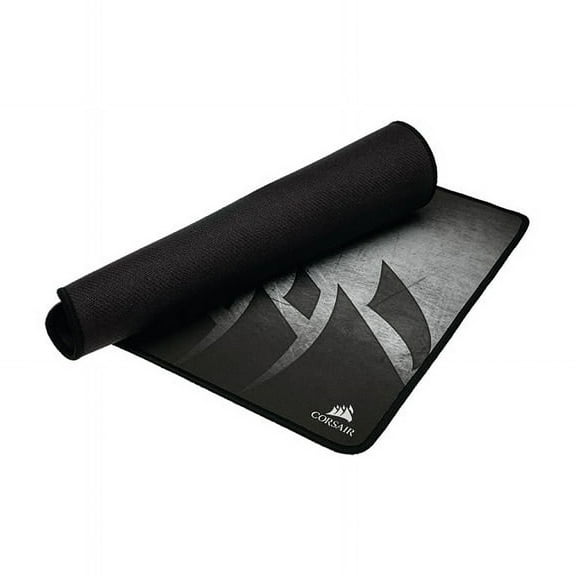
Mouse pad gaming surfaces are usually described as speed or control. Speed pads focus on smoother glide for quick swipes and faster turns. Control pads add texture for stopping power and finer adjustments.
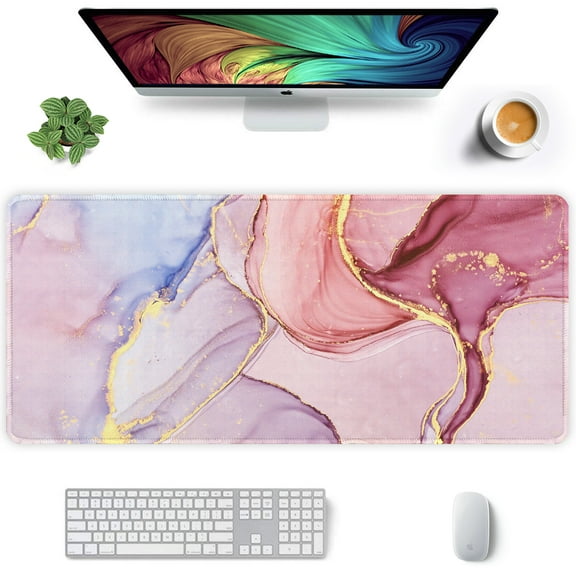
Size affects comfort and consistency more than many shoppers expect. Extended pads can hold your keyboard and mouse in one level plane. Smaller pads fit tight desks and higher sensitivity playstyles.
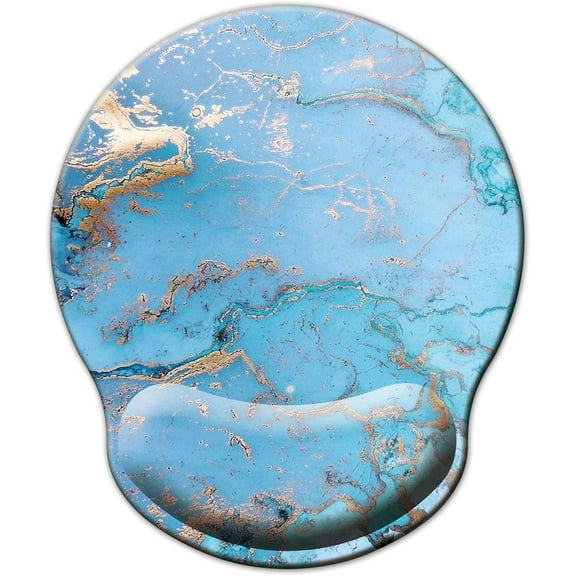
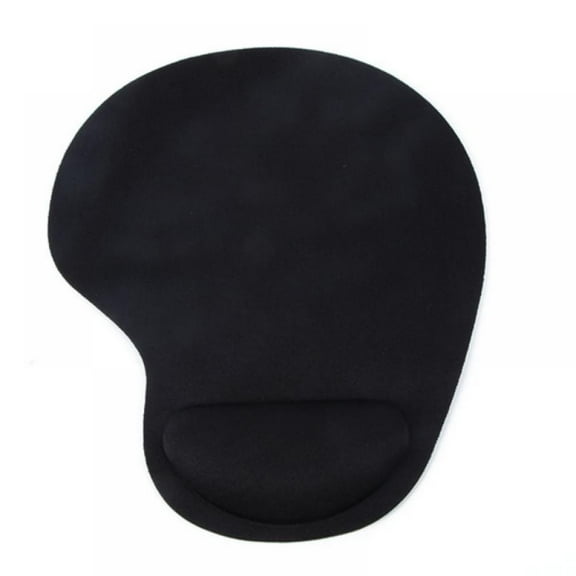
Thickness and edge finish can change how your wrist rests on the pad. Stitched edges can help reduce fraying over time. Rubber bases help keep the pad from sliding during hard stops.
Surface material also changes sensor behavior and feel. Cloth pads tend to feel softer and quieter under the mouse. Hard surfaces can feel fast and crisp, but show wear differently.
Use cases for every setup
For competitive FPS, prioritize stable tracking and clean lift-off behavior. Pair a pc gaming mouse with a control pad if you want steadier stopping. Use a larger pad if you play low sensitivity.
For battle royale and fast arena shooters, quick turns matter during close fights. A lighter gaming mouse can feel easier for repeated flicks. A speed pad can help you reposition faster on the desk.
For MMO and MOBA play, focus on button access and comfort. A gaming computer mouse with extra side buttons can keep abilities within thumb reach. Choose a shape that supports long holds and repeated clicks.
For work plus play, look for a dual-use fit and simple switching. Some models support multiple device pairing for a laptop and a desktop. A medium pad can keep your movement consistent across apps and games.
If you’ve seen “gameing mouse” in searches, you’re still in the right place. You’ll find the same core features under gaming mouse and pc gaming mouse listings. Focus on sensor, grip fit, and pad surface first.
Complete your station with related PC gear on Walmart.com. Add a mechanical-ready gaming keyboard for faster inputs. Pair it with a gaming monitor and a PC gaming desktop for smoother frame delivery.
Finish your setup with confidence
When your pc gaming mouse and pad match your grip and sensitivity, every swipe feels more predictable. That consistency helps you build muscle memory across games. A dialed-in surface and fit can make practice feel smoother.