


Smart Alarms & Smart Alarm Clocks for Bedroom | Walmart





























About Smart Alarms & Smart Alarm Clocks for Bedroom | Walmart - Walmart.com
With smart alarms, you can wake up with a clock that fits your bedroom, your routine, and your connected home setup. You can compare screen styles, power options, and assistant compatibility, so your next clock feels easier to use every day.
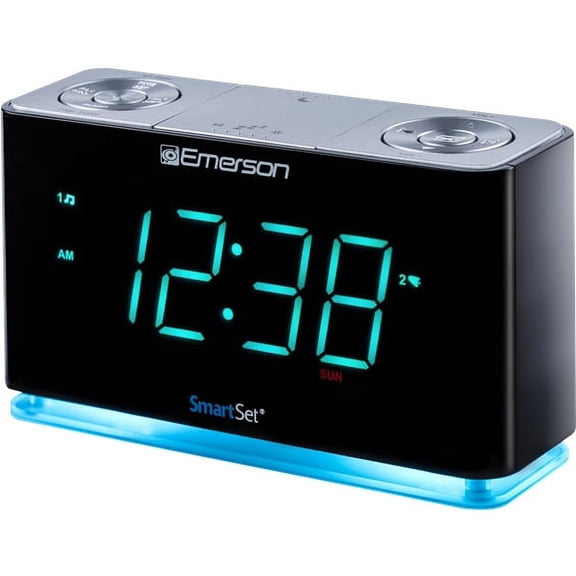
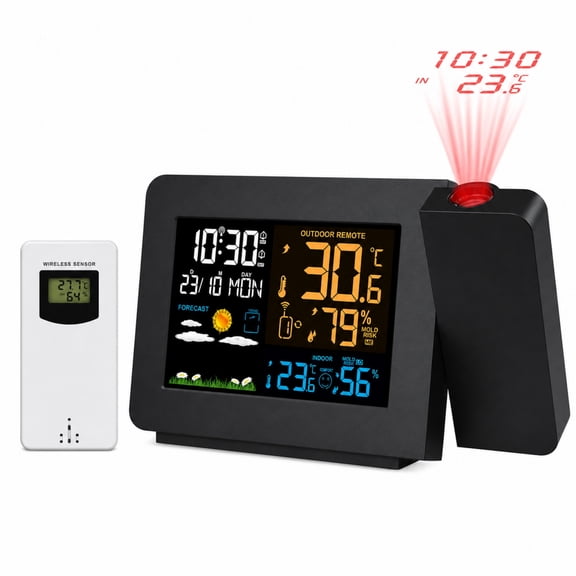
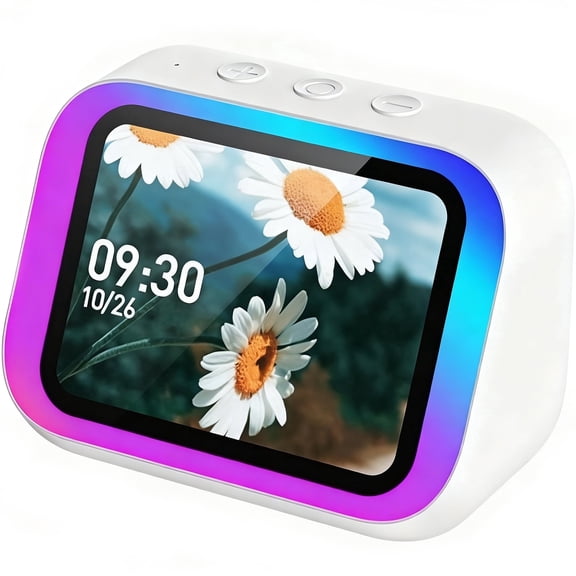
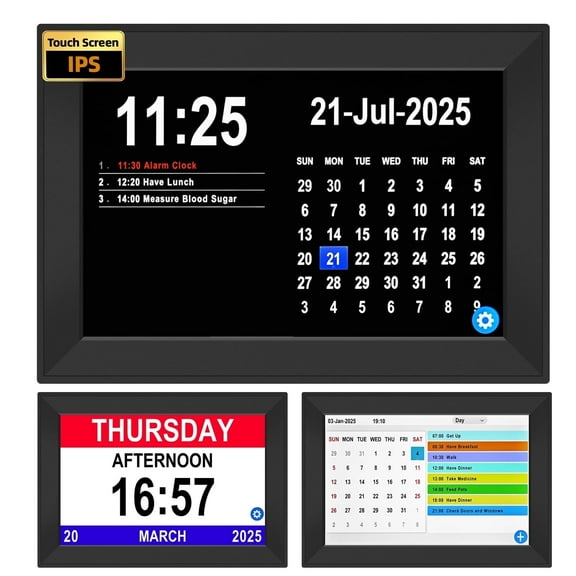
If you want a smart alarm clock that does more than sound an alert, you can choose models with touchscreens, voice control, and bedside-friendly dimming. You can also find designs that show weather, calendars, music controls, and clear time displays at a glance.
Choosing smart alarms for your space
When you choose a smart clock for bedroom use, you should start with placement and nighttime comfort. You may want a compact bedside design, or you may prefer a larger display for an office or kids room.
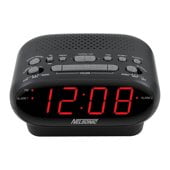
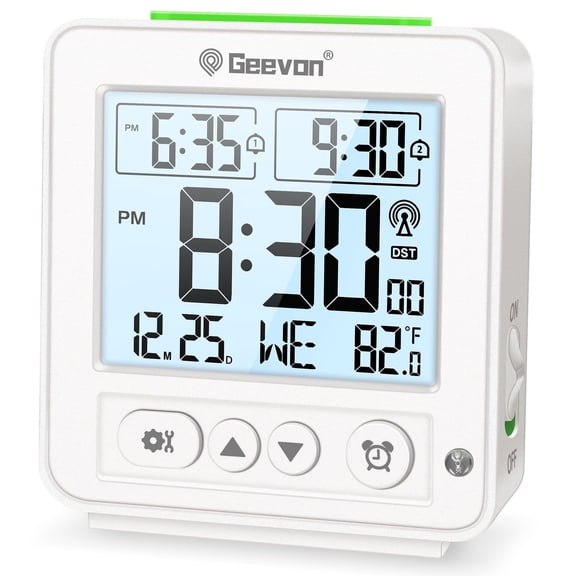
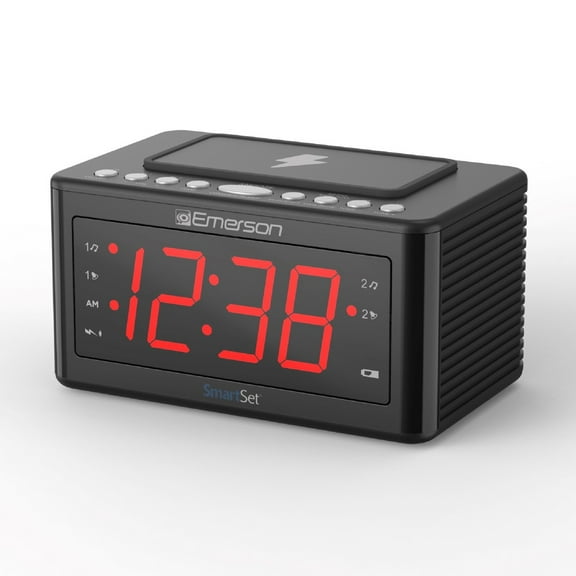
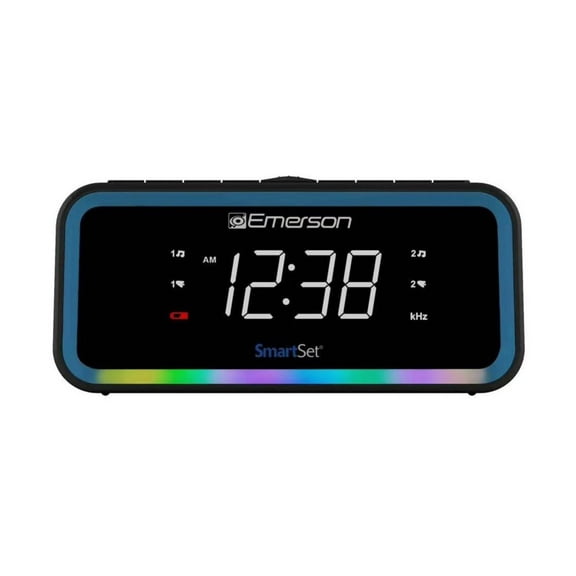
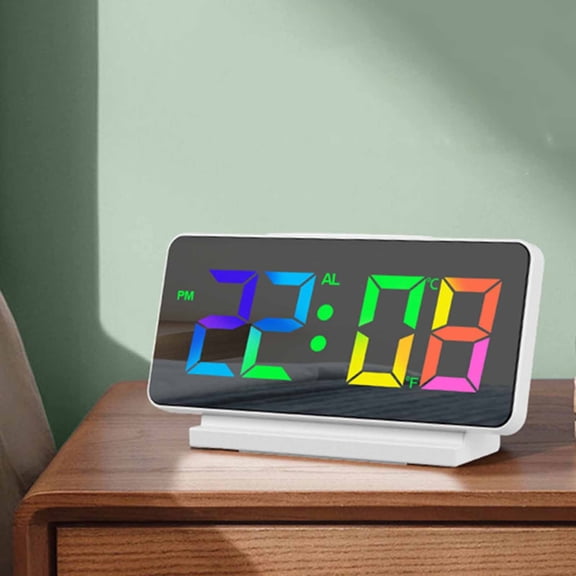
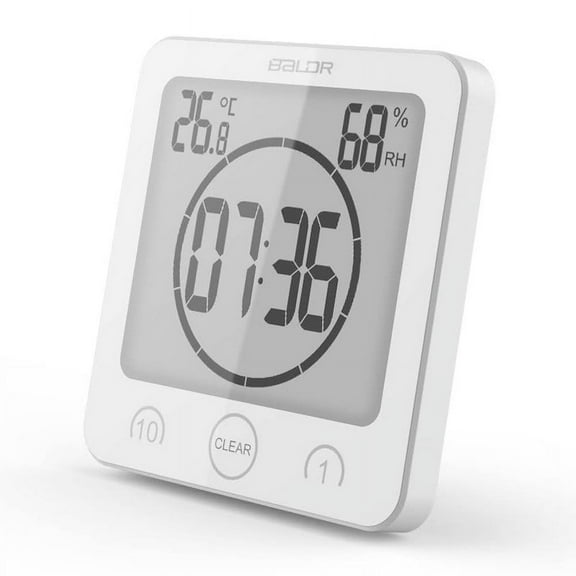
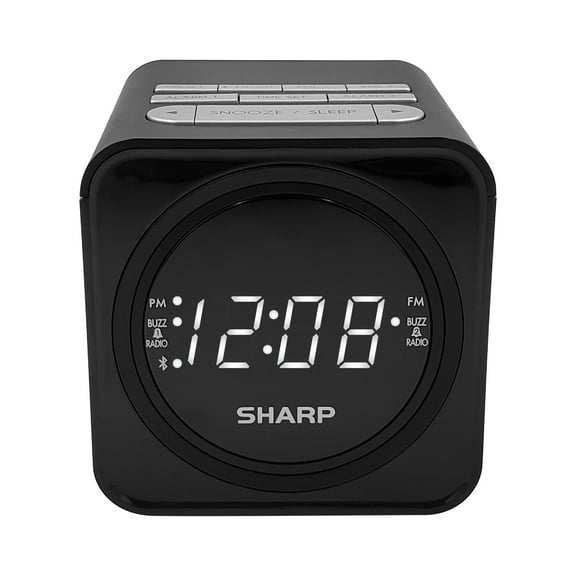
Display type matters because you’ll look at it in bright mornings and dark rooms. You can compare LED, LCD, smart screen, and analog styles based on how much information you want visible.
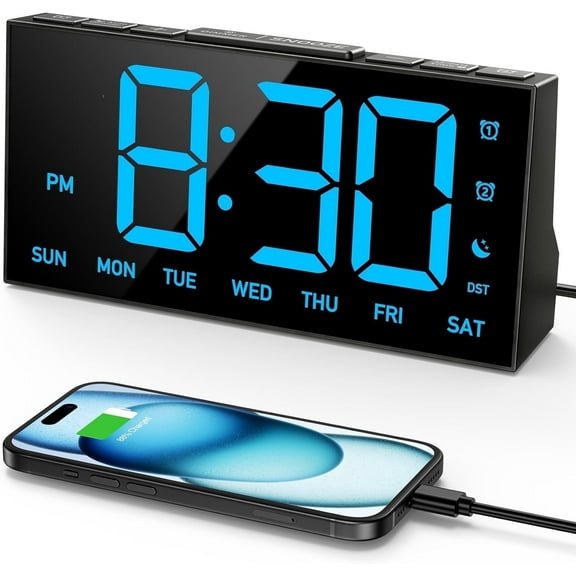
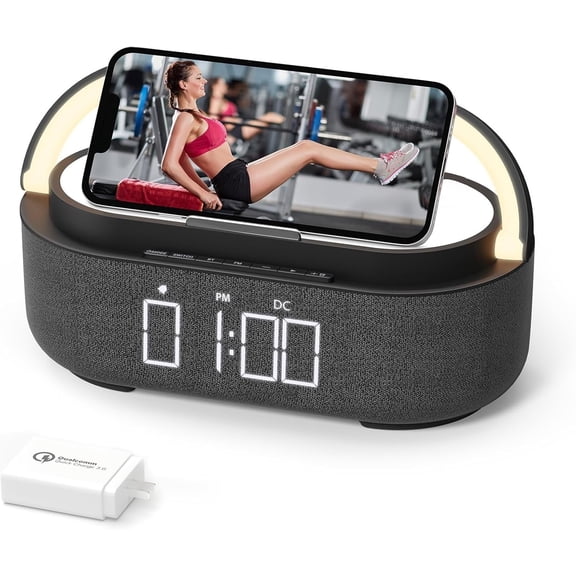
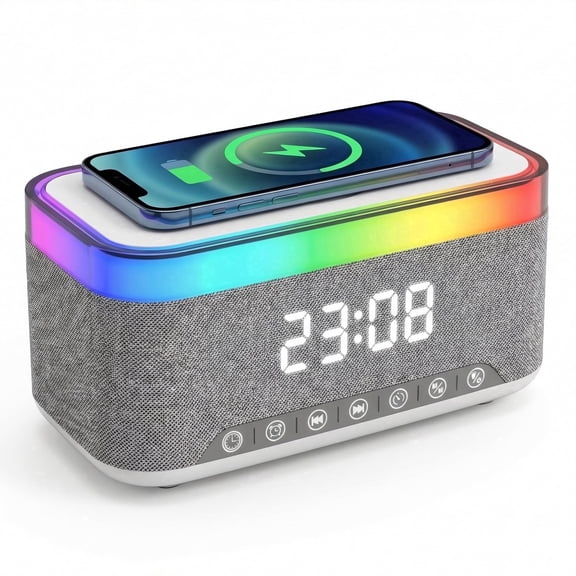
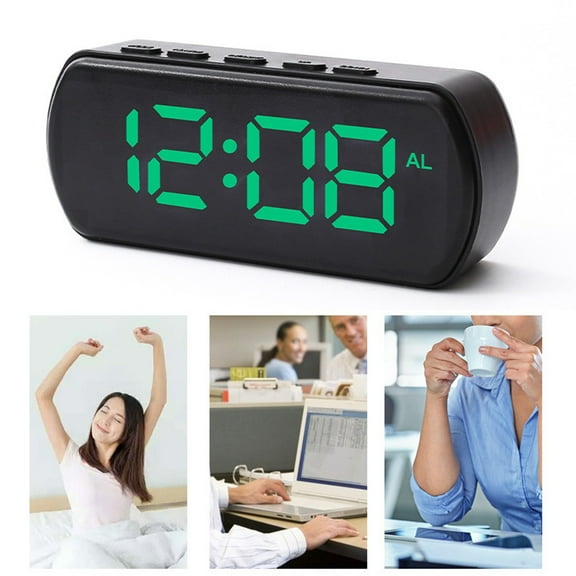
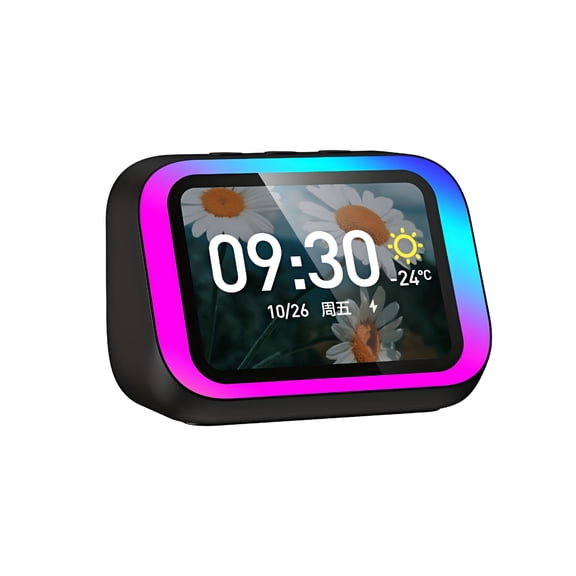
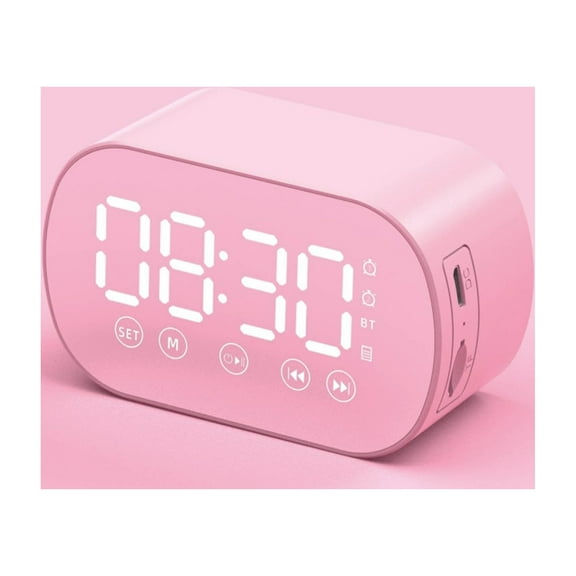
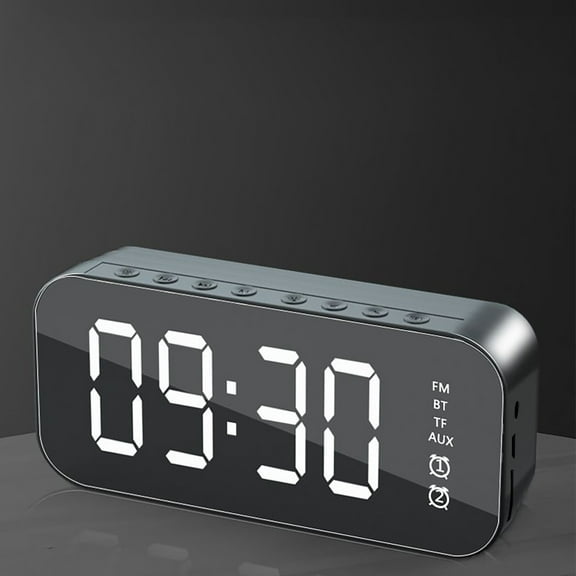
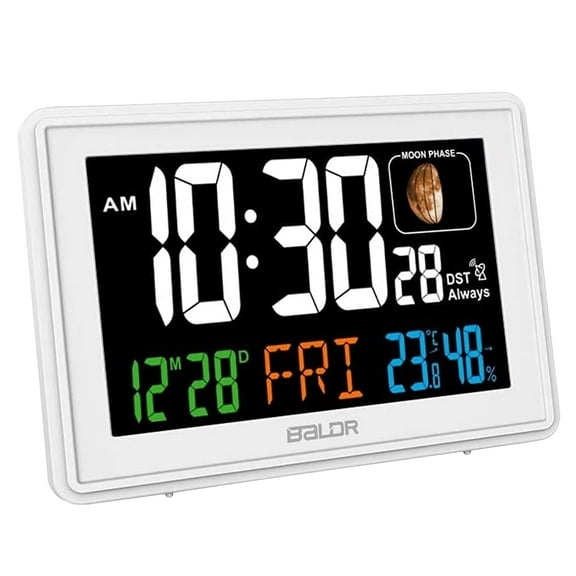
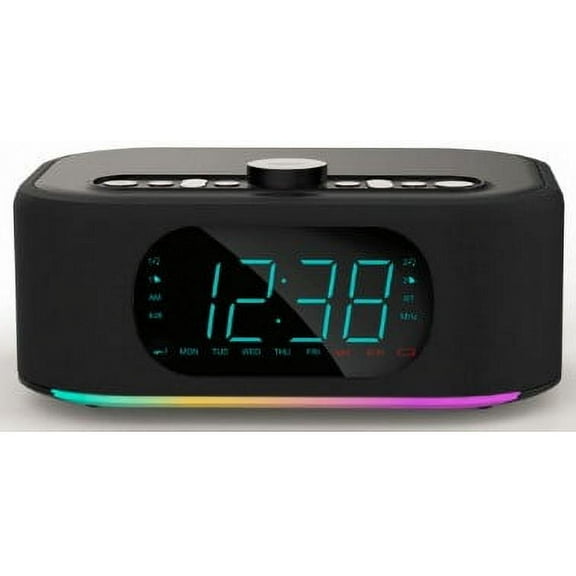
If you want an alarm clock with screen features, you can get weather cards, music controls, photos, or smart home panels. If you prefer simpler viewing, you can choose a cleaner digital face with bold numbers.
- You can pick a dimmable display that stays easier on your eyes at night.
- You can choose bedside placement options that fit small tables and shelves.
- You can match your clock to your smart home system and daily wake-up routine.
- You can select a screen style that shows only time or extra household information.
What to look for in a smart alarm clock
Connectivity should guide your decision if you already use speakers, bulbs, or plugs at home. You should check whether your smart home alarm clock works with Wi-Fi, Bluetooth, or broader smart home integration.
If you use Alexa, Google Assistant, or Siri, you should compare assistant support before you choose. You’ll get a smoother setup when your clock connects to the same ecosystem you already use.
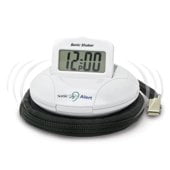
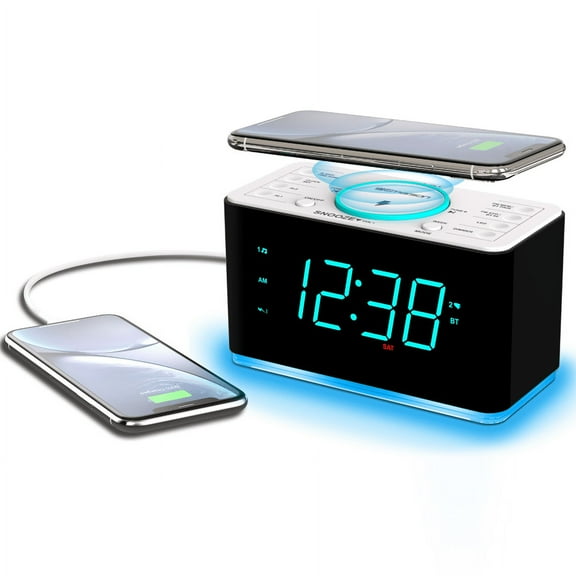
Power source also changes how you use your clock each day. You can choose corded electric models for steady bedside power, battery operated styles for flexibility, or USB rechargeable options for cleaner cable setups.
If backup matters to you, you should check whether a clock includes battery backup during outages. You’ll keep your time and alarm settings more reliably when household power drops unexpectedly.
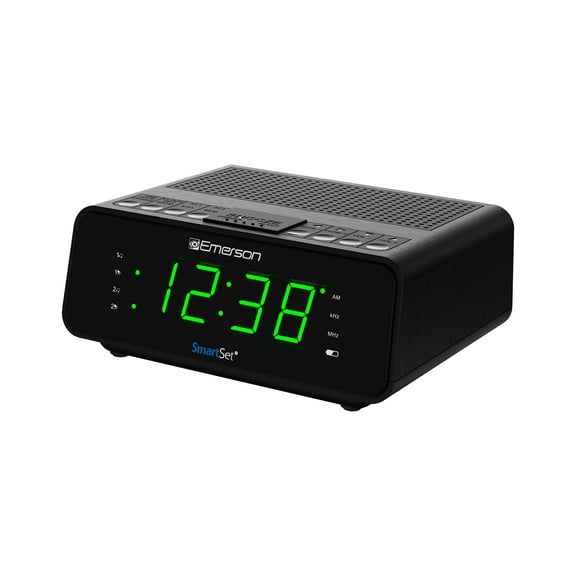
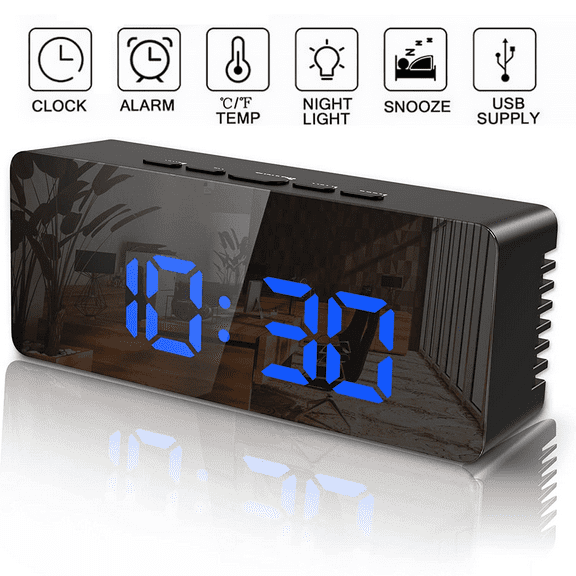
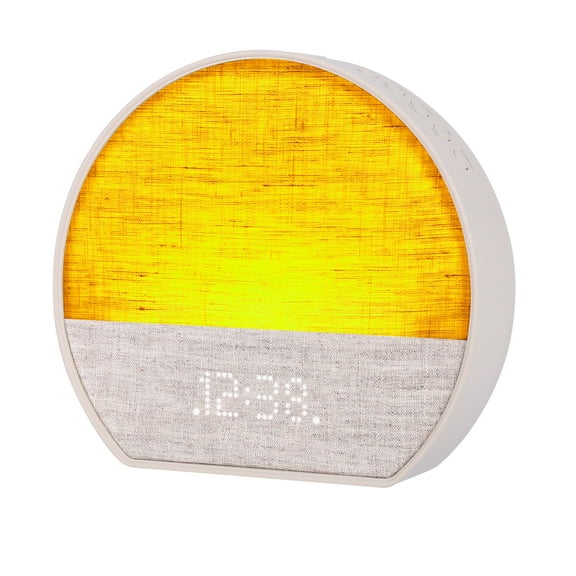
A digital smart alarm clock may also let you program several alarms, weekday schedules, or gradual wake routines. You can look for simple controls if you want fast setup before bed.
Comparing display and brightness options
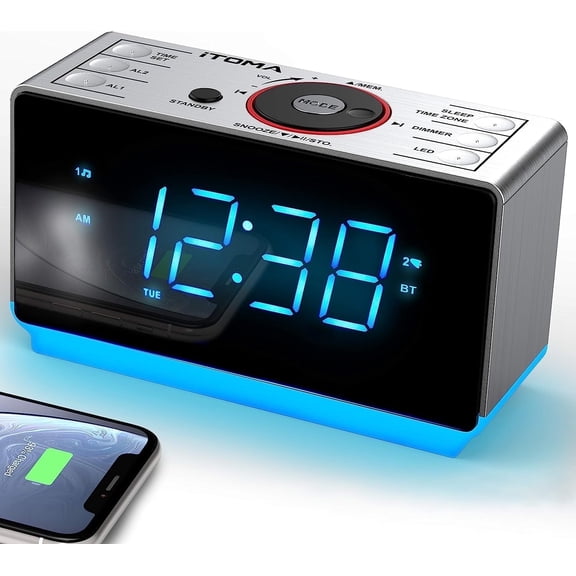
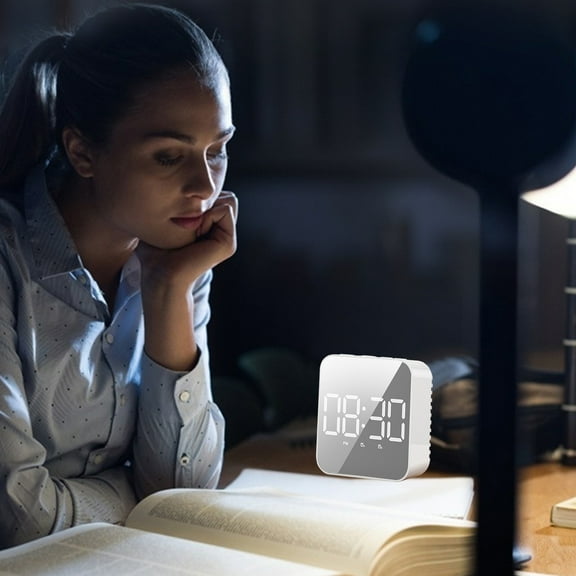
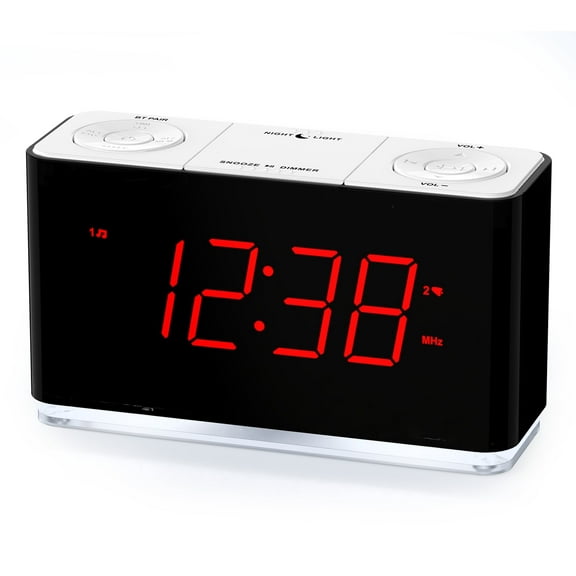
Screen behavior matters when your clock sits a few feet from your pillow. You should look for adjustable brightness if you want the display visible by day and less noticeable at night.
Some shoppers want a smart screen that can dim very low for sleep-focused rooms. Others want stronger visibility, so they can read the time from across the bedroom.
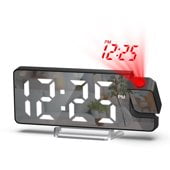
If you want a digital smart alarm clock with more than time, you should compare what the screen actually shows. You may prefer weather, calendar reminders, streaming controls, or a photo display on standby.
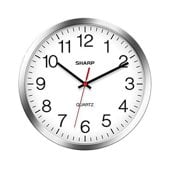
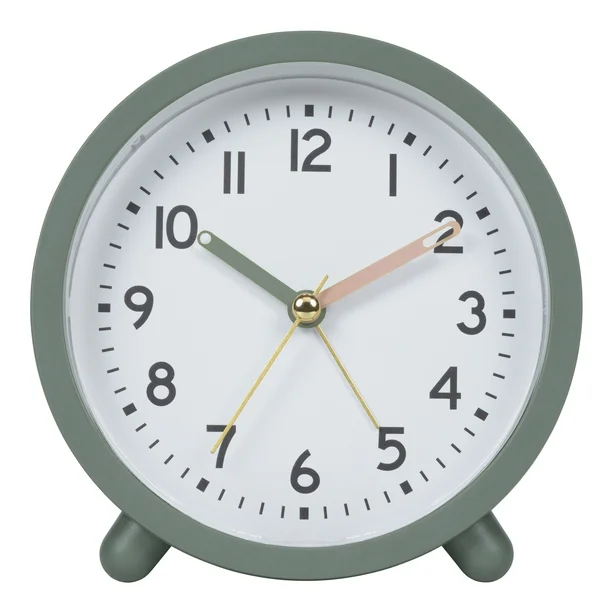
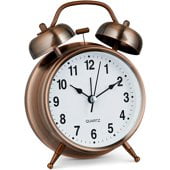
An analog option can suit you if you want a familiar face with fewer on-screen distractions. A smart screen can suit you if you want touch controls and connected features in one device.
Matching features to your routine
Your wake-up style should shape the features you choose. You can look for programmable sounds, music playback, voice prompts, or multi-step routines that fit workdays and weekends.
If you share a room, you may want separate alarms or easier volume control. You should also compare snooze access, touch controls, and app control if you want fewer button presses in the dark.
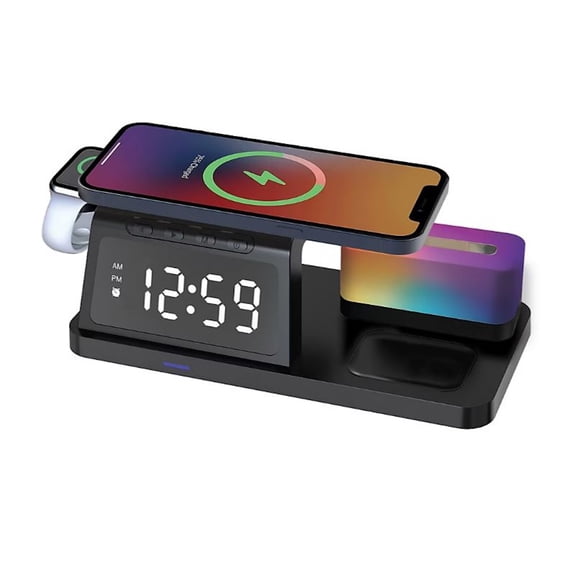
A smart home alarm clock can help you connect morning routines with lights, speakers, or other compatible devices. You can set a sequence that starts your day with a clearer pattern.
If your bedside table is small, you should measure footprint and cable direction before you choose. You’ll avoid crowded surfaces when your clock fits beside lamps, chargers, and books.
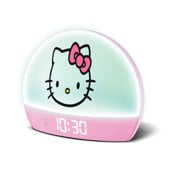
For a kids room or guest room, you may want simple controls and a clear clock face. For an office, you may prefer a screen that adds calendar info and voice assistant access.
How to choose a smart clock for bedroom use
You should start with the combination that matches your room and your smart ecosystem. You can pair a dimmable screen, battery backup, and assistant support for a bedroom setup that feels easy to live with.
If you want smart alarms that stay useful beyond wake-up time, you can focus on compatibility, screen clarity, and power flexibility. You’ll end up with a clock that fits your nightstand and your morning routine.