

Kenwood DNX Stereos in Kenwood Car Stereos by Model

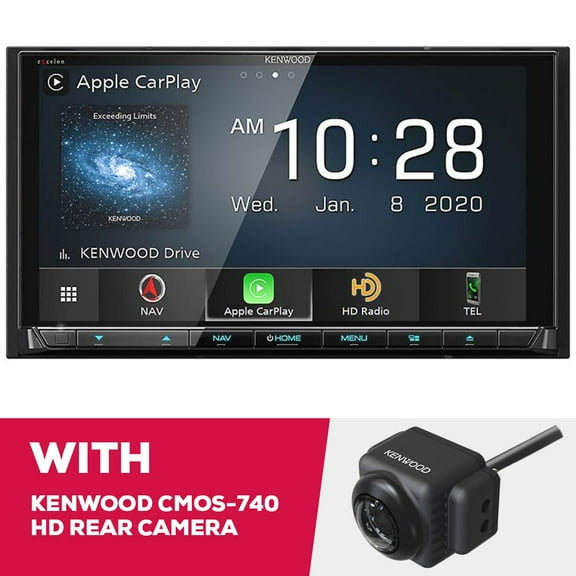


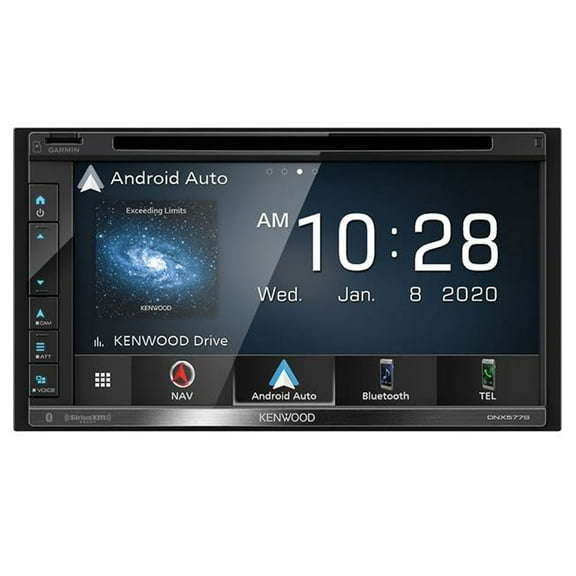

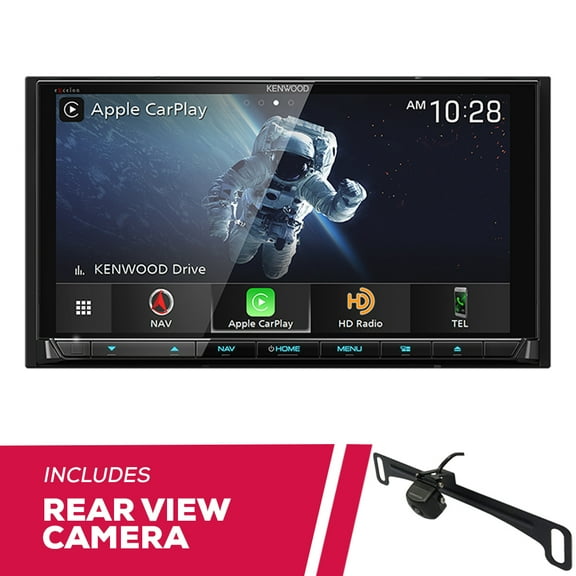
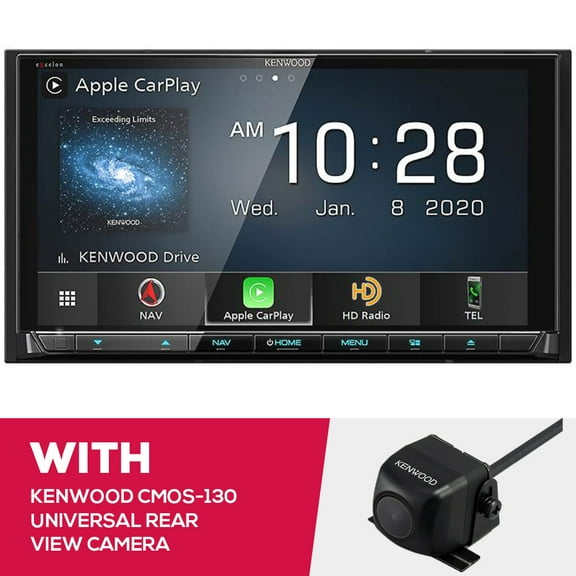


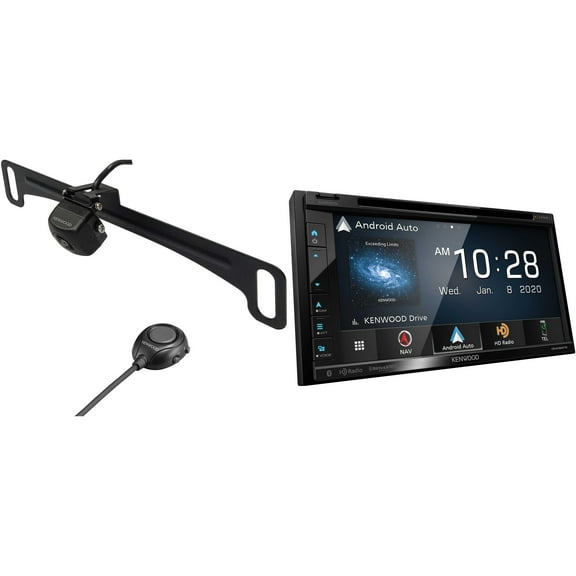
About Kenwood DNX Stereos in Kenwood Car Stereos by Model - Walmart.com
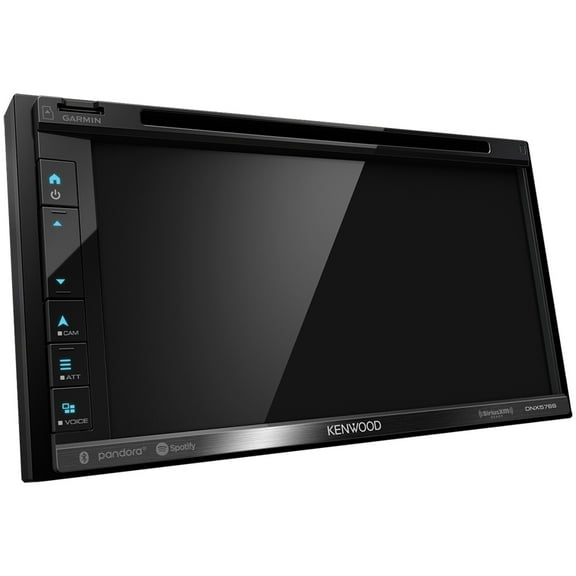
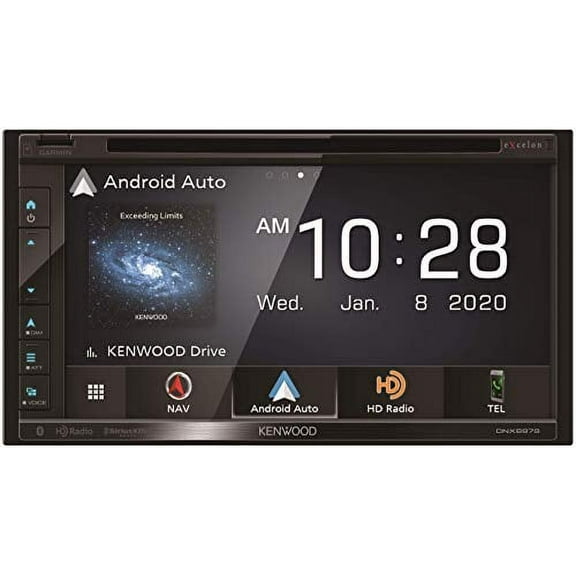
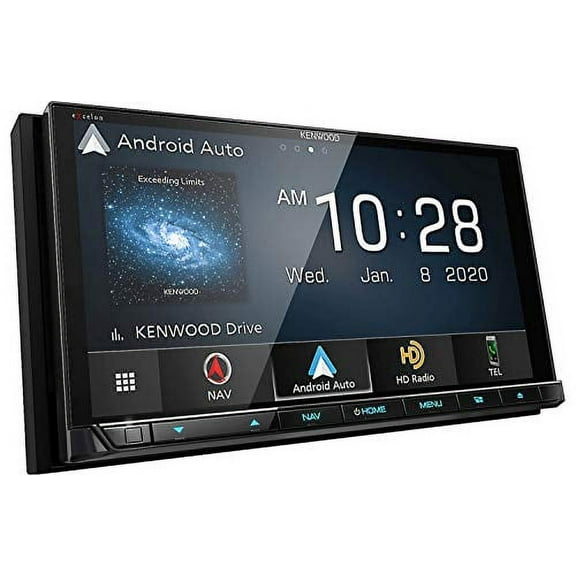
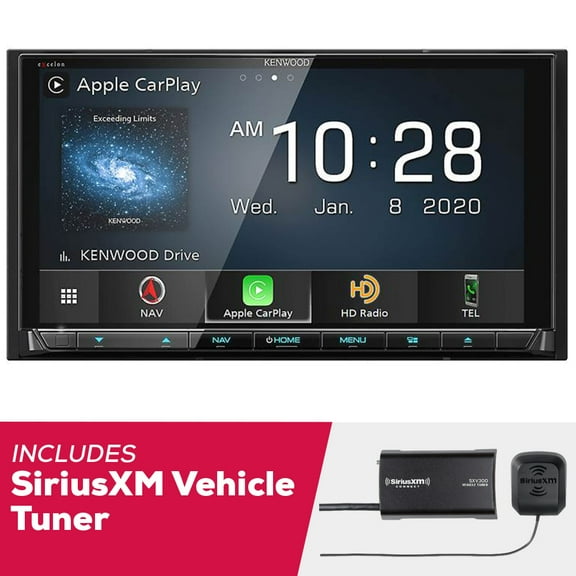
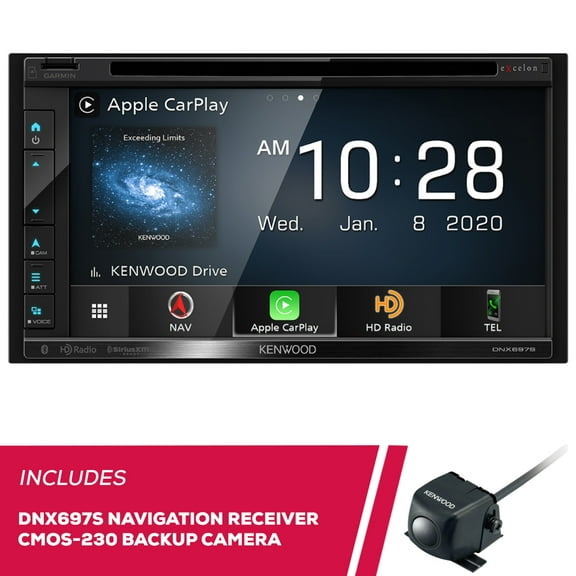
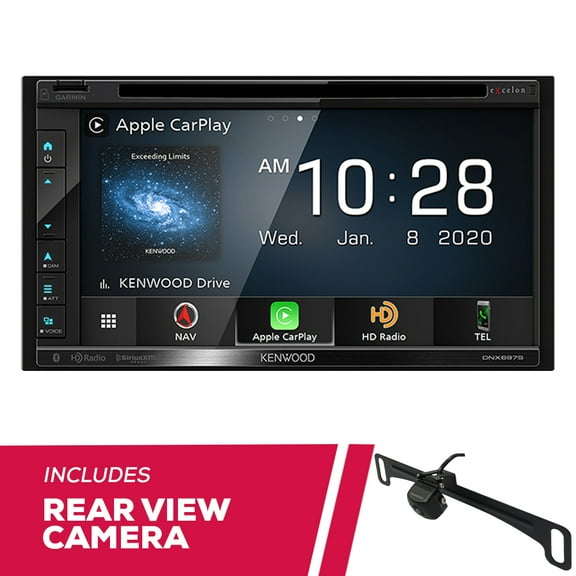
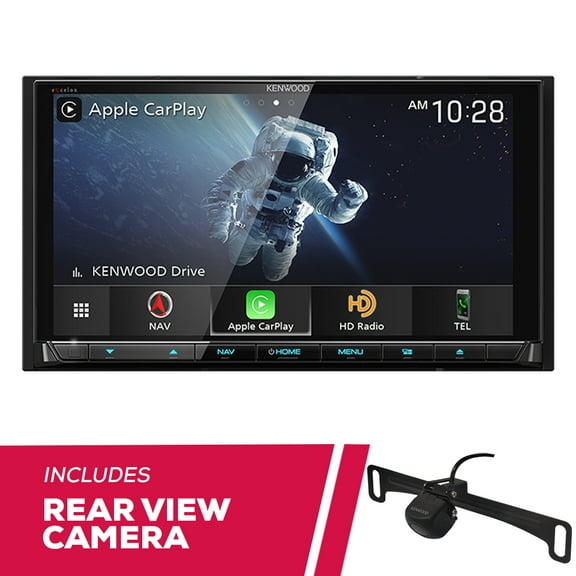
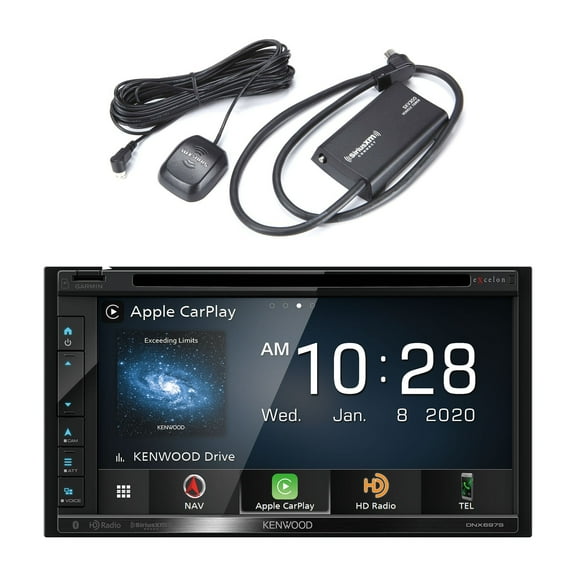
Kenwood DNX stereos help you upgrade your dash with built-in Garmin guidance, double-DIN fitment, and connected media tools for everyday driving. You can compare screen size, navigation style, and audio tuning options more easily when you shop this specialized receiver line.
How to choose Kenwood DNX stereos
When you compare Kenwood DNX stereos, you should start with the features that affect your drive every day. You’ll want to weigh Garmin navigation, smartphone access, screen size, and amplifier-friendly audio controls before you choose a model.
The DNX lineup stands out because you’re choosing an in-dash receiver built around integrated mapping and multimedia control. You can look for guidance that stays available even when your phone signal drops on long routes.
- You can get built-in Garmin maps for turn-by-turn guidance without relying only on your phone.
- You can use Apple CarPlay, Android Auto, and Bluetooth for calls, music, and app access.
- You can tune sound with a 13-band EQ and connect external amps through preouts.
- You can add camera support for backup views and extra front or rear visibility.
Choosing the right Kenwood DNX navigation system
If you drive in rural areas or travel often, you should compare built-in GPS against phone-based navigation first. You’ll notice a Kenwood DNX navigation system gives you map access from the receiver itself, which helps when coverage is inconsistent.
Many shoppers want a Kenwood car stereo with GPS because the screen keeps directions in view without juggling phone mounts. You can also compare a Garmin navigation car stereo setup if you prefer dedicated mapping tools inside the dash.
Built-in GPS also changes how your dash feels on longer drives. You can keep routing, music, and calls centered on one display instead of switching between separate screens.
Comparing screen size and double-DIN fitment
Before you choose a model, you should measure your dash opening and confirm whether your vehicle uses a double-DIN layout. You’ll often need a dash kit or wiring harness, so checking fitment details early can simplify installation planning.
Screen size matters because you may prefer either a 6.8 inch or 7 inch display for map visibility and menu control. You can compare how each size fits your dash trim, touch targets, and viewing angle before you commit.
If you’re searching for a Kenwood double-DIN GPS receiver, you should also check bezel space and surrounding controls. You’ll want enough room for a clean install that doesn’t crowd climate panels or factory buttons.
Checking connectivity and smartphone integration
You should compare connectivity features based on how you already use your phone in the car. You’ll likely want Apple CarPlay, Android Auto, and Bluetooth if you stream music, take calls, or use voice commands often.
Wireless support can reduce cable clutter, while wired support may suit you if you want a simple, consistent connection. You can check whether your preferred phone platform works the way you expect before installation day.
A connected receiver also helps you keep playlists, messages, and navigation tools within easy reach. You can move between audio sources faster when your apps and contacts appear on the in-dash display.
What to look for in audio features
If sound quality matters to you, compare High-Res Audio support, EQ controls, and preouts together. You’ll want those features if you plan to fine-tune speakers or connect external amplifiers later.
A 13-band EQ gives you more precise control over bass, mids, and highs across different music styles. You can shape the sound for spoken podcasts, compressed streaming tracks, or detailed lossless files with more flexibility.
Preouts matter when you’re building a larger system with separate amps and upgraded speakers. You should check voltage ratings and output options because those specs affect how cleanly your system can integrate.
Using camera inputs and daily-driving features
You should also compare camera input options if you want more from your dash than music and maps. You can look for backup camera ready designs and front or rear inputs that support broader vehicle visibility.
Those inputs can make your receiver more useful during parking, trailer alignment, or tight garage entry. You’ll appreciate having those views on the same screen that already handles audio and navigation.
For daily commuting, road trips, and family vehicles, this combination can keep your cabin setup more organized. You can rely on one central interface for directions, entertainment, calls, and camera views.
Matching features to your driving routine
If you drive long highway routes, you may prioritize Garmin mapping, a 7 inch screen, and Bluetooth calling. You can keep directions readable and communication simple without depending entirely on your handset.
If you focus on sound upgrades, you should compare High-Res Audio support, 13-band EQ control, and multiple preouts. You can build around factory speakers now and leave room for amplifier upgrades later.
If your vehicle sees daily parking challenges, you may want camera inputs alongside phone integration and built-in GPS. You can create a dash setup that feels streamlined every time you start your drive.
When you narrow your options by navigation, fitment, connectivity, and sound tuning, you can choose with more confidence. You’ll end up with a receiver that fits your dash and keeps guidance, media, and control in one place.