

Modems in Networking




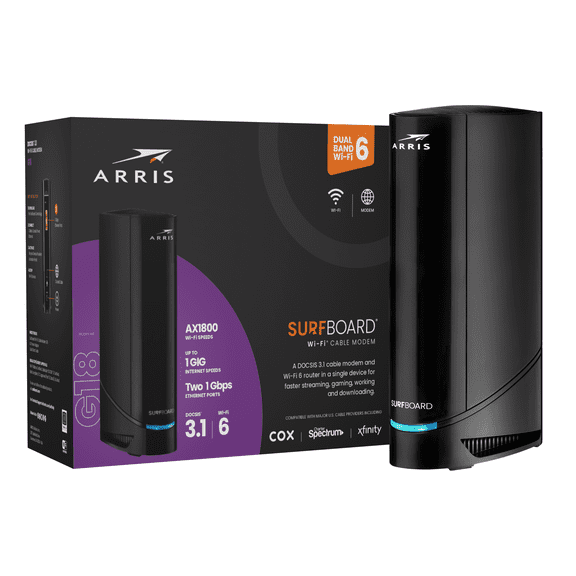
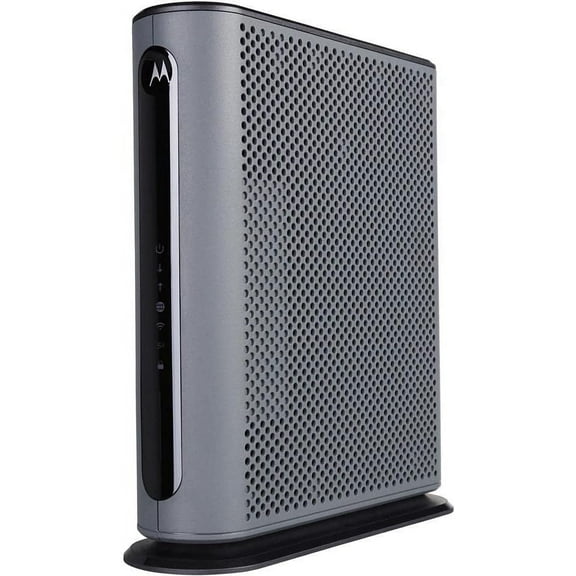
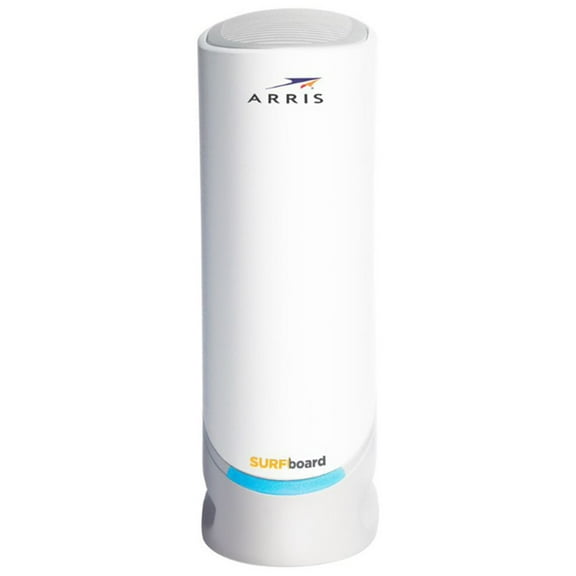
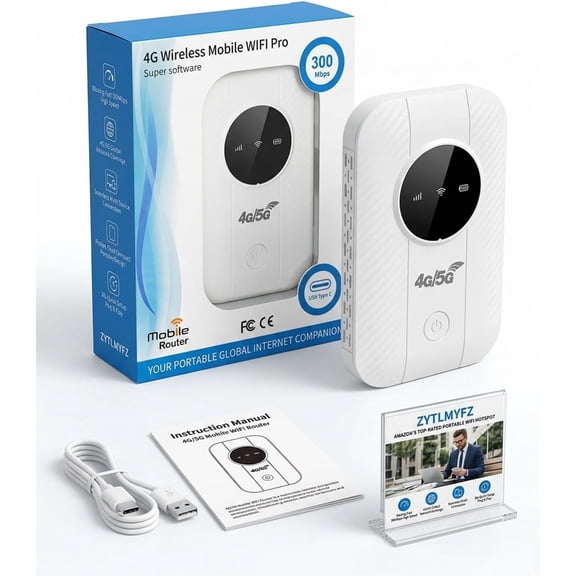
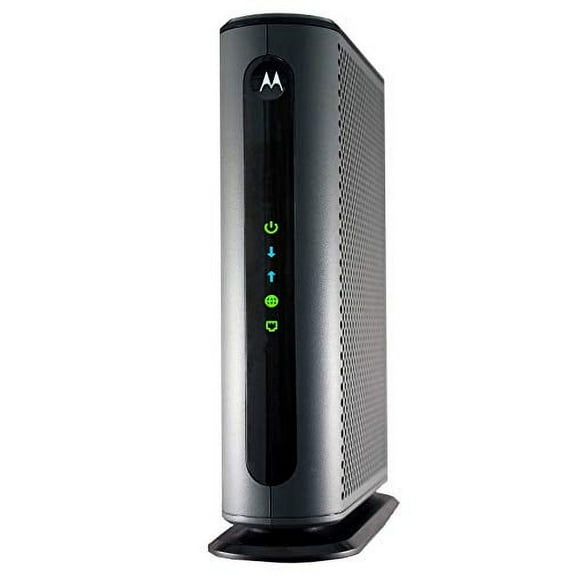
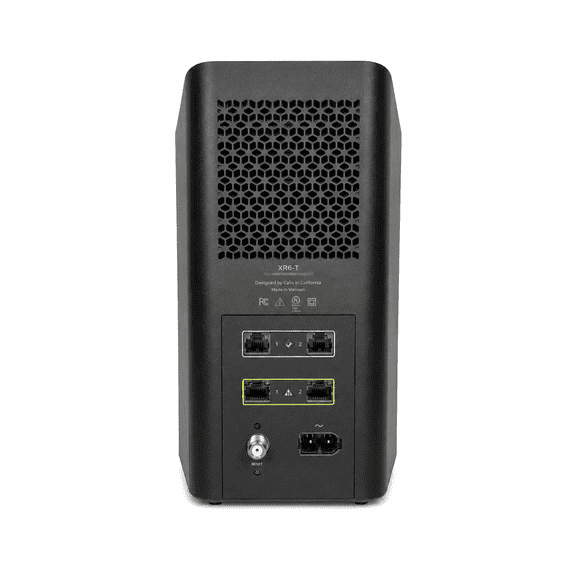
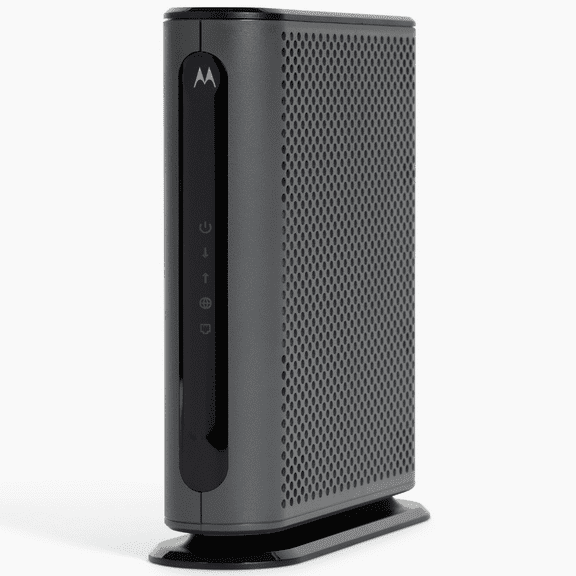
![ARRIS (SB6190-RB) - Modem - DOCSIS 3.0 32x8 Gigabit Modem, [Check with your provider for compatibility]1 Gbps Port, 800 Mbps Max Speed, 2 Year Warranty -](https://i5.walmartimages.com/seo/ARRIS-SB6190-RB-Modem-DOCSIS-3-0-32x8-Gigabit-Modem-Check-provider-compatibility-1-Gbps-Port-800-Mbps-Max-Speed-2-Year-Warranty_658c424b-a7af-454d-94c6-c24392752fe1.a90d7995c8176cb549dbd07e566174ed.jpeg?odnHeight=576&odnWidth=576&odnBg=FFFFFF)

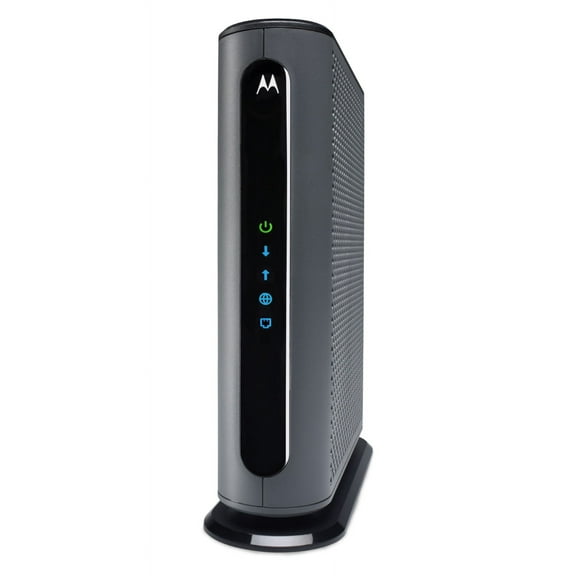
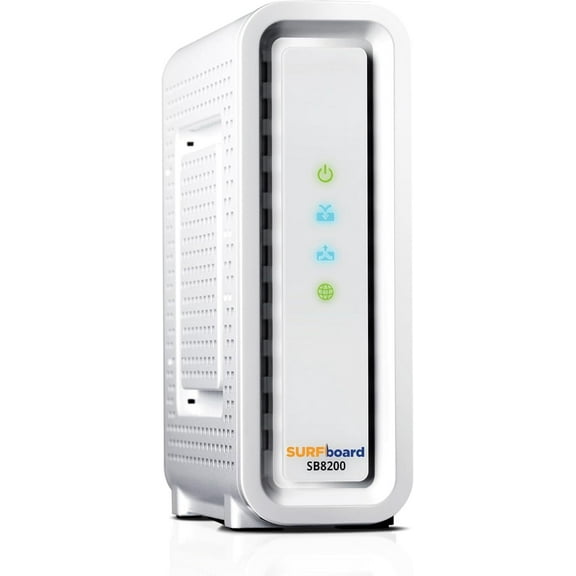

![Cable Modem - DOCSIS 3.0 32x8 Gigabit Modem, [Check with your provider for compatibility]1 Gbps Port, 800 Mbps Max Speed, 2 Year Warranty](https://i5.walmartimages.com/seo/Cable-Modem-DOCSIS-3-0-32x8-Gigabit-Modem-Check-with-your-provider-for-compatibility-1-Gbps-Port-800-Mbps-Max-Speed-2-Year-Warranty_658c424b-a7af-454d-94c6-c24392752fe1.a90d7995c8176cb549dbd07e566174ed.jpeg?odnHeight=576&odnWidth=576&odnBg=FFFFFF)
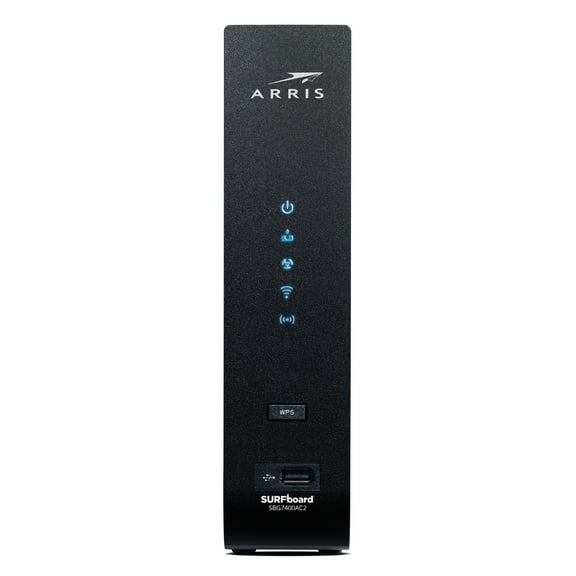
![Cable Modem - Fast DOCSIS 3.0 16x4 Gigabit, [Check with your provider for compatibility], 1 Gbps Port, 400 Mbps Max Internet Speed, 2 Year Warranty](https://i5.walmartimages.com/seo/Cable-Modem-Fast-DOCSIS-3-0-16x4-Gigabit-Check-with-your-provider-for-compatibility-1-Gbps-Port-400-Mbps-Max-Internet-Speed-2-Year-Warranty_4dab1b58-492a-4487-8784-7d97602f5c38.63b202d425b862d896de11abd06282c3.jpeg?odnHeight=576&odnWidth=576&odnBg=FFFFFF)
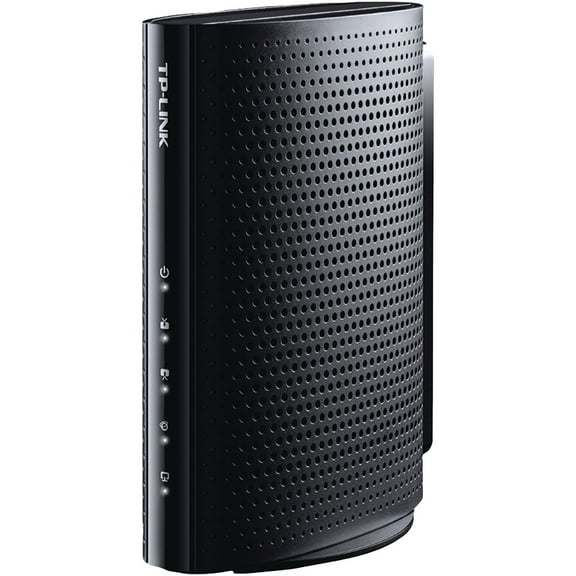


![ARRIS (SB6190-RB) - Cable Modem - DOCSIS 3.0 32x8 Gigabit Modem, [Check with your provider for compatibility]1 Gbps Port, 800 Mbps Max Speed, 2 Year Warranty](https://i5.walmartimages.com/seo/ARRIS-SB6190-RB-Cable-Modem-DOCSIS-3-0-32x8-Gigabit-Modem-Check-provider-compatibility-1-Gbps-Port-800-Mbps-Max-Speed-2-Year-Warranty_658c424b-a7af-454d-94c6-c24392752fe1.a90d7995c8176cb549dbd07e566174ed.jpeg?odnHeight=576&odnWidth=576&odnBg=FFFFFF)


About Modems in Networking - Walmart.com
Gateway routers help you keep everyday internet use simple and organized at home. You can compare modem router combo options, coverage ranges, and WiFi standards for steady streaming, browsing, and video calls.
How to choose gateway routers for moderate internet use
If you use your connection for HD streaming, email, browsing, and light gaming, you’ll want routers for moderate internet use. You should compare speed capacity, home size, and device count before you choose.
For many homes, moderate use means speeds from 100 Mbps to 300 Mbps and several devices online at once. You may also want room for a smart TV, laptop, phone, and a few smart home gadgets.
- You can simplify setup when you choose a modem router combo instead of separate networking pieces.
- You can match your router’s coverage area to your square footage for steadier signal strength.
- You can compare WiFi 5, WiFi 6, and WiFi 4 based on your devices and internet plan.
- You can check ISP compatibility and DOCSIS details before you choose a gateway for your service.
Choosing the right device type
You’ll usually start with device type because it affects setup, placement, and compatibility. You can choose a modem router combo, a standalone router, or a mesh node based on your home network.
If you want fewer boxes and cables, you may prefer a modem router combo. You can place one unit near your cable connection and keep your setup area cleaner.
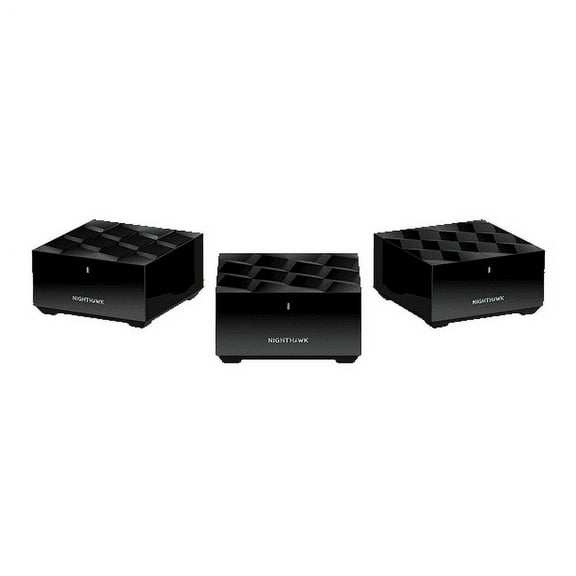
If you already have a modem, you may look at standalone routers instead. You can also compare mesh nodes if your layout has multiple rooms, thick walls, or signal drop-offs.
Comparing WiFi standards and speed capacity
You should compare WiFi standards because they shape how your network handles newer devices. You’ll often see WiFi 4, WiFi 5, and WiFi 6 across wifi gateway routers and related home networking options.
If you use older devices and lighter browsing, WiFi 4 may cover basic needs. If you stream often and connect several devices, you may prefer WiFi 5 or WiFi 6.
You should also check speed capacity against your internet plan. For moderate households, speeds up to 300 Mbps often fit everyday use, while up to 1 Gbps adds more headroom.
If you expect heavier streaming or larger file downloads later, you may compare multi-gigabit support. You can use that extra capacity when your provider and devices support faster service.
Checking coverage area and home layout
You’ll want coverage that matches your space, not just a speed number on the box. You can compare home gateway routers by ranges like up to 1000 square feet, 1000 to 1500 square feet, or 1500 plus square feet.
If you live in a smaller apartment, you may need only basic coverage. If you have several rooms or dense walls, you should consider extra range or mesh support.
You can think about where your router will sit and how far your devices are from it. You’ll often notice that walls, floors, and furniture affect signal reach inside your home.
What to look for in ISP compatibility and setup
You should confirm that your internet gateway works with your provider before you decide. If you choose a modem router combo, you’ll want to check the ISP compatibility list and supported DOCSIS standard.
DOCSIS matters because it shows how the modem side connects with cable internet service. You can use that detail to narrow choices that match your provider’s approved equipment list.
If you don’t need a built-in modem, you may choose a standalone router and connect it to your current modem. You can also look for app-based setup if you want easier network management.
You’ll likely appreciate mobile app controls when you change passwords or connect new devices. You can often finish setup faster when the app guides you through each step clearly.
Matching gateway routers to your daily routine
You can match gateway routers to the way your household actually uses the internet. If you stream shows in HD, join video calls, and browse daily, you’ll want stable mid-range performance.
For a small household with one to four active devices, you may choose a compact unit with coverage up to 1000 square feet. You can keep everyday tasks running smoothly without overcomplicating your setup.
If your family uses several phones, a tablet, a smart TV, and connected speakers, you may need more capacity. You should compare WiFi 6 models or stronger coverage for more simultaneous activity.
If your home has a tricky layout, you may look at a mesh-ready option or added node support. You can extend signal into bedrooms, offices, or upstairs spaces more evenly.
When you compare internet gateways this way, you can focus on fit instead of guesswork. You’ll end up with a connection that supports your plan, your rooms, and your daily device mix.
You can choose with more confidence when you compare compatibility, coverage, and speed together. Your gateway can deliver the steady everyday performance you need for streaming, browsing, and connected home routines.