


Find auto parts that fit
Let’s search for parts that fit your vehicle.Android Car Stereos in Car Stereos



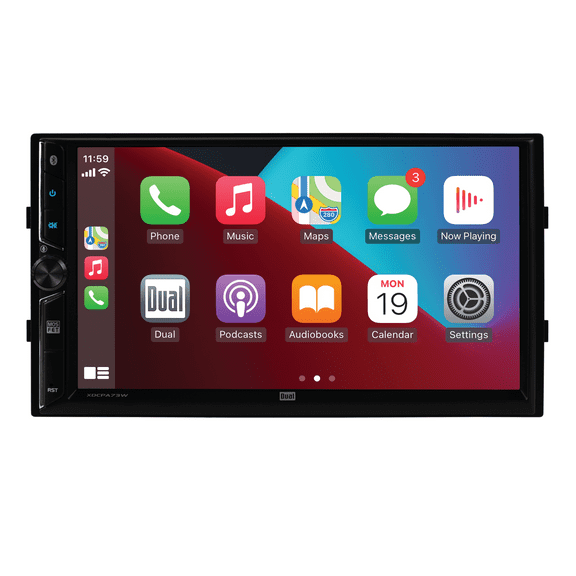

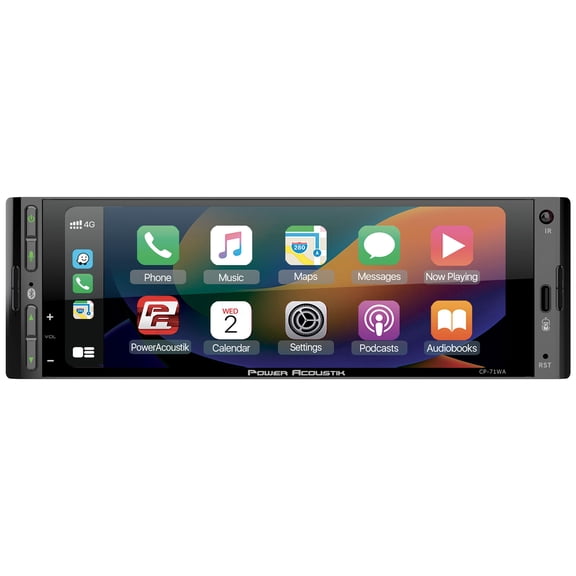

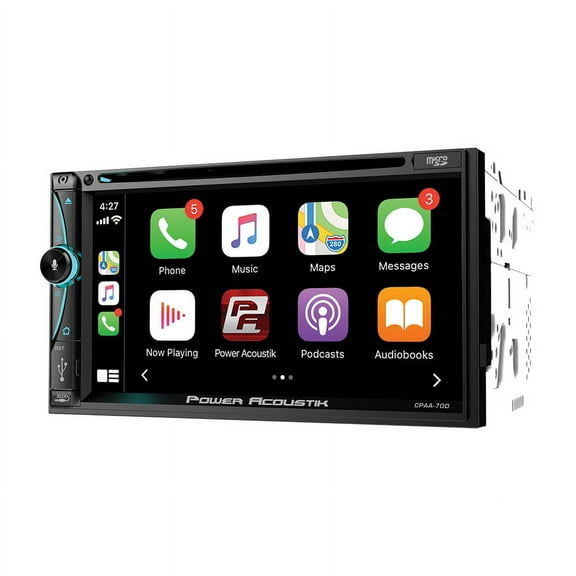
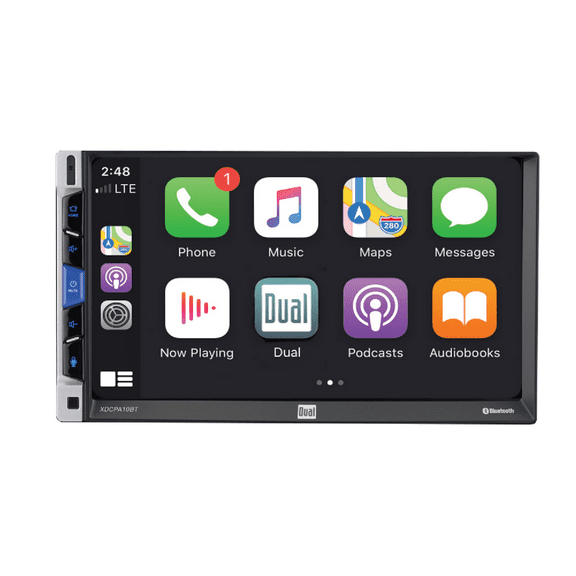
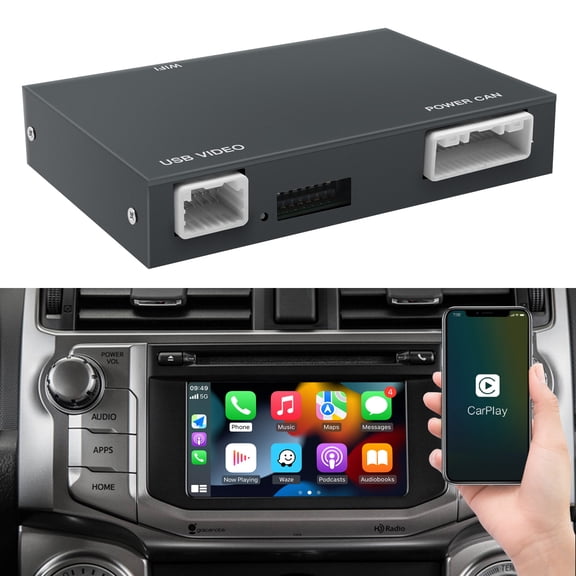
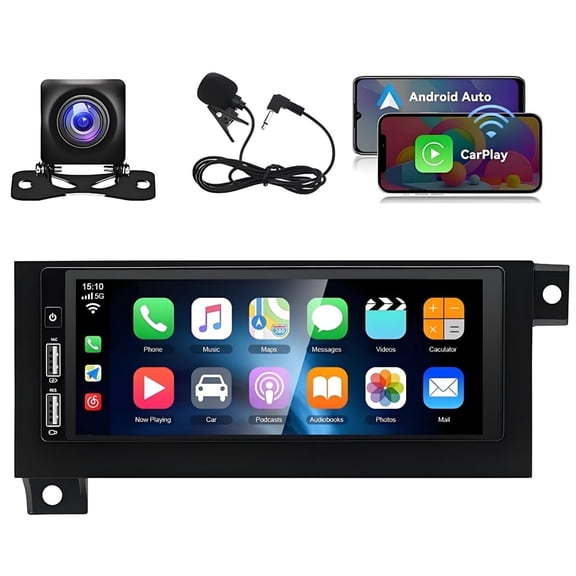
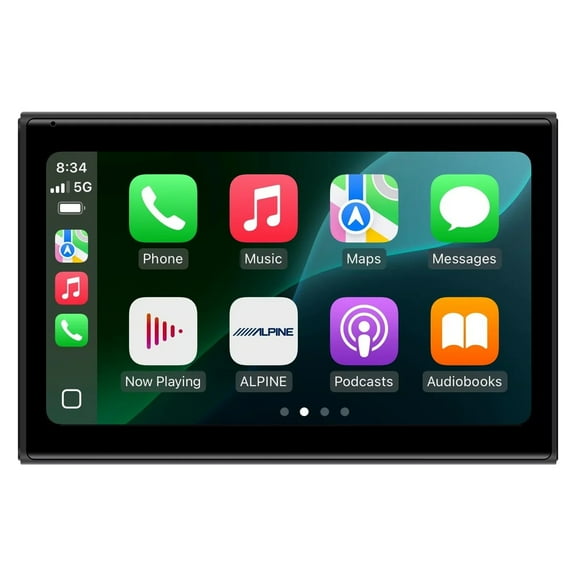
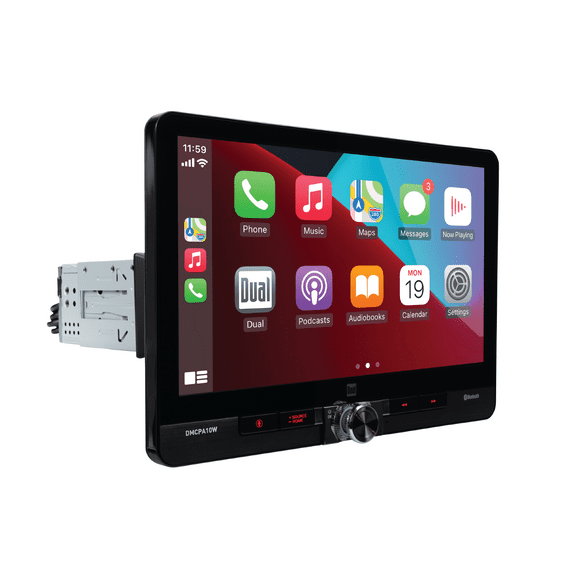


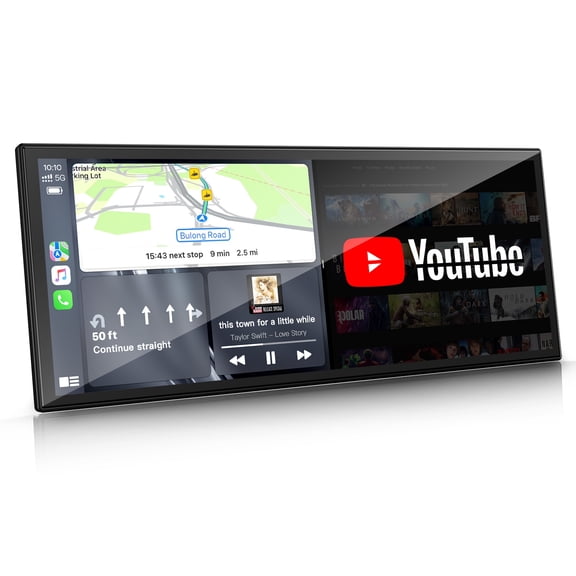
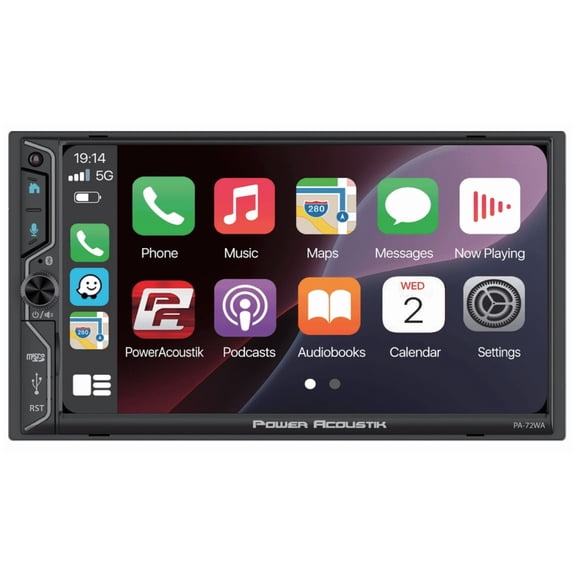


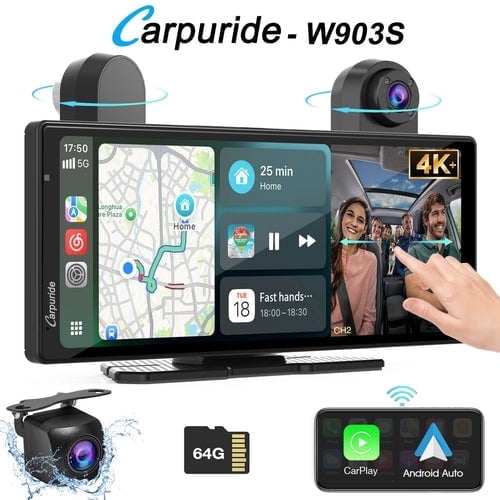
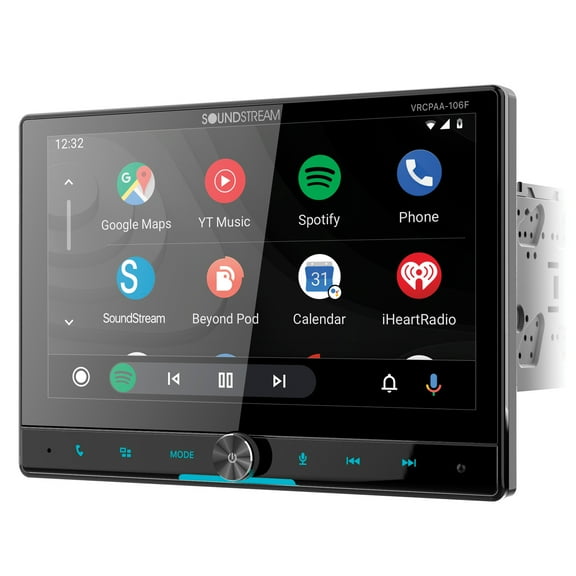
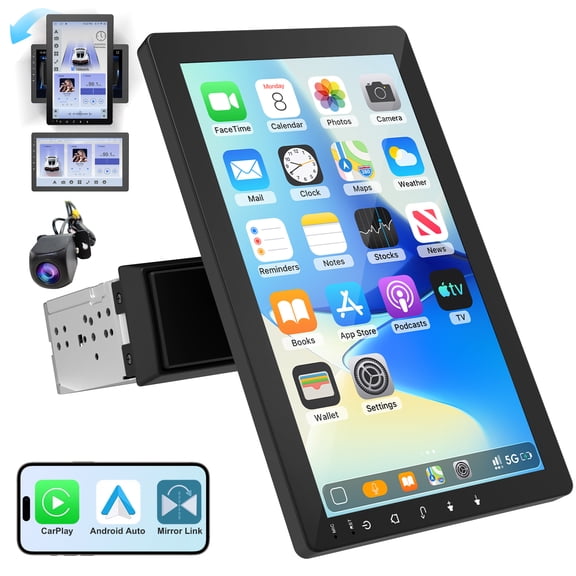
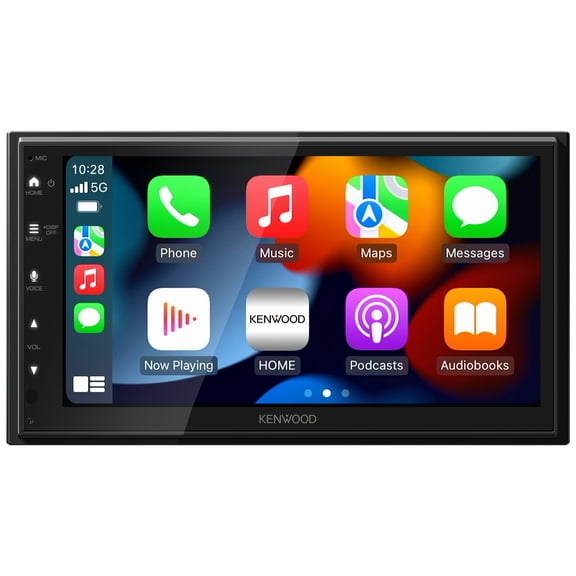
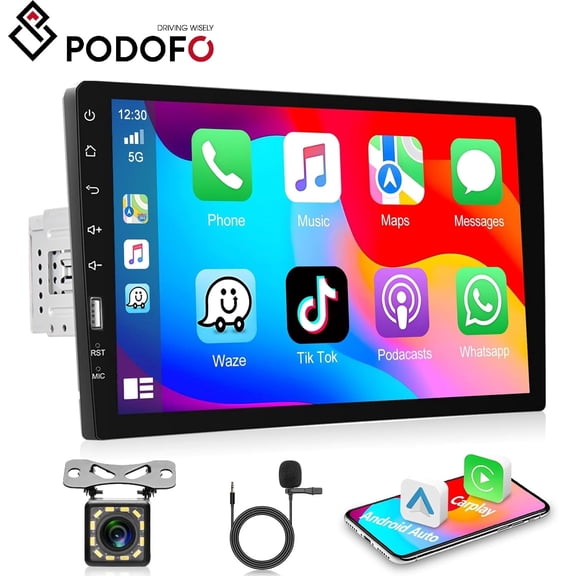
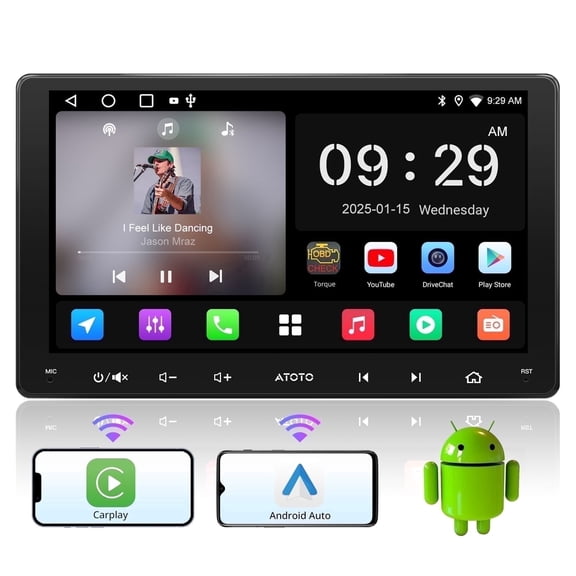
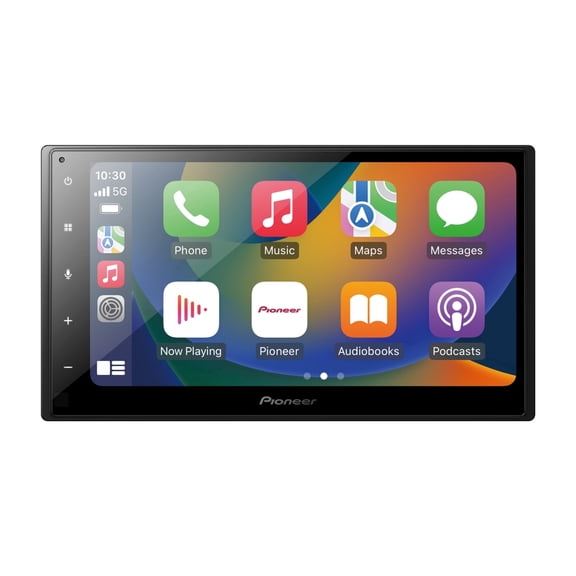
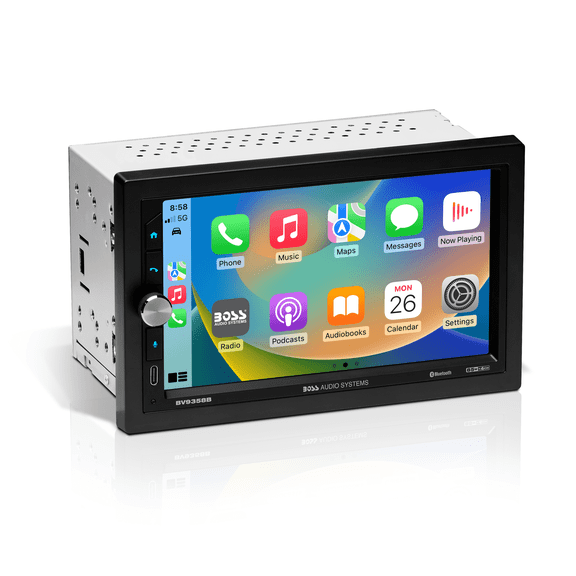

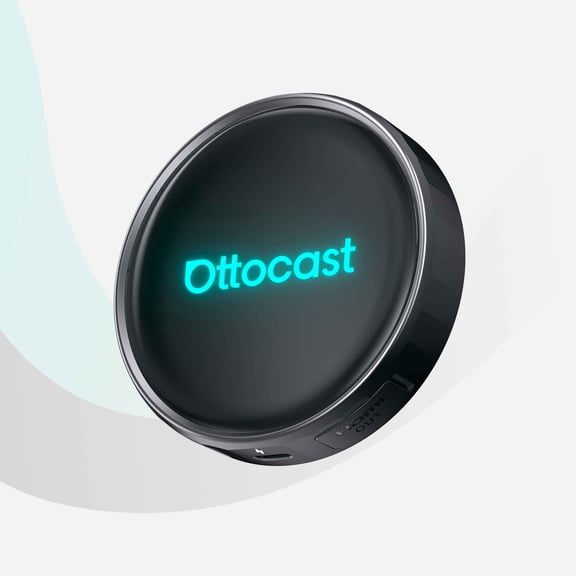


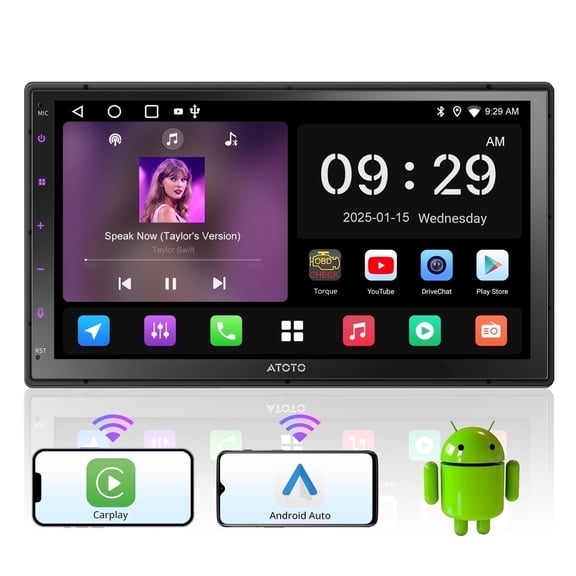


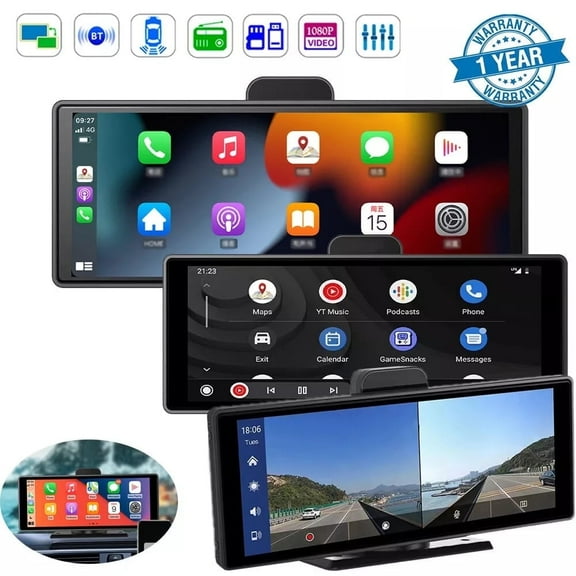

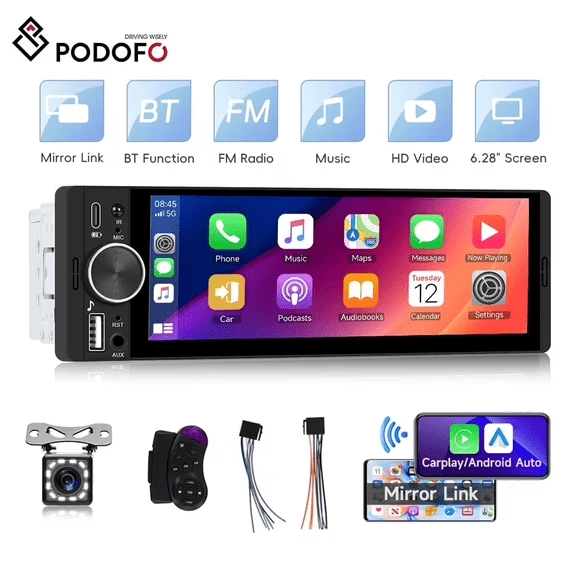

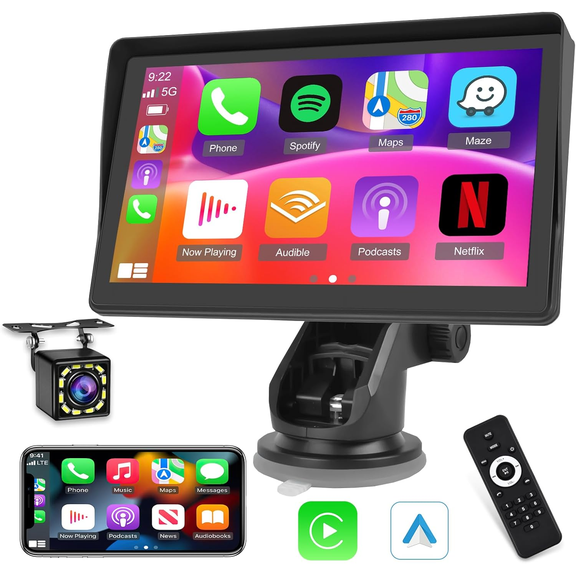


About Android Car Stereos in Car Stereos - Walmart.com
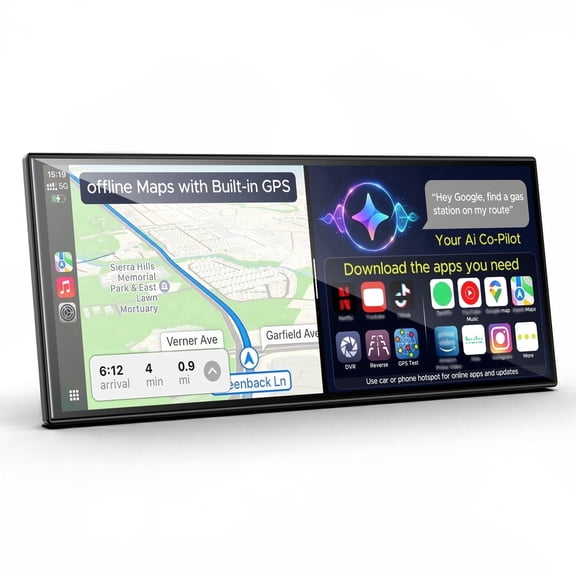
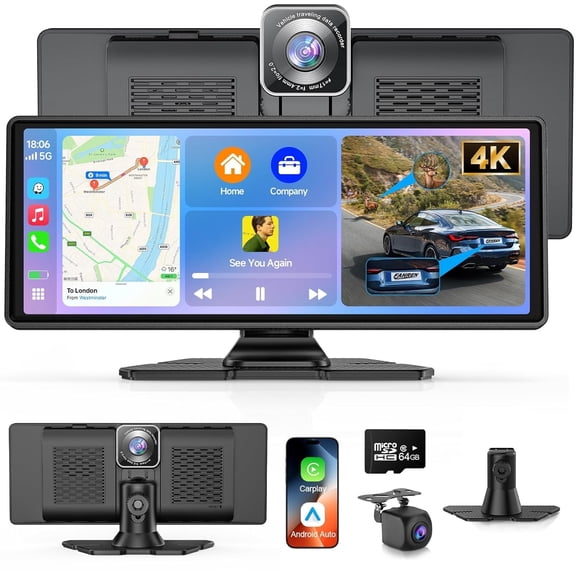
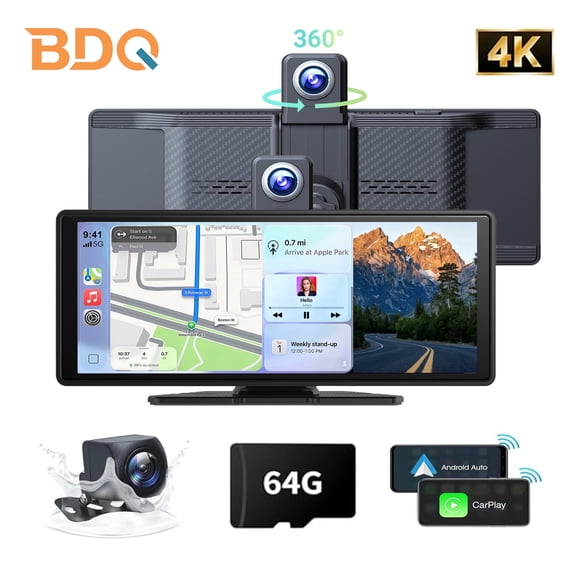
Android auto compatible stereos help you modernize your dash with phone-friendly navigation, calling, and media control. You can compare fitment, screen style, and connection type before you choose a receiver that suits your vehicle.
How to choose android auto compatible stereos
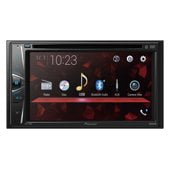
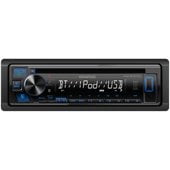
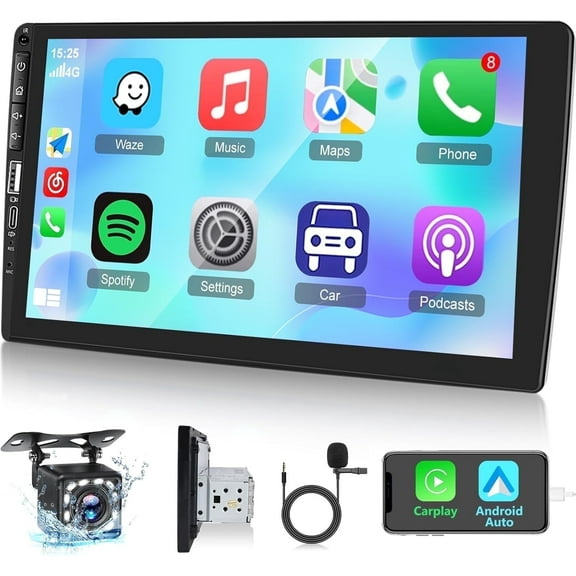
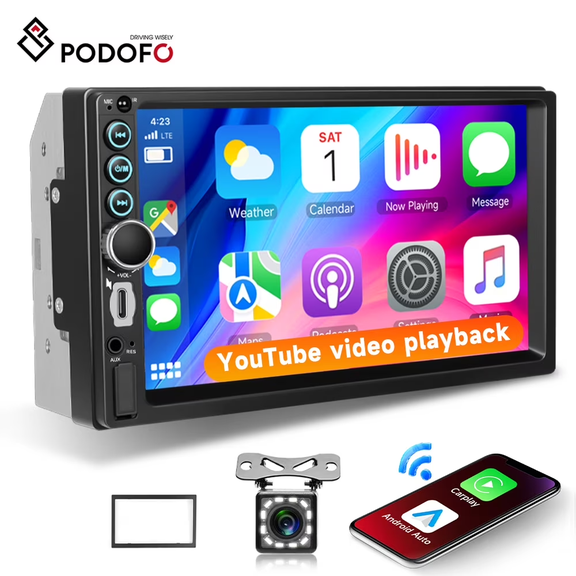
When you compare android auto compatible stereos, you should start with chassis size and dash fitment. You’ll want to check whether your vehicle uses a double din or single din opening.
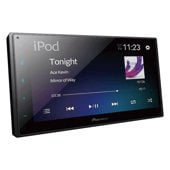
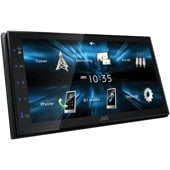
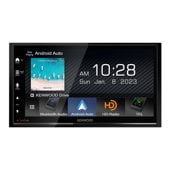
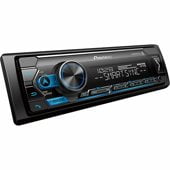
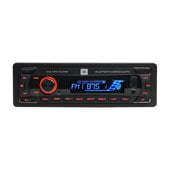
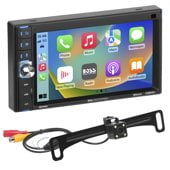
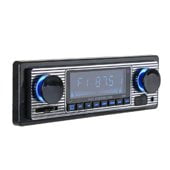
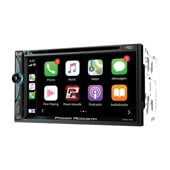
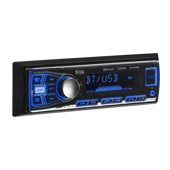
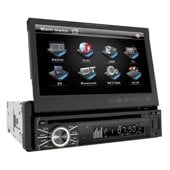
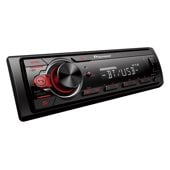
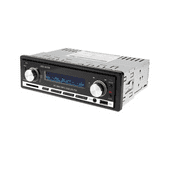
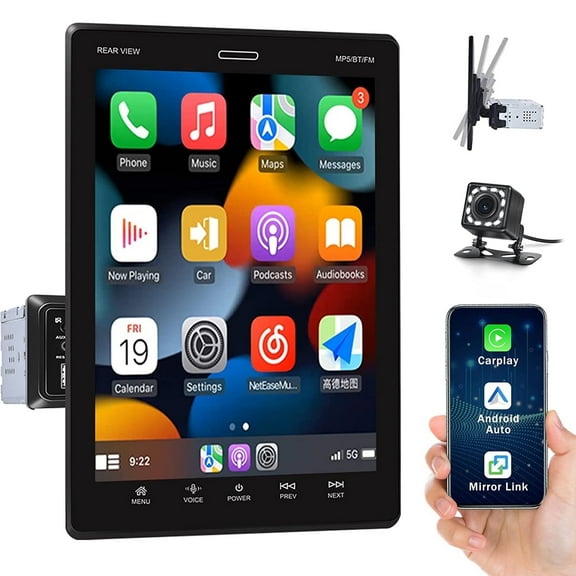
A double din android auto stereo usually gives you a larger face and easier access to on-screen menus. A single din model may suit your dash when you need a compact chassis or a flip-out display.
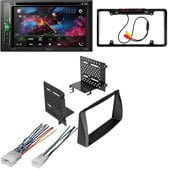
You should also measure your dash opening and compare mounting depth before you decide. You may need a dash kit or mounting brackets, and that fit detail matters during installation.
- You can use navigation, calls, and music from one dashboard screen.
- You can choose double din or single din fitment for your vehicle.
- You can compare wired USB, wireless access, and bluetooth pairing.
- You can connect backup camera inputs and steering wheel control interfaces.
- You can select touch displays that match your viewing and control preferences.
Choosing the right double din android auto stereo
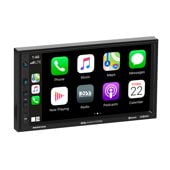
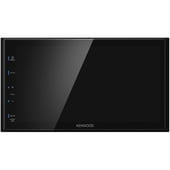
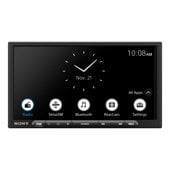
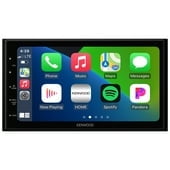
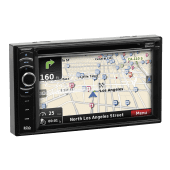
If you want a larger interface, you should consider a double din android auto stereo first. You’ll usually get more room for maps, media tiles, and camera views.
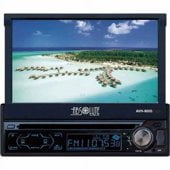
When your dash supports single din, you should check whether a motorized or floating display fits cleanly. You’ll want to confirm screen clearance around climate controls and trim pieces.
You should compare display types next because touch response changes how the stereo feels every day. A touch screen car stereo android auto setup can make swipes, taps, and menus feel more direct.
Capacitive touchscreens usually respond like a smartphone, so you’ll notice lighter touch input and smoother gestures. Resistive screens often work with firm presses, which may suit simpler control needs.
If you want a larger viewing area, you can look at floating displays that sit above the chassis. You should check screen size and tilt adjustment so your sightline stays comfortable.
Wired and wireless connection differences
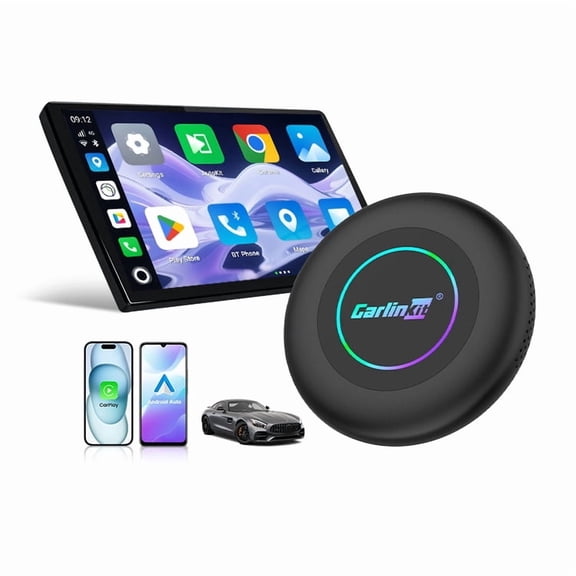
You should compare wired USB and wireless access based on how you drive each week. A wireless android auto receiver gives you easier entry because your phone can connect without plugging in.
Wired USB can give you a steady connection and charge your phone during longer drives. You may prefer that setup when you rely on navigation for commutes or road trips.
If you want hands-free calling and music streaming, you should look for a bluetooth car stereo with android auto. You can pair your phone for audio functions while using the Android Auto interface.
You should also check how quickly the stereo reconnects after you restart your vehicle. That small detail can shape your daily routine when you make frequent short stops.
What to look for in screens and controls
You should focus on screen clarity, menu layout, and button placement when you compare receivers. You’ll use these controls often, so clear icons and simple menus can make each drive smoother.
A touch screen car stereo android auto layout can help you move between maps, calls, and playlists quickly. You should compare screen size with your dash space so the display feels balanced.
Some shoppers prefer physical knobs for volume and quick adjustments during traffic. You may want that mix of touch controls and hard buttons if you change audio settings often.
You should look for responsive screens, readable daytime displays, and customizable home screens. Those features can help you keep your most-used apps within easier reach.
Checking integration features before installation
You should confirm the inputs and interfaces you need before you narrow your options. Many android auto compatible stereos support backup camera connections, which can make reversing views easier to access.
If your vehicle has steering wheel buttons, you should check whether the stereo supports steering wheel control retention. You may also need a separate interface module, so compatibility notes matter.
You can also compare models with GPS navigation support, microphone inputs, and multiple camera options. Those details matter when you want one receiver to handle directions, calls, and parking views.
Before you choose, you should review dash kit requirements, wiring harness support, and mounting depth. That planning helps you match your stereo to your vehicle with fewer fitment surprises.
Matching stereos to how you drive
If you commute daily, you may want wireless access, fast reconnecting, and a bright screen. You’ll appreciate quick map access and easier music control during short, frequent trips.
If you spend hours on the road, you may prefer wired USB charging and a larger display. You can keep your phone powered while following maps and switching between podcasts or calls.
When you drive a vehicle with a tight dash opening, you should compare single din and floating-screen options carefully. You’ll want a setup that preserves access to vents, buttons, and trim panels.
If parking visibility matters to you, you should prioritize backup camera compatibility and clear screen layouts. You can bring camera views and guidance lines onto one central display.
For a factory-like feel, you should look for steering wheel control support and clean fitment hardware. You’ll keep familiar button access while adding the convenience of Android Auto.
With the right fit, screen, and connection type, you can make your dash easier to use every day. You’ll end up with a receiver that suits your vehicle and keeps key apps within reach.