



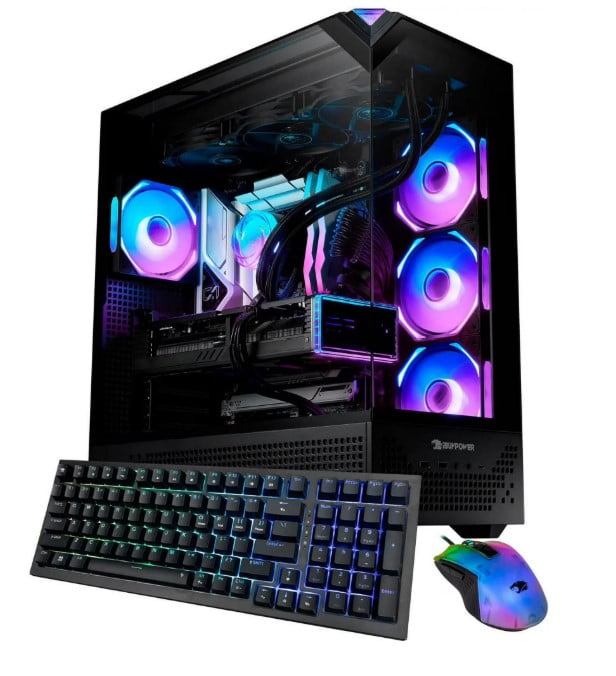
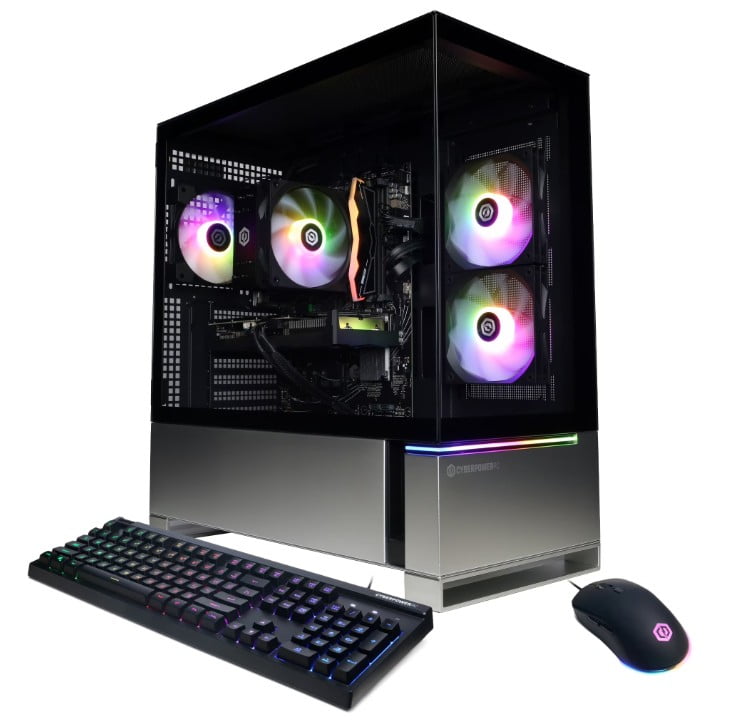
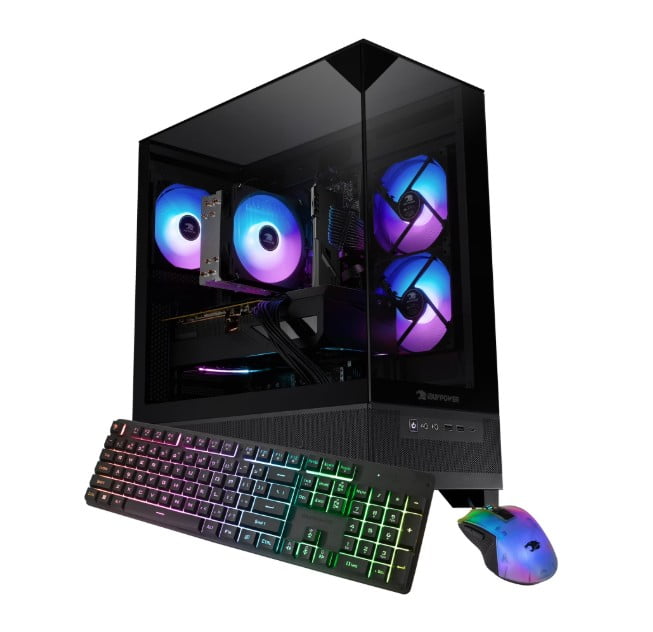
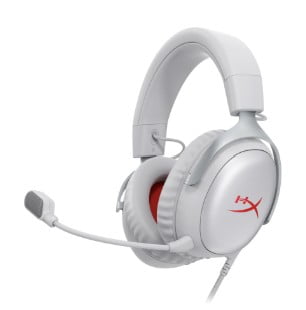


CyberPower Gaming Desktops in Gaming Desktops & Laptops


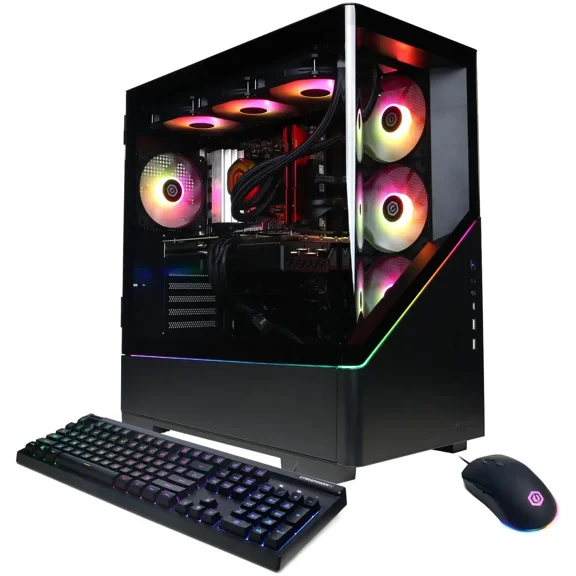
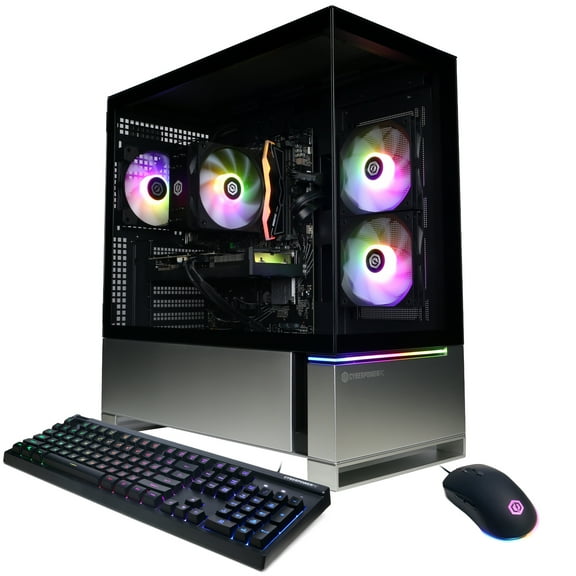


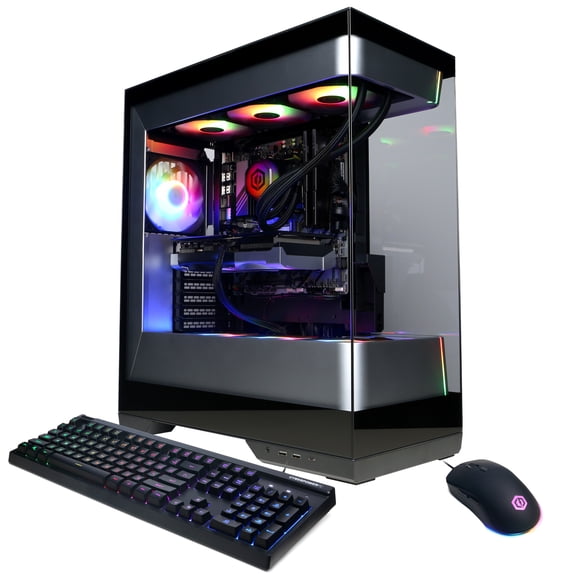





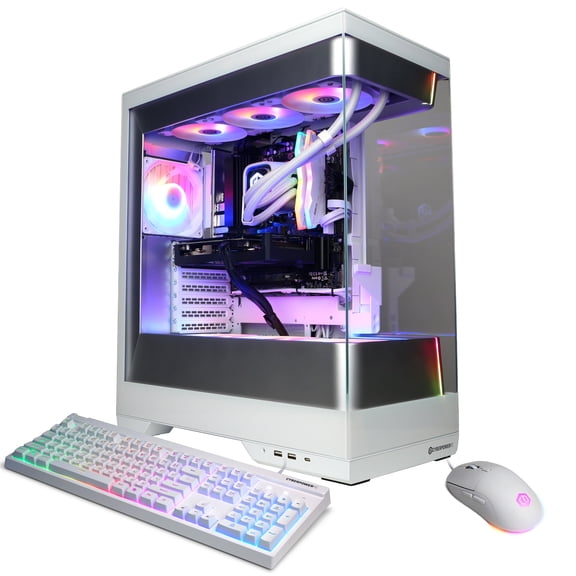


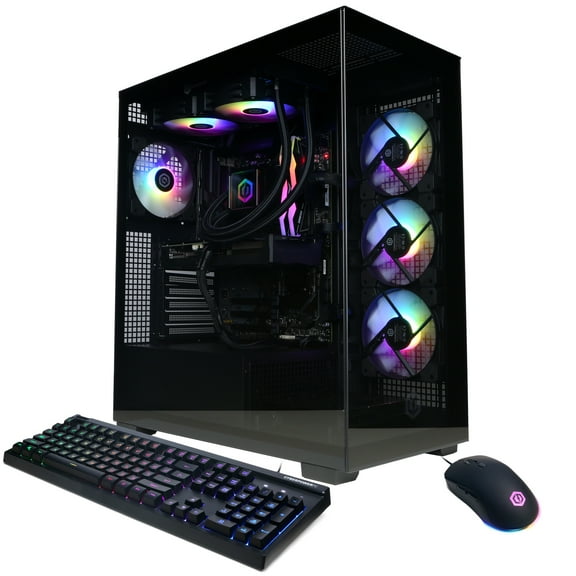
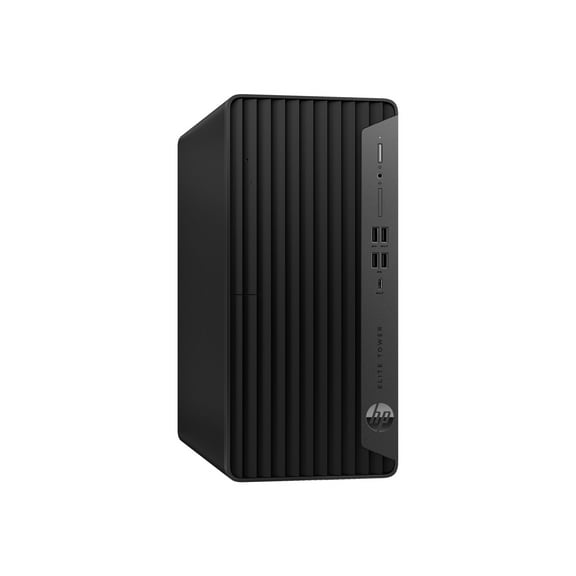


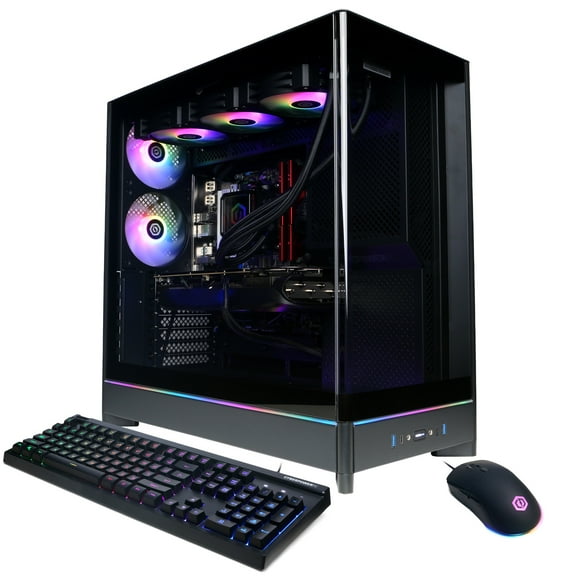


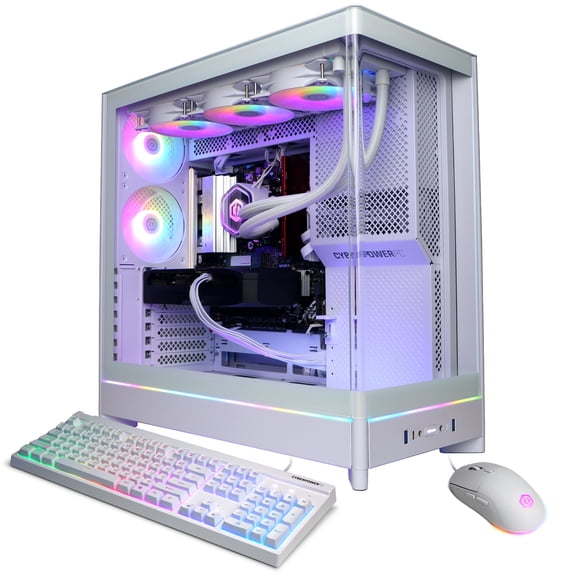
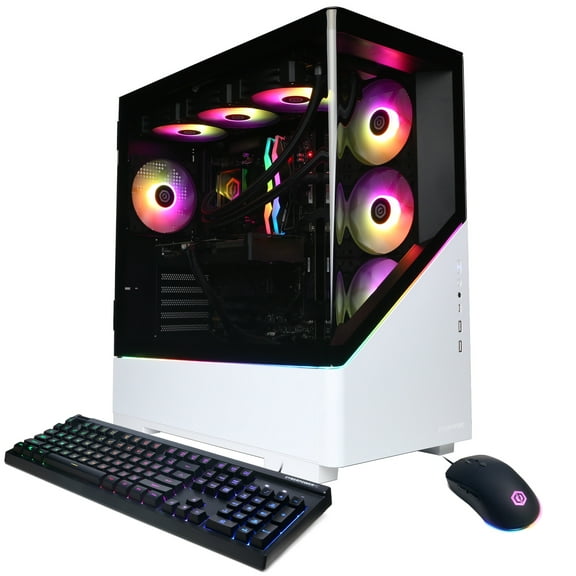
About CyberPower Gaming Desktops in Gaming Desktops & Laptops - Walmart.com
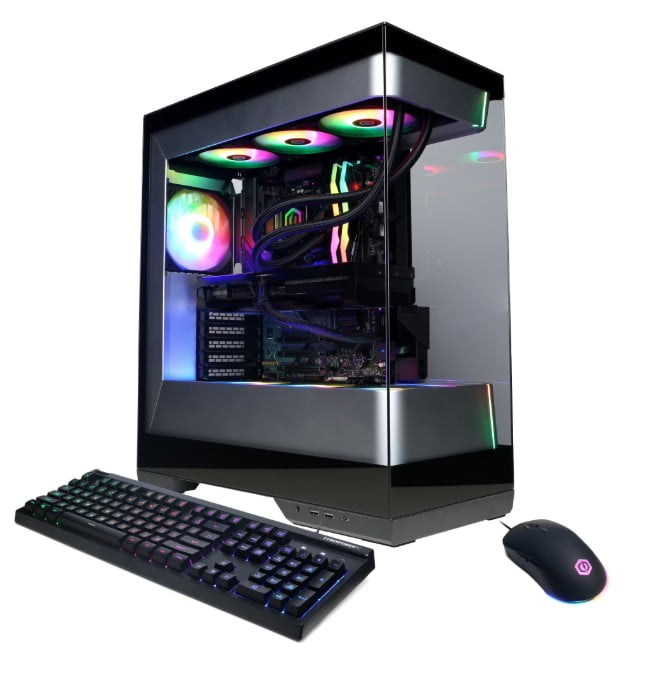
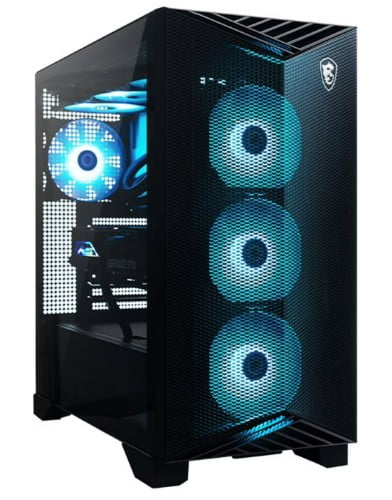
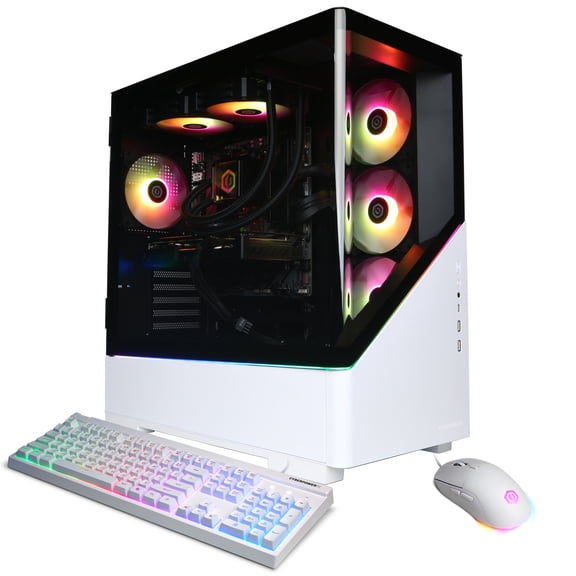
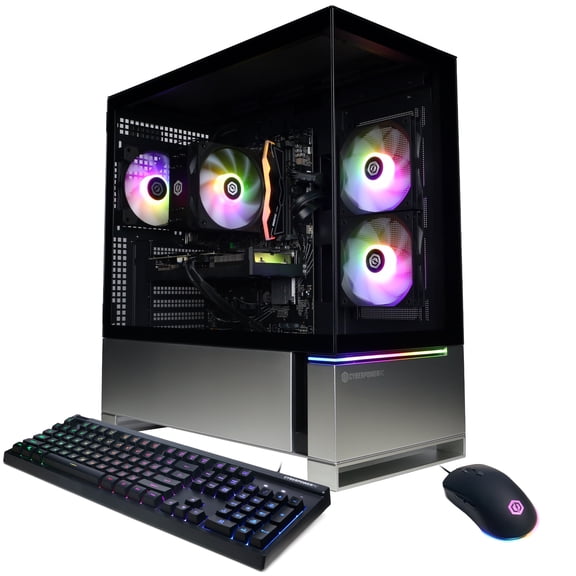
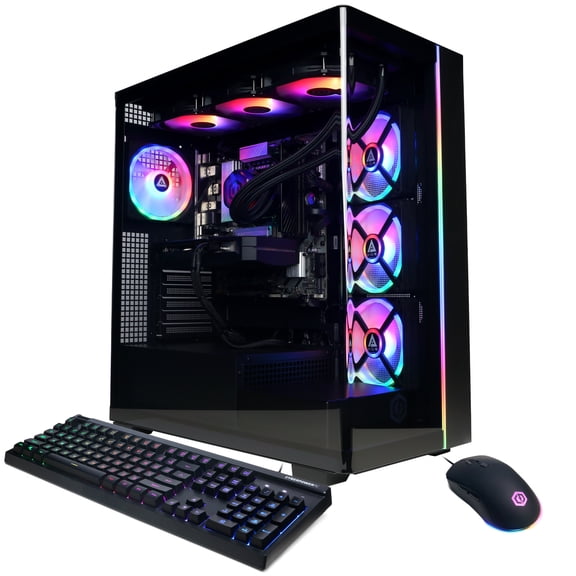
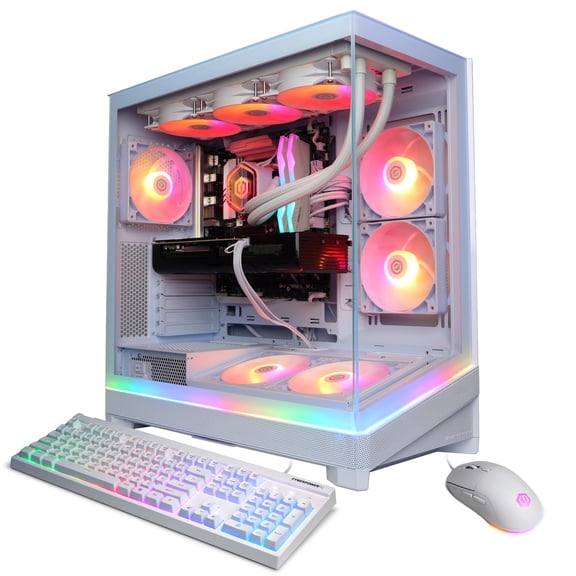
CyberPower gaming desktops give you a fast path to desktop play with prebuilt convenience, current graphics options, and room to match your setup goals. You can compare processor tiers, graphics cards, tower sizes, and storage choices without piecing together parts on your own.
How to choose cyberpower gaming desktops
When you compare cyberpower gaming desktops, you should start with the parts that shape your daily play. You’ll notice that graphics power, processor speed, case size, and storage capacity affect how your system feels in real use.
If you want a ready-to-run gaming pc tower, you can skip the learning curve of a full custom build. You still get meaningful choices that fit esports, single-player titles, streaming, and multitasking.
What you gain from a prebuilt gaming desktop
A prebuilt setup helps you start gaming sooner because you don’t need to match every part yourself. You can focus on the experience you want, not on compatibility research.
You’ll also get a cleaner decision process when you compare a cyberpower gaming computer by clear hardware tiers. That makes it easier to line up your desktop with your monitor, favorite games, and desk space.
- You can choose graphics hardware that fits 1080p, 1440p, or more demanding visual settings.
- You can pick a processor that supports gaming, streaming, chatting, and background apps at the same time.
- You can select a tower size that matches your room, airflow preferences, and future upgrade plans.
- You can compare memory and SSD capacity for faster loading and smoother multitasking.
Because these systems come assembled, you can spend less time sourcing parts and more time dialing in your setup. You can also compare accessories like gaming monitors, keyboards, mice, and headsets around one core desktop choice.
Choosing the right graphics card for your cyberpowerpc gaming pc
Your graphics card drives frame rates, visual detail, and resolution targets, so it should be your first technical decision. You should compare GPU model names with the monitor resolution you plan to use.
If you play at 1080p, you may find an NVIDIA GeForce RTX 4060 fits fast competitive titles and everyday gaming. If you want stronger settings at 1440p, you may prefer an RTX 4070 or RTX 4080.
You can also compare AMD Radeon options if you want another graphics path within this category. When you evaluate ray tracing support and frame rate goals, you’ll get a clearer match for your favorite genres.
Cooling matters here too, because you want steady performance during longer sessions. You should look for airflow-focused tower designs that help your components stay consistent under load.
Comparing processor type for gaming and streaming
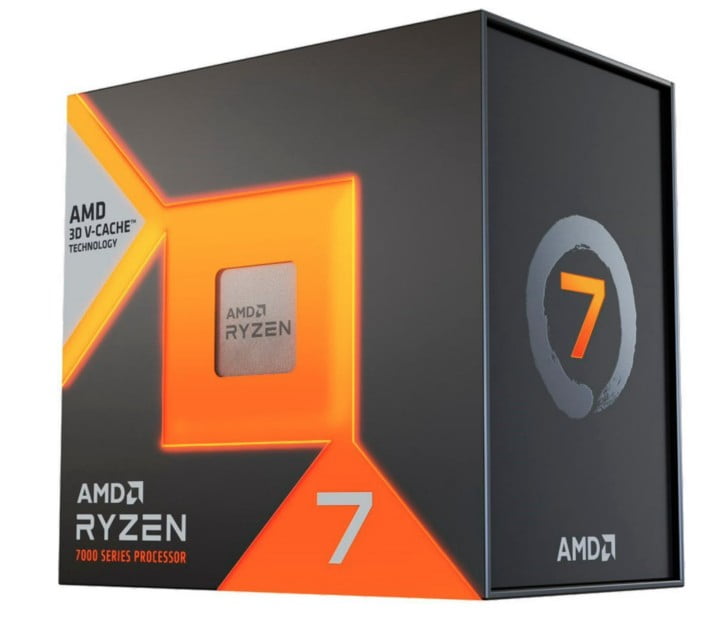
Your processor affects how smoothly you game, stream, chat, and switch between tasks. You should compare Intel Core i7, Intel Core i9, AMD Ryzen 7, and AMD Ryzen 9 options by how you actually play.
If you mainly game and browse, you may feel comfortable with a strong mid-to-upper tier chip. If you stream, edit clips, or keep many apps open, you may want more cores and higher clock speeds.
Those technical terms matter because they shape responsiveness during busy moments. You’ll usually notice faster app switching and steadier multitasking when your CPU has more headroom.
When you pair the right processor with your GPU, you reduce the chance of one part holding back the other. That balance helps you get the kind of performance your monitor can actually show.
Choosing form factor, cooling, and upgrade room
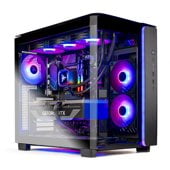
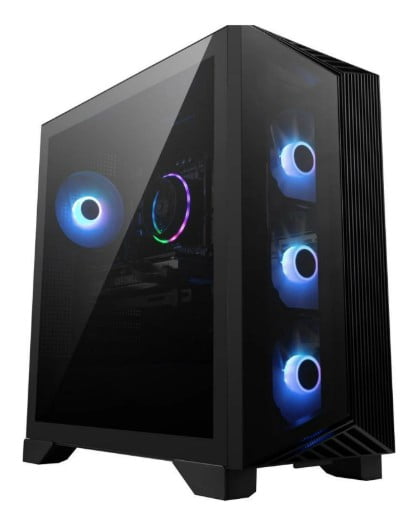
Your case size changes how your desktop fits your room and how much internal space you have. You can compare Mid Tower, Full Tower, and Mini ITX designs based on space, airflow, and expandability.
A Mid Tower often gives you a practical mix of footprint and component room. A Full Tower may suit you if you want more cooling space, more drive room, or broader upgrade flexibility later.
If your desk area is tighter, a Mini ITX build may help you keep your setup compact. You should still check whether the smaller form factor matches your cooling preferences and future part plans.
Upgradability matters if you expect your needs to grow over time. You should look for standard motherboard layouts and power supply compatibility, because those details can make future changes more straightforward.
Picking memory and storage for daily use
Your memory and storage choices shape load times, multitasking comfort, and how many large games you can keep installed. You can compare 16GB RAM and 32GB RAM by how heavily you use your system.
If you mostly game and handle everyday tasks, 16GB RAM may fit your routine well. If you stream, edit, or keep many tabs and apps open, 32GB RAM may feel smoother.
Storage size matters just as much because modern game files can take up significant room. You can compare 1TB SSD and 2TB SSD options by your library size and how often you install new titles.
An SSD helps you get faster boots and quicker level loads than older drive types. You’ll usually appreciate that speed every time you start your system or jump into a game.
Matching your setup to how you play
If you play fast shooters on a 1080p display, you may want a balanced build with an RTX 4060, a strong processor, and 16GB RAM. That combination can align well with responsive play and everyday multitasking.
If you want sharper visual settings on a 1440p monitor, you may want to step up your GPU first. You can then support that choice with a processor that keeps streaming and voice chat running smoothly.
If you want a desk centerpiece with more upgrade room, you may lean toward a Mid Tower or Full Tower system. If you need a compact footprint, you may prefer a Mini ITX option that still supports modern gaming.
For larger game libraries, you’ll likely appreciate 2TB SSD capacity from the start. For lighter rotation, you may find 1TB SSD storage easier to match to your current habits.
When you compare these decision points together, you can narrow choices with more confidence. You end up with a cyberpower gaming desktops setup that fits your monitor, space, and performance goals more closely.