

Surveillance Equipment in Electronics





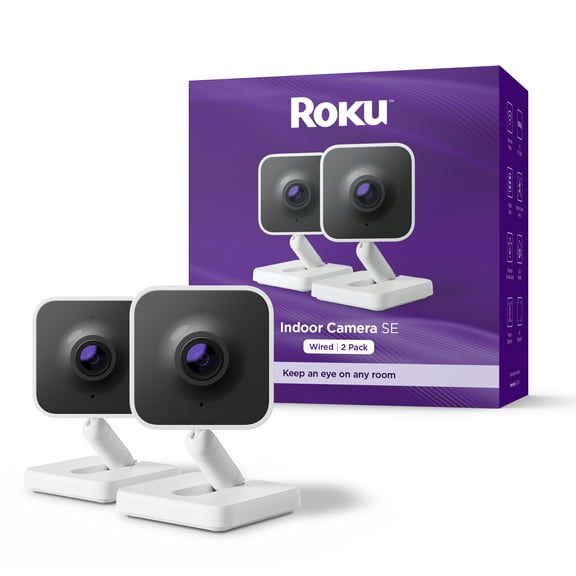
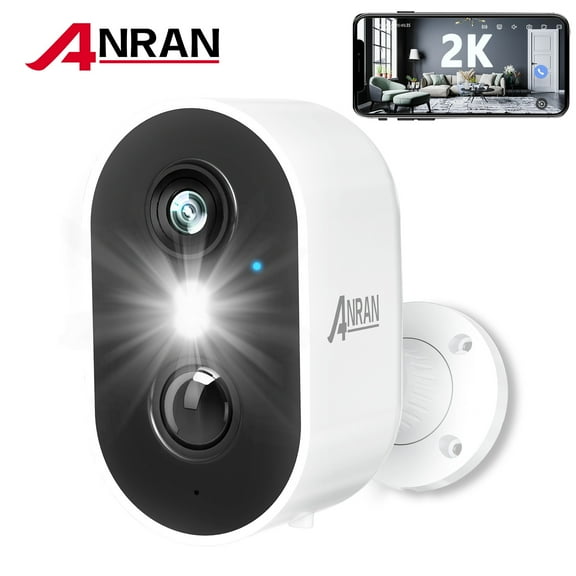

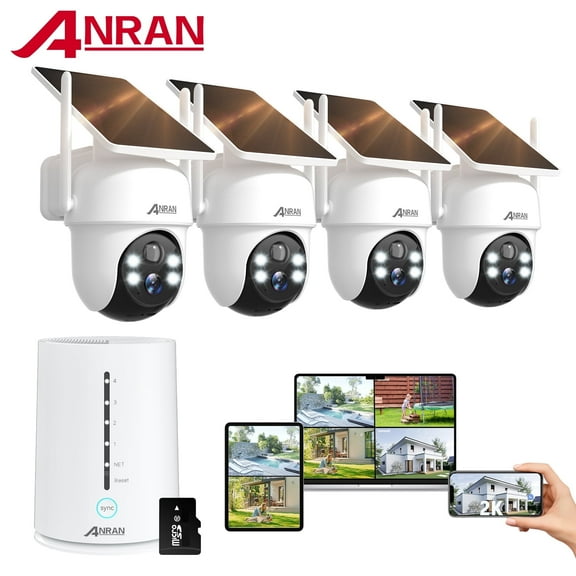
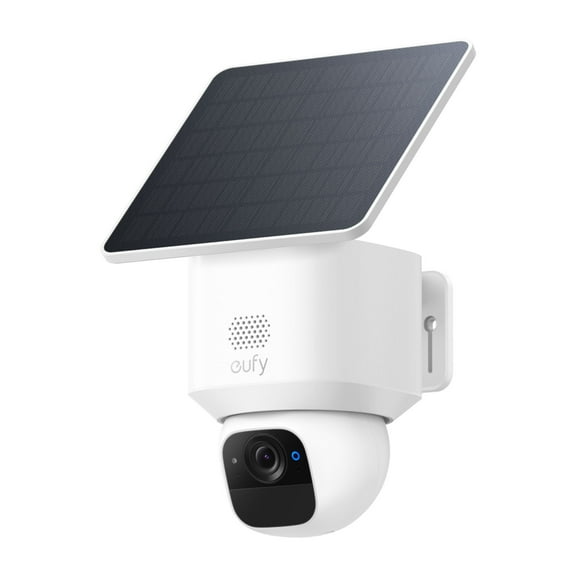
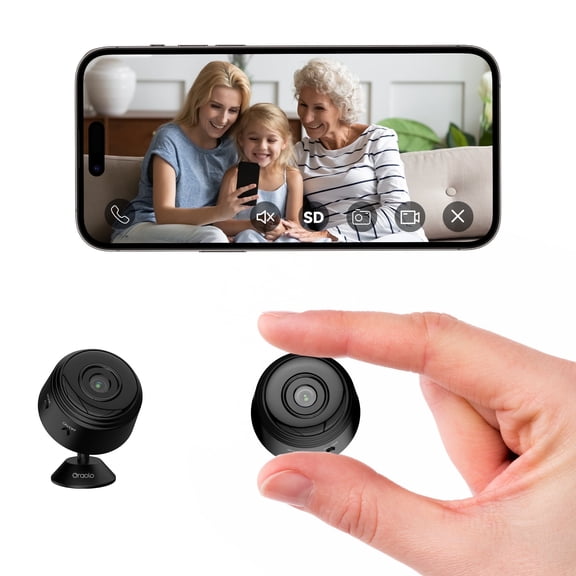
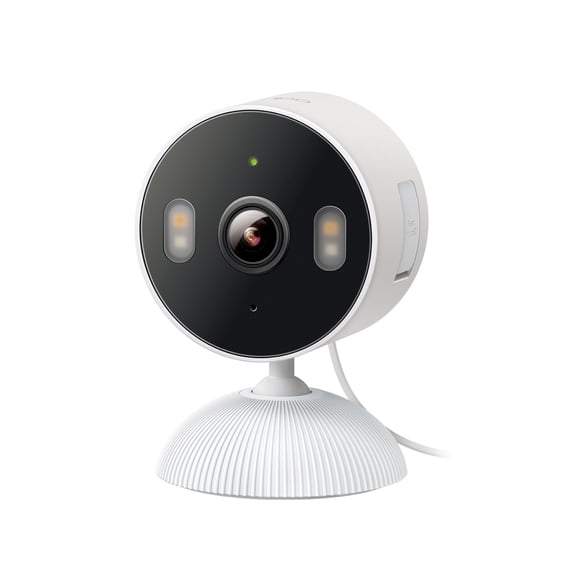

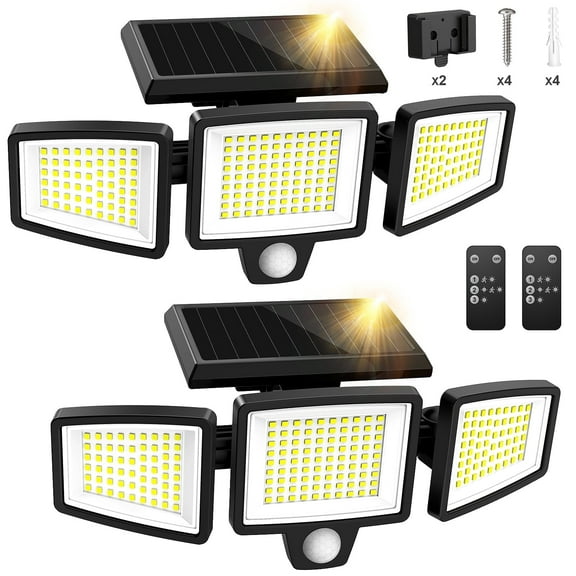

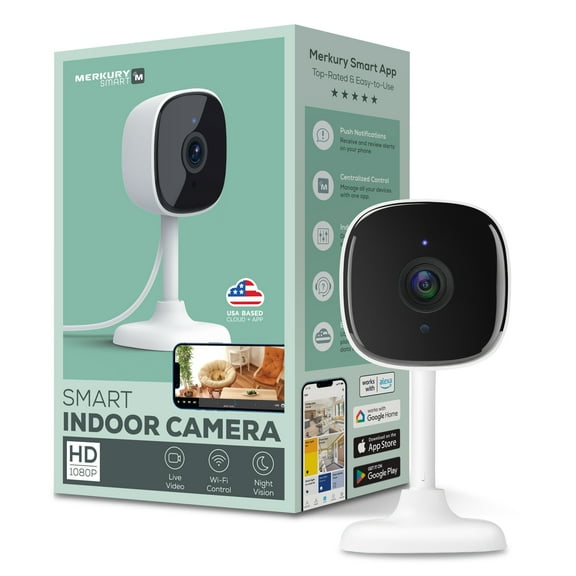









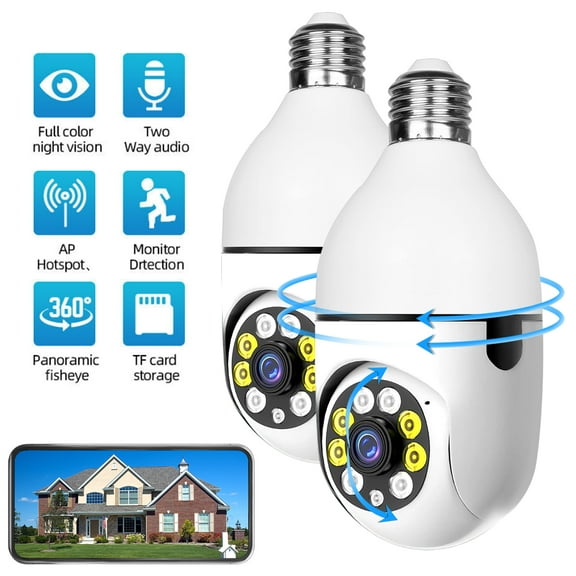
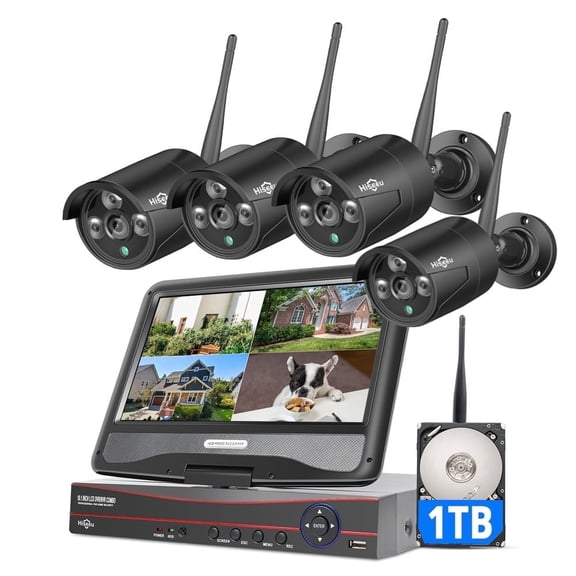


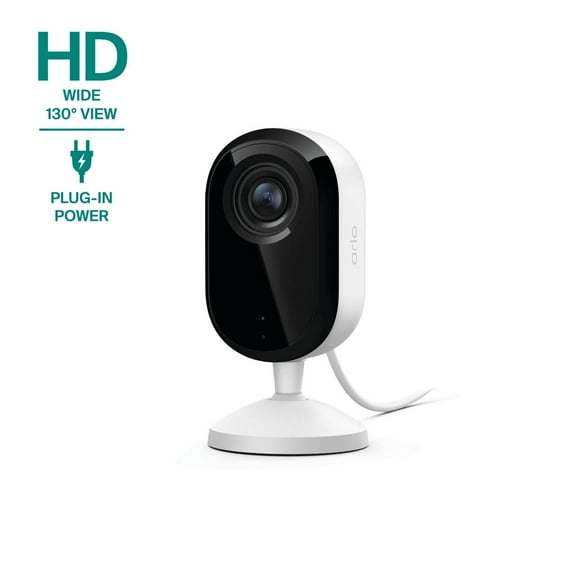
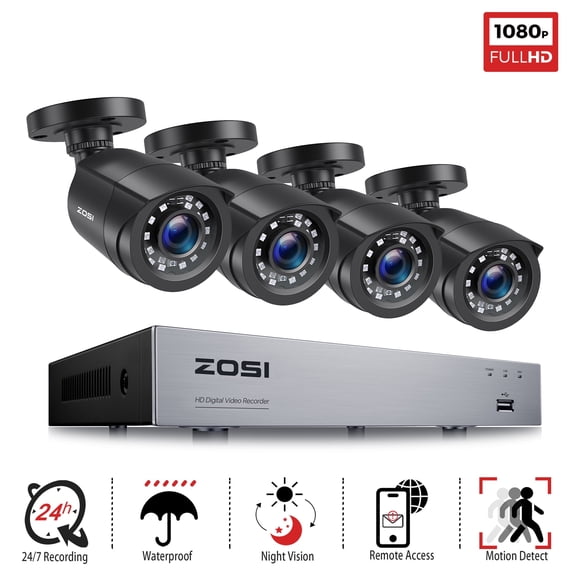


About Surveillance Equipment in Electronics
Surveillance equipment helps you watch entry points, monitor deliveries, and check activity with clear video and flexible setup options. You can compare camera types, storage choices, and smart features that fit your home or business.
How to choose surveillance equipment
You should start with the area you want to cover and the detail you need to see. Your choice often depends on camera style, viewing angle, and how you plan to power each unit.
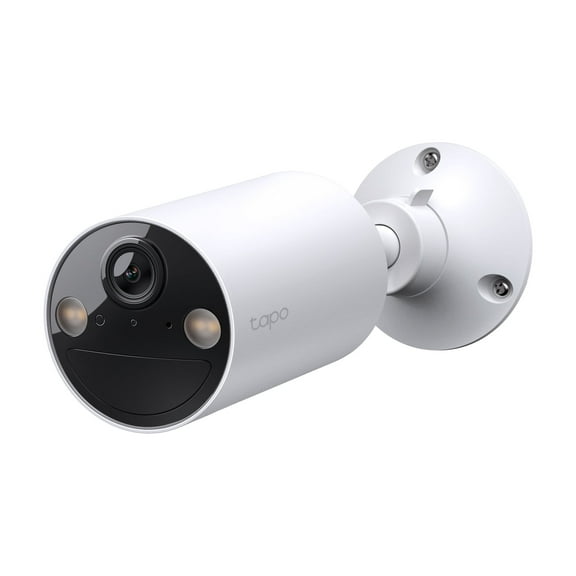
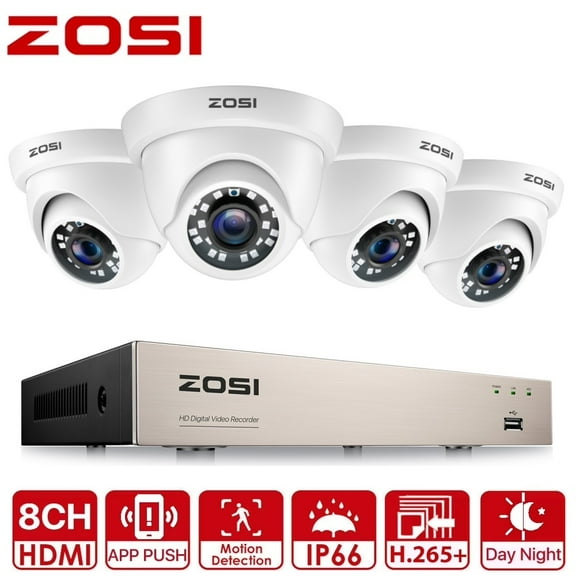
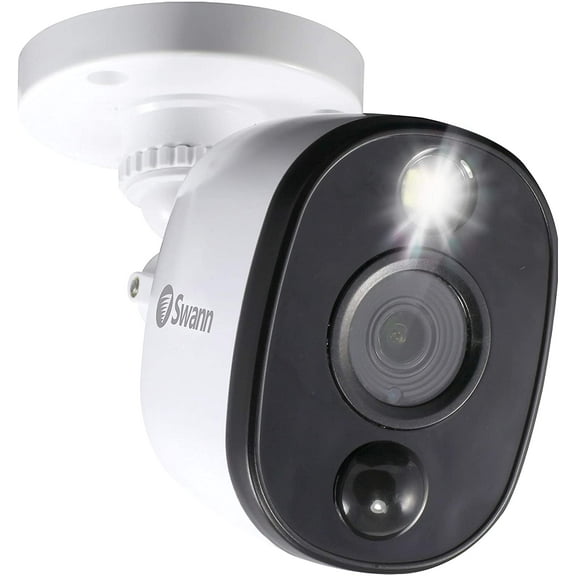
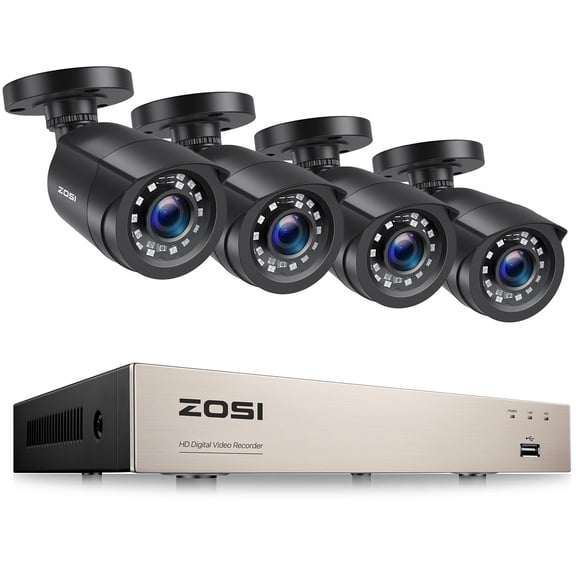
When you compare dome, bullet, turret, and PTZ models, you’ll notice each one suits a different mounting need. You may prefer dome cameras for a discreet look, while bullet designs help you aim at long driveways.
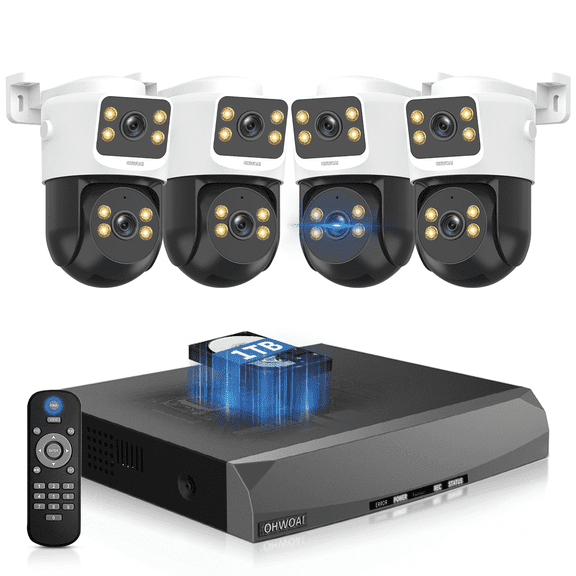
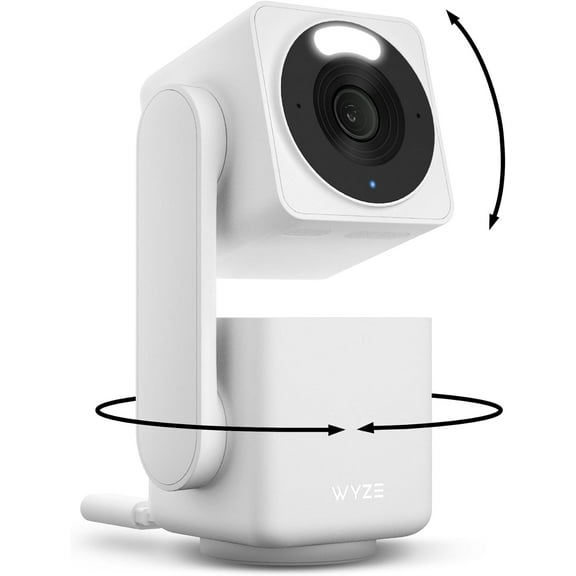
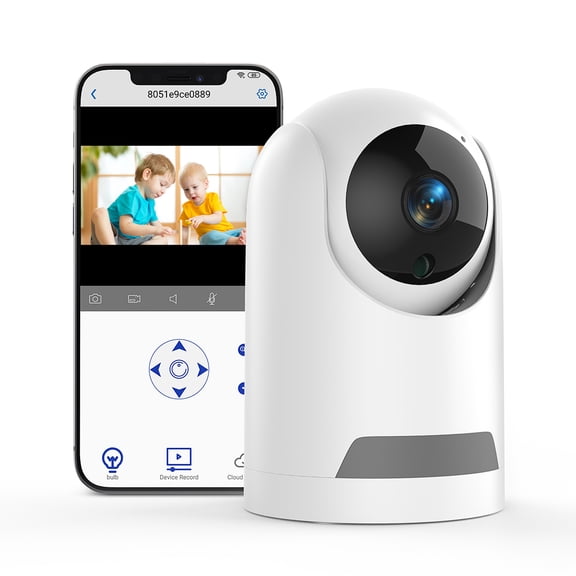
You can use turret cameras when you want flexible positioning without the bulk of larger housings. You may choose PTZ cameras when your space needs remote pan, tilt, and zoom control.
Key benefits for your property
You gain clearer visibility around doors, garages, hallways, storefronts, and parking areas when your system matches your layout. Your setup can also help you review recorded clips instead of relying on quick live checks.
With the right configuration, you can cover wide spaces and narrow choke points at the same time. You’ll also have options for indoor rooms, outdoor perimeters, home entrances, and commercial counters.
- You can monitor front doors, backyards, offices, and shared spaces with camera styles built for each view.
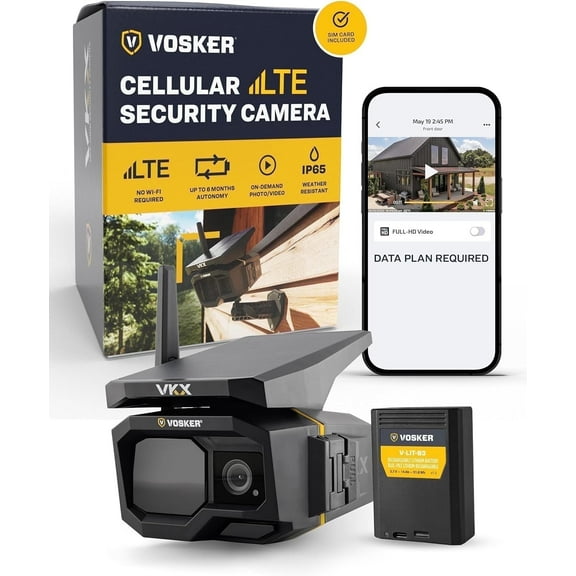
- You can choose wired, wireless, PoE, or cellular connectivity based on signal strength and installation preferences.
- You can compare local SD card, NVR, and cloud storage for recording access and ongoing service needs.
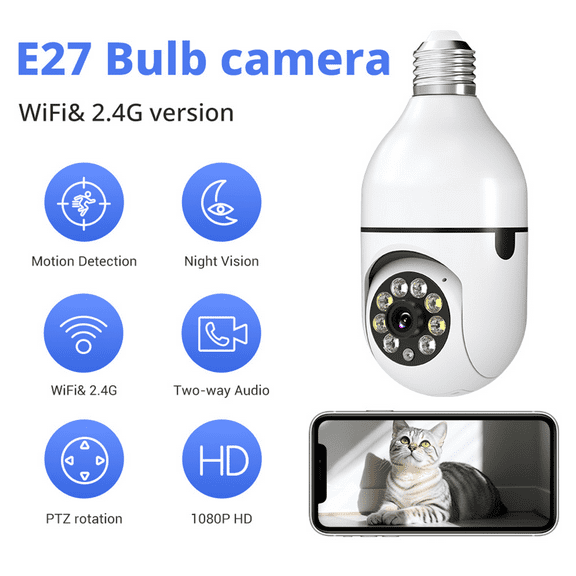
- You can look for night vision, motion zones, and smart detection to focus alerts on useful activity.
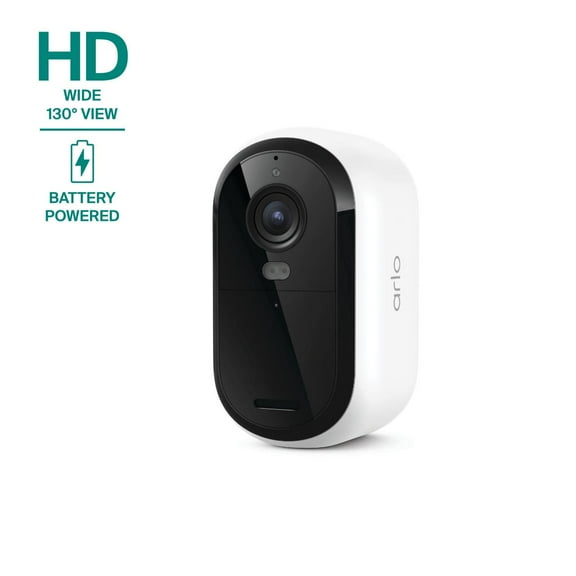
You’ll find that battery-powered models can simplify placement where outlets aren’t nearby. You may prefer hardwired or PoE systems when you want steady power and fewer charging routines.
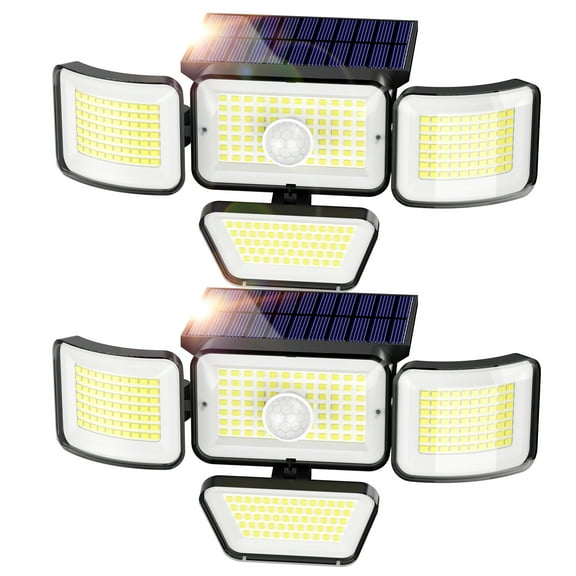
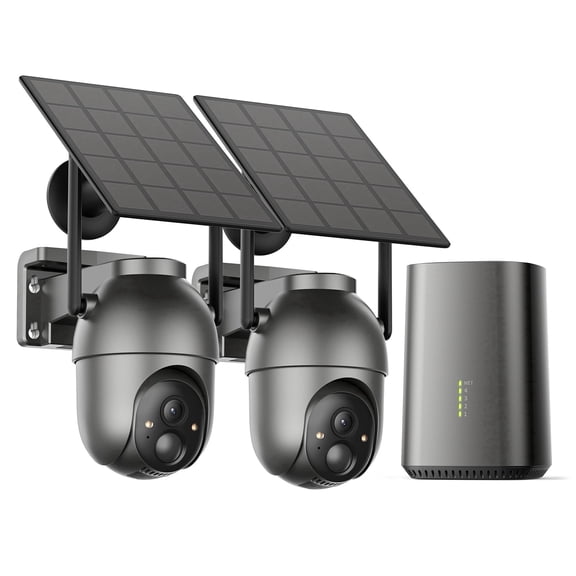
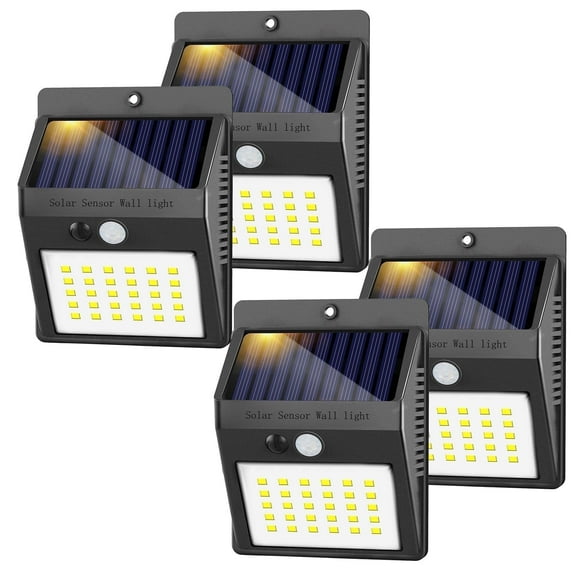
Solar options can support cameras in spots with regular sunlight and limited wiring access. You can use them for gates, sheds, barns, or other exterior areas that sit farther away.
Choosing camera features that matter
You should compare resolution first because it affects how much detail you can review later. Your 1080p option can work well for general monitoring, while 4K can show finer details in larger spaces.
Field of view matters because you want coverage without adding unnecessary cameras. You can use wide-angle views for open rooms, while narrower views help you focus on a lane or doorway.
You should also check night vision because low-light performance changes how useful your footage feels after dark. You may see infrared options for black-and-white footage or color night vision for richer detail.
Smart detection can make alerts more relevant when your system distinguishes people, vehicles, or general motion. You can also set motion zones, so your cameras focus on driveways, porches, registers, or loading areas.
Connectivity affects installation and reliability, so you’ll want to compare it carefully before you buy. You may choose wireless for easier placement, PoE for one-cable convenience, or cellular for remote sites.
Storage type shapes how you access recordings and what ongoing costs you may have. You can keep clips on a local SD card, store footage on an NVR, or choose cloud storage access.
Matching setup choices to your space
You can build a home setup around a front door camera, a backyard view, and an indoor common-area camera. Your combination may include wireless connectivity, battery power, and cloud access for flexible placement.
For outdoor coverage, you should look for camera placement that matches weather-exposed walls, garages, and fences. You may pair bullet or turret styles with hardwired or solar power, depending on the location.
If you’re covering a small business, you can combine wide-angle indoor cameras with focused exterior views. Your layout may benefit from PoE connections, NVR storage, and smart detection around entrances and registers.
You can use PTZ models in larger commercial areas where one fixed angle won’t cover enough ground. Your remote control lets you adjust the view across lots, warehouses, or open floor spaces.
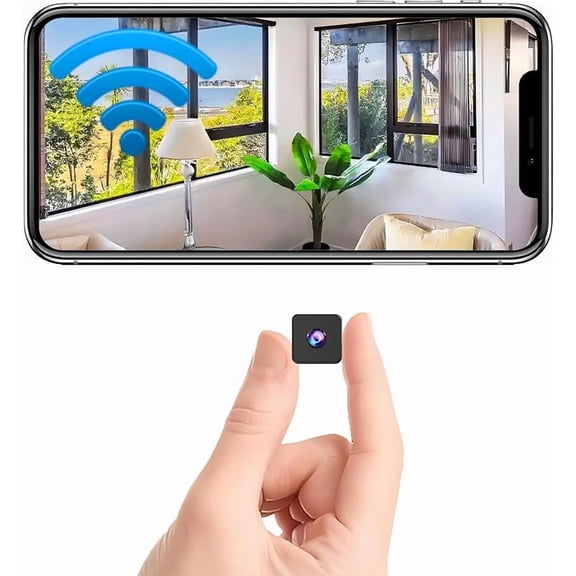
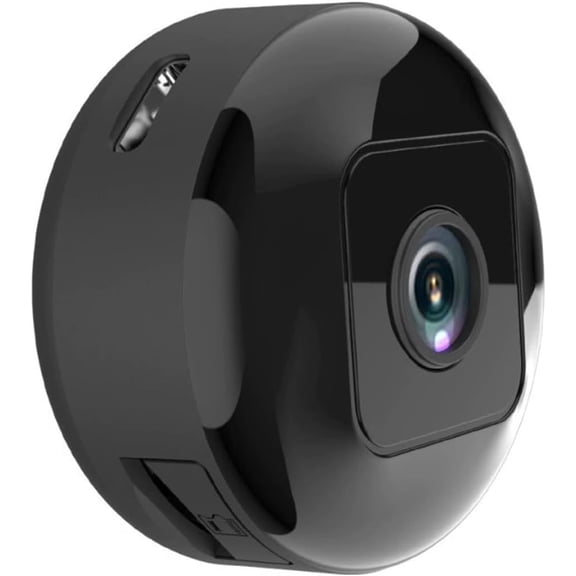
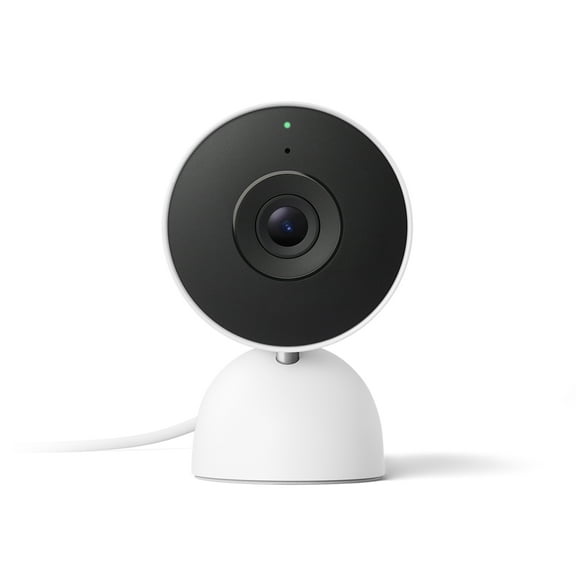
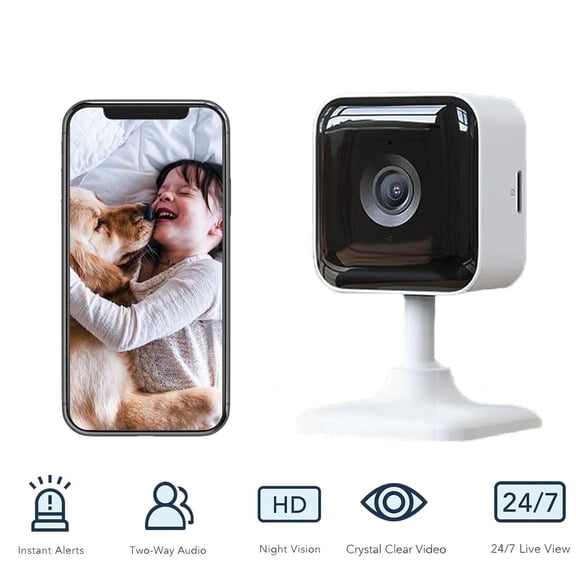
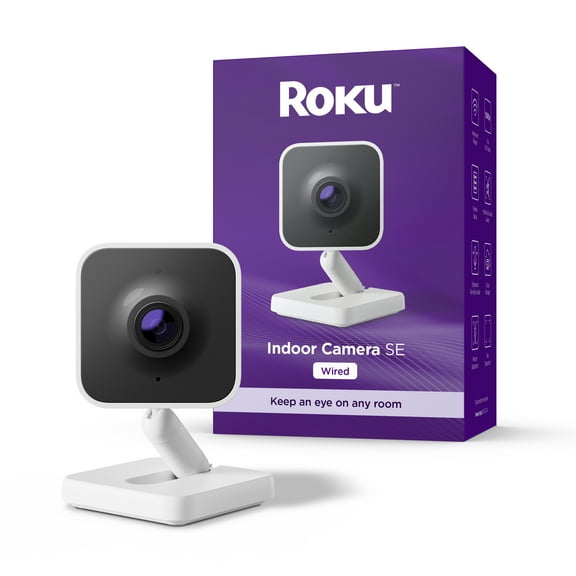
When you need a simple apartment or condo setup, you can focus on compact cameras and easy app access. You may choose local storage if you want recordings on the device, without extra monthly services.
You should measure mounting spots, check your WiFi reach, and confirm power access before choosing a system. Your planning helps you avoid dead zones, weak signals, and camera angles that miss key activity.
What to look for before you decide
You should compare camera type, connectivity, power source, storage, and use location as one complete system. Your final choice works better when each part supports the way you monitor daily activity.
Surveillance equipment gives you a practical way to keep important spaces visible, recorded, and easier to review. You can choose a setup that fits your layout and gives you clearer coverage where it counts.