

HP OfficeJet 9122e Wireless All-in-One Color Inkjet Printer, Scanner, Copier, Fax, ADF, 3 months Instant Ink
Key item features
- About HP OfficeJet 9122e
- The OfficeJet 9122e is perfect for offices printing professional-quality color documents like presentations, brochures and flyers
- Print Web pages and emails with precision—no wasted pages or awkward layouts; HP AI easily removes unwanted content, so your prints are just the way you want
- Print up to 20 pages per minute black, 16 pages per minute color
- Perfectly Formatted Prints with HP AI – Print web pages and emails with precision—no wasted pages or awkward layouts; HP AI easily removes unwanted content, so your prints are just the way you want
- Fast color printing, copy, fax, auto 2-sided printing and scanning, auto document feeder, and a 250-sheet input tray
- HP's most reliable dual-band Wi-Fi® automatically detects and resolves connection issues. Ethernet, USB 2.0 port (for connection to PC) and FJ-11 fax modem line included.
- Print, scan, copy or fax right from your smartphone with HP app, the easiest-to-use print app
- Subscribe to Instant Ink delivery service to get ink delivered directly to your door before you run out. After 3 months, monthly fee applies unless cancelled, and you save up to 50%.
- HP Wolf Pro Security uses customizable tools to help keep your network protected from cyber threats and malware
- Navigate your printer with the 2.7" color touchscreen and phone-like user interface
- Made with more than 40% recycled plastic
- www.hp.com/learn/ds.
- What's in the box - HP OfficeJet 9122e AiO Printer; HP 936 Setup Black Ink Cartridge; HP 936 Setup Cyan Ink Cartridge; HP 936 Setup Magenta Ink Cartridge; HP 936 Setup Yellow Ink Cartridge; Regulatory Flyer; Ink Caution Flyer; Power Cord; Setup Poster; Reference Guide
Specs
- Printer functionsCopy, Fax, Print, Scan
- Input/output typeWireless
- Has automatic document feederY
- Pages per min.7.5 ppm
- Maximum print resolution4800 dpi
- WirelessWi-Fi 802.11 a/b/g/n/ac
Reviews summary
Pros
- : Ideal for home or office environments.
- : Offers good value for a small home printer with occasional features.
- : Setup and operation are simple.
Neutral
- : Can be quick, but may require technical expertise in some cases.
- : Can be strong and stable, but may drop connections or struggle at range.
Cons
- : Requires specific cartridges, limiting compatibility.
How do you want your item?
About this item
Product details
- About HP OfficeJet 9122e
- The OfficeJet 9122e is perfect for offices printing professional-quality color documents like presentations, brochures and flyers
- Print Web pages and emails with precision—no wasted pages or awkward layouts; HP AI easily removes unwanted content, so your prints are just the way you want
- Print up to 20 pages per minute black, 16 pages per minute color
- Perfectly Formatted Prints with HP AI – Print web pages and emails with precision—no wasted pages or awkward layouts; HP AI easily removes unwanted content, so your prints are just the way you want
- Fast color printing, copy, fax, auto 2-sided printing and scanning, auto document feeder, and a 250-sheet input tray
- HP's most reliable dual-band Wi-Fi® automatically detects and resolves connection issues. Ethernet, USB 2.0 port (for connection to PC) and FJ-11 fax modem line included.
- Print, scan, copy or fax right from your smartphone with HP app, the easiest-to-use print app
- Subscribe to Instant Ink delivery service to get ink delivered directly to your door before you run out. After 3 months, monthly fee applies unless cancelled, and you save up to 50%.
- HP Wolf Pro Security uses customizable tools to help keep your network protected from cyber threats and malware
- Navigate your printer with the 2.7" color touchscreen and phone-like user interface
- Made with more than 40% recycled plastic
- www.hp.com/learn/ds.
- What's in the box - HP OfficeJet 9122e AiO Printer; HP 936 Setup Black Ink Cartridge; HP 936 Setup Cyan Ink Cartridge; HP 936 Setup Magenta Ink Cartridge; HP 936 Setup Yellow Ink Cartridge; Regulatory Flyer; Ink Caution Flyer; Power Cord; Setup Poster; Reference Guide
Specifications
Printer functions
Input/output type
Has automatic document feeder
Pages per min.
Warranty
Warranty information
Warranty url
Similar items you might like
Based on what customers bought
Best seller HP Smart Tank 5102 Wireless All-in-One Cartridge-free Ink Tank Printer with 2 years of ink included $189.00
Best seller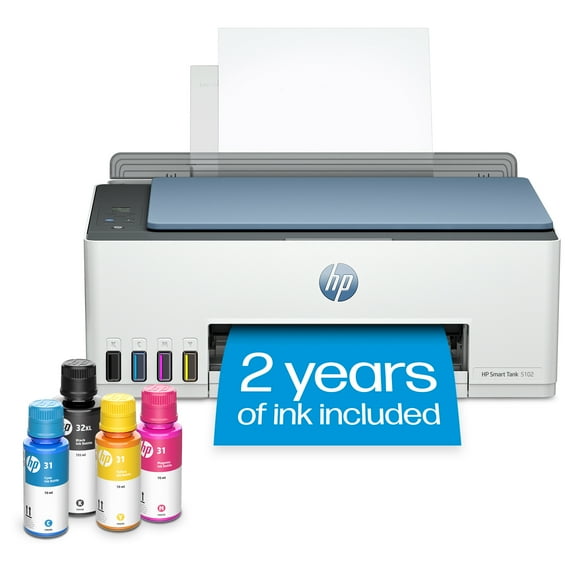 Sponsored$18900current price $189.00
HP Smart Tank 5102 Wireless All-in-One Cartridge-free Ink Tank Printer with 2 years of ink included
30014.1 out of 5 Stars. 3001 reviewsRollback Canon PIXMA TS7722 Multi-Function, Wireless Color Inkjet Printer, Scanner, Copier for Home Office $84.00 Was $107.00
Rollback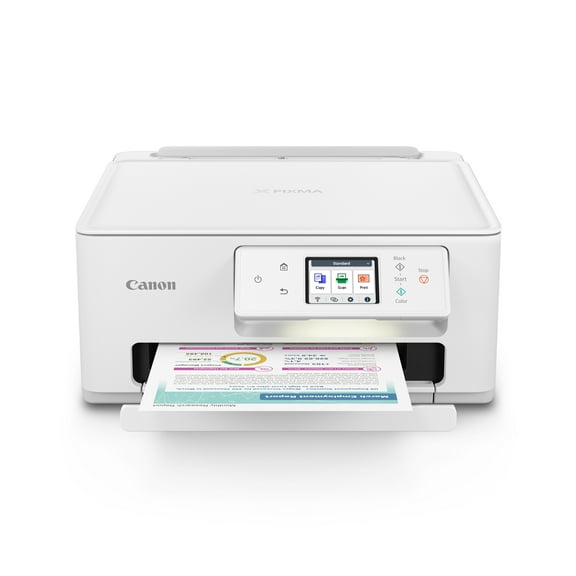 SponsoredNow$8400current price Now $84.00, Was $107.00$107.00You save $23.00You save$23.00
Canon PIXMA TS7722 Multi-Function, Wireless Color Inkjet Printer, Scanner, Copier for Home Office
7054.2 out of 5 Stars. 705 reviewsSave with Shipping, arrives today
Best seller Epson WorkForce WF-2950 All-in-One Wireless Color Printer with Scanner, Copier and Fax $79.00
Best seller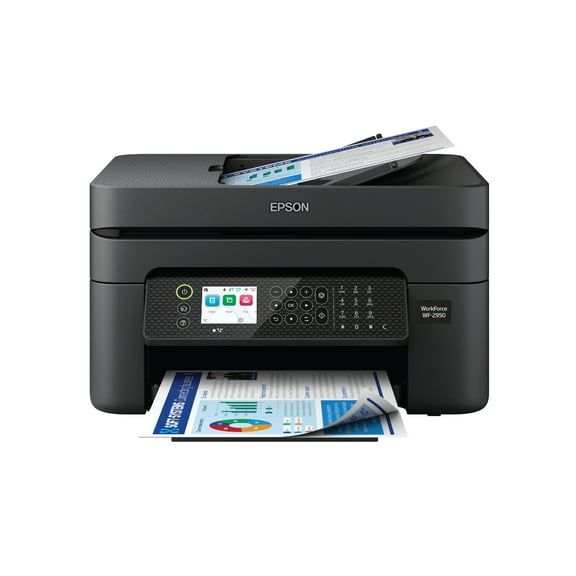 $7900current price $79.00
Epson WorkForce WF-2950 All-in-One Wireless Color Printer with Scanner, Copier and Fax
51894 out of 5 Stars. 5189 reviewsRollback HP LaserJet MFP M139w Wireless All-in-One Black-and-White Laser Printer Scanner Copier, AI-enabled $149.00 Was $189.00
Rollback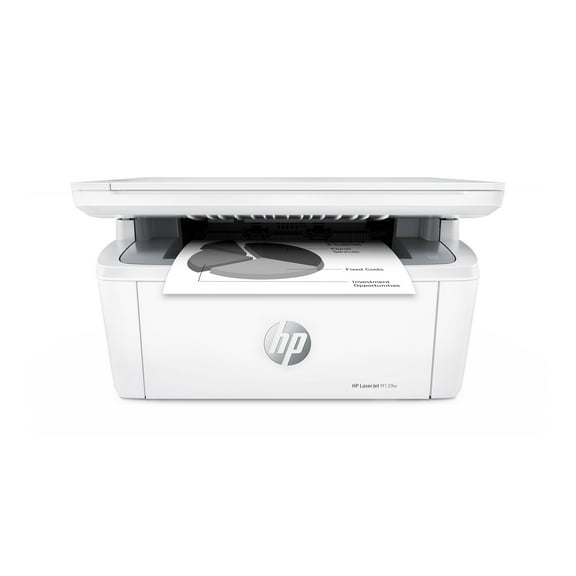 $14900current price $149.00, Was $189.00$189.00
HP LaserJet MFP M139w Wireless All-in-One Black-and-White Laser Printer Scanner Copier, AI-enabled
8954.1 out of 5 Stars. 895 reviewsBest seller Brother Wireless MFC-L2760DW Compact Monochrome All-in-One Laser Printer with Copy, Scan and Fax, Duplex and Mobile Printing $200.00
Best seller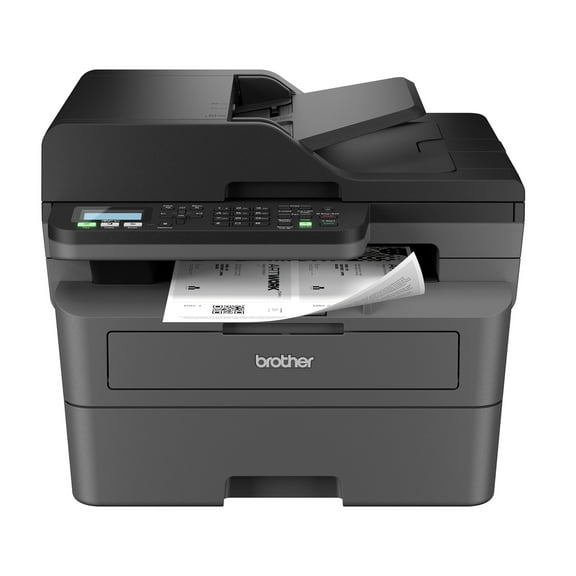 $20000current price $200.00
Brother Wireless MFC-L2760DW Compact Monochrome All-in-One Laser Printer with Copy, Scan and Fax, Duplex and Mobile Printing
18364.4 out of 5 Stars. 1836 reviewsBest seller Brother HL-L2420DW Wireless Compact Monochrome Laser Printer with Duplex, Mobile Printing $124.99
Best seller $12499current price $124.99
Brother HL-L2420DW Wireless Compact Monochrome Laser Printer with Duplex, Mobile Printing
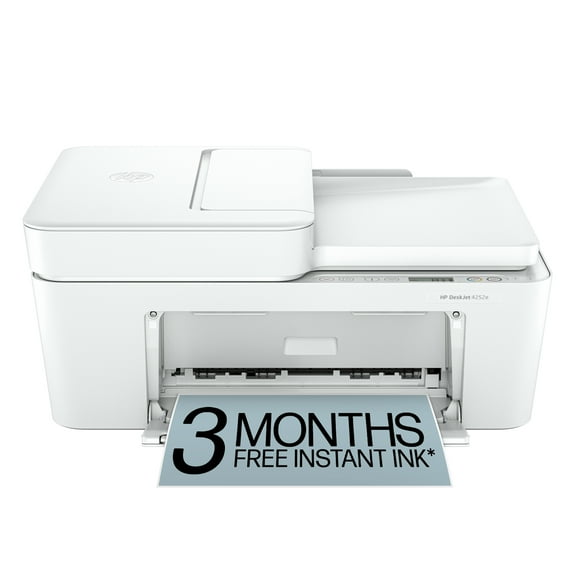
19214.3 out of 5 Stars. 1921 reviewsHP DeskJet 4252e Wireless All-in-One Color Inkjet Printer (White), Scanner, Copier, 3 months Free Instant Ink $35.50 Was $74.00
 $3550current price $35.50, Was $74.00$74.00
HP DeskJet 4252e Wireless All-in-One Color Inkjet Printer (White), Scanner, Copier, 3 months Free Instant Ink
34814.1 out of 5 Stars. 3481 reviewsRollback Epson EcoTank ET-2803 Wireless All-in-One Cartridge-Free Printer $179.00 Was $199.99
Rollback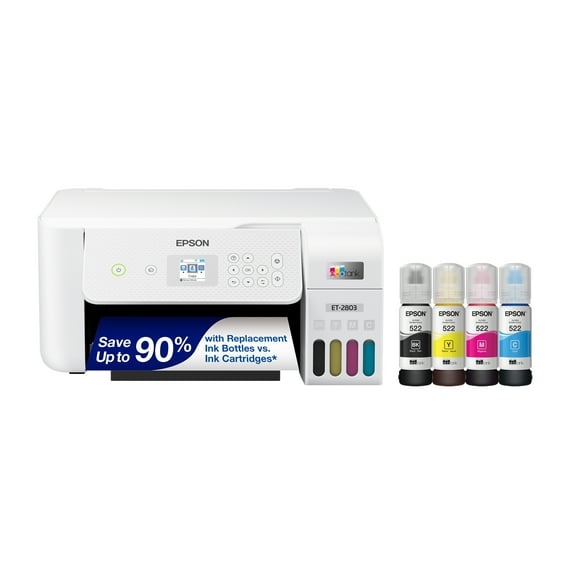 $17900current price $179.00, Was $199.99$199.99
Epson EcoTank ET-2803 Wireless All-in-One Cartridge-Free Printer
62924.3 out of 5 Stars. 6292 reviewsBest seller Canon PIXMA TS3722 Wireless All-In-One Inkjet Printer for Home Office $53.00
Best seller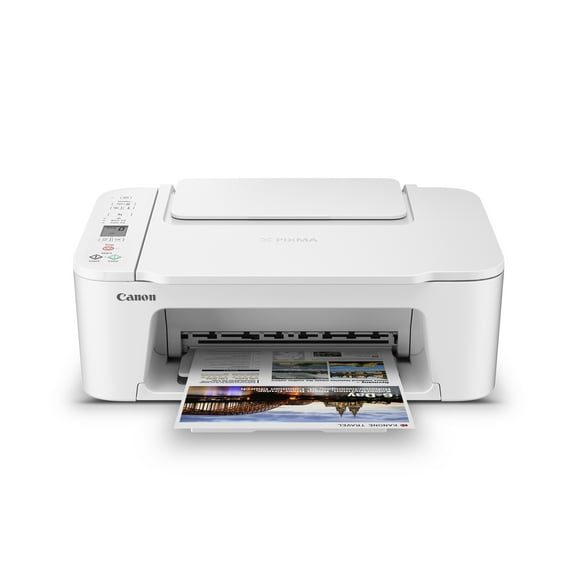 $5300current price $53.00
Canon PIXMA TS3722 Wireless All-In-One Inkjet Printer for Home Office
271074.2 out of 5 Stars. 27107 reviewsBest seller Canon MegaTank PIXMA G3272 All-In-One, Wireless Color Inkjet Printer for Home Office Use $194.00
Best seller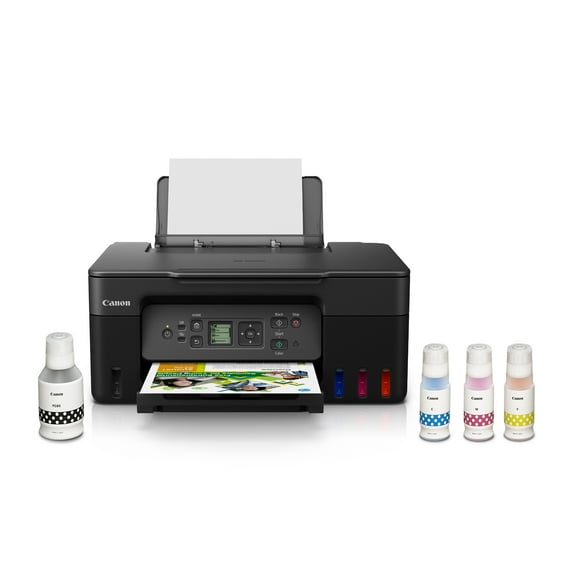 $19400current price $194.00
Canon MegaTank PIXMA G3272 All-In-One, Wireless Color Inkjet Printer for Home Office Use
17984.3 out of 5 Stars. 1798 reviewsWorkForce Pro WF-4833 Wireless All-in-One Printer with Auto 2-Sided Print, 50-page ADF, 500-sheet Paper Capacity, and 4.3" Color Touchscreen $169.00
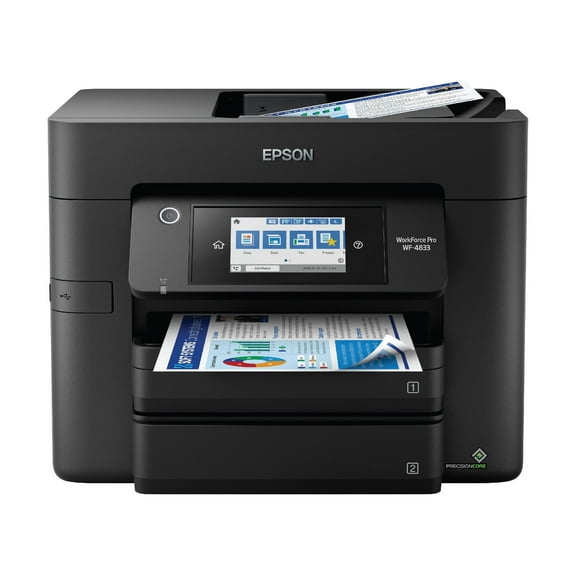 $16900current price $169.00
WorkForce Pro WF-4833 Wireless All-in-One Printer with Auto 2-Sided Print, 50-page ADF, 500-sheet Paper Capacity, and 4.3" Color Touchscreen
16414.1 out of 5 Stars. 1641 reviewsBest seller Canon PIXMA TR4722 All-In-One, Wireless Color Inkjet Printer for Home Office Use $75.00
Best seller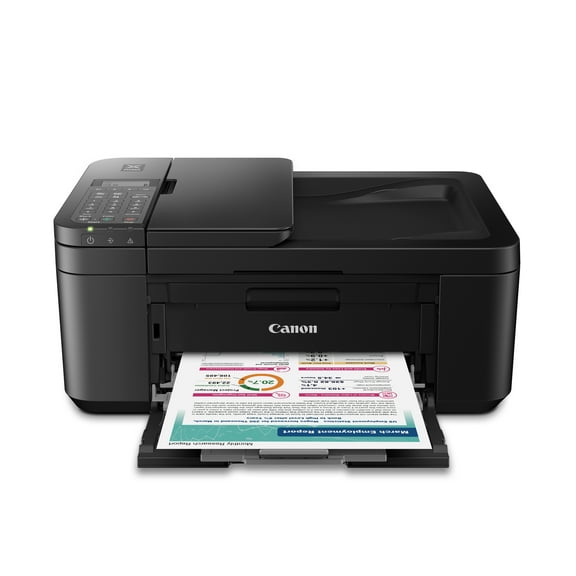 $7500current price $75.00
Canon PIXMA TR4722 All-In-One, Wireless Color Inkjet Printer for Home Office Use
103234.1 out of 5 Stars. 10323 reviewsBest seller Epson Expression Home XP-4205 Wireless Color Printer with Scanner and Copier, Automatic 2-Sided Printing $59.00 Was $69.00
Best seller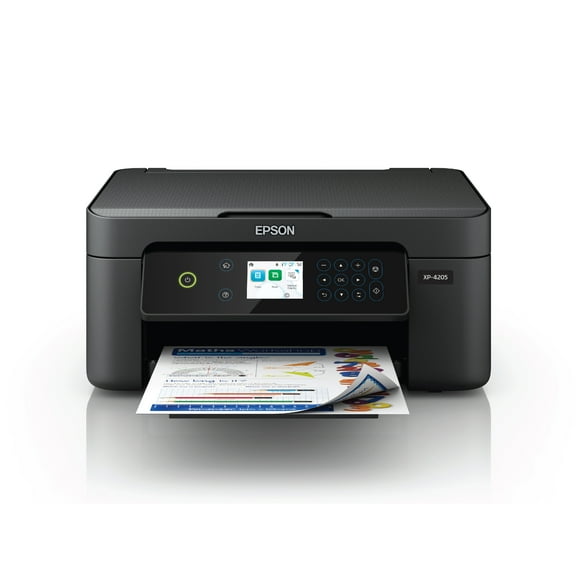 $5900current price $59.00, Was $69.00$69.00
Epson Expression Home XP-4205 Wireless Color Printer with Scanner and Copier, Automatic 2-Sided Printing
73604.1 out of 5 Stars. 7360 reviewsHP DeskJet 2852e Wireless All-in-One Color Inkjet Printer (White), Scanner, Copier, 3 months Free Instant Ink $59.00
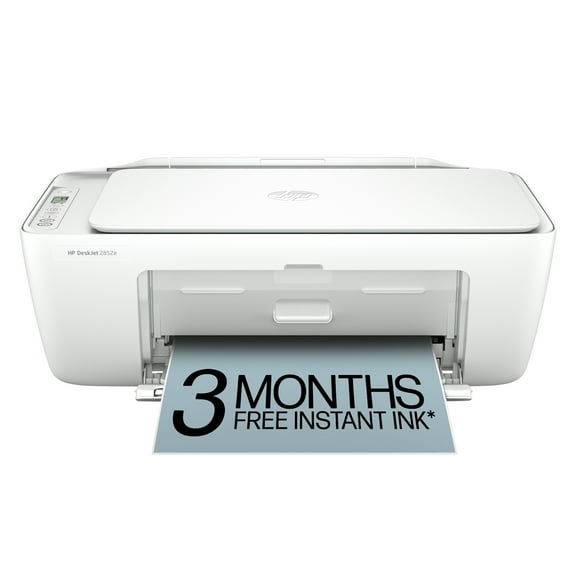 $5900current price $59.00
HP DeskJet 2852e Wireless All-in-One Color Inkjet Printer (White), Scanner, Copier, 3 months Free Instant Ink
192674.1 out of 5 Stars. 19267 reviewsCanon MegaTank PIXMA G4280 Printer, Scanner, Copier Multi-Function, Wireless Color Inkjet Home Office Use $269.00
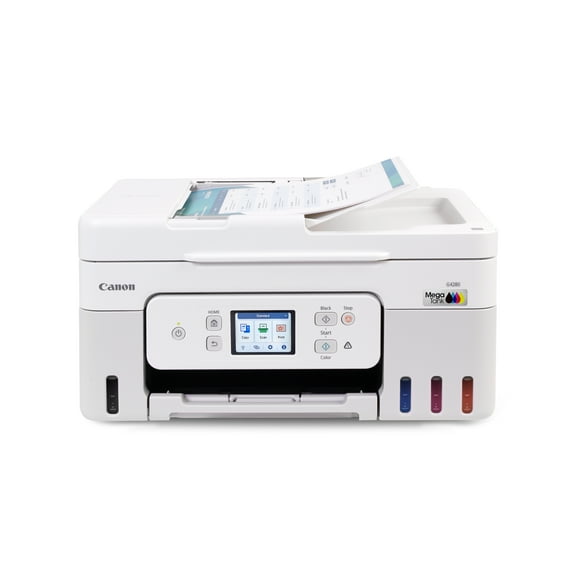 $26900current price $269.00
Canon MegaTank PIXMA G4280 Printer, Scanner, Copier Multi-Function, Wireless Color Inkjet Home Office Use
1534.3 out of 5 Stars. 153 reviewsEpson EcoTank ET-2400 Wireless Color All-in-One Cartridge-Free Supertank Printer with Scan and Copy $189.99
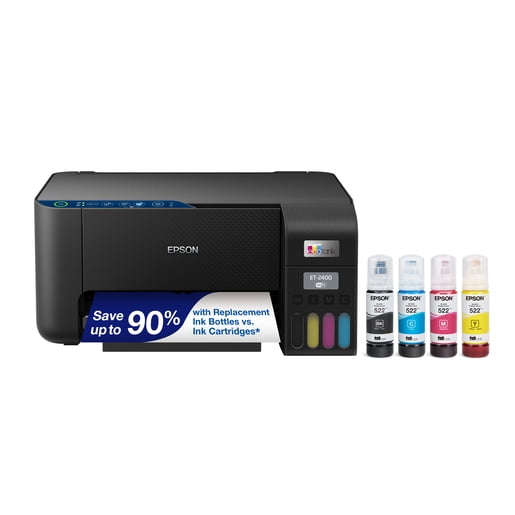 $18999current price $189.99
Epson EcoTank ET-2400 Wireless Color All-in-One Cartridge-Free Supertank Printer with Scan and Copy
24604 out of 5 Stars. 2460 reviewsHP Envy 6152e Wireless All-in-One Color Photo Inkjet Printer, Scanner, Copier, 3mos FREE Instant Ink $119.00
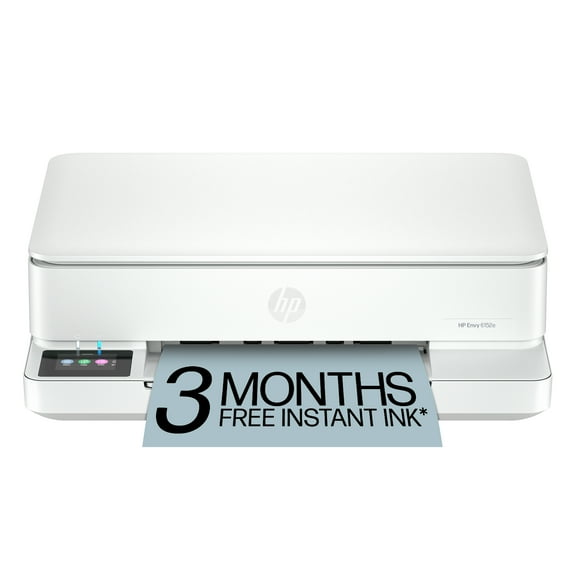 $11900current price $119.00
HP Envy 6152e Wireless All-in-One Color Photo Inkjet Printer, Scanner, Copier, 3mos FREE Instant Ink
11094.1 out of 5 Stars. 1109 reviewsHP Envy 6552e Wireless All-in-One Color Photo Inkjet Printer, Scanner, Copier, 3mos FREE Instant Ink $139.00
 $13900current price $139.00
HP Envy 6552e Wireless All-in-One Color Photo Inkjet Printer, Scanner, Copier, 3mos FREE Instant Ink
5894.2 out of 5 Stars. 589 reviewsHP Envy 6552 Wireless All-in-One Color Photo Inkjet Printer, Scanner, Copier, 3mos Free Instant Ink $105.36
 $10536current price $105.36
HP Envy 6552 Wireless All-in-One Color Photo Inkjet Printer, Scanner, Copier, 3mos Free Instant Ink
174.6 out of 5 Stars. 17 reviewsCore Innovations CTP500 Wireless Mini Portable Inkless Thermal Printer & Label Maker Paper, Android & iOS (Purple) $18.10


 $1810current price $18.10
Core Innovations CTP500 Wireless Mini Portable Inkless Thermal Printer & Label Maker Paper, Android & iOS (Purple)
10973.9 out of 5 Stars. 1097 reviews

Customer ratings & reviews
Reviews summary
Pros
- : Ideal for home or office environments.
- : Offers good value for a small home printer with occasional features.
- : Setup and operation are simple.
Neutral
- : Can be quick, but may require technical expertise in some cases.
- : Can be strong and stable, but may drop connections or struggle at range.
Cons
- : Requires specific cartridges, limiting compatibility.
Customer photos


Showing 1-3 of 105 reviews
Seller Verified Purchase
Fast & Accurate
This printer is incredibly fast & has virtually no defects. My previous HP Smart Tank 7602 was slow, had fewer functions and almost a 23% defect rate. I wouldn't recommend that printer to anyone except a very casual user. If you want a printer that meets the needs of someone in business or community service, I'd highly recommend this one.
Seller Verified Purchase
9125e some good, some bad
I've had mostly good experience with HP printers however the earlier models (10 years back) were more solidly built and didn't use as much plastic. My previous HP 8025 and this current 9125e, the paper trays are very flimsy in my opinion... if not careful when pulling them to load paper, you could break the end of the tray which I did on my previous 8025 model. I also don't like the fact that there isn't a paper adjusting slider inside the tray in the front of both these models, only for the sides of the paper (not a plus). The biggest complaint about this 9125e model is how LOUD it is each time it's sits idle and when you're ready to print something... it goes thru it's automatic cartridge adjustment internally and is makes a very loud banging sound like there's something ready to go inside! Would be nice to have a "quiet" printer... this model by far is the loudest I've had but everything runs as it should, color quality is reasonable, digital display is a nice, visible size. I did refer to YouTube for help setting up this printer to my WiFi... found a good tutorial that was much easier to follow than the info from HP's website.
Seller Verified Purchase
Setup
We rely on a printer to be available 24/7 which I doubt is an unusual requirement for home or home office.. Setting up the 9125e to meet this requirement was a task and required several trips to the internet. HP wake up! This should be your basic setup instructions- power on 24/7, WIFI connect 24/7, Infact these should be defaults. Also scans to USB should be PDF not JPEG or at least allow a way to reset the power on defaults (firmware?). Another question Why do we have to periodically turn the printer off and then on to get it to reconnect to the WIFI even even though the WIFI light is on?
